
1. Pengenalan
Thank you for choosing the Bazooka 24-Inch G3 Bluetooth Party Bar. This instruction manual provides essential information for the safe and effective installation, operation, and maintenance of your new audio system. Please read this manual thoroughly before use and retain it for future reference.
2. Maklumat Keselamatan
- Sambungan Kuasa: The Party Bar is designed for a 12V power connection. Connecting the Party Bar directly to higher voltage (24V, 36V, or 48V) vehicles will cause damage. If your vehicle’s battery power and charging system is 24V, 36V, or 48V, a voltage converter with 12V output (e.g., 48V-to-12V converter) is required.
- Contact for Issues: For any product-related issues, please contact info@bazooka.com untuk bantuan.
- Tahan Air: The unit meets IP66 waterproof rating, offering protection against solid particles and powerful water jets. However, it is not designed for submersion.
3. Kandungan Pakej
Sahkan bahawa semua item terdapat dalam pakej:
- Bazooka 24-Inch G3 Bluetooth Party Bar Unit
- Mounting Hardware (brackets, bolts, etc.)
- Power Connection Cable with Fuse
- Alat Kawalan Jauh
- Manual Pengguna
4. Ciri-ciri Produk
The Bazooka G3 Party Bar offers a range of features for an enhanced audio experience:
- 450-watt Peak Power Integrated Amplebih hidup
- 8 Marine-Grade Speakers, including End-Loaded Woofers and Front-Firing Tweeters
- Penilaian Kalis Air IP66
- Bluetooth with Auto Connect for Easy Pairing
- AUX Input and Output
- USB Port for Thumb Drive Music Playback and Mobile Device Charging
- RGB LED Illumination System with Back-Lighted Tweeters, LED Rings, and a Dual LED Party Strip
- “Beat to the Music” LED Sync Option
- Party Button Music-Sharing Technology (one-click pairing within 100 yards - 150ft radius)
- Patented, End-Mounted Woofers with Cast Aluminum Integrated Grill Mounting System (360-degree rotation)
- Integrated Rail Mounting System for alternative mounting options
- Marine-Grade SAE Accessory Connector Switch for adding LED light bars
- Hands-Free Calling when paired to a mobile device
5. Pemasangan
Proper installation is crucial for optimal performance and safety. The Party Bar is designed for versatile mounting on off-road vehicles, golf carts, and marine applications.
5.1 Pemasangan
Utilize the provided mounting hardware to secure the Party Bar. The patented end-mounted woofers allow for 360-degree rotation, and an integrated rail mounting system provides additional flexibility. Ensure the mounting location is secure and does not obstruct vehicle operation or safety features.

Image: The Bazooka 24-Inch G3 Bluetooth Party Bar, showing its overall design and mounting points.

Image: Diagram illustrating the dimensions of the Party Bar for installation planning.
5.2 Sambungan Kuasa
Connect the Party Bar to a 12V power source using the supplied power cable. Ensure the connection is secure and protected from the elements. If your vehicle operates on a higher voltage system (24V, 36V, or 48V), a 12V voltage converter must be used to prevent damage to the unit.

Image: The power connection cable with a fuse, ready for wiring to a 12V power source.
6. Operasi
Familiarize yourself with the controls and functions of your Party Bar.
6.1 Kawalan Ke Atasview
The main controls are located on the front of the unit and on the included remote control.

Imej: Dari dekat view of the control panel on the Party Bar, showing buttons for power, volume, track control, and LED settings.
6.2 Berpasangan Bluetooth
- Ensure the Party Bar is powered on.
- Press the 'P' (Party) Button on the unit until it glows BIRU for Single Listener Mode or UNGU for DJ Broadcast Mode. This makes the speaker visible for pairing.
- On your mobile device, navigate to Bluetooth settings and select the Bazooka Party Bar from the list of available devices.
- The unit will confirm successful pairing.
6.3 Party Button Music Sharing
The Party Button allows for one-click music sharing with other compatible audio systems within a 100-yard (150ft) radius.
- BLUE (Single Listener Mode): The Party Bar acts as a receiver, playing music from your device.
- PURPLE (DJ Broadcast Mode): The Party Bar acts as a broadcaster, sharing its audio with other Party Bars set to Single Listener Mode.


Image: The Party Button indicating Purple (DJ Broadcast) and Blue (Single Listener) modes.
6.4 Kawalan LED
Use the remote control to adjust the LED lights. You can change colors, modes (including “Beat to the Music” sync), brightness, and speed.
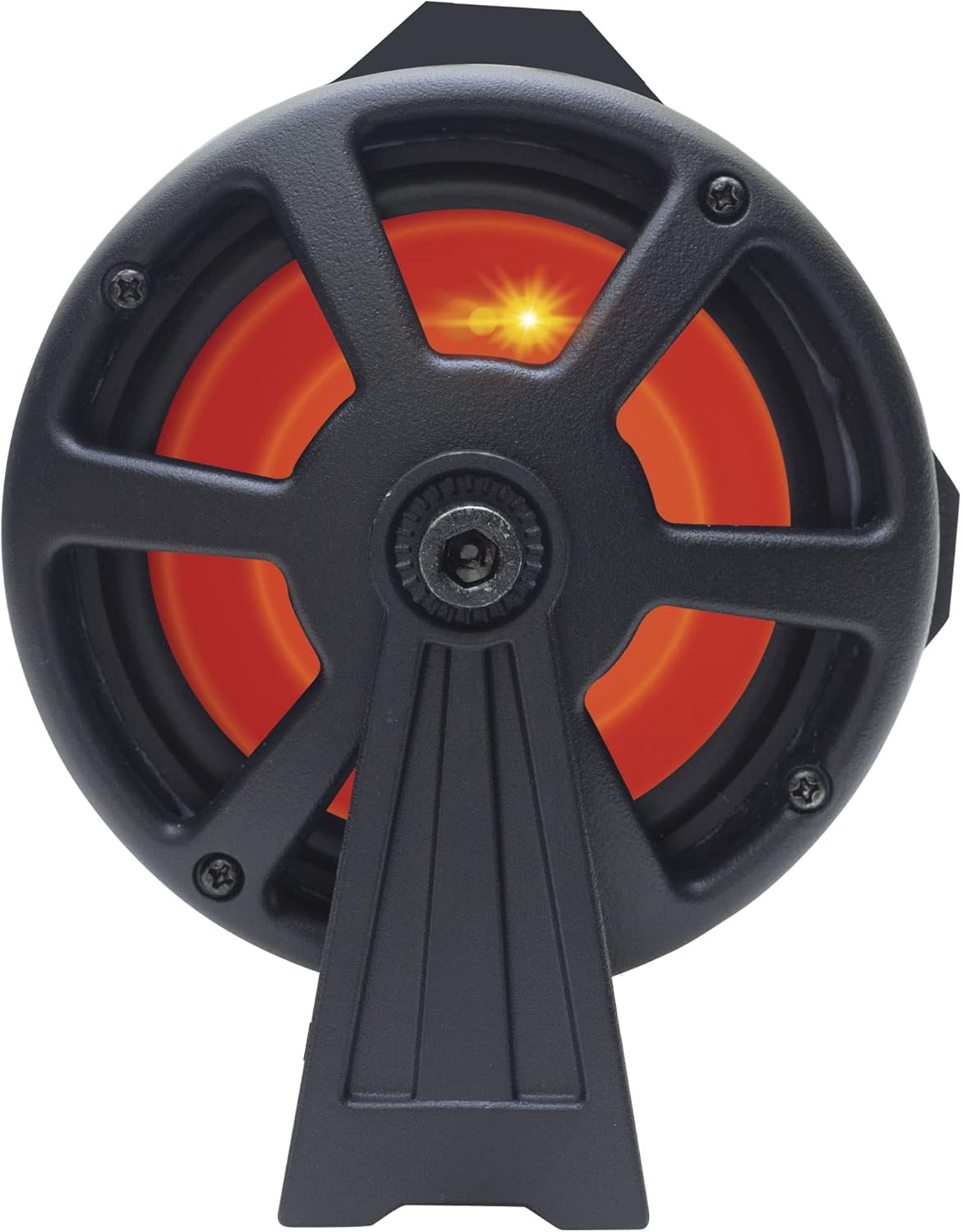


Imej: Cthamples of the end-loaded woofers illuminated with different LED colors (orange, green, blue).
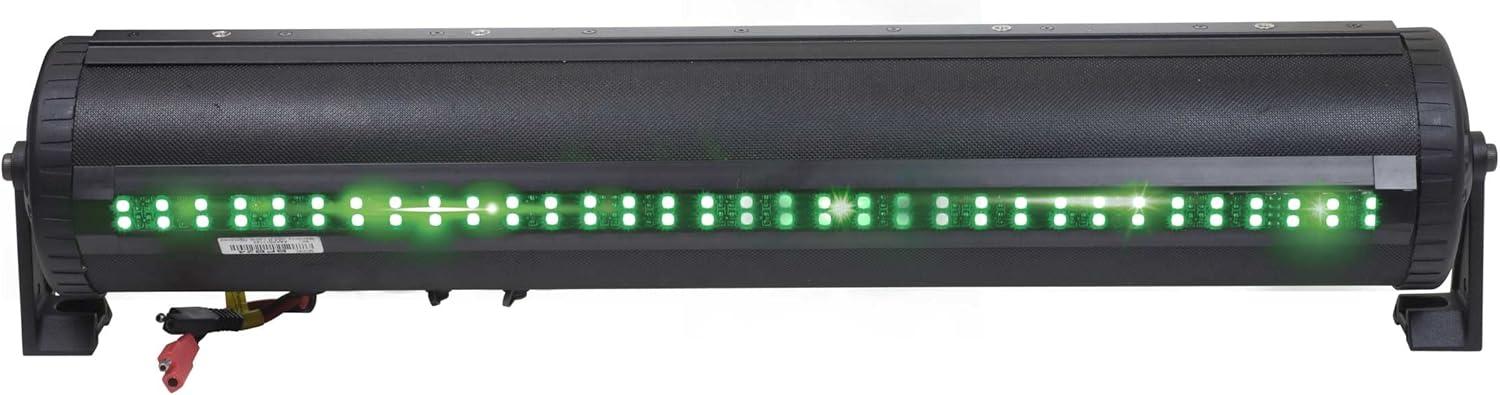
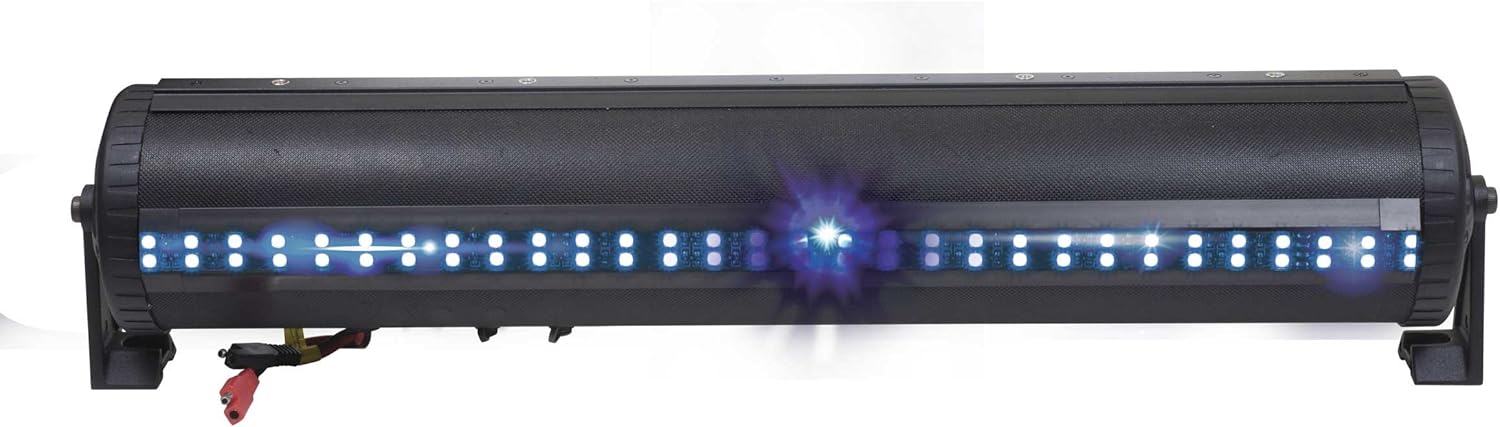
Image: The dual LED party strip illuminated in red and green, showcasing color options.
6.5 Fungsi Port USB
The integrated USB port allows for music playback from a thumb drive and can also be used for charging mobile devices.
6.6 Panggilan Bebas Tangan
When your mobile device is paired via Bluetooth, the Party Bar supports hands-free calling functionality.
6.7 Video Produk Rasmi
Video: An official product video demonstrating the G3 Party Bar's features, including the one-click Party Button music-sharing and RGB LED lighting. This video highlights the product's functionality and design.
7. Penyelenggaraan
The Bazooka G3 Party Bar is built to withstand outdoor conditions with its IP66 waterproof rating. To maintain its performance and appearance:
- Regularly clean the exterior with a soft, damp kain. Elakkan pembersih yang kasar.
- Ensure all caps and covers for ports are securely closed when not in use to maintain water resistance.
- Inspect wiring periodically for any signs of wear or damage.

Image: The Party Bar being subjected to water spray, illustrating its IP66 waterproof capabilities.
8. Penyelesaian masalah
If you encounter issues with your Party Bar, refer to the following common troubleshooting steps:
- Tiada Keluaran Bunyi:
- Check all power connections to ensure they are secure and receiving 12V.
- Verify that the Bluetooth connection is active and the volume on both the Party Bar and your connected device is turned up.
- Ensure the correct input source (Bluetooth, AUX, USB) is selected.
- LED Humming Noise: Some users have reported a humming noise when the LED function is enabled. This can occur due to interference between the LED controller and speaker wires. While Bazooka acknowledges this as a known issue, ensure all wiring is properly shielded and routed away from audio cables where possible.
- Isu Kesambungan Bluetooth:
- Ensure the 'P' (Party) Button is set to BLUE (Single Listener) or PURPLE (DJ Broadcast) mode to make the device discoverable.
- Move your device closer to the Party Bar to rule out range issues.
- Cuba nyahgandingkan dan pasangkan semula peranti.
9. Spesifikasi
| Jenama | Bazooka |
| Nombor Model | BPB24-G3 |
| Kuasa Output Maksimum Pembesar Suara | 450 Watt |
| Teknologi Ketersambungan | Bluetooth |
| Mod Keluaran Audio | Stereo |
| Input Voltage | 12 Volt |
| Jenis Pemasangan | Speaker (Integrated Rail Mounting System) |
| Bahan Kepungan | Logam, Plastik |
| Jenis Pembesar Suara | Bar bunyi |
| Ciri-ciri Tambahan | Waterproof (IP66), LED Lights, Party Button Music-Sharing, Hands-Free Calling |
| Diameter Subwoofer | 24 Inci |
| Jenis Pengawal | App Control, Button, Remote Control |
| Maximum Range (Party Button) | 250 Feet (approx. 100 yards) |
| Julat Bluetooth | 60 Kaki |
| Dimensi Item (D x W x H) | 6"D x 24"W x 6"H |
| Berat Barang | 5.97 Kilogram |
10. Waranti & Sokongan
The Bazooka G3 Party Bar comes with a limited warranty. For specific warranty details, please refer to the documentation included with your product or contact Bazooka directly.
For any product inquiries, technical support, or warranty claims, please contact Bazooka customer service at info@bazooka.com. Our team is dedicated to ensuring your satisfaction.