
pengenalan
Thank you for choosing the Perel VTBAL206 Smart Body Scale. This manual will guide you through the proper use and care of your new smart scale, designed to help you monitor your body composition with ease through the Tuya Smart app.
Maklumat Keselamatan
- Jangan gunakan peranti ini jika anda mempunyai perentak jantung atau peranti perubatan dalaman yang lain.
- Jangan gunakan peranti ini jika anda hamil.
- Keep the scale dry. Avoid placing it in wet environments.
- Permukaan skala boleh licin apabila basah. Melangkah dan turun dengan berhati-hati.
- Jangan melompat pada skala.
- This scale is for household use only and not for medical diagnosis or treatment.
Kandungan Pakej
- Perel VTBAL206 Smart Body Scale
- Manual Arahan (dokumen ini)
- Batteries (if included, check packaging)
Persediaan
1. Pemasangan Bateri
Locate the battery compartment on the underside of the scale. Open the cover and insert the required batteries, ensuring correct polarity. Close the battery compartment cover securely.
2. Muat Turun dan Pemasangan Apl
The Perel VTBAL206 Smart Body Scale works with the Tuya Smart app. Download the app from the Apple App Store (for iOS devices) or Google Play Store (for Android devices).
- Cari untuk "Tuya Smart" in your device's app store.
- Muat turun dan pasang apl.
- Daftar untuk akaun baharu atau log masuk jika anda sudah mempunyai akaun.
3. Pairing the Scale with the App
- Pastikan Bluetooth didayakan pada telefon pintar anda.
- Buka aplikasi Tuya Smart.
- Step onto the scale briefly to activate it. The display should light up.
- In the Tuya Smart app, tap "Add Device" or the "+" icon in the top right corner.
- Select "Fitness Equipment" or "Scale" from the device list.
- Follow the on-screen instructions to connect the scale. The app should automatically detect the scale via Bluetooth.
- Once connected, you may be prompted to enter personal information such as gender, age, height, and activity level. This information is crucial for accurate body composition analysis.

Image: The Perel VTBAL206 Smart Body Scale shown alongside a smartphone displaying the Tuya Smart app, illustrating the connection process.
Arahan Operasi
Mengambil Pengukuran
- Letakkan penimbang di atas permukaan yang keras dan rata. Elakkan permaidani atau lantai yang tidak rata.
- Pastikan kaki anda bersih dan kering.
- Open the Tuya Smart app on your smartphone and ensure it's connected to the scale.
- Step onto the scale barefoot, placing your feet on the metal electrodes. Stand still until the measurement is complete.
- The scale display will show your weight. The app will then display a comprehensive analysis of your body composition data.
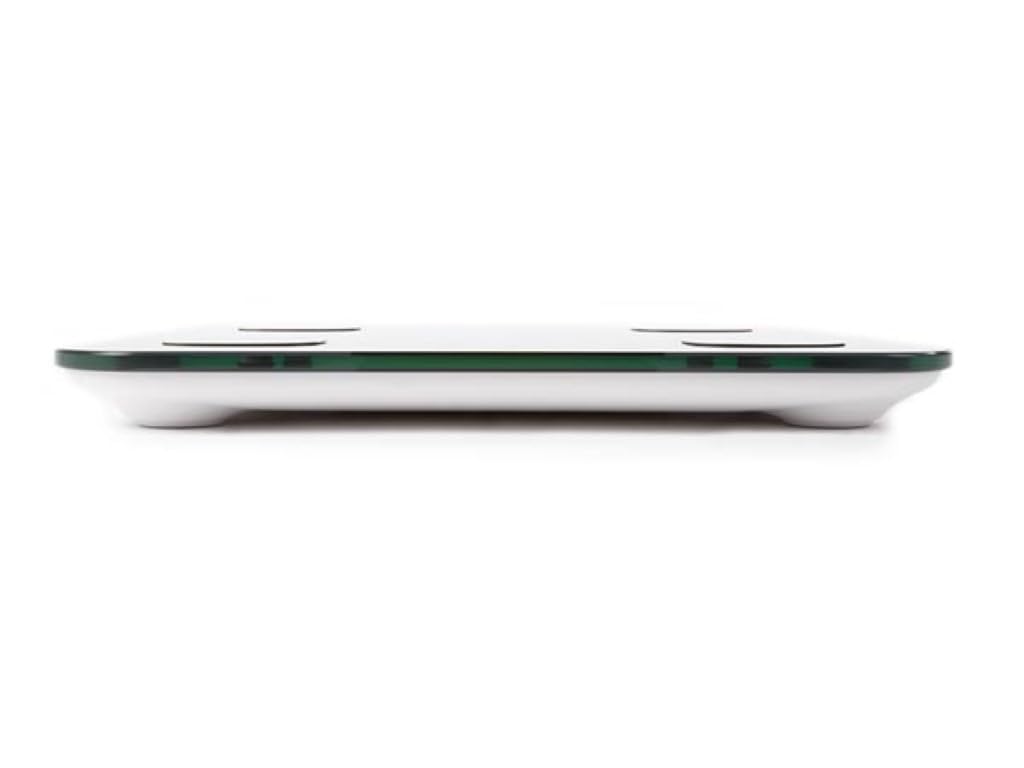
Image: The scale's LED display showing a weight measurement of 49.7 kg.

Imej: A terperinci view of the Tuya Smart app interface, displaying various body metrics after a measurement.

Image: Further details from the Tuya Smart app, including water content, muscle, calorie, and other health indicators.
Understanding Your Data
The Tuya Smart app provides various metrics to help you understand your body composition:
- Berat: Jumlah berat badan anda.
- BMI (Indeks Jisim Badan): Ukuran lemak badan berdasarkan ketinggian dan berat badan.
- Lemak badan: Peratusantaglemak dalam badan anda.
- Kandungan air: Peratusantage air dalam badan anda.
- Jisim otot: Jumlah berat otot dalam badan anda.
- Jisim Tulang: Jumlah berat tulang dalam badan anda.
- Lemak Viseral: Fat stored around your organs.
- Protein: Peratusantage protein dalam badan anda.
- BMR (Kadar Metabolik Basal): The number of calories your body needs at rest.
Consult a healthcare professional for personalized advice based on your body composition data.
Penyelenggaraan
Pembersihan
- Lap permukaan skala dengan lembut, damp kain.
- Jangan gunakan pembersih yang kasar atau rendam kerak di dalam air.
- Pastikan penimbang kering sepenuhnya sebelum penyimpanan atau penggunaan seterusnya.
Penyimpanan
Store the scale in a cool, dry place, away from direct sunlight and extreme temperatures. Avoid placing heavy objects on the scale when not in use.
Menyelesaikan masalah
| Masalah | Kemungkinan Punca | Penyelesaian |
|---|---|---|
| Skala tidak dihidupkan. | Bateri rendah atau mati; pemasangan bateri yang salah. | Gantikan bateri; memastikan polariti yang betul. |
| App cannot connect to the scale. | Bluetooth is off; scale not activated; app not open; interference. | Ensure Bluetooth is on; step on scale to activate; open app; try pairing again. Move closer to the scale. |
| Bacaan berat badan yang tidak tepat. | Scale on uneven surface; scale not calibrated; user movement. | Place scale on a hard, flat surface. Step on and off quickly to calibrate to zero. Stand still during measurement. |
| Body composition data not displayed. | Not standing barefoot; feet not on electrodes; personal info not entered in app. | Ensure bare feet are on all four electrodes. Verify personal information in the Tuya Smart app. |
Spesifikasi
| Ciri | Perincian |
|---|---|
| Nombor Model | VTBAL206 |
| Jenama | Perel |
| bahan | Kaca Terbaja |
| Jenis Paparan | LED |
| Dimensi (L x W x H) | Kira-kira 33 cm x 31 cm x 4.5 cm |
| Ketersambungan | Bluetooth (Tuya Smart App compatible) |
| Unit Pengukuran | kg (kilograms) |

Image: The Perel VTBAL206 Smart Body Scale with its physical dimensions indicated.
Waranti dan Sokongan
Perel products are designed for quality and reliability. For warranty information or technical support, please refer to the warranty card included with your purchase or contact your retailer. You can also visit the official Perel webtapak untuk bantuan lanjut.
For general inquiries, please contact Perel customer service.