
pengenalan
This manual provides detailed instructions for the setup, operation, and maintenance of your Arducam 5MP Wide Angle USB Camera, Model UB0233. Please read this manual thoroughly before using the product to ensure proper functionality and longevity.
Produk Selesaiview
The Arducam 5MP Wide Angle USB Camera (Model UB0233) is a compact, UVC-compliant camera featuring a 5MP OV5648 CMOS sensor and a 95-degree horizontal view angle M12 lens with an IR-cut filter. It is designed for various applications including video surveillance, live streaming, videoconferencing, and dashcams.

Image: The Arducam 5MP Wide Angle USB Camera, showing its compact design and lens.
Apa yang ada dalam Kotak
- Arducam 5MP Wide Angle USB Camera (Model UB0233)
- USB Cable (3.3ft/1m)
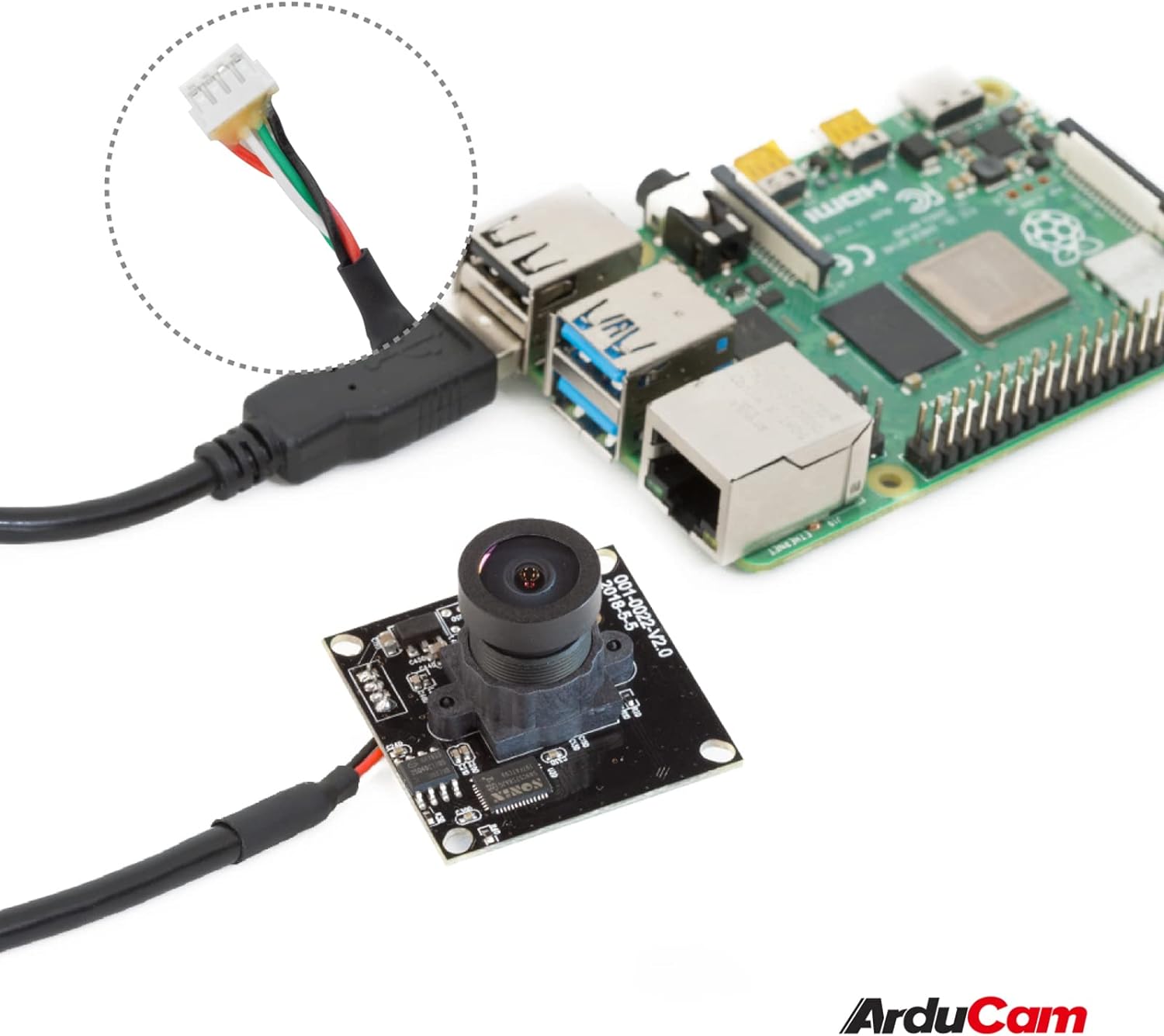
Image: The Arducam USB camera with its included USB cable, shown connected to a Raspberry Pi for illustration.
Arahan Persediaan
- Sambungkan Kamera: Insert the USB cable into the camera's USB port and then connect the other end to a compatible device (PC, laptop, Android device, or Raspberry Pi).
- Pemasangan Pemandu: The camera is UVC-compliant, meaning it is plug-and-play. No additional drivers are required for Windows, Linux, or Mac operating systems. The system should automatically detect and install the necessary drivers.
- Sahkan Sambungan: After connecting, check your device's system settings or camera application to ensure the camera is recognized and functioning.
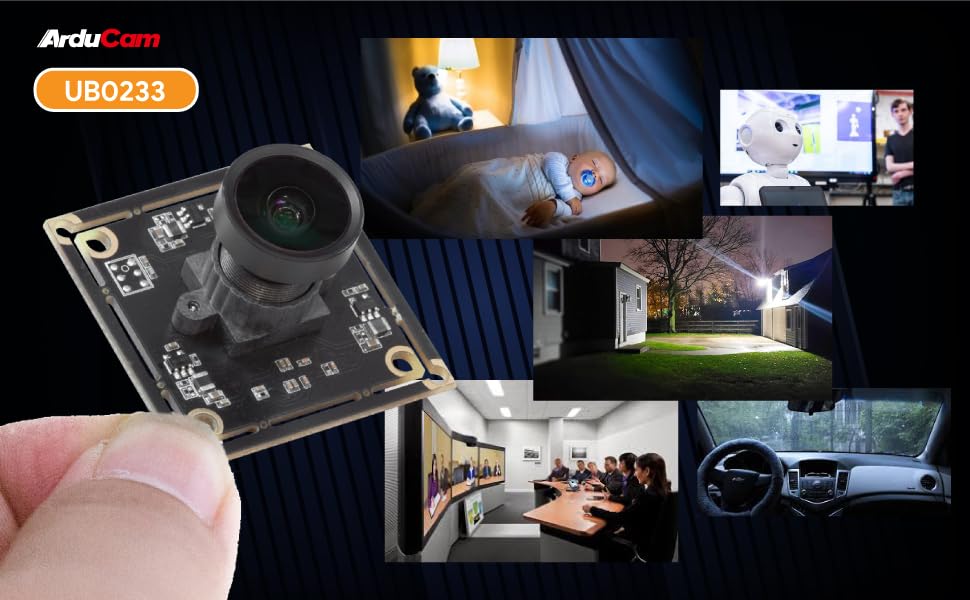
Image: Diagram illustrating the Arducam USB camera's compatibility with various operating systems including Windows, Mac, and Linux, and devices like PCs, laptops, and Raspberry Pi.
Arahan Operasi
Operasi Asas
Once connected and recognized by your device, the Arducam 5MP USB Camera can be used with any standard camera application or software that supports UVC devices. This includes common video conferencing software, surveillance applications, and custom vision projects.
Pelarasan Fokus
The camera features a manual focus lens. To adjust the focus, gently rotate the lens barrel until the image appears clear and sharp. This allows for precise focus depending on your application's distance requirements.
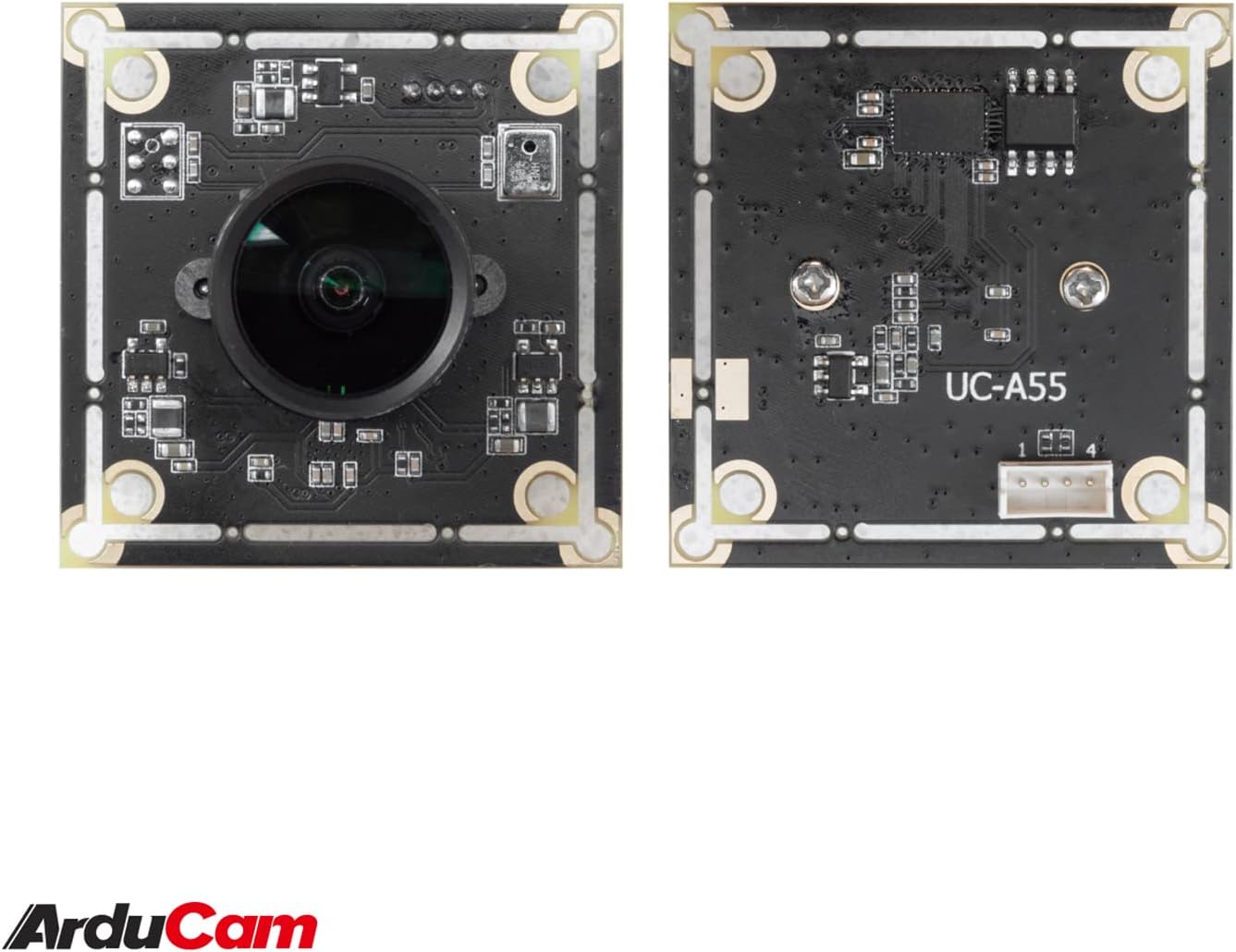
Image: The compact Arducam 5MP USB Camera being held, demonstrating its small form factor suitable for various integrations.
Frame Rates and Resolutions
The camera supports various frame rates and resolutions:
- MJPG:
- 15fps@2592*1944 / 2048*1536 / 1600*1200
- 30fps@1920*1080 / 1280*960 / 1280*720 / 1024*768 / 800*600 / 640*360 / 640*480
- YUY2:
- 2fps@2592*1944 / 2048*1536
- 5fps@1920*1080
- 7.5fps@1600*1200 / 1280*960
- 10fps@1280*720 / 1024*768
- 20fps@800*600
- 30fps@640*360 / 640*480
Aplikasi
This camera is suitable for a variety of applications, including:
- Video surveillance systems
- Penstriman langsung
- Sidang video
- Dashcam functionality
- Other vision applications requiring a wide field of view and high resolution
Video: An official video demonstrating the Arducam 5MP Wide Angle USB Camera's various applications, including live streaming, home surveillance, and meetings.
Penyelenggaraan
- Pembersihan: Gunakan kain lembut dan kering untuk membersihkan kanta dan badan kamera. Elakkan penggunaan bahan kimia yang keras atau bahan yang melelas.
- Storan: Simpan kamera di tempat yang sejuk dan kering, jauh daripada cahaya matahari langsung dan suhu yang melampau apabila tidak digunakan.
- Pengendalian: Handle the camera with care to prevent damage to the lens or circuit board.
Menyelesaikan masalah
- Camera not detected by the device:
- Ensure the USB cable is securely connected to both the camera and the device.
- Try connecting the camera to a different USB port on your device.
- Test the camera on another computer or compatible device to rule out a device-specific issue.
- Mulakan semula komputer atau peranti anda.
- Image is blurry or out of focus:
- Gently rotate the lens barrel to adjust the manual focus until the image is clear.
- Pastikan kanta bersih dan bebas daripada habuk atau kotoran.
- Low frame rate or video lag:
- Ensure your device meets the minimum system requirements for the desired resolution and frame rate.
- Tutup aplikasi lain yang mungkin menggunakan sumber sistem.
- Try a different USB port, preferably a USB 2.0 port for optimal compatibility.
Spesifikasi
| Ciri | Perincian |
|---|---|
| Jenama | Arducam |
| Nombor Model | UB0233 |
| Teknologi Penderia Foto | CMOS |
| Resolusi Pegun Berkesan | 5 MP |
| Resolusi Tangkapan Video | Up to 1944p (MJPG) |
| Jenis Kanta | Sudut Lebar |
| Viewsudut | 95 darjah |
| Jenis Fokus | Fokus Manual |
| Teknologi Ketersambungan | USB 2.0 |
| Keserasian Sistem Pengendalian | Windows 7/8/10, Linux, Mac |
| Ciri Khas | Prestasi Cahaya Rendah |
| Berat Barang | 0.06 kg |
| Dimensi Item (D x W x H) | 1.26"D x 1.26"W x 1.26"H |
| Media Terbina Dalam | Kabel USB |
| Panjang Fokus Maksimum | 32 milimeter |
| Panjang Fokus Minimum | 6 milimeter |
| Apertur Maksimum | 4 f_stop |
| Aperture minimum | 4 milimeter |
| Nisbah Aspek Imej | 1.33:1 |
| Tetapan Imbangan Putih | Auto |
| Jenis Kawalan Pendedahan | Manual |

Imej: Terperinci view of the Arducam 5MP USB Camera with its physical dimensions (32mm x 28mm) indicated.
Maklumat Waranti
The Arducam 5MP Wide Angle USB Camera (Model UB0233) comes with a Waranti 6 bulan from the date of purchase. This warranty covers manufacturing defects and malfunctions under normal use. Please retain your proof of purchase for warranty claims. For detailed warranty terms and conditions, please refer to the official Arducam webtapak atau hubungi sokongan pelanggan.
Sokongan Pelanggan
For technical assistance, troubleshooting, or further inquiries regarding your Arducam 5MP Wide Angle USB Camera, please visit the official Arducam webtapak atau hubungi pasukan sokongan pelanggan mereka.
- Sumber Dalam Talian: www.arducam.com
- Kedai Jenama: Arducam Amazon Store