1. Pengenalan
Thank you for choosing the Pixio PX259 Prime Gaming Monitor. This manual provides essential information for setting up, operating, and maintaining your monitor to ensure optimal performance and longevity. Please read this manual thoroughly before using the product and retain it for future reference.
The Pixio PX259 Prime is a high-performance 24.5-inch gaming monitor featuring a 280Hz refresh rate, 1ms GTG response time, and a Fast Nano IPS panel, designed to deliver a smooth and immersive gaming experience.
2. Kandungan Pakej
Sahkan bahawa semua item terdapat dalam pakej anda:
- Pixio PX259 Prime Monitor
- Stand Monitor (Asas dan Leher)
- DisplayPort Cable
- Penyesuai AC Kuasa
- Kabel Kuasa
- Manual Pengguna (dokumen ini)

Image: The Pixio PX259 Prime monitor showcasing its 24.5-inch screen, 280Hz refresh rate, 1080p FHD resolution, and Fast IPS panel technology.
3. Perhimpunan
Ikuti langkah ini untuk memasang monitor anda:
- Keluarkan komponen monitor dan berdiri dengan berhati-hati daripada pembungkusan.
- Pasangkan leher pendirian pada panel monitor. Pastikan ia klik dengan selamat pada tempatnya atau diikat dengan skru jika disediakan.
- Attach the stand base to the stand neck. Tighten the thumb screw or screws from the bottom of the base to secure it.
- Letakkan monitor yang dipasang pada permukaan yang stabil dan rata.
4. Ketersambungan
The Pixio PX259 Prime offers versatile connectivity options. Refer to the image below for port locations.

Imej: Belakang view of the monitor displaying the DC power input, two DisplayPort 1.2 inputs (280Hz), two HDMI 2.0 inputs (240Hz), and an earphone jack.
Menyambung ke Peranti:
- Kuasa: Connect the power cable to the AC adapter, then plug the adapter into the monitor's DC IN port and a power outlet.
- DisplayPort: For optimal performance (280Hz refresh rate), connect your PC's graphics card to one of the monitor's DisplayPort 1.2 inputs using the provided DisplayPort cable.
- HDMI: Connect your device (e.g., gaming console, PC) to one of the monitor's HDMI 2.0 inputs. Note that HDMI 2.0 supports up to 240Hz.
- Output Audio: Connect headphones or external speakers to the earphone jack for audio.
5. Arahan Operasi
Hidupkan/Mati Kuasa:
Press the power button located on the monitor to turn it on or off.
Navigasi Paparan Pada Skrin (OSD):
The monitor features a joystick-style button for navigating the OSD menu. Push the joystick in to access the main menu, then move it up, down, left, or right to select and adjust settings.
Tetapan Utama:
- Kadar Segar Semula: Ensure your graphics card settings are configured to output at 280Hz (via DisplayPort) or 240Hz (via HDMI) for the smoothest experience.
- Masa Respons: The 1ms GTG response time is automatically enabled by the Fast IPS panel.
- AMD FreeSync Premium: Enable FreeSync in your monitor's OSD and your graphics card control panel for tear-free gaming.
- Tetapan Warna: Adjust brightness, contrast, and color temperature to your preference. The monitor supports 101.34% sRGB for vibrant colors.
- Ciri-ciri Permainan: Access built-in crosshairs and other game-specific enhancements through the OSD.
- Mod Penjimat Mata: Activate this mode to reduce blue light emission for comfortable extended viewing.
6. Ciri Berakhirview
The Pixio PX259 Prime is engineered with features to enhance your gaming and viewpengalaman:
- Kadar Refresh 280Hz: Provides ultra-smooth motion and reduced input lag, crucial for competitive gaming.
- Masa Respons GTG 1ms: Minimizes motion blur and ghosting, ensuring crisp visuals during fast-paced action.
- Fast Nano IPS Panel: Combines the wide viewing angles and color accuracy of IPS technology with the rapid response times typically found in TN panels.
- AMD FreeSync Premium: Synchronizes the monitor's refresh rate with your GPU's frame rate, eliminating screen tearing and stuttering.
- Warna-warna terang: With 101.34% sRGB coverage, experience rich, accurate, and lifelike colors.
- Penceramah Dwi: Equipped with integrated speakers for audio output.
- Mod Penjimat Mata: Reduces blue light to minimize eye strain during prolonged use.
- Gaming Ready: Features like customizable crosshairs are available to assist in gameplay.

Image: Monitor displaying a dynamic game scene, highlighting 280Hz Refresh Rate, 1ms (GTG) Response Time, Fast IPS Panel, and AMD FreeSync Premium.

Image: Visual comparison demonstrating the smoothness of 280Hz refresh rate versus a conventional 60Hz display in a gaming context.

Image: Visual comparison illustrating the difference between 4ms and 1ms GTG response time, showing reduced motion blur with 1ms.
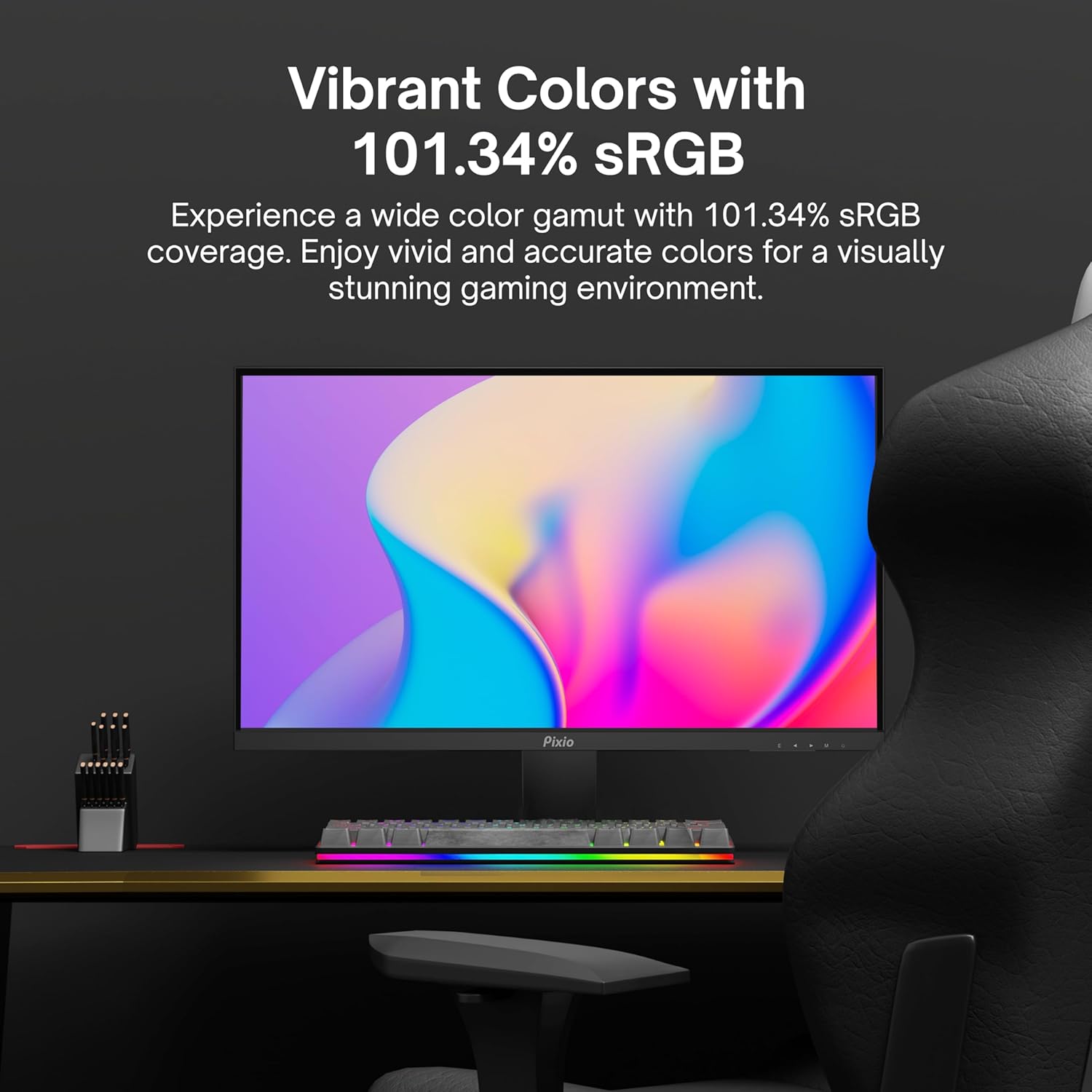
Image: Monitor displaying a colorful game environment, emphasizing the vibrant color reproduction with 101.34% sRGB.
Video Produk Tamatview:
Video: An official product video from Pixio showcasing the PX259 Prime 25-inch 1080p 280Hz Fast IPS 1ms Gaming Monitor, highlighting its features and performance.
7. Penyelenggaraan
- Membersihkan Skrin: Lap skrin perlahan-lahan dengan kain lembut yang tidak berbulu. Untuk tanda degil, dampen the cloth with a small amount of screen cleaner (non-ammonia based) and wipe carefully.
- Membersihkan Casing: Gunakan kain lembut dan kering untuk mengelap casing. Elakkan menggunakan pembersih atau pelarut yang kasar.
- Pengudaraan: Pastikan bukaan pengudaraan monitor tidak disekat untuk mengelakkan terlalu panas.
- Storan: Jika menyimpan monitor untuk tempoh yang lama, cabut bekalan elektrik dan simpan di tempat yang sejuk dan kering, sebaik-baiknya di dalam pembungkusan asalnya.
8. Penyelesaian masalah
- Tiada Kuasa:
- Pastikan kabel kuasa disambungkan dengan selamat ke monitor dan salur keluar kuasa yang berfungsi.
- Periksa sama ada penyesuai kuasa berfungsi dengan betul.
- Tiada isyarat:
- Verify that the video cable (DisplayPort or HDMI) is securely connected to both the monitor and your device.
- Pastikan sumber input yang betul dipilih dalam menu OSD monitor.
- Uji dengan kabel video atau port lain jika tersedia.
- Screen Tearing/Stuttering:
- Enable AMD FreeSync Premium in both the monitor's OSD and your graphics card settings.
- Pastikan pemacu grafik anda dikemas kini.
- Incorrect Refresh Rate:
- Check your operating system's display settings and your graphics card control panel to set the refresh rate to 280Hz (DisplayPort) or 240Hz (HDMI).
- Ensure you are using a DisplayPort cable for 280Hz.
- Poor Picture Quality/Colors:
- Laraskan tetapan kecerahan, kontras dan warna dalam menu OSD.
- Pastikan kabel video tidak rosak.
9. Spesifikasi
Detailed technical specifications for the Pixio PX259 Prime monitor:
| Ciri | Spesifikasi |
|---|---|
| Nombor Model | PX259 Perdana |
| Saiz Skrin | 24.5 Inches (25 Inches equivalent) |
| Jenis Panel | Fast Nano IPS |
| Resolusi | FHD 1080p (1920 x 1080 Piksel) |
| Kadar Segar Semula | 280Hz (144Hz Supported) |
| Masa Tindak Balas | 1ms GTG |
| Nisbah Aspek | 16:9 |
| Kecerahan Imej | 350 Candela |
| Penyegerakan Adaptif | AMD FreeSync Premium |
| Ketersambungan | 2x DisplayPort 1.2, 2x HDMI 2.0, Earphone Jack, DC In |
| Dimensi Produk | 7.09 x 21.98 x 16.52 inci |
| Berat Barang | 12.42 paun |
| Keserasian VESA | 75x75mm (VESA Ready) |

Image: Diagram showing the dimensions of the Pixio PX259 Prime monitor, including width (21.98 inches), height (16.52 inches), and depth (7.09 inches).
10. Waranti dan Sokongan
Pixio products are designed for reliability and performance. For specific warranty details, please refer to the warranty card included with your product or visit the official Pixio website. For technical support, troubleshooting assistance, or service inquiries, please contact Pixio customer support through their official channels.
Sumber Dalam Talian: For additional information, FAQs, and driver downloads, please visit the Pixio Store on Amazon.