
1. Pengenalan
The Razer Thunderbolt 4 Dock is a versatile connectivity solution designed to expand the capabilities of your laptop or desktop. It offers high-speed data transfer, support for multiple displays, and pass-through charging, all through a single Thunderbolt 4 cable connection. This dock is compatible with both Windows and Mac systems, and features customizable Razer Chroma RGB lighting.
Ciri-ciri utama termasuk:
- Full Thunderbolt 4 Functionality: Experience high-speed data transfer, connect multiple displays, and charge your laptop with a single cable.
- Keserasian Luas: USB 4 compatible, works with legacy Thunderbolt devices, and supports Windows and Mac systems.
- Pengecasan Laluan: Keep your USB-C powered laptop charged while simultaneously powering other connected devices.
- 10-Port Hub: Maximize your setup with a variety of ports for peripherals.
- Dual 4K or Single 8K Display Output: Expand your visual workspace with high-resolution display options.
- Pencahayaan RGB Razer Chroma: Personalize your dock with customizable lighting effects.
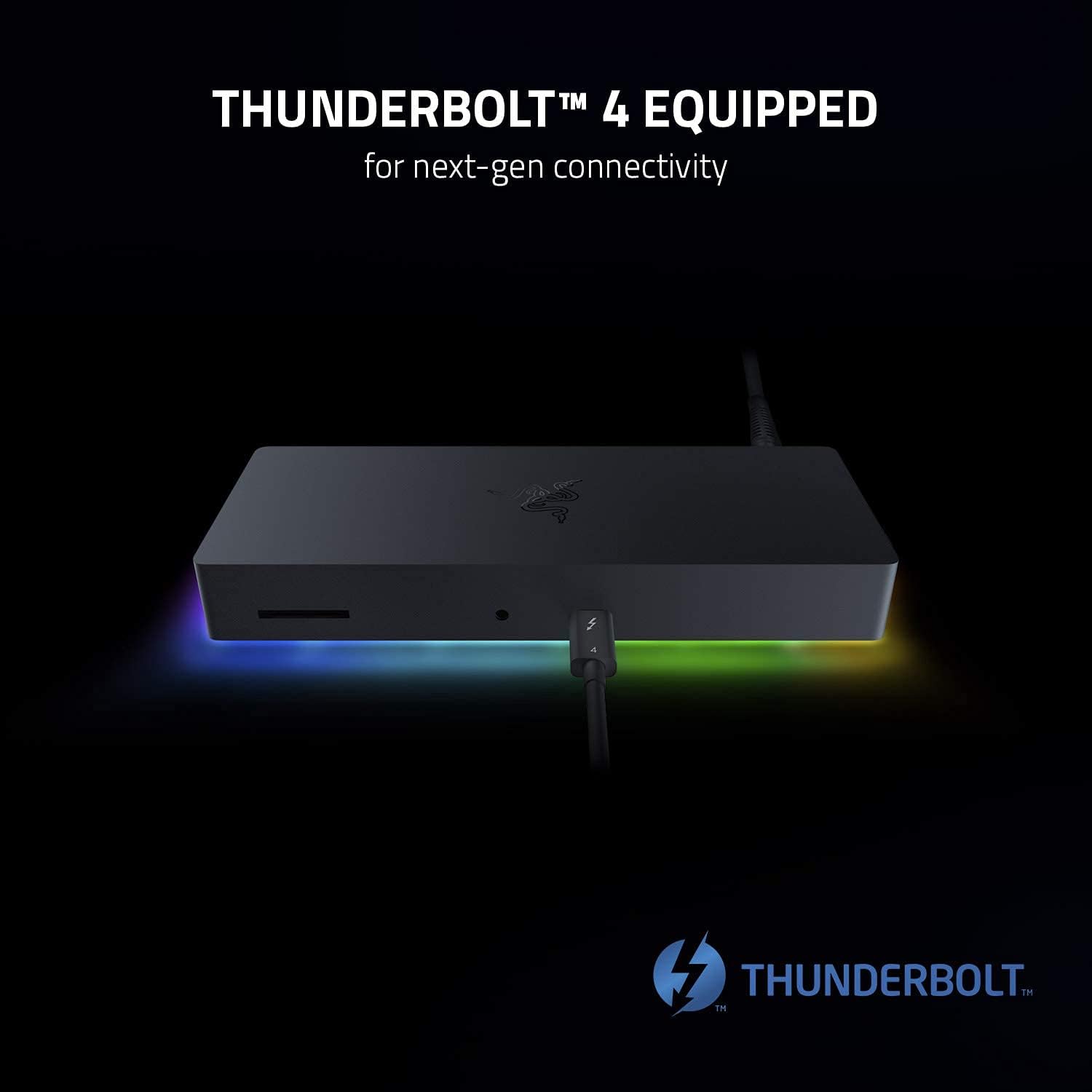
Image 1.1: The Razer Thunderbolt 4 Dock, highlighting its Thunderbolt 4 capabilities for next-generation connectivity.
2. Persediaan
Follow these steps to set up your Razer Thunderbolt 4 Dock:
- Sambungkan Kuasa: Plug the included power adapter into the dock's power input port and then into a wall outlet. The dock's Chroma lighting should illuminate.
- Sambung ke Peranti Hos: Use the provided Thunderbolt 4 cable to connect the dock's upstream Thunderbolt 4 port to a Thunderbolt 4 or USB-C port on your laptop or desktop computer.
- Sambung Peranti:
- Paparan: Connect your monitors to the available Thunderbolt 4 (USB-C) ports or the HDMI port on the dock. Ensure your cables support the desired resolution (e.g., 4K or 8K).
- Peranti USB: Plug in your USB peripherals (keyboard, mouse, external drives) into the USB-A ports.
- Ethernet: For a wired network connection, connect an Ethernet cable from your router or modem to the Gigabit Ethernet port on the dock.
- Audio: Sambungkan fon kepala atau pembesar suara ke bicu audio 3.5mm.
- Kad SD: Insert an SD card into the SD card slot for data transfer.
- Pemasangan Pemandu (jika perlu): For optimal performance, ensure your computer's operating system and Thunderbolt drivers are up to date. In most cases, the dock will be plug-and-play.

Image 2.1: Diagram illustrating the 10-port hub of the Razer Thunderbolt 4 Dock and various connected peripherals.

Imej 2.2: Depan dan belakang views of the Razer Thunderbolt 4 Dock, showcasing its various ports for maximum versatility and ease of use.
3. Mengendalikan Dok
Once set up, the Razer Thunderbolt 4 Dock operates seamlessly with your connected devices.
- Konfigurasi Paparan: Your operating system should automatically detect connected displays. You can configure display settings (resolution, arrangement, mirroring/extending) through your computer's display settings. The dock supports dual 4K displays or a single 8K display.
- Pengecasan Laluan: If your laptop supports USB-C power delivery, the dock will charge your laptop while it is connected, eliminating the need for a separate power adapter for your laptop.
- Razer Chroma RGB: To customize the dock's RGB lighting, download and install the Razer Synapse software from the official Razer website. Synapse allows you to synchronize lighting effects with other Razer Chroma-enabled devices and personalize your setup.

Image 3.1: The Razer Thunderbolt 4 Dock connected to a monitor and laptop, demonstrating its capability for dual 4K or single 8K display output.

Image 3.2: The Razer Thunderbolt 4 Dock connected to a laptop, illustrating its pass-through charging feature for convenience.

Image 3.3: The Razer Thunderbolt 4 Dock displaying its customizable Chroma RGB lighting, with the Razer Synapse software interface visible on a monitor.
4. Penyelenggaraan
Proper maintenance ensures the longevity and optimal performance of your Razer Thunderbolt 4 Dock.
- Pembersihan: Use a soft, dry cloth to wipe down the exterior of the dock. Avoid using harsh chemicals or abrasive materials. Ensure the dock is powered off and disconnected from all devices before cleaning.
- Pengudaraan: Pastikan dok diletakkan di kawasan yang mempunyai pengudaraan yang baik untuk mengelakkan terlalu panas. Jangan sekat sebarang bukaan pengudaraan.
- Kemas kini Firmware: Periodically check the official Razer support website for any available firmware updates for your dock. Firmware updates can improve performance, add features, or resolve issues.
5. Penyelesaian masalah
If you encounter issues with your Razer Thunderbolt 4 Dock, try the following troubleshooting steps:
- Tiada Kuasa: Ensure the power adapter is securely connected to both the dock and a working power outlet. Check if the Chroma lighting is active.
- Devices Not Recognized:
- Verify that the Thunderbolt 4 cable is securely connected between the dock and your computer.
- Try disconnecting and reconnecting the peripheral device to the dock.
- Mulakan semula komputer anda.
- Ensure your computer's Thunderbolt drivers are up to date.
- Tiada Output Paparan:
- Check all display cable connections (HDMI, USB-C to display).
- Pastikan monitor anda ditetapkan kepada sumber input yang betul.
- Test the display directly with your computer if possible to rule out monitor issues.
- Kemas kini pemacu grafik anda.
- Ketersambungan Berselang-seli: Ensure all cables are of high quality and securely connected. Avoid placing the dock near sources of electromagnetic interference.
- Chroma Lighting Issues: If Chroma lighting is not working as expected, ensure Razer Synapse is installed and running, and check its settings.
If these steps do not resolve your issue, please refer to the official Razer support resources.
6. Spesifikasi
| Nombor Model | RC21-01690100-R3U1 |
| Dimensi Produk | 19 x 7.49 x 2.69 cm |
| Berat badan | 1.05 kg |
| Antara Muka Perkakasan | Petir 4 |
| Peranti Serasi | Windows Laptops, MacBooks, Thunderbolt Devices, USB-C Devices |
| Jumlah Port USB | 10 |
| Jumlah Port HDMI | 1 |
| warna | Hitam |
| UPC | 656942067061 |
7. Maklumat Waranti
This product is sold as an Amazon Renewed item. Amazon Renewed products are professionally inspected and tested to work and look like new. If you are not satisfied with your purchase, renewed products are eligible for replacement or refund under the Amazon Renewed Guarantee. Please refer to the Amazon Renewed Guarantee terms and conditions for full details regarding your warranty and return options.
8. Sokongan
For further assistance, technical support, or to download the latest drivers and software (such as Razer Synapse), please visit the official Razer support webtapak:
You may also contact Amazon customer service for inquiries related to your Amazon Renewed purchase.