
1. Produk Lebihview
The ELRO DV477W-M is an additional indoor monitor designed to expand your existing ELRO DV477W or DV477IP series video intercom system. This 7-inch color monitor allows for clear two-way communication with visitors at your door and provides convenient door opening functionality.
Ciri-ciri Utama:
- 7-inch (18 cm) color display for clear video.
- High-quality microphone and speaker for two-way audio communication.
- Door opening function for convenient access control.
- Modern design with brushed aluminum finish.
- Compatible with ELRO DV477W and DV477IP series video intercoms.
Kandungan Pakej:
- ELRO DV477W-M 7-inch Indoor Monitor
- Pendakap Pemasangan
- 15m 4-wire Electrical Cable
- Penyesuai Kuasa
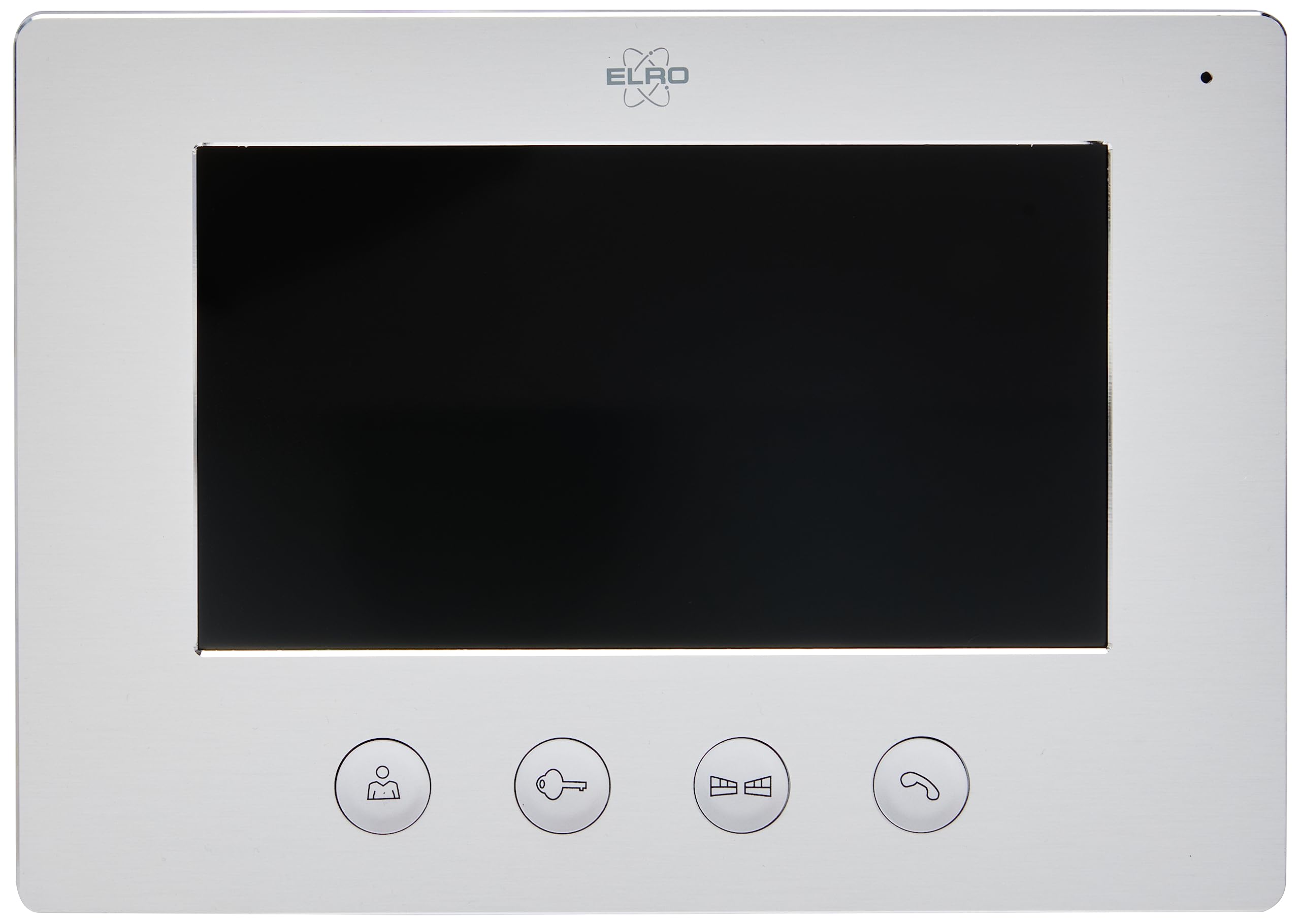
Image 1.1: The ELRO DV477W-M 7-inch indoor monitor, featuring a sleek design and control buttons.
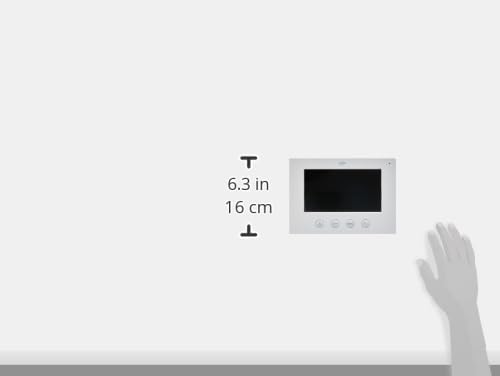
Image 1.2: Diagram showing the dimensions of the ELRO DV477W-M monitor, approximately 6.3 inches (16 cm) in height.
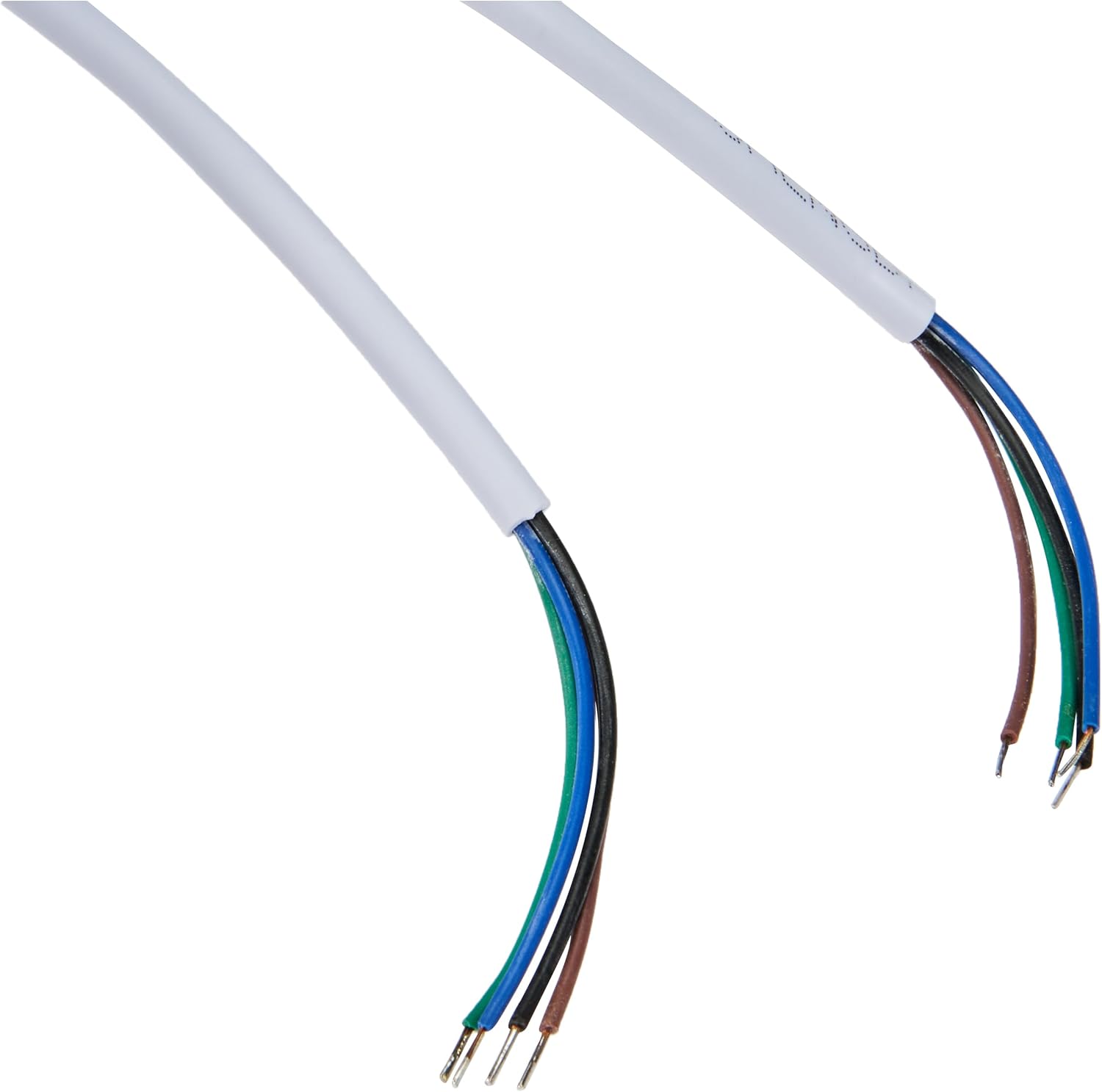
Image 1.3: The included 15-meter 4-wire electrical cable for connecting the monitor to the intercom system.
2. Persediaan dan Pemasangan
This section provides instructions for installing your ELRO DV477W-M additional indoor monitor. Ensure all power is disconnected from your existing intercom system before beginning installation.
2.1 Langkah Keselamatan:
- Sentiasa putuskan sambungan kuasa sebelum pemasangan atau penyelenggaraan.
- Rujuk juruelektrik yang berkelayakan jika anda tidak pasti tentang sebarang prosedur pendawaian.
- Do not expose the monitor to moisture or extreme temperatures.
2.2 Mounting the Monitor:
- Choose a suitable indoor location for the monitor, ensuring it is within reach of the 15m cable and a power outlet.
- Use the provided mounting bracket as a template to mark drilling points on the wall.
- Tebuk lubang dan masukkan palam dinding jika perlu.
- Pasangkan pendakap pelekap pada dinding menggunakan skru yang sesuai.
2.3 Sambungan Pendawaian:
- Connect the 4-wire electrical cable from your existing ELRO DV477W or DV477IP outdoor unit/main monitor to the corresponding terminals on the back of the DV477W-M additional monitor. Ensure correct polarity for each wire (e.g., power, ground, audio, video). Refer to your main intercom system's manual for specific wiring diagrams.
- Sambungkan penyesuai kuasa ke input kuasa monitor dan kemudian pasangkannya ke salur keluar dinding.
- Carefully attach the monitor to the mounted bracket.
Nota: The 4-wire cable typically carries power, ground, audio, and video signals. Incorrect wiring can damage the device or prevent proper operation.
3. Arahan Operasi
Once installed and powered on, the ELRO DV477W-M monitor is ready for use. It functions as an extension of your main intercom system.
3.1 Menerima Panggilan:
- When a visitor presses the doorbell button on the outdoor unit, the monitor will ring and display the visitor's image.
- Tekan ke Jawab button (usually indicated by a telephone icon) to initiate two-way audio communication.
- Untuk menamatkan perbualan, tekan butang Tamatkan Panggilan butang.
3.2 Opening the Door:
- During a call, or when viewing the visitor, press the Buka Kunci Pintu button (often depicted as a key or unlock icon) to activate the electronic door lock connected to your main intercom system.
- The door will unlock for a short period, allowing the visitor to enter.
3.3 Pemantauan:
- Some systems allow you to manually activate the camera on the outdoor unit to view the entrance area without a visitor pressing the doorbell. Refer to your main intercom system's manual for this feature.
4. Penyelenggaraan
Proper maintenance ensures the longevity and optimal performance of your ELRO DV477W-M monitor.
4.1 Pembersihan:
- Wipe the monitor screen and casing with a soft, dry, lint-free cloth.
- Untuk tanda degil, sedikit dampen the cloth with water. Avoid using harsh chemicals, abrasive cleaners, or solvents, as these can damage the finish.
- Do not spray cleaning liquids directly onto the monitor.
4.2 Penjagaan Am:
- Keep the monitor away from direct sunlight, heat sources, and areas with high humidity.
- Ensure ventilation openings (if any) are not blocked.
- Elakkan menjatuhkan atau mendedahkan monitor kepada hentaman yang kuat.
5. Penyelesaian masalah
If you encounter issues with your ELRO DV477W-M monitor, refer to the following common problems and solutions.
| Masalah | Kemungkinan Punca | Penyelesaian |
|---|---|---|
| No image or sound on the monitor. |
|
|
| Imej herot atau tidak jelas. |
|
|
| Tiada audio semasa komunikasi. |
|
|
| Door unlock function does not work. |
|
|
If these solutions do not resolve the issue, please contact ELRO customer support.
6. Spesifikasi
| Ciri | Perincian |
|---|---|
| Nombor Model | DV477W-M |
| Pengeluar | ELRO |
| Saiz Paparan | 7 inci (18 cm) |
| Dimensi Produk (L x W x H) | 21.5 x 2.5 x 15 cm |
| Berat badan | 386 gram |
| bahan | aluminium |
| Komponen yang Disertakan | Monitor, Mounting Bracket, 15m 4-wire Electrical Cable, Power Adapter |
| Bateri Diperlukan | Tidak |
| Keserasian | ELRO DV477W and DV477IP series video intercom systems |
7. Waranti dan Sokongan
ELRO products are designed for reliability and performance. For specific warranty information, please refer to the documentation included with your original ELRO video intercom system or visit the official ELRO webtapak.
If you require technical assistance, have questions about installation, or need to report a fault, please contact ELRO customer support. Contact details can typically be found on the ELRO webtapak atau dalam pembungkusan produk anda.
Nota: Maklumat ketersediaan alat ganti tidak tersedia pada masa ini.