
pengenalan
Thank you for choosing the MEDION MD 10319 Tower Fan. This manual provides essential information for the safe and efficient operation of your new fan. Please read these instructions carefully before use and keep them for future reference.
Arahan Keselamatan Penting
Sentiasa ikuti langkah berjaga-jaga keselamatan asas apabila menggunakan peralatan elektrik untuk mengurangkan risiko kebakaran, renjatan elektrik dan kecederaan kepada orang.
- Pastikan bekalan kuasa voltage sepadan dengan label penarafan pada kipas.
- Jangan kendalikan kipas dengan kord atau palam yang rosak. Jika kord rosak, ia mesti digantikan oleh pengilang, ejen servisnya atau orang yang berkelayakan untuk mengelakkan bahaya.
- Keep the fan away from water or other liquids. Do not immerse the fan in water.
- Jangan masukkan jari atau objek asing ke dalam gril semasa kipas sedang beroperasi.
- Cabut plag kipas daripada soket kuasa apabila tidak digunakan, apabila mengalihkannya dari satu lokasi ke lokasi lain dan sebelum membersihkan.
- Perkakas ini tidak dimaksudkan untuk digunakan oleh orang (termasuk kanak-kanak) yang kurang keupayaan fizikal, deria atau mental, atau kurang pengalaman dan pengetahuan, melainkan mereka telah diberi pengawasan atau arahan mengenai penggunaan perkakas oleh orang yang bertanggungjawab untuk keselamatan mereka.
- Kanak-kanak harus diawasi untuk memastikan bahawa mereka tidak bermain dengan perkakas.
- Letakkan kipas di atas permukaan yang stabil dan rata untuk mengelakkannya daripada terbalik.
Kandungan Pakej
Please check the package for the following components:
- MEDION MD 10319 Tower Fan
- Base (two halves)
- Mengamankan Nut
- 4 Mounting Screws for Base
- Remote Control (with 2 x AAA batteries)
- Manual Arahan
Perhimpunan dan Persediaan
Ikuti langkah-langkah ini untuk memasang kipas menara anda:
- Keluarkan semua komponen dari pembungkusan dengan berhati-hati.
- Assemble the two halves of the base by interlocking them.
- Align the assembled base with the bottom of the fan unit. Ensure the power cord passes through the designated slot in the base.
- Secure the base to the fan unit using the 4 mounting screws provided.
- Tighten the securing nut from underneath the base to firmly attach it to the fan body.
- Insert the 2 AAA batteries into the remote control, observing polarity.
- Letakkan kipas di atas permukaan yang kukuh dan rata.
- Pasangkan kord kuasa ke soket elektrik yang sesuai (220V).
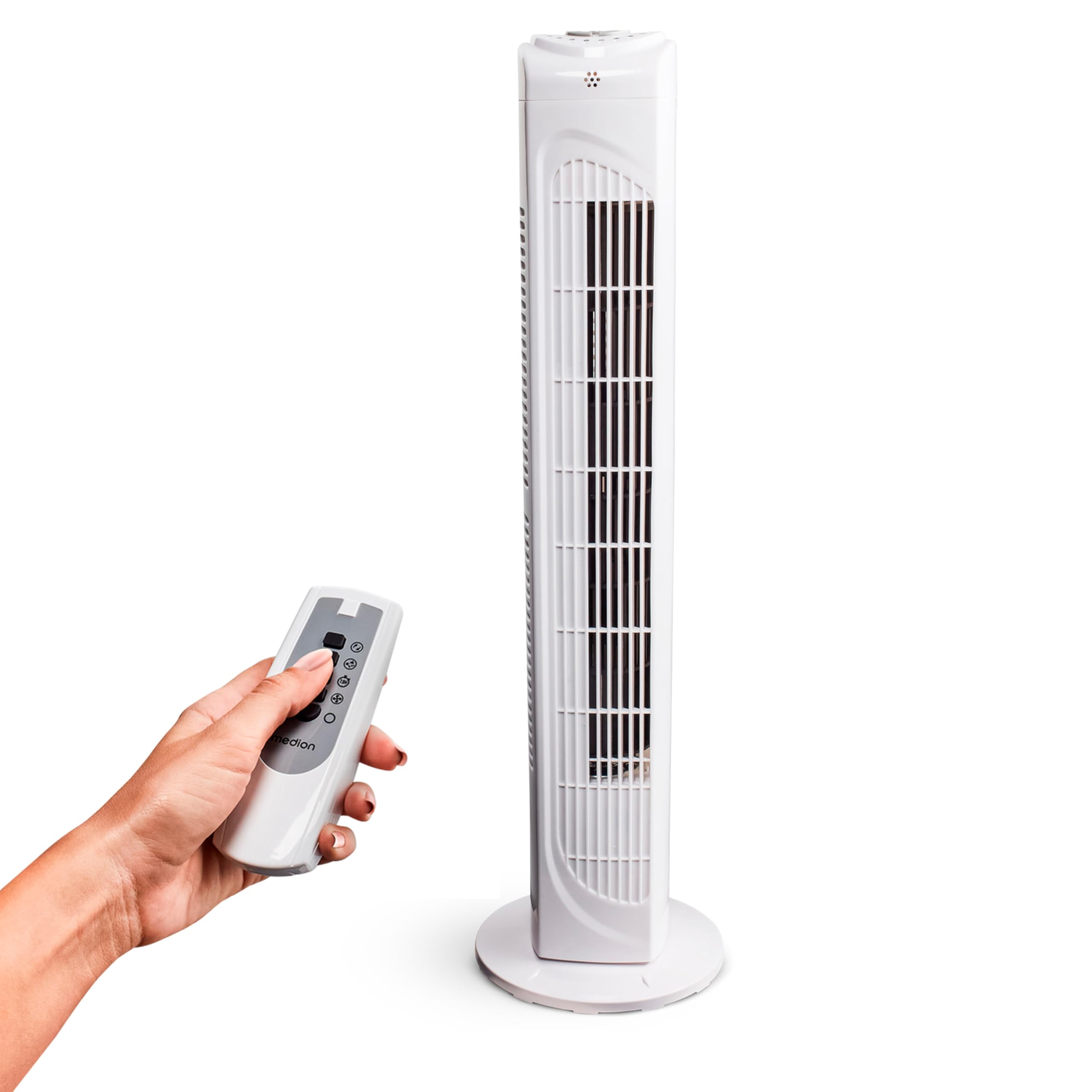
Image: The MEDION MD 10319 Tower Fan, fully assembled with its base, ready for use.

Image: A hand demonstrating the integrated carrying handle on top of the fan for easy portability.
Produk Selesaiview
Panel Kawalan
The control panel is located on the top of the fan unit. It features buttons for power, speed, oscillation, and timer functions.

Imej: Terperinci view of the fan's top control panel, showing buttons for power, speed settings (3 levels), timer, and oscillation.
Alat Kawalan Jauh
The included remote control allows you to operate all fan functions from a distance.
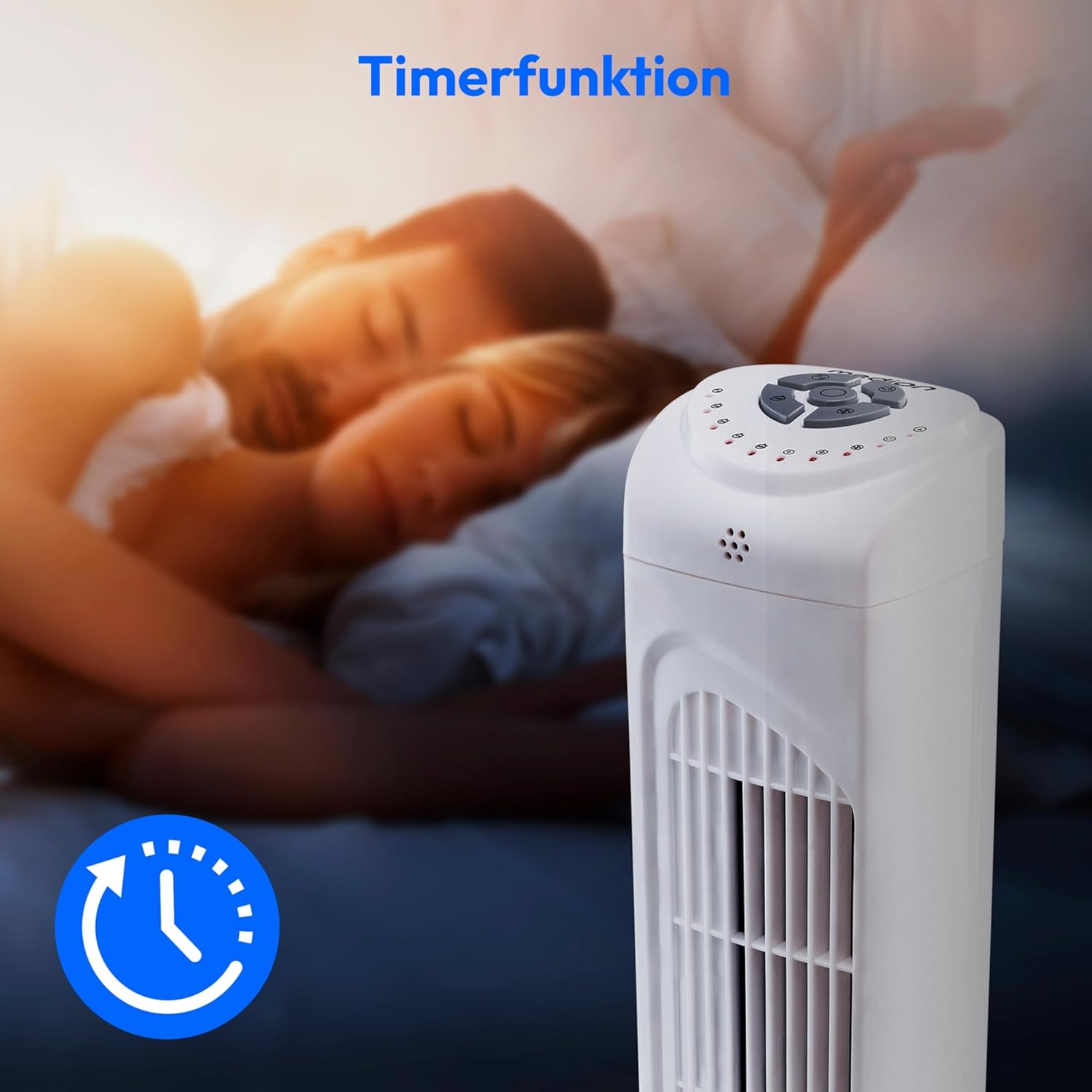
Image: A hand holding the remote control, which features buttons for power, speed, oscillation, and timer, mirroring the main control panel.
Arahan Operasi
Hidupkan/Mati Kuasa
- Tekan ke KUASA button on the control panel or remote control to turn the fan ON.
- Tekan ke KUASA butang sekali lagi untuk mematikan kipas.
Melaraskan Kelajuan Kipas
The fan has 3 speed settings: Low, Medium, and High.
- Tekan ke LAJU button repeatedly to cycle through the speed settings.
- The current speed level will be indicated by LED lights on the control panel.
Fungsi Ayunan
The oscillation function allows the fan to rotate horizontally, distributing air over a wider area.
- Tekan ke OSC button on the control panel or remote control to activate oscillation. The fan will rotate approximately 60 degrees.
- Tekan ke OSC button again to stop oscillation. The fan will stop in its current position.

Image: The tower fan oscillating, indicated by blue arrows showing a 60-degree rotation for wider air distribution.
Fungsi Pemasa
The timer function allows you to set the fan to automatically turn off after a specified period, up to 7.5 hours.
- Tekan ke PEMASA button repeatedly to set the desired operating time (e.g., 0.5h, 1h, 2h, 4h, up to 7.5h).
- The selected timer duration will be indicated by LED lights on the control panel.
- To cancel the timer, cycle through the settings until no timer LEDs are illuminated, or turn the fan off.

Image: The fan with a timer icon, illustrating its use for setting automatic shut-off, ideal for use during sleep.
Penyelenggaraan
Regular cleaning will help maintain the performance and extend the lifespan of your fan.
- Sentiasa cabut plag kipas dari salur keluar kuasa sebelum membersihkan.
- Gunakan yang lembut, damp kain untuk mengelap permukaan luar kipas. Jangan gunakan pembersih atau pelarut yang melelas.
- Gunakan pembersih vakum dengan alat tambahan berus untuk menanggalkan habuk daripada gril pengambilan dan pengeluaran udara dengan lembut.
- Jangan biarkan air menitis ke bahagian dalam kipas.
- Simpan kipas di tempat yang sejuk dan kering apabila tidak digunakan untuk tempoh yang lama.
Menyelesaikan masalah
If you encounter any issues with your MEDION MD 10319 Tower Fan, please refer to the following common problems and solutions:
| Masalah | Kemungkinan Punca | Penyelesaian |
|---|---|---|
| Kipas tidak dihidupkan. | Tiada bekalan kuasa. Butang kuasa tidak ditekan. | Periksa sama ada kord kuasa dipasang dengan selamat ke soket yang berfungsi. Press the POWER button on the fan or remote. |
| Alat kawalan jauh tidak berfungsi. | Bateri mati atau tidak dimasukkan dengan betul. Halangan antara alat kawalan jauh dan kipas. | Gantikan bateri (2 x AAA) dan pastikan kekutuban yang betul. Remove any objects blocking the signal path. Ensure you are within range. |
| Kipas mengeluarkan bunyi yang luar biasa. | Kipas tidak berada di atas permukaan yang rata. Obstruction in the fan grille. | Letakkan kipas pada permukaan yang stabil dan rata. Unplug the fan and carefully check for any foreign objects in the grilles. |
| Oscillation function is not working. | Oscillation button not activated. | Press the OSC button on the control panel or remote control. |
Spesifikasi
| Ciri | Perincian |
|---|---|
| Jenama | MEDION |
| Nama Model | MD 10319 |
| taip | Tower Fan / Floor Fan |
| warna | putih |
| Sumber Kuasa | Elektrik Bertali |
| Wattage | 45 W |
| Voltage | 220 Volt |
| Bilangan Kelajuan | 3 |
| Ciri Khas | Oscillating, Timer Function |
| Sudut Ayunan | 60° |
| Fungsi Pemasa | Sehingga 7.5 jam |
| Kaedah Kawalan | Remote, On-unit buttons |
| Tahap Kebisingan | 50 Desibel |
| Dimensi Produk (D x W x H) | 28 cm x 28 cm x 79 cm |
| Berat Barang | 2.5 Kilogram |
| bahan | plastik |
| Jenis Penyambung Kuasa Utama | CEE 7/7 (Schuko) |

Image: The MEDION MD 10319 Tower Fan with its height (79 cm) and base width (28 cm) clearly indicated.
Waranti dan Sokongan
Your MEDION MD 10319 Tower Fan comes with a manufacturer's warranty. Please refer to the warranty card included in your package for detailed terms and conditions, including the warranty period and coverage.
For technical support, service, or spare parts, please contact MEDION customer service. Contact information can typically be found on the MEDION official webtapak atau dalam dokumentasi jaminan.