
LENRUE A35
LENRUE A35 Speaker User Manual
Model: A35
pengenalan
Thank you for choosing the LENRUE A35 Speaker. This portable Bluetooth speaker is designed to deliver clear and powerful audio for an enhanced listening experience. Please read this manual carefully before using the product to ensure proper operation and to maximize its lifespan. Keep this manual for future reference.
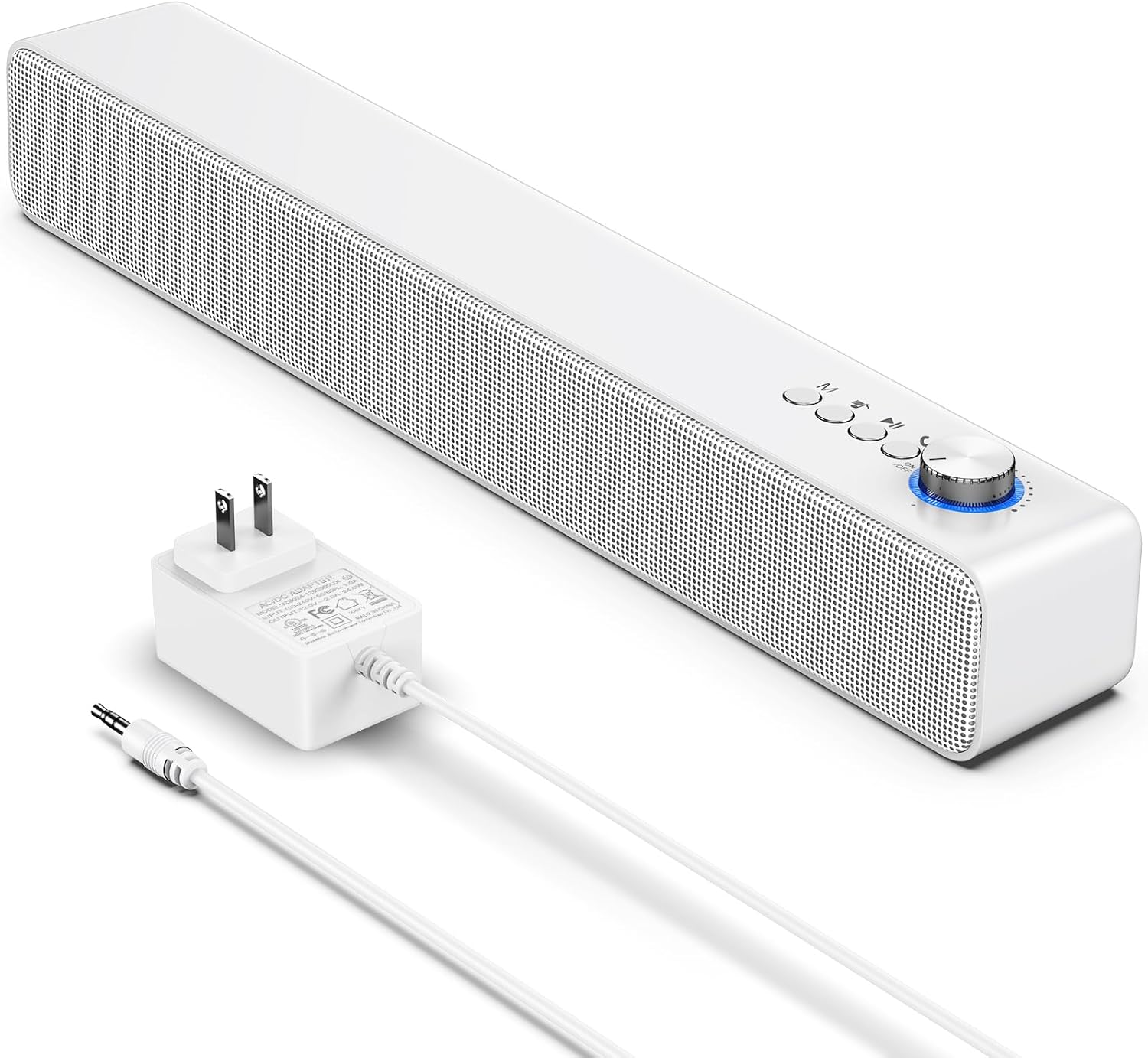
Image: The LENRUE A35 speaker, a white rectangular soundbar, shown with its power adapter and an auxiliary audio cable.
Maklumat Keselamatan
Untuk memastikan operasi yang selamat dan mengelakkan kerosakan, sila patuhi langkah berjaga-jaga berikut:
- Jangan dedahkan pembesar suara kepada suhu, kelembapan atau cahaya matahari langsung yang melampau.
- Elakkan daripada menjatuhkan atau menundukkan pembesar suara kepada impak yang kuat.
- Jangan buka, baiki atau ubah suai pembesar suara sendiri. Rujuk semua servis kepada kakitangan yang berkelayakan.
- Keep the speaker away from water and liquids. While the product is indicated as waterproof, prolonged submersion or exposure to high-pressure water jets should be avoided.
- Use only the provided or approved power adapter.
- Bersihkan pembesar suara dengan kain lembut dan kering. Jangan gunakan pembersih atau pelarut yang melelas.
Kandungan Pakej
Sila pastikan semua item ada dalam pakej anda:
- LENRUE A35 Speaker
- Penyesuai Kuasa
- Kabel Audio Tambahan
- Manual Pengguna (dokumen ini)
Produk Selesaiview
Familiarize yourself with the components of your LENRUE A35 Speaker.
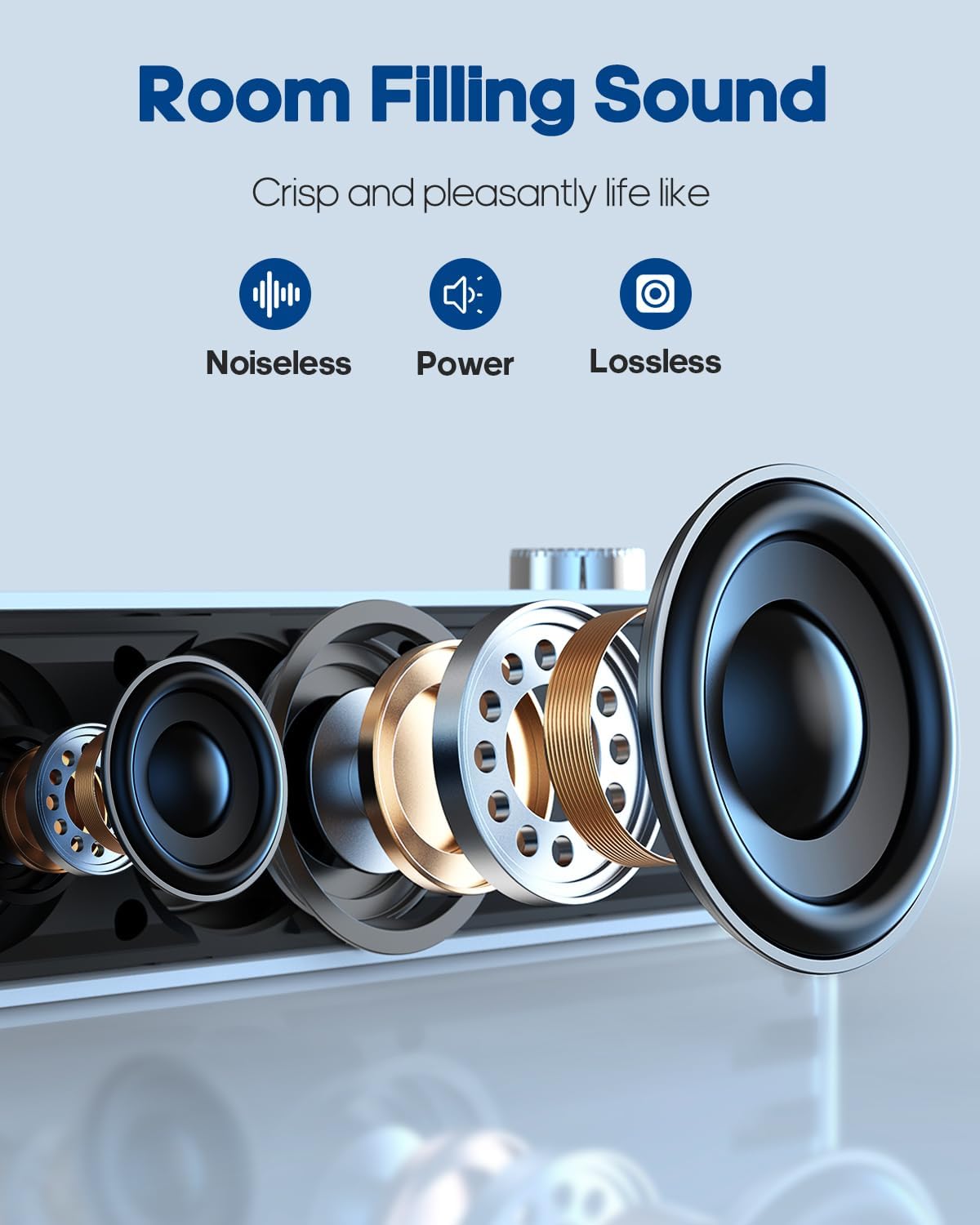
Imej: Meletup view of the speaker's internal components, highlighting the drivers and sound technology for "Room Filling Sound".
Kawalan Panel Depan:
- Tombol Kuasa/Kelantangan: Putar untuk menghidupkan/mematikan dan melaraskan kelantangan.
- Butang Mod (M): Tekan untuk bertukar antara mod Bluetooth dan AUX.
- Butang Lagu Sebelumnya: Tekan untuk pergi ke lagu sebelumnya.
- Butang Main/Jeda: Tekan untuk memainkan atau menjeda audio.
- Butang Laluan Seterusnya: Tekan untuk pergi ke lagu seterusnya.
Port Panel Belakang:
- Pelabuhan DC IN: Untuk menyambungkan penyesuai kuasa.
- Port AUX IN: Untuk menyambungkan peranti audio luaran melalui kabel audio 3.5mm.
Persediaan
Sambungan Kuasa:
- Connect the provided power adapter to the DC IN port on the back of the speaker.
- Palamkan penyesuai kuasa ke salur keluar dinding standard.
- Rotate the Power/Volume knob clockwise to turn on the speaker. An indicator light will illuminate.
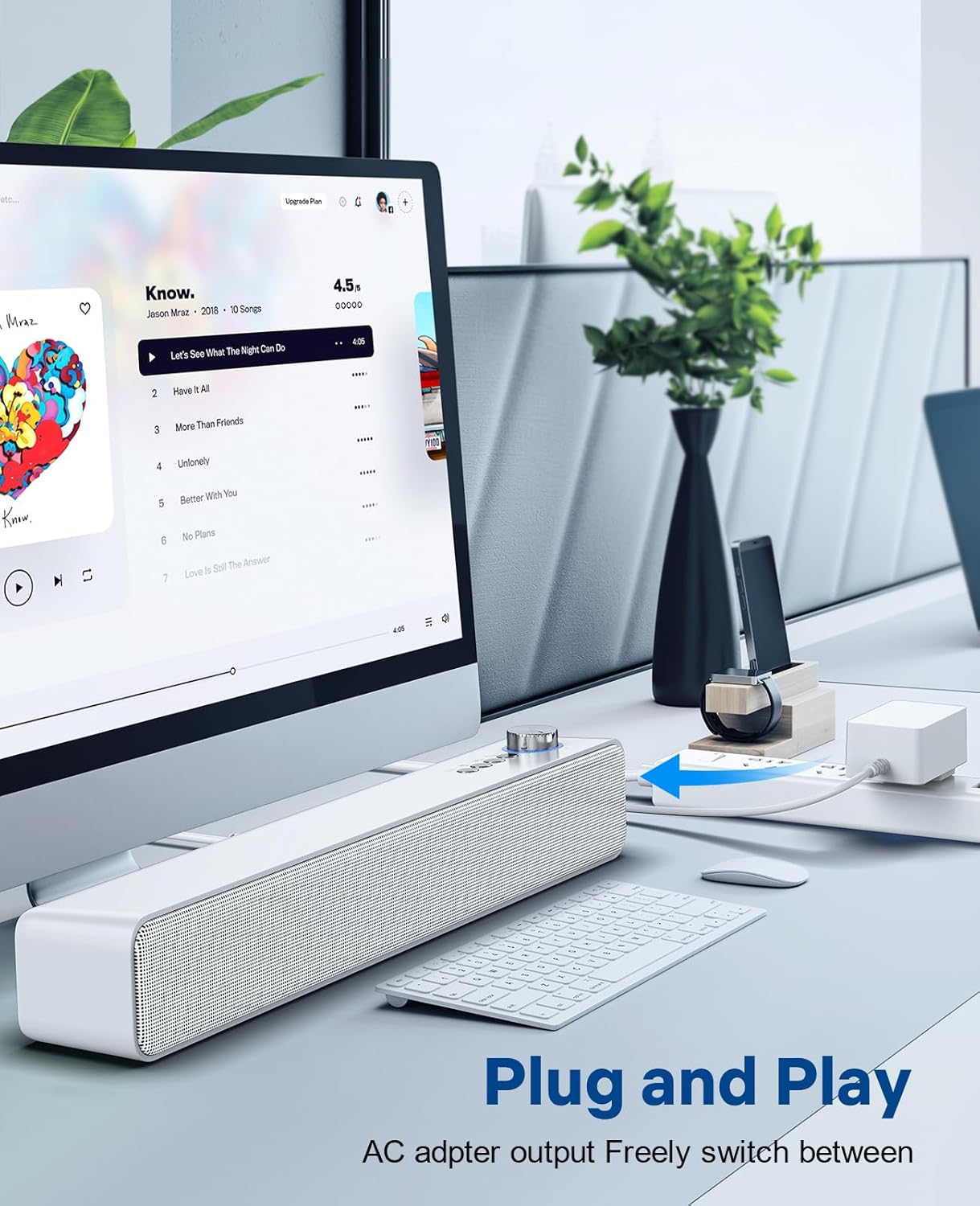
Image: The LENRUE A35 speaker positioned on a desk, connected to a computer setup, demonstrating its "Plug and Play" functionality.
Arahan Operasi
Pairing Bluetooth:
- Turn on the speaker by rotating the Power/Volume knob clockwise. The speaker will automatically enter Bluetooth pairing mode (indicated by a flashing blue light or voice prompt).
- Pada peranti anda (telefon pintar, tablet, komputer), dayakan Bluetooth dan cari peranti yang tersedia.
- Select "A35" from the list of devices.
- Once paired, the indicator light will turn solid blue, and you will hear a confirmation sound.
- Anda kini boleh memainkan audio daripada peranti anda melalui pembesar suara.
AUX-in Connection:
- Connect one end of the 3.5mm auxiliary audio cable to the AUX IN port on the back of the speaker.
- Connect the other end of the cable to the audio output (headphone jack) of your external device.
- Press the "M" (Mode) button on the speaker to switch to AUX mode. The indicator light will change (e.g., to green or a different blue pattern).
- Mainkan audio daripada peranti luaran anda.

Image: The LENRUE A35 speaker with visual cues for Bluetooth and Aux-in connectivity, showing it can connect to various devices like tablets, laptops, and monitors.
Kawalan Kelantangan:
- Rotate the Power/Volume knob clockwise to increase volume.
- Rotate the Power/Volume knob counter-clockwise to decrease volume.
- You can also adjust the volume from your connected device.
Playback Controls (Bluetooth Mode):
- Tekan ke Main/Jeda butang untuk memainkan atau menjeda trek semasa.
- Tekan ke Trek Sebelumnya button to go to the beginning of the current track or the previous track.
- Tekan ke Trek Seterusnya butang untuk melangkau ke trek seterusnya.
Penyelenggaraan
Proper care will ensure the longevity of your speaker:
- Pembersihan: Use a soft, dry, lint-free cloth to wipe the surface of the speaker. Do not use liquid cleaners, aerosols, or solvents.
- Storan: Apabila tidak digunakan untuk tempoh yang lama, simpan pembesar suara di tempat yang sejuk dan kering jauh dari cahaya matahari langsung dan suhu yang melampau.
- Kuasa: Always disconnect the power adapter from the wall outlet and the speaker when not in use or during electrical storms.
Menyelesaikan masalah
| Masalah | Kemungkinan Punca | Penyelesaian |
|---|---|---|
| Tiada kuasa | Power adapter not connected; Power outlet not working; Speaker not turned on. | Ensure power adapter is securely connected and plugged into a working outlet. Rotate the Power/Volume knob clockwise to turn on the speaker. |
| Tiada bunyi | Volume too low; Incorrect mode selected; Device not paired (Bluetooth); Cable not connected (AUX). | Increase volume on speaker and connected device. Press 'M' button to select correct mode. Re-pair Bluetooth device. Check AUX cable connection. |
| Penggandingan Bluetooth gagal | Speaker not in pairing mode; Device too far; Interference; Device already paired with another speaker. | Ensure speaker is in pairing mode (flashing blue light). Move device closer to speaker. Turn off other Bluetooth devices. Forget "A35" on your device and try pairing again. |
| Herotan bunyi | Volume too high; Audio source quality is poor. | Lower the volume on both the speaker and the connected device. Try a different audio source. |
Spesifikasi
| Ciri | Perincian |
|---|---|
| Nama Model | A35 |
| Jenama | LENRUE |
| Jenis Pembesar Suara | Bunyi Sekeliling |
| Teknologi Ketersambungan | Bluetooth, Tambahan, USB |
| Kuasa Output Maksimum Pembesar Suara | 10 Watt |
| Jenis Pemasangan | Atas meja |
| Dimensi Produk | 6.6 x 42.93 x 6.1 cm |
| Berat Barang | 898 Gram |
| Kalis air | ya |
Waranti dan Sokongan
LENRUE products are designed and manufactured to the highest quality standards. For warranty information or technical support, please refer to the warranty card included with your purchase or visit the official LENRUE weblaman web. Jika anda menghadapi sebarang masalah yang tidak diliputi dalam manual ini, sila hubungi pasukan khidmat pelanggan kami untuk mendapatkan bantuan.
Untuk bantuan lanjut, sila layari: LENRUE Brand Store on Amazon
Ask a question about this manual
Ask about setup, troubleshooting, compatibility, parts, safety, or missing instructions. Manuals+ will review the question and use this page’s manual context to help answer it.