
pengenalan
Thank you for choosing the Dilwe TS100 True Wireless Earbuds. This manual provides essential information for setting up, operating, and maintaining your earbuds to ensure optimal performance and longevity. Please read this manual thoroughly before using the product.
Kandungan Pakej
Upon opening your Dilwe TS100 True Wireless Earbuds package, please verify that all the following items are included:
- 2 x Dilwe TS100 Earbuds
- 1 x Kes Pengecasan
- 4 x Ear Tips (various sizes)
- 1 x Kabel Pengecasan USB-C
- 1 x Manual Arahan (dokumen ini)

Image: Contents of the Dilwe TS100 package, including two earbuds, a charging case, a USB-C cable, and multiple ear tip sizes.
Persediaan
1. Mengecas Fon Telinga dan Sarung
Before initial use, fully charge the earbuds and the charging case. The charging case has a capacity of 400mAh, and each earbud has a 50mAh battery. A full charge typically takes 1-2 hours.
- Sambungkan kabel USB-C yang disediakan ke port pengecasan pada bekas dan ke sumber kuasa USB yang serasi.
- Lampu penunjuk pada kes akan menunjukkan status pengecasan.
- Letakkan fon telinga ke dalam bekas pengecas. Ia akan mula dicas secara automatik.
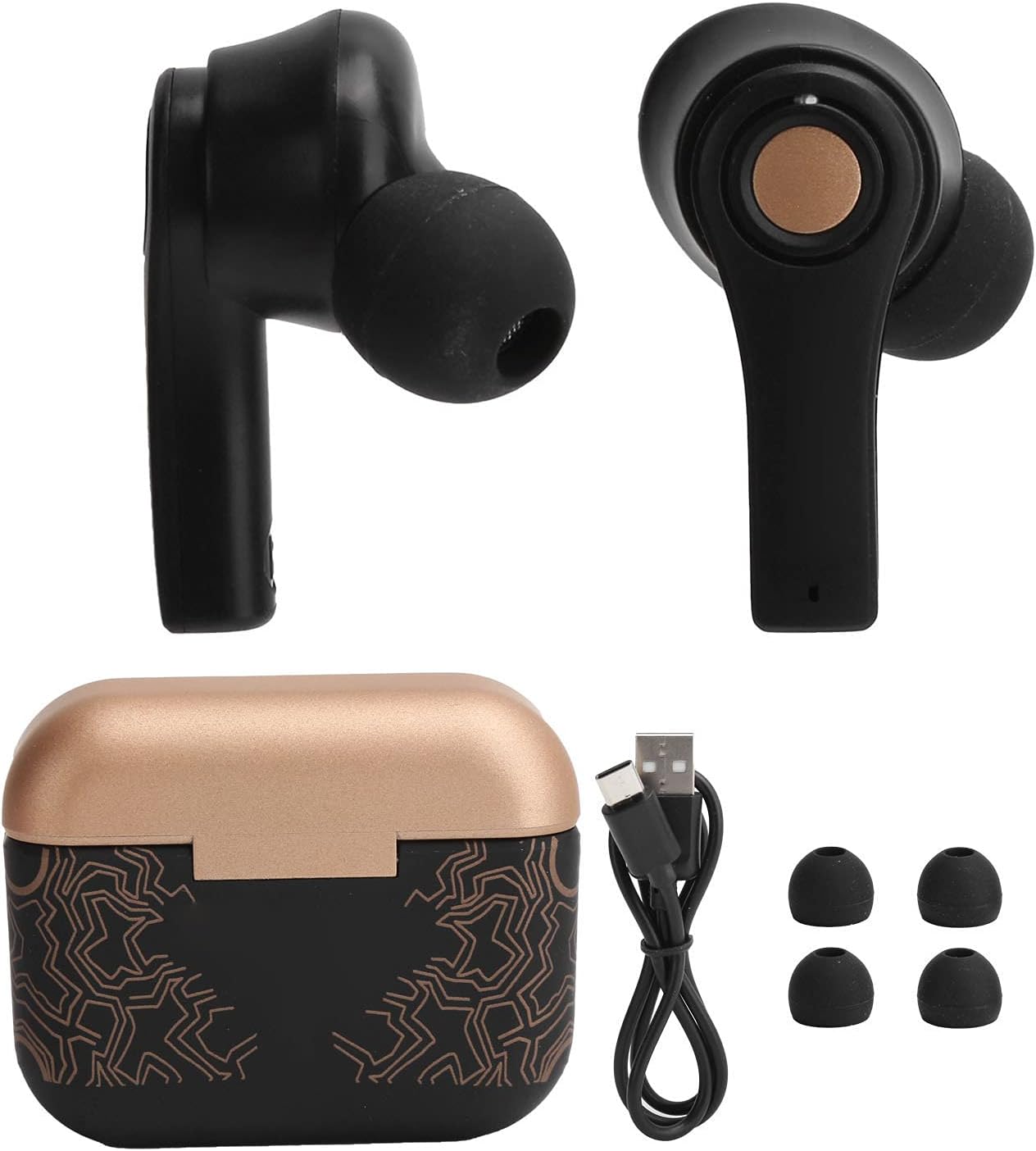
Image: Earbuds placed inside the open charging case, showing charging indicators.
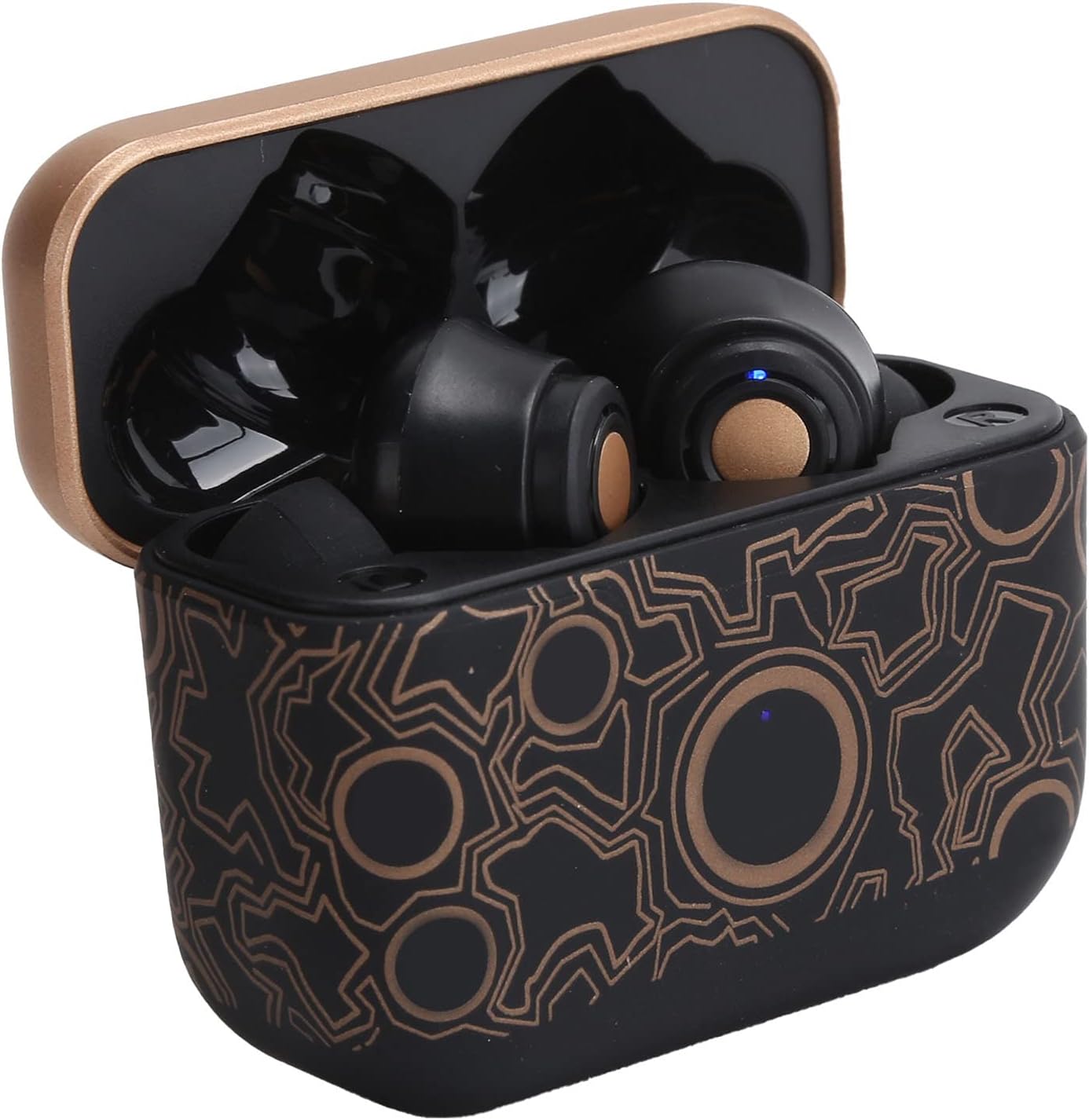
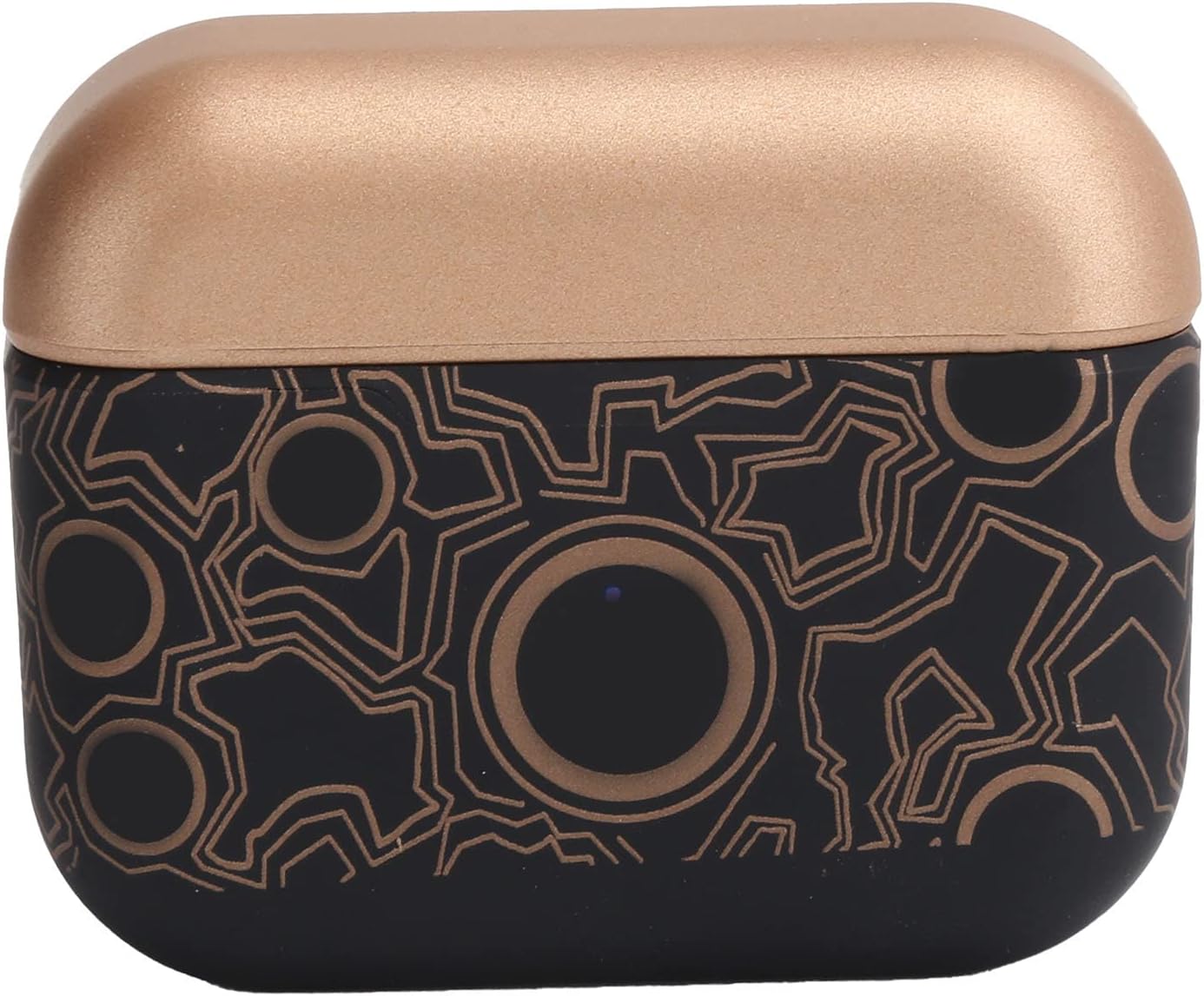
Image: The closed charging case, ready for portable power.
2. Berpasangan dengan Peranti
The Dilwe TS100 earbuds feature automatic pairing for convenience.
- Pastikan fon telinga dicas.
- Buka bekas pengecasan dan keluarkan kedua-dua fon telinga. Mereka akan menghidupkan dan memasuki mod berpasangan secara automatik.
- On your mobile device (e.g., smartphone, tablet), go to the Bluetooth settings.
- Cari untuk available devices and select "TS100" from the list.
- Sebaik sahaja disambungkan, anda akan mendengar nada pengesahan dan lampu penunjuk fon telinga akan bertukar.
The earbuds support Bluetooth 5.0 connectivity, providing a stable connection within an 18-20 meter range.
Arahan Operasi
The Dilwe TS100 earbuds utilize multi-function touch controls for various operations.
Hidupkan/Mati Kuasa
- Hidupkan kuasa: Tanggalkan fon telinga daripada bekas pengecas. Ia akan dihidupkan secara automatik.
- Matikan: Letakkan semula fon telinga ke dalam bekas pengecas. Ia akan dimatikan secara automatik dan mula dicas.
Kawalan Panggilan
- Jawab Panggilan: Click the multi-function key once.
- Tolak Panggilan: Long press the multi-function key.
- Panggilan Tutup: Click the multi-function key once during a call.
Kawalan Main balik Muzik
- Main/Jeda: Click the multi-function key once.
- Lagu Seterusnya: Click the main ear (right earbud) multi-function key three times.
- Lagu Sebelumnya: Click the secondary ear (left earbud) multi-function key three times.
Kawalan Kelantangan
- Kelantangan: Double click the main ear (right earbud) multi-function key.
- Perlahankan suara: Double click the secondary ear (left earbud) multi-function key.

Image: An earbud comfortably seated in an ear, highlighting the ergonomic design and touch control surface.
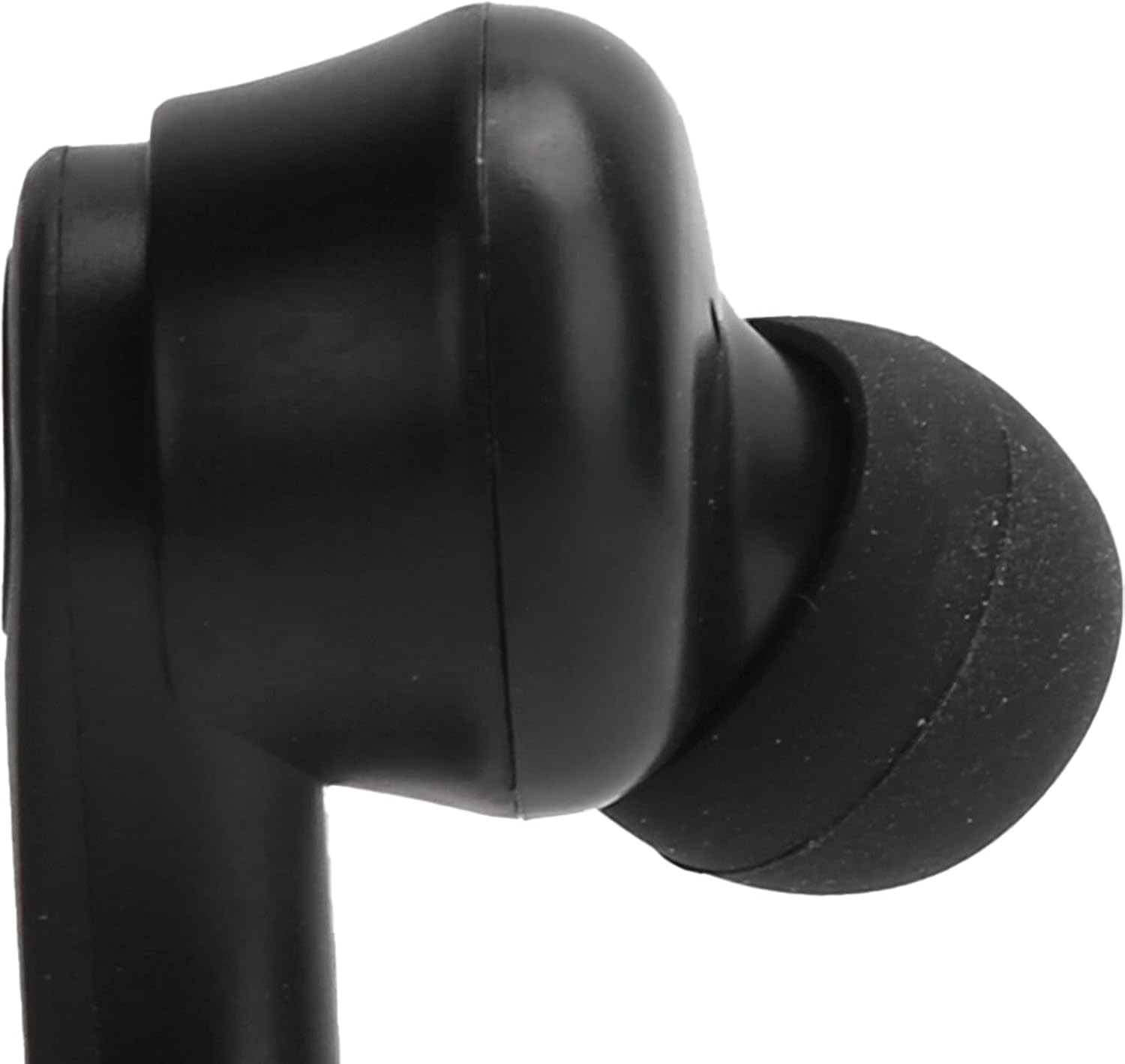
Imej: Dari dekat view of the left earbud's stem, indicating its designation.
Penyelenggaraan
Proper maintenance ensures the longevity and optimal performance of your Dilwe TS100 earbuds.
- Pembersihan: Regularly clean the earbuds and charging case with a soft, dry, lint-free cloth. Avoid using abrasive materials or harsh chemicals. Gently clean the ear tips and speaker mesh to prevent wax buildup.
- Storan: Apabila tidak digunakan, simpan fon telinga di dalam bekas pengecasannya untuk melindunginya daripada habuk, kerosakan dan memastikan ia sentiasa dicas.
- Penjagaan Bateri: To prolong battery life, avoid fully discharging the earbuds and charging case frequently. Charge them regularly, even if not in constant use. The earbuds offer a standby time of 1-2 months.
- Tahan Air: The earbuds feature anti-sweat performance, making them suitable for workouts. However, they are not fully waterproof. Avoid submerging them in water or exposing them to heavy rain.
Imej: A terperinci view of the earbud's tip and speaker mesh, emphasizing areas for cleaning.
Menyelesaikan masalah
If you encounter issues with your Dilwe TS100 earbuds, try the following solutions:
- Fon telinga tidak berpasangan:
- Pastikan kedua-dua fon telinga ditanggalkan daripada bekas pengecas.
- Matikan Bluetooth pada peranti anda, kemudian hidupkan semula.
- Forget "TS100" from your device's Bluetooth list and attempt to pair again.
- Ensure earbuds and device are within the 18-20m operating range.
- Tiada bunyi dari satu fon telinga:
- Letakkan kedua-dua fon telinga kembali ke dalam bekas pengecasan, tutup penutupnya, tunggu beberapa saat, kemudian tanggalkannya sekali lagi.
- Semak tetapan audio peranti anda untuk memastikan keseimbangan dipusatkan.
- Fon telinga tidak dicas:
- Pastikan kabel USB-C disambungkan dengan selamat pada bekas pengecas dan sumber kuasa.
- Sahkan sumber kuasa aktif.
- Bersihkan kenalan pengecas pada kedua-dua fon telinga dan di dalam bekas pengecas.
- Kawalan sentuh tidak bertindak balas:
- Pastikan jari anda bersih dan kering semasa menggunakan kawalan sentuh.
- Mulakan semula fon telinga dengan meletakkannya di dalam bekas dan mengeluarkannya semula.
Spesifikasi
| Ciri | Perincian |
|---|---|
| Jenis Item | Fon telinga Bluetooth |
| Jenama | Dilwe |
| Model | TS100 |
| bahan | ABS |
| Berat badan | lebih kurang 120g / 4.2oz |
| Versi Bluetooth | V5.0 |
| Diameter Tanduk | 13mm |
| Jarak Operasi | 18-20m |
| Kapasiti Bateri Earbud | 50mAh Polymer Lithium Battery (built-in) |
| Kapasiti Kes Pengecasan | 400mAh Polymer Lithium Battery (built-in) |
| Masa Tunggu Sedia | 1-2 bulan |
| Talk/Music Playing Time | 3-5 jam |
| Antara Muka Pengecasan | USB-C |
| Masa Mengecas | 1-2 jam |
| Kekerapan | 2400.0-2483.5MHz |
| Kaedah Kawalan | Kawalan Sentuh |
| Kawalan Bunyi | Sound Isolation / Noise Reduction |
| Ciri-ciri Tambahan | Ergonomic, Anti-sweat performance |
Produk Selesaiview Video
Video: Seorang pegawai tamatview of the Dilwe TS100 True Wireless Earbuds, demonstrating key features and design.
Waranti & Sokongan
Dilwe products are designed and manufactured to the highest quality standards. While specific warranty details are not provided in this manual, please refer to the retailer's return policy or the official Dilwe brand store for information regarding warranty coverage and customer support.
Untuk bantuan lanjut, anda boleh melawati Dilwe Store on Amazon.