
1. Pengenalan
This manual provides essential information for the safe and efficient operation, maintenance, and troubleshooting of your Leitz IQ Autofeed Small Office 50 P4 Shredder. Please read these instructions carefully before using the appliance and retain them for future reference.
The Leitz IQ Autofeed Small Office 50 P4 is designed for shredding confidential documents, sensitive paperwork, old financial records, and other personal or proprietary information in small office environments. It features an automatic feed mechanism for convenience and a P4 security level for cross-cut shredding.
2. Arahan Keselamatan
Always follow these safety precautions to prevent injury or damage to the shredder:
- Keep children and pets away from the shredder. The shredder has sharp blades and moving parts that can cause injury.
- Keep loose clothing, jewelry, hair, and ties away from the paper entry slot.
- Do not insert fingers or other body parts into the paper entry slot.
- Jangan semburkan sebarang produk atau pelincir mudah terbakar ke dalam mesin pencincang.
- Do not shred metal objects, hard plastics (other than credit cards), or adhesive labels, as these can damage the cutting mechanism.
- Sentiasa cabut plag mesin pencincang sebelum mengalihkan, membersihkan atau mengosongkan tong sampah.
- Do not operate the shredder if the power cord is damaged or if the appliance is malfunctioning. Contact customer support for assistance.
- Pastikan mesin pencincang diletakkan di atas permukaan yang stabil dan rata.
- Jangan bebankan mesin pencincang melebihi kapasiti kepingan yang ditetapkan.
3. Persediaan
- Membongkar: Keluarkan mesin pencincang dari pembungkusannya dengan berhati-hati. Simpan bahan pembungkusan untuk pengangkutan atau penyimpanan pada masa hadapan.
- penempatan: Place the shredder on a flat, stable surface near a power outlet. Ensure there is adequate space around the unit for ventilation and access to the waste bin.
- Tong Sampah: Pastikan tong sampah dimasukkan dengan betul ke dalam badan mesin pencincang. Mesin pencincang tidak akan beroperasi jika tong sampah tidak diletakkan dengan betul.
- Sambungan Kuasa: Palamkan kord kuasa ke soket elektrik standard.
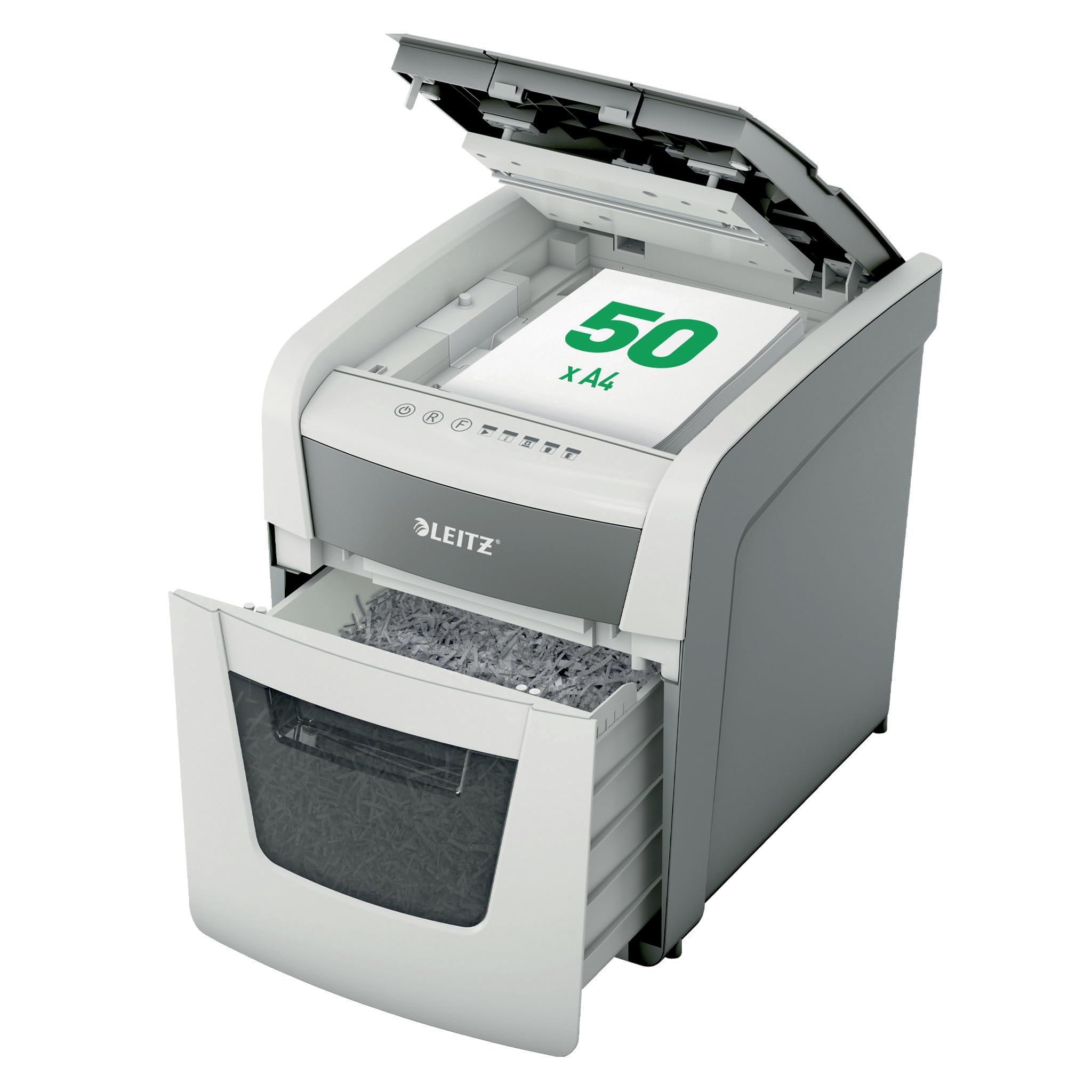
Image 1: Leitz IQ Autofeed Small Office 50 P4 Shredder. This image shows the overall design of the shredder, highlighting its compact size and modern aesthetic suitable for small office environments.
4. Arahan Operasi
The Leitz IQ Autofeed Small Office 50 P4 shredder offers both automatic and manual shredding modes.
4.1 Panel Kawalan Selesaiview
The control panel typically includes buttons for Power On/Off, Reverse, Forward, and indicators for bin full, overheat, or door open.
4.2 Automatic Feed Shredding
- Open the autofeed tray cover.
- Stack up to 50 sheets of A4 paper neatly into the autofeed tray. Ensure there are no staples or paper clips on the documents for optimal performance, although the shredder can handle small staples and paper clips.
- Close the autofeed tray cover. The shredder will automatically detect the paper and begin shredding.
- The shredder will stop automatically once all paper in the tray has been shredded.
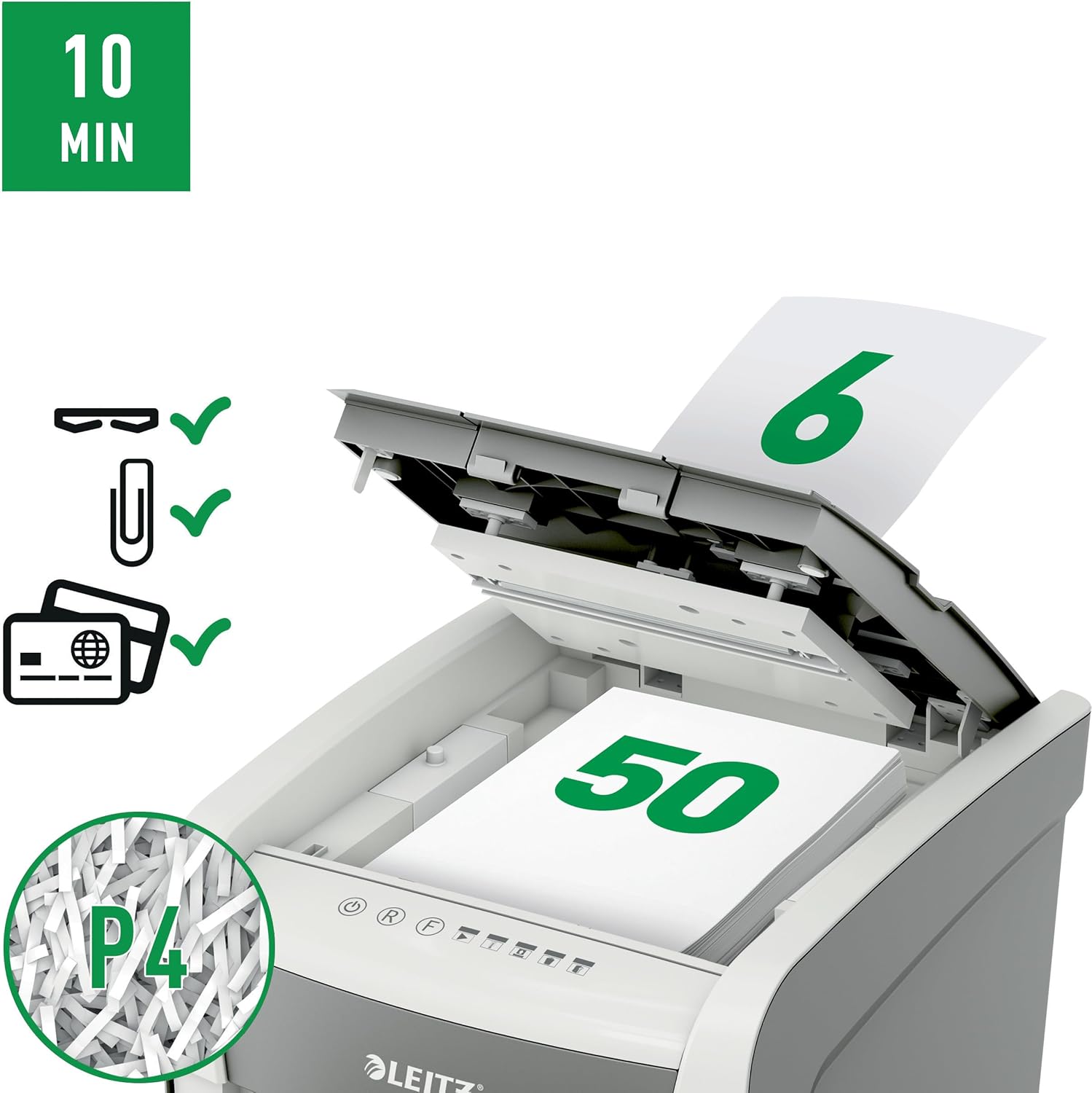
Image 2: Autofeed mechanism and P4 security. This image illustrates the autofeed tray loaded with paper, indicating its capacity and the P4 security level for cross-cut shredding.
4.3 Penghancuran Suapan Manual
- For a few sheets of paper (typically up to 6-8 sheets, refer to specifications for exact capacity) or credit cards, use the manual feed slot.
- Insert the paper or credit card into the manual feed slot. The shredder will automatically detect the item and begin shredding.
- Remove your hand immediately after the shredder grips the item.
4.4 Continuous Run Time
The shredder is designed for intermittent use. It has a continuous run time of approximately 10 minutes, after which it will enter a cool-down period to prevent overheating. Allow the shredder to cool down before resuming operation.
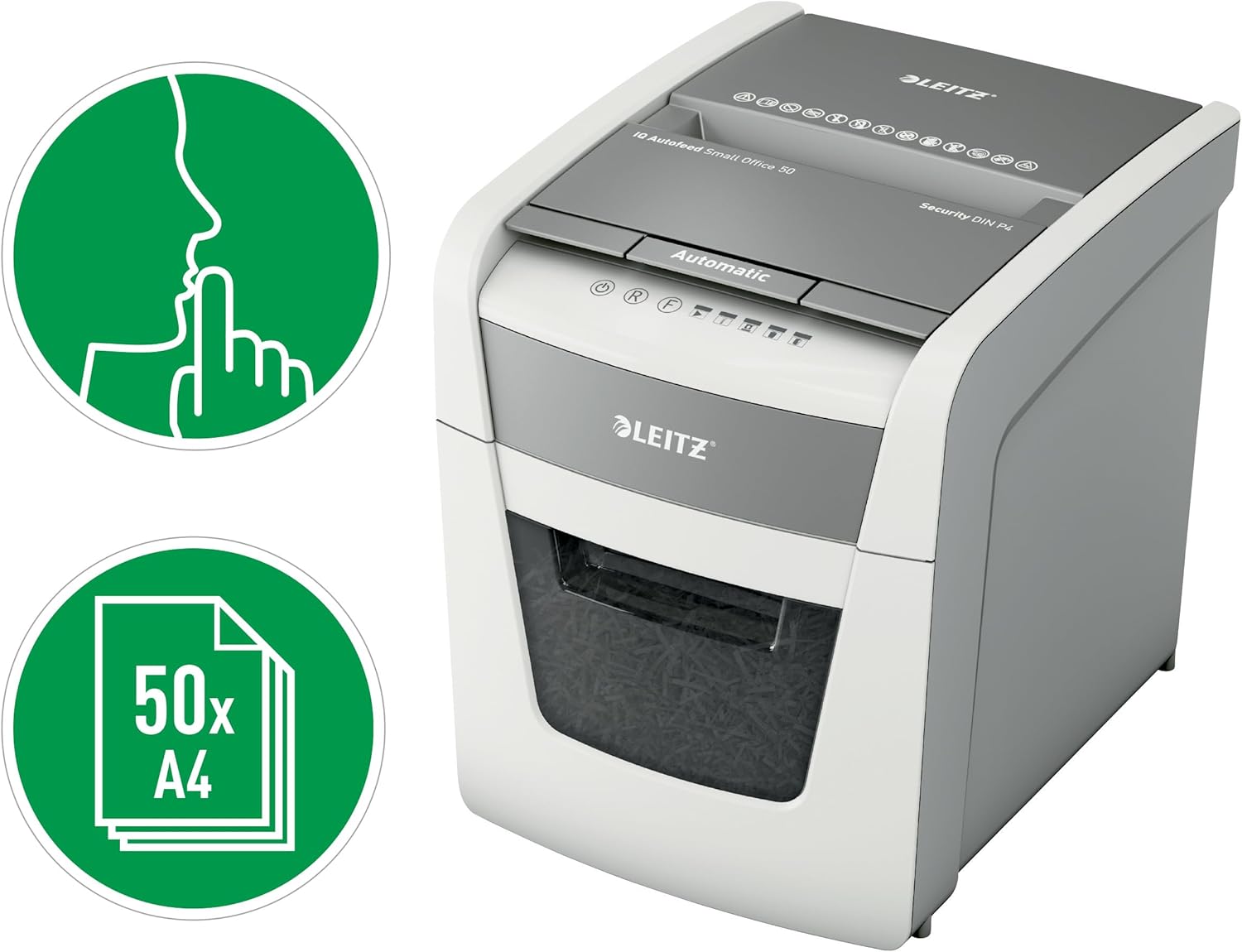
Image 3: Quiet operation and 50-sheet autofeed. This image highlights the shredder's quiet operation (indicated by the finger over lips icon) and its capacity to shred up to 50 A4 sheets automatically.
5. Penyelenggaraan
Penyelenggaraan yang kerap memastikan prestasi optimum dan memanjangkan hayat mesin pencincang anda.
5.1 Mengosongkan Tong Sampah
- Unplug the shredder from the power outlet.
- Tarik keluar tong sampah.
- Buang kertas yang telah dicarik-carik.
- Reinsert the waste bin firmly until it clicks into place. The shredder will not operate if the bin is not correctly seated.

Image 4: 20-liter waste bin capacity. This image shows the shredder with its waste bin pulled out, illustrating the 20-liter capacity for shredded material.
5.2 Oiling the Shredder
To maintain cutting performance and reduce wear, it is recommended to oil the shredder blades regularly, especially after emptying the waste bin 2-3 times or after heavy use. Use shredder oil sheets or liquid shredder oil specifically designed for paper shredders.
- Apply a thin line of shredder oil across the paper entry slot.
- Run the shredder in manual feed mode for a few seconds to distribute the oil.
5.3 Pembersihan
Lap bahagian luar mesin pencincang dengan kain lembut dan kering. Jangan gunakan pembersih atau pelarut yang kasar. Pastikan mesin pencincang telah dicabut daripada soket sebelum membersihkan.
6. Penyelesaian masalah
Jika anda menghadapi masalah dengan mesin pencincang anda, rujuk masalah dan penyelesaian biasa berikut:
| Masalah | Kemungkinan Punca | Penyelesaian |
|---|---|---|
| Shredder tidak boleh dihidupkan. | No power; waste bin not fully inserted; overheat protection activated. | Check power connection; ensure waste bin is correctly seated; allow shredder to cool down. |
| Kertas jem. | Too much paper inserted; paper not inserted straight. | Press the reverse button to clear the jam. If unsuccessful, unplug, carefully remove paper, then plug in and try reverse again. |
| Mesin penghancur berhenti semasa operasi. | Waste bin full; overheat protection activated; door open sensor triggered. | Empty waste bin; allow shredder to cool down; ensure waste bin is fully inserted. |
| Shredder is noisy. | Bilah memerlukan pelinciran. | Oil the shredder blades as per maintenance instructions. |
If the problem persists after attempting these solutions, please contact Leitz customer support.
7. Spesifikasi
| Ciri | Spesifikasi |
|---|---|
| Nombor Model | 50 P-4 |
| Jenis Carik | Potong Lintang |
| Tahap Keselamatan | P4 (DIN 66399) |
| Autofeed Sheet Capacity | Up to 50 sheets (A4, 80gsm) |
| Manual Feed Sheet Capacity | Up to 6-8 sheets (A4, 80gsm) |
| Kapasiti Tong Sampah | 20 Liter |
| Tahap Kebisingan | 35 Desibel |
| Masa Larian Berterusan | 10 minit |
| Masa Sejuk | Approximately 30-40 minutes (varies with ambient temperature) |
| Dimensi (D x W x H) | 43D x 40.7W x 36.4H Sentimeter |
| Berat badan | 9 kg |
| Sumber Kuasa | Elektrik Bertali |
| bahan | Metal and durable plastic |

Image 5: Shredder dimensions. This image provides a visual representation of the shredder's physical dimensions (height, width, depth) in millimeters.
8. Waranti dan Sokongan
Your Leitz IQ Autofeed Small Office 50 P4 Shredder comes with a manufacturer's warranty. Please refer to the warranty card included with your purchase for specific terms and conditions. For technical support, spare parts, or warranty claims, please contact Leitz customer service through their official webtapak atau maklumat hubungan yang diberikan dalam dokumentasi jaminan anda.