WiZ Connected 6FT RGB Wi-Fi LED Smart Color Changing Light Strip User Manual
Model: 603530 | Brand: WiZ Connected
pengenalan
The WiZ 6-foot LED light strip starter kit provides everything needed for bright, full-color smart lighting. This flexible strip can be cut to size for indirect, linear lighting in any space. Control is managed via the WiZ app or voice commands, allowing for dimming, brightening, and activation of preset light modes on existing Wi-Fi networks.
Ciri-ciri Utama:
Persediaan Mudah: Connects to your existing 2.4Ghz Wi-Fi network. Download the WiZ Connected app to begin.
Kawalan Pintar: Manage lighting from anywhere using the WiZ Connected app or hands-free with voice control. The app facilitates sharing control with family and guests.
Pemasangan Fleksibel: The flexible strip can be adhered to various surfaces, such as tray ceilings or under cabinets, to enhance room decor.
Ciri Pintar: Schedule lights to turn on or off according to routines or activate vacation mode to simulate presence when away from home.
Apl Mesra Pengguna: The free WiZ Connected app offers an intuitive interface and includes ready-to-use presets for immediate light strip operation.
Wellbeing Enhancement: WiZ lighting provides bright daylight for energy and focus, transitioning smoothly to soft warm white to help you relax and improved sleep.
Maklumat Keselamatan
Sila baca dan fahami semua arahan keselamatan sebelum memasang atau menggunakan produk ini. Kegagalan mematuhi arahan ini boleh mengakibatkan renjatan elektrik, kebakaran atau bahaya lain.
Penggunaan Dalaman Sahaja: Jalur lampu ini direka bentuk untuk kegunaan dalaman di lokasi kering. Jangan dedahkan kepada air atau kelembapan.
Bekalan Kuasa: Use only the provided power adapter. Using an incompatible power supply may damage the product and void the warranty.
Keselamatan Elektrik: Ensure the power outlet is easily accessible and that the voltage matches the product's requirements (120 Volts). Do not overload electrical outlets.
Pemasangan: Do not cut the light strip while it is connected to power. Ensure the surface for adhesion is clean and dry. Avoid installing near heat sources or in direct sunlight.
Pengendalian: Do not bend the light strip sharply or apply excessive force, as this may damage the internal circuitry.
Pembersihan: Disconnect power before cleaning. Use a soft, dry cloth. Do not use liquid cleaners or abrasive materials.
Kandungan Pakej
Sahkan bahawa semua item disertakan dalam pakej anda:
1 x WiZ Connected 6FT (2M) Light Strip
1 x Palam Kuasa
Persediaan
Follow these steps to set up your WiZ Connected Light Strip:
1. Pemasangan Fizikal
Sediakan Permukaan: Choose a clean, dry, and smooth surface for installation. Ensure it is free from dust, oil, and moisture.
Attach the Light Strip: Carefully peel off the adhesive backing from the light strip. Press the strip firmly onto the desired surface. Avoid stretching or bending the strip at sharp angles.
Sambungkan Kuasa: Plug the light strip into the provided power adapter, then plug the adapter into a standard 120V electrical outlet.
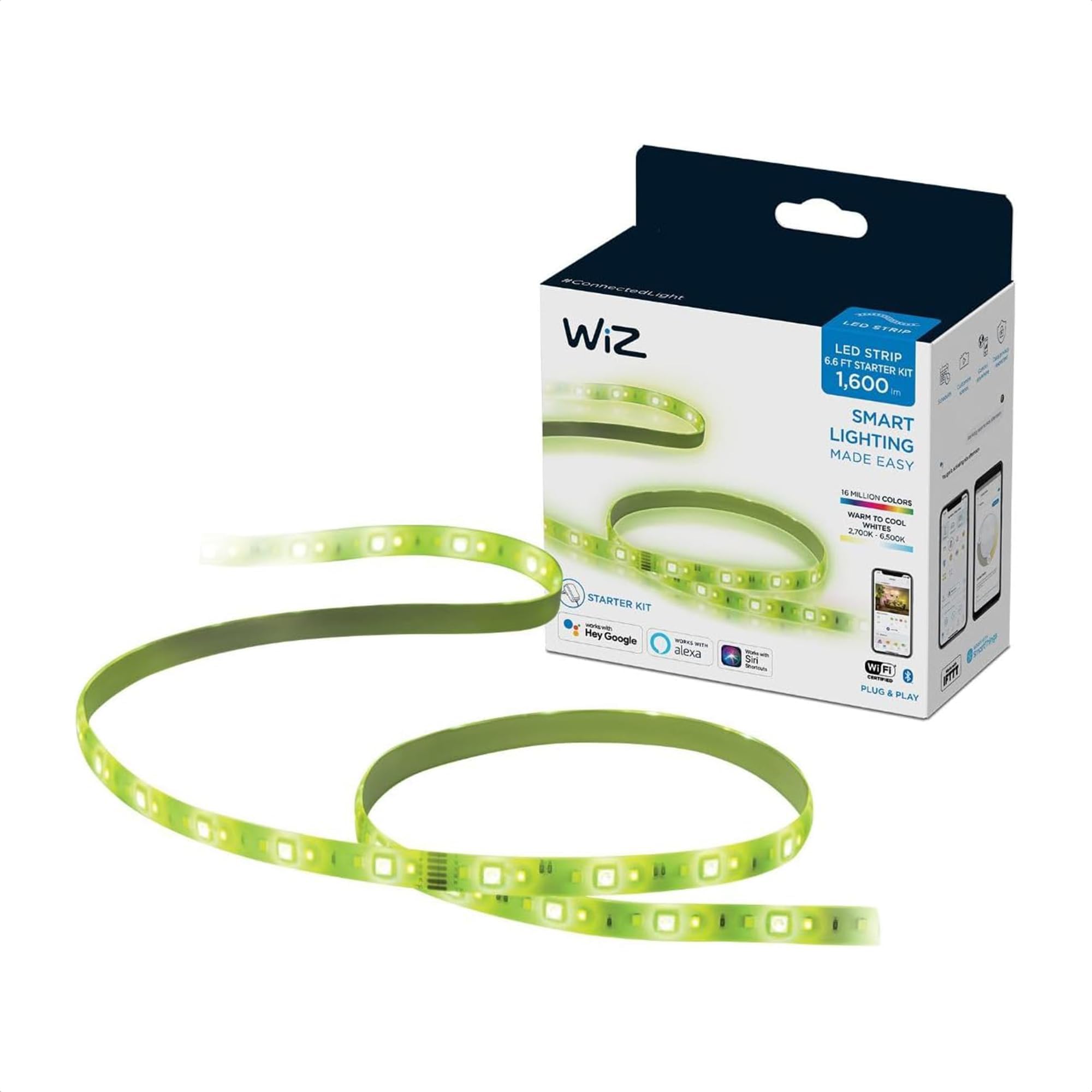
Image: The WiZ Connected 6FT RGB Wi-Fi LED Smart Color Changing Light Strip, showing its flexible design and length.
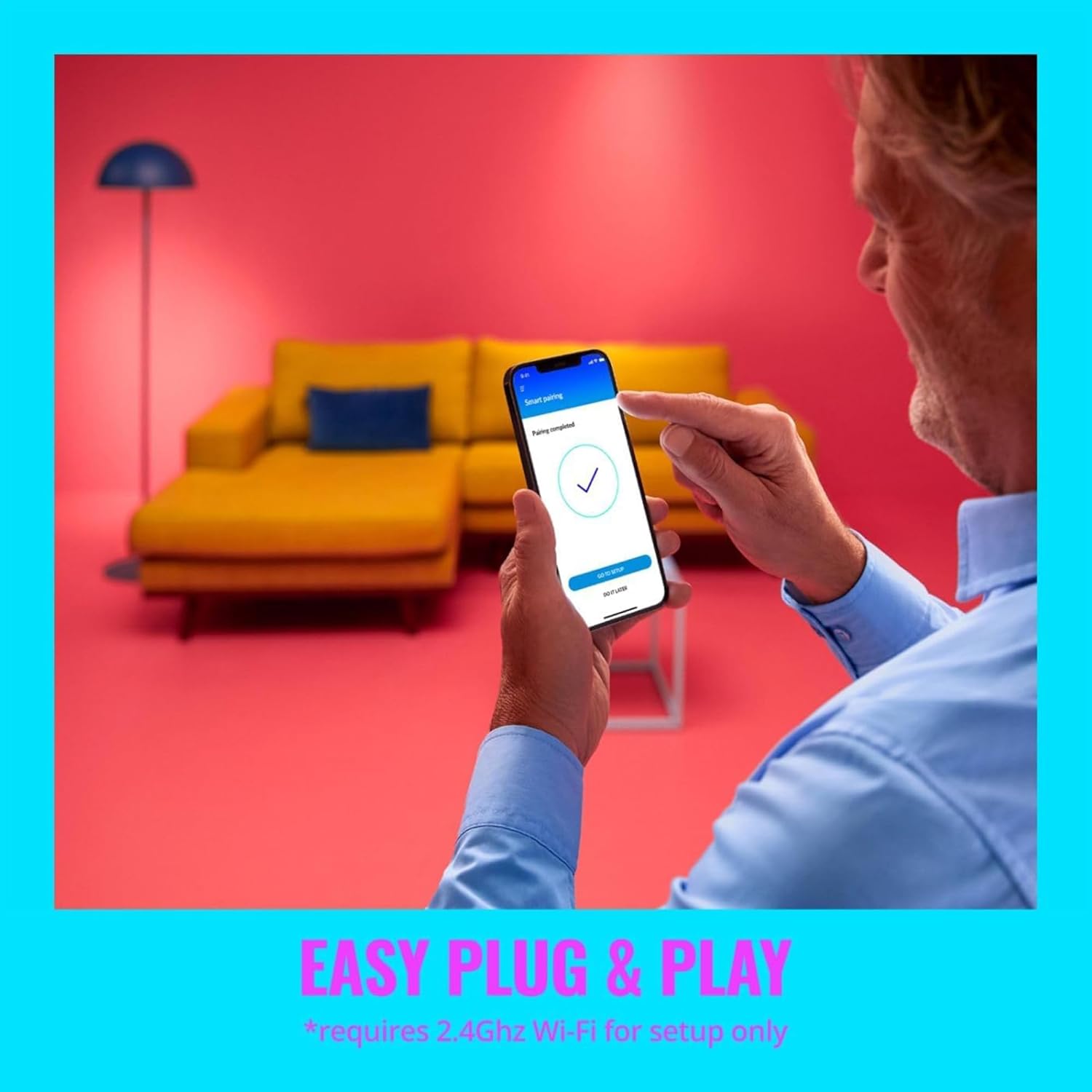
Image: A smartphone screen displaying a successful pairing message for the WiZ app, with a light strip installed in the background, illustrating the easy plug and play setup process.
2. App Pairing and Wi-Fi Connection
Download the WiZ Connected App:Cari untuk "WiZ Connected" in your smartphone's app store (available for iOS and Android) and install it.
Buat Akaun: Open the app and follow the on-screen instructions to create a new WiZ account or log in if you already have one.
Tambah Peranti: In the app, tap the "+" icon to add a new device. The app will guide you through the pairing process. Ensure your phone's Bluetooth is enabled.
Sambung ke Wi-Fi 2.4GHz: The light strip requires a 2.4GHz Wi-Fi network for operation. During setup, you will be prompted to enter your Wi-Fi network name and password.
Assign to a Room: Once connected, assign your light strip to a specific room within the app for organized control.
Sesuaikan Tetapan: Give your light a name and configure its power-on behavior (e.g., default light mode when switched on).
Video: This video demonstrates the step-by-step process of setting up your WiZ smart lighting device, including app download, pairing, and initial configuration.
Arahan Operasi
Control your WiZ Light Strip using the app or voice commands.
1. Using the WiZ App
Hidup/Mati: Toggle the light strip on or off directly from the app's main screen or within the room view.
Kawalan Kecerahan: Adjust the brightness level using the slider in the app.
Pilihan Warna: Choose from millions of colors or various shades of white (warm to cool) to match your mood or activity.
Mod Pratetap: The app offers numerous preset dynamic light modes (e.g., Cozy, Focus, Relax, Movie Night) designed for different atmospheres.
Adegan Tersuai: Create and save your own custom light scenes with specific colors, brightness, and effects.
Jadual: Set schedules for your light strip to turn on/off or change modes automatically at specific times.
Mod Percutian: Activate vacation mode to randomly turn lights on and off, simulating occupancy when you are away.
Image: A room illuminated with both blue/purple and warm white light, demonstrating the WiZ light strip's capability to produce millions of colors and various white tones.
Image: Four quadrants showing different room lighting moods (candle, heart, breeze, trees), illustrating the various preset dynamic modes available with WiZ smart lighting.
2. Kawalan Suara
The WiZ Light Strip is compatible with popular voice assistants. Link your WiZ account to your preferred voice assistant (e.g., Amazon Alexa, Google Assistant, Siri Shortcuts) through their respective apps.
Amazon Alexa: "Alexa, turn on the living room light strip."
Pembantu Google: "Hey Google, set the kitchen light strip to blue."
Pintasan Siri: Create custom shortcuts for quick commands.
Image: A person holding a potted plant, with speech bubbles indicating compatibility with Hey Google, Alexa, and Siri Shortcuts, highlighting the voice control feature of WiZ lights.
3. SpaceSense™ Technology
Some WiZ devices feature SpaceSense™ technology, which uses Wi-Fi signals to detect motion and automate lighting. If your light strip is part of a SpaceSense™ enabled setup, it can act as a motion sensor.
Image: A person walking through a doorway with lights activating, demonstrating WiZ SpaceSense™ technology where lights function as motion sensors.
Video: This video showcases various applications and features of WiZ smart lighting, demonstrating how it can enhance different aspects of daily life and home ambiance.
Penyelenggaraan
To ensure the longevity and optimal performance of your WiZ Light Strip, follow these maintenance guidelines:
Pembersihan: Disconnect the light strip from power before cleaning. Use a soft, dry, lint-free cloth to gently wipe the surface. Do not use abrasive cleaners, solvents, or harsh chemicals, as these can damage the strip.
Storan: If storing the light strip for an extended period, ensure it is clean and dry. Store it in a cool, dry place away from direct sunlight and extreme temperatures.
Pemeriksaan: Periodically inspect the light strip and its connections for any signs of damage, such as frayed wires or loose connections. If damage is found, discontinue use and contact support.
Menyelesaikan masalah
If you encounter issues with your WiZ Light Strip, refer to the following common solutions:
Masalah
Kemungkinan Punca
Penyelesaian
Jalur cahaya tidak menyala.
Tiada kuasa, sambungan longgar, penyesuai kuasa rosak.
Ensure the power adapter is securely plugged into both the light strip and a working electrical outlet.
Uji alur keluar dengan peranti lain untuk mengesahkan ia mempunyai kuasa.
If the issue persists, the power adapter or light strip may be faulty. Contact support.
Light strip cannot connect to Wi-Fi or app.
Incorrect Wi-Fi band (not 2.4GHz), incorrect password, Wi-Fi signal too weak, app glitch.
Confirm your Wi-Fi network is 2.4GHz. WiZ devices do not support 5GHz networks.
Double-check the Wi-Fi password entered in the app.
Move the light strip closer to your Wi-Fi router or consider a Wi-Fi extender.
Restart your Wi-Fi router and the light strip (unplug and replug).
Close and reopen the WiZ app, or reinstall it if necessary.
Perform a factory reset on the light strip (refer to WiZ support for specific instructions, usually involves cycling power multiple times).
Kawalan suara tidak berfungsi.
Incorrect linking with voice assistant, device name mismatch, internet connectivity issues.
Ensure your WiZ account is correctly linked to your voice assistant (Alexa, Google Home) app.
Verify that the name of your light strip in the WiZ app matches the name used in voice commands.
Semak sambungan internet anda.
Try unlinking and relinking the WiZ skill/service in your voice assistant app.
Difficulty pairing after changing phone.
Device still linked to old phone's app instance or user profile.
If you changed phones, ensure you log into the same WiZ account.
If the device was previously paired to a different WiZ Home, you might need to perform a factory reset on the light strip and re-add it.
Consider inviting yourself as a user to the existing WiZ Home if the original setup was on a different account.
Spesifikasi
Jenama
WiZ Bersambung
Nombor Model
603530
Gaya
LightStrip Base (6FT)
Panjang Item
6 Kaki (2 Meter)
Jenis Sumber Cahaya
LED
Warna Cerah
RGB (Color Changing) and Warm White
Suhu Warna
5000 Kelvin (Daylight) - adjustable
Wattage
20 watt
Voltage
120 Volt
Teknologi Ketersambungan
Wi-Fi (2.4GHz)
Kaedah Kawalan
App, Remote, Voice (Alexa, Google Assistant, Siri)
Penggunaan Dalaman/Luar
Dalaman
Tahap Ketahanan Air
Bukan Tahan Air
Jenis Bahan
Polimer Sintetik (PMMA)
Berat Barang
10 auns
Dimensi Item
2.76 x 5.51 x 6.3 inci (pembungkusan)
UPC
046677603533
Maklumat Waranti
This WiZ Connected Light Strip comes with a Waranti pengilang selama 2 tahun. This warranty covers defects in materials and workmanship under normal use. Please retain your proof of purchase for warranty claims. For specific terms and conditions, refer to the official WiZ Connected webtapak atau hubungi sokongan pelanggan.
Sokongan
For further assistance, technical support, or to explore more WiZ products, please visit:
Ask about setup, troubleshooting, compatibility, parts, safety, or missing instructions. Manuals+ will review the question and use this page’s manual context to help answer it.