
Braun BC09G
Braun BC09G Digital Alarm Clock - User Manual
Model: BC09G
pengenalan
Thank you for choosing the Braun BC09G Digital Alarm Clock. This manual provides detailed instructions for setting up, operating, and maintaining your new alarm clock. Please read this manual thoroughly before use to ensure proper functionality and to maximize your product experience.
The Braun BC09G features a negative LCD display, a crescendo alarm, and a convenient snooze/backlight function, all in a compact design.
Maklumat Keselamatan Penting
- Jauhkan peranti daripada air dan kelembapan yang tinggi.
- Jangan dedahkan kepada cahaya matahari langsung atau suhu yang melampau.
- Use only the specified battery type (1 x AA battery).
- Jangan campurkan bateri lama dan baharu, atau jenis bateri yang berlainan.
- Buang bateri mengikut peraturan tempatan.
- Jangan cuba membuka atau membaiki peranti sendiri. Hubungi kakitangan perkhidmatan yang berkelayakan.
Kandungan Pakej
- Braun BC09G Digital Alarm Clock
- Manual Pengguna (dokumen ini)
Note: 1 x AA battery is required for operation and is not included in the package.
Produk Selesaiview
Familiarize yourself with the main components of your Braun BC09G alarm clock.

Imej: belakang view of the Braun BC09G Digital Alarm Clock, showing battery compartment and setting buttons.

Imej: Depan view of the Braun BC09G Digital Alarm Clock displaying time 12:15 and alarm 7:00 AM.

Imej: sebelah view of the Braun BC09G Digital Alarm Clock, showing its compact profile.
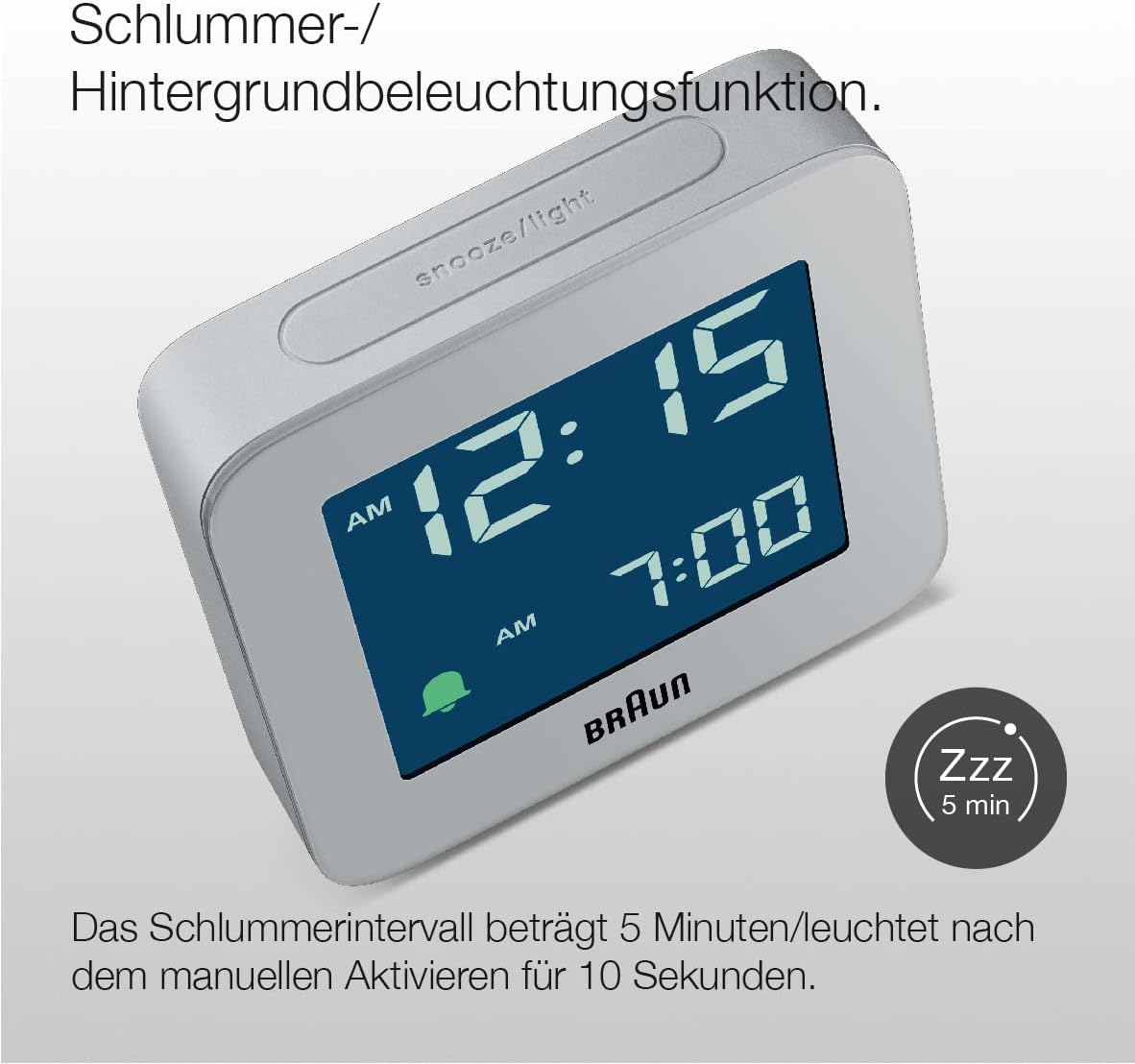
Imej: Atas view of the Braun BC09G Digital Alarm Clock, highlighting the large snooze/light button.

Imej: bersudut view of the Braun BC09G Digital Alarm Clock, showcasing the negative LCD display.
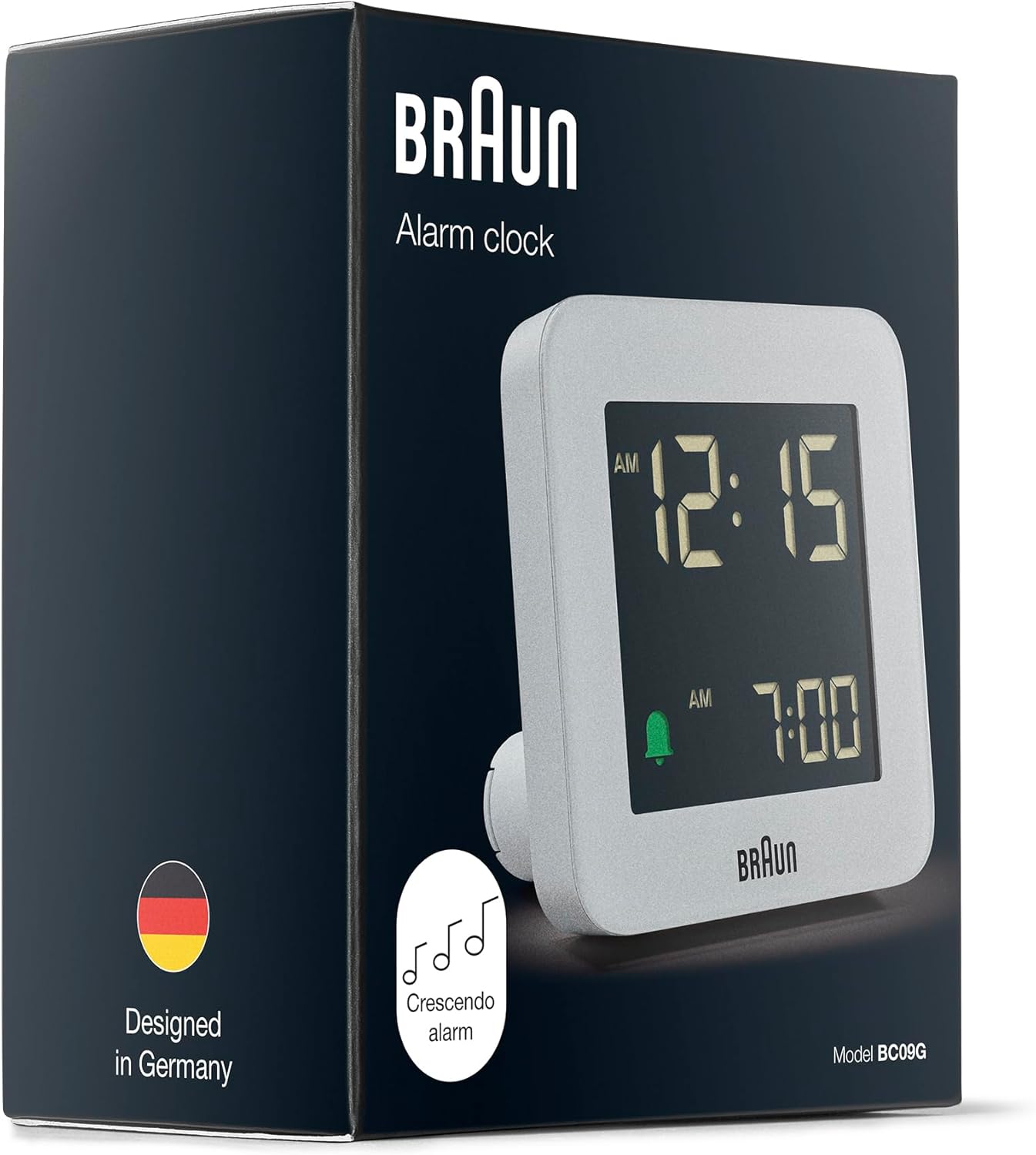
Imej: Packaging of the Braun BC09G Digital Alarm Clock, showing the product inside its box.
Persediaan
1. Memasang Bateri
- Buka penutup petak bateri yang terletak di bahagian belakang jam loceng.
- Masukkan satu (1) bateri AA, pastikan kekutuban (+/-) sepadan dengan gambar rajah di dalam petak.
- Tutup penutup petak bateri dengan selamat.
Note: The clock requires 1 x AA battery, which is not supplied.
2. Penetapan Masa Awal
Upon battery installation, the display will activate. Refer to the operating instructions to set the current time.
Arahan Operasi
Menetapkan Masa
- Locate the "TIME SET" button on the back of the clock.
- Press and hold the "TIME SET" button until the hour digits begin to flash.
- Use the "+" or "-" buttons (usually located near the "TIME SET" button) to adjust the hour.
- Press "TIME SET" again to move to the minute digits, then use "+" or "-" to adjust the minutes.
- Press "TIME SET" one more time to confirm and exit time setting mode.
Menetapkan Penggera
- Locate the "ALARM SET" button on the back of the clock.
- Press and hold the "ALARM SET" button until the alarm hour digits begin to flash.
- Use the "+" or "-" buttons to adjust the alarm hour.
- Press "ALARM SET" again to move to the alarm minute digits, then use "+" or "-" to adjust the minutes.
- Tekan "SET PENGALAMAN" sekali lagi untuk mengesahkan dan keluar dari mod tetapan penggera.
Mengaktifkan/Menyahaktifkan Penggera
- To activate the alarm, slide the "ALARM ON/OFF" switch (or press the dedicated alarm button) to the "ON" position. An alarm icon (e.g., a bell) will appear on the display.
- To deactivate the alarm, slide the "ALARM ON/OFF" switch to the "OFF" position. The alarm icon will disappear.
Snooze and Backlight Function

Imej: Close-up of the Braun BC09G showing the snooze/light button and a 'Zzz' icon indicating snooze function.
- When the alarm sounds, press the large "SNOOZE/LIGHT" button on top of the clock to activate the snooze function. The alarm will pause for approximately 5 minutes before sounding again.
- Pressing the "SNOOZE/LIGHT" button at any time will illuminate the display for approximately 10 seconds, allowing you to view the time in low light conditions.
Crescendo Alarm

Imej: Illustration of the crescendo alarm feature, showing musical notes increasing in frequency.
The Braun BC09G features a crescendo alarm. When the alarm activates, the sound will start softly and gradually increase in frequency and volume to gently wake you up. If not turned off, the alarm will continue to increase in intensity.
12/24 Hour Display Option

Imej: Close-up of the negative LCD display, showing time in a dark background with light digits.
To switch between 12-hour (with AM/PM indicator) and 24-hour display formats, locate the "12/24 HR" button (or a similar switch) on the back of the clock and press it. The display will change accordingly.
Note: The contrast of the negative digital display may vary depending on the ambient room lighting conditions.
Penyelenggaraan
- Pembersihan: Lap jam dengan kain lembut dan kering. Jangan gunakan pembersih yang melelas atau pelarut kimia.
- Penggantian Bateri: When the display dims or the alarm weakens, it's time to replace the AA battery. Follow the battery installation steps in the "Setup" section.
- Storan: Jika menyimpan jam untuk tempoh yang lama, keluarkan bateri untuk mengelakkan kebocoran.
Menyelesaikan masalah
| Masalah | Kemungkinan Punca | Penyelesaian |
|---|---|---|
| Paparan jam kosong atau malap. | Bateri mati atau tidak dipasang dengan betul. | Gantikan bateri AA, pastikan kekutuban yang betul. |
| Penggera tidak berbunyi. | Penggera tidak diaktifkan atau ditetapkan dengan tidak betul. | Ensure the "ALARM ON/OFF" switch is in the "ON" position and the alarm time is set correctly. Check battery. |
| Snooze/backlight not working. | Bateri lemah atau mati. | Gantikan bateri AA. |
| Kontras paparan adalah lemah. | Ambient room lighting conditions. | Adjust the clock's position relative to light sources. This is a characteristic of negative LCD displays. |
Spesifikasi
| Jenama | Braun |
| Nombor Model | BC09G |
| warna | Kelabu |
| Jenis Paparan | Digital (Negative LCD) |
| Ciri Khas | Alarm, Snooze, Backlight, Crescendo Alarm |
| Dimensi Produk (W x H x D) | 7.5 cm x 7.5 cm x 4.5 cm |
| Berat Barang | 87 Gram |
| Sumber Kuasa | Dikuasakan Bateri (1 x bateri AA, tidak termasuk) |
| Jenis Pergerakan | Kuarza |
| bahan | plastik |

Imej: Diagram showing the dimensions of the Braun BC09G Digital Alarm Clock (7.5 cm x 7.5 cm x 4.5 cm).
Waranti dan Sokongan
This Braun BC09G Digital Alarm Clock comes with a limited warranty. For specific warranty terms and conditions, please refer to the documentation provided with your purchase or contact Braun customer support.
For technical support, troubleshooting assistance, or to inquire about replacement parts, please visit the official Braun website or contact their customer service department. Contact information can typically be found on the product packaging or the Braun official webtapak.
Ask a question about this manual
Ask about setup, troubleshooting, compatibility, parts, safety, or missing instructions. Manuals+ will review the question and use this page’s manual context to help answer it.