
pengenalan
This manual provides essential instructions for the installation, operation, and maintenance of your Mio MiVue C314 dashcam. Please read this manual thoroughly before using the device to ensure proper functionality and to maximize your user experience. The Mio MiVue C314 is designed to record your journeys in Full HD 1080p, featuring a 3-axis G-sensor for event detection and automatic power-on for convenience.
Persediaan
1. Kandungan Pakej
Sebelum meneruskan, pastikan semua item ada:
- Mio MiVue C314 Dashcam
- Mount Piala Sedutan
- Pengecas Kereta
- Manual Pengguna (dokumen ini)
2. Memasukkan Kad Memori
A Class 10 or higher microSD card (not included) is required for recording. Insert the microSD card into the designated slot until it clicks into place. Ensure the dashcam is powered off before inserting or removing the card.
3. Memasang Dashcam
- Clean the windshield surface where you intend to mount the dashcam.
- Attach the suction cup mount to the dashcam.
- Press the suction cup firmly against the windshield and flip the lever to secure it. Position the dashcam to ensure a clear view of the road without obstructing your driving visibility.
- Laraskan sudut kamera untuk menangkap medan yang diingini view.

Imej: Sisi view of the Mio MiVue C314 dashcam, illustrating its compact form factor and how it might appear when mounted.
4. Menyambung kepada Kuasa
Connect the car charger to the dashcam's power input port and plug the other end into your vehicle's 12V power outlet (cigarette lighter socket). The dashcam will automatically power on and begin recording when your vehicle starts.
Operating the Dashcam
1. Rakaman Automatik
Once powered on, the MiVue C314 automatically starts continuous loop recording. Video files are saved to the microSD card in segments.
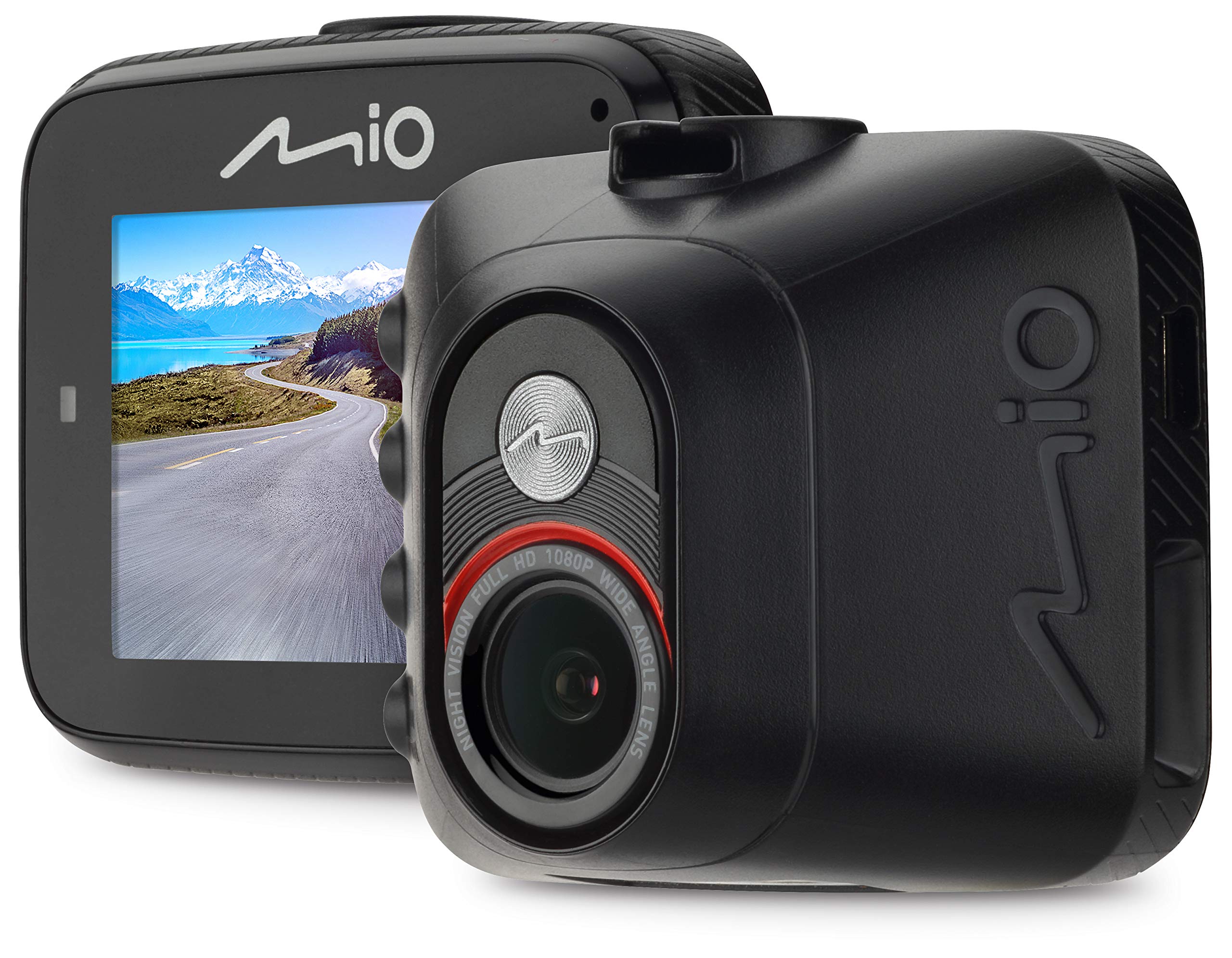
Imej: Depan view of the Mio MiVue C314, highlighting the display screen and the arrangement of control buttons on the right side.
2. Event Recording (G-Sensor)
The built-in 3-axis G-sensor detects sudden movements or impacts (e.g., hard braking, collisions). When an event is detected, the dashcam automatically saves the current recording segment to a protected folder on the microSD card, preventing it from being overwritten by continuous loop recording.
3. Manual Event Recording
You can manually trigger an event recording by pressing the designated button on the dashcam. This will save the current video segment to the protected folder.
4. Display and Menu Navigation
The 2-inch LCD screen allows you to view hidup footage, playback recorded videos, and access settings. Use the buttons on the side of the device to navigate through the menu options and confirm selections.
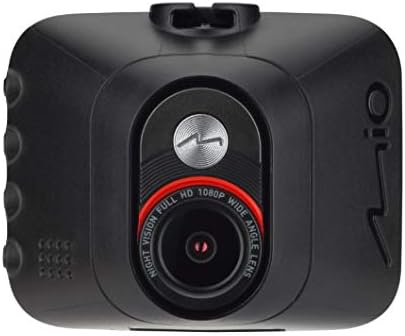
Imej: Terperinci view of the Mio MiVue C314's camera lens, emphasizing its Full HD 1080p wide-angle capabilities.
5. Main semula dan File Pengurusan
Untuk kembaliview recordings, stop recording (if active) and enter playback mode via the menu. You can browse through video files and play them directly on the dashcam's screen. For detailed viewing or backup, remove the microSD card and insert it into a computer.
Penyelenggaraan
1. Membersihkan Peranti
Use a soft, dry cloth to clean the dashcam's lens and screen. Avoid using abrasive cleaners or solvents, as they may damage the surfaces. Keep the device free from dust and moisture.
2. Pengurusan Kad Memori
It is recommended to format the microSD card regularly (e.g., once a month) to maintain optimal performance and prevent data corruption. Formatting will erase all data on the card, so back up any important files beforehand. You can usually format the card through the dashcam's settings menu.
3. Kemas Kini Perisian Tegar
Periodically check the Mio official website for available firmware updates. Updating the firmware can improve performance, add new features, or fix bugs. Follow the instructions provided with the firmware update carefully.
Menyelesaikan masalah
- Dashcam does not power on: Ensure the car charger is securely connected to both the dashcam and the vehicle's 12V power outlet. Check if the vehicle's power outlet is functioning.
- Rakaman berhenti tanpa diduga: The microSD card may be full or corrupted. Format the card or replace it with a new one. Ensure you are using a Class 10 or higher microSD card.
- Kualiti video kurang memuaskan: Clean the dashcam lens. Ensure the protective film has been removed from the lens. Check the video resolution settings in the menu.
- G-sensor is too sensitive/not sensitive enough: Adjust the G-sensor sensitivity level in the dashcam's settings menu.
- Tarikh dan masa tidak betul: Set the correct date and time in the dashcam's settings. Ensure the internal battery is charged (by keeping the device powered for some time) to retain settings.
Spesifikasi
| Ciri | Spesifikasi |
|---|---|
| Nama Model | Mio MiVue C314 |
| Saiz Paparan | LCD 2 inci |
| Resolusi Rakaman Video | 1080p HD Penuh |
| Bingkai Sesaat (FPS) | 30 |
| Ciri Khas | G-sensor |
| Jenis Pemasangan | Pemegang Cawan Sedutan |
| Jenis Bateri | 1 bateri Lithium Ion (termasuk) |
| Dimensi Produk | 50 x 50 x 28 cm |
| Berat Produk | 240 g |
| Teknologi Ketersambungan | Luaran |
Waranti dan Sokongan
For warranty information, technical support, or further assistance, please visit the official Mio website or contact their customer service. Keep your proof of purchase for warranty claims. Specific warranty terms and conditions may vary by region.