
1. Pengenalan
The Looki I3 Cam is an intelligent indoor security camera designed to provide real-time monitoring of your home. It is ideal for keeping an eye on your property when you are away, or for observing pets and children. The camera offers convenient features such as motion detection and two-way audio communication, all controllable via a dedicated mobile application. The package includes a free 32GB microSD card for secure storage of recordings.
2. Maklumat Keselamatan
- Pastikan kamera dipasang di lokasi yang stabil untuk mengelakkan terjatuh.
- Jangan dedahkan kamera kepada suhu, kelembapan atau cahaya matahari langsung yang melampau.
- Gunakan hanya penyesuai kuasa dan kabel USB yang disediakan.
- Keep the camera away from water, despite its stated water resistance, as it is designed for indoor use.
- Do not attempt to disassemble or repair the camera yourself. Contact technical support for assistance.
- Jauhkan daripada kanak-kanak dan haiwan peliharaan.
3. Kandungan Pakej
Sahkan bahawa semua item terdapat dalam pakej anda:
- Looki I3 Cam Indoor Security Camera
- Kad MicroSD 32GB (prapasang atau berasingan)
- Penyesuai Kuasa USB
- Kabel USB
- Ceiling/Wall Mount Bracket
- Skru Pemasangan
- Manual Pengguna (dokumen ini)
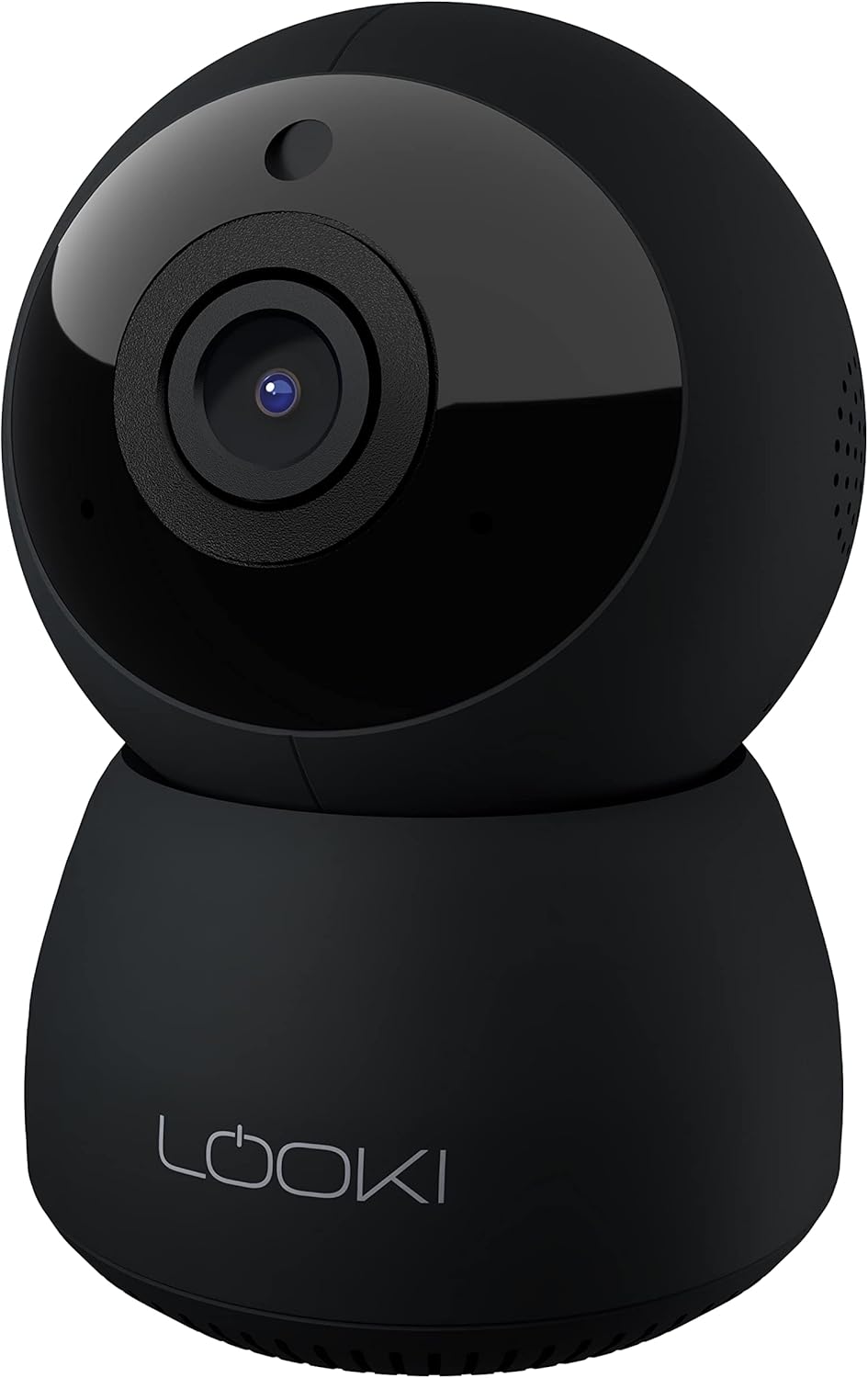
Figure 3.1: The Looki I3 Cam and its included accessories, such as the 32GB SD card, USB adapter, USB cable, and mounting hardware.
4. Produk Lebihview
Familiarize yourself with the main components of your Looki I3 Cam.
Rajah 4.1: Depan view of the Looki I3 Cam, showing the camera lens and indicator light.

Rajah 4.2: Sisi view of the Looki I3 Cam, highlighting the sleek design.

Rajah 4.3: Belakang view of the Looki I3 Cam, showing the speaker grille and power port.
5. Persediaan
Follow these steps to set up your Looki I3 Cam:
- Hidupkan kuasa: Connect the USB cable to the camera's power port and the USB adapter. Plug the adapter into a power outlet. The camera will power on and an indicator light will illuminate.
- Muat turun Aplikasi: Download the official Looki app from your mobile device's app store (available for iOS).
- Buat Akaun: Buka apl dan buat akaun pengguna baharu atau log masuk jika anda sudah memilikinya.
- Tambah Peranti: Follow the in-app instructions to add your new Looki I3 Cam. This typically involves scanning a QR code on the camera or connecting to its temporary Wi-Fi network.
- Sambung ke Wi-Fi: Select your home Wi-Fi network and enter the password when prompted. Ensure your camera is within range of your Wi-Fi router.
- Pemasangan (Pilihan): If desired, use the included mount and screws to install the camera on a wall or ceiling. Ensure the mounting surface is sturdy enough to support the camera's weight.

Figure 5.1: The Looki I3 Cam connected to a smartphone, demonstrating live view capabilities and the inclusion of a 32GB SD card for storage.
6. Beroperasi
Once set up, you can utilize the various features of your Looki I3 Cam through the mobile application.
6.1 Langsung View
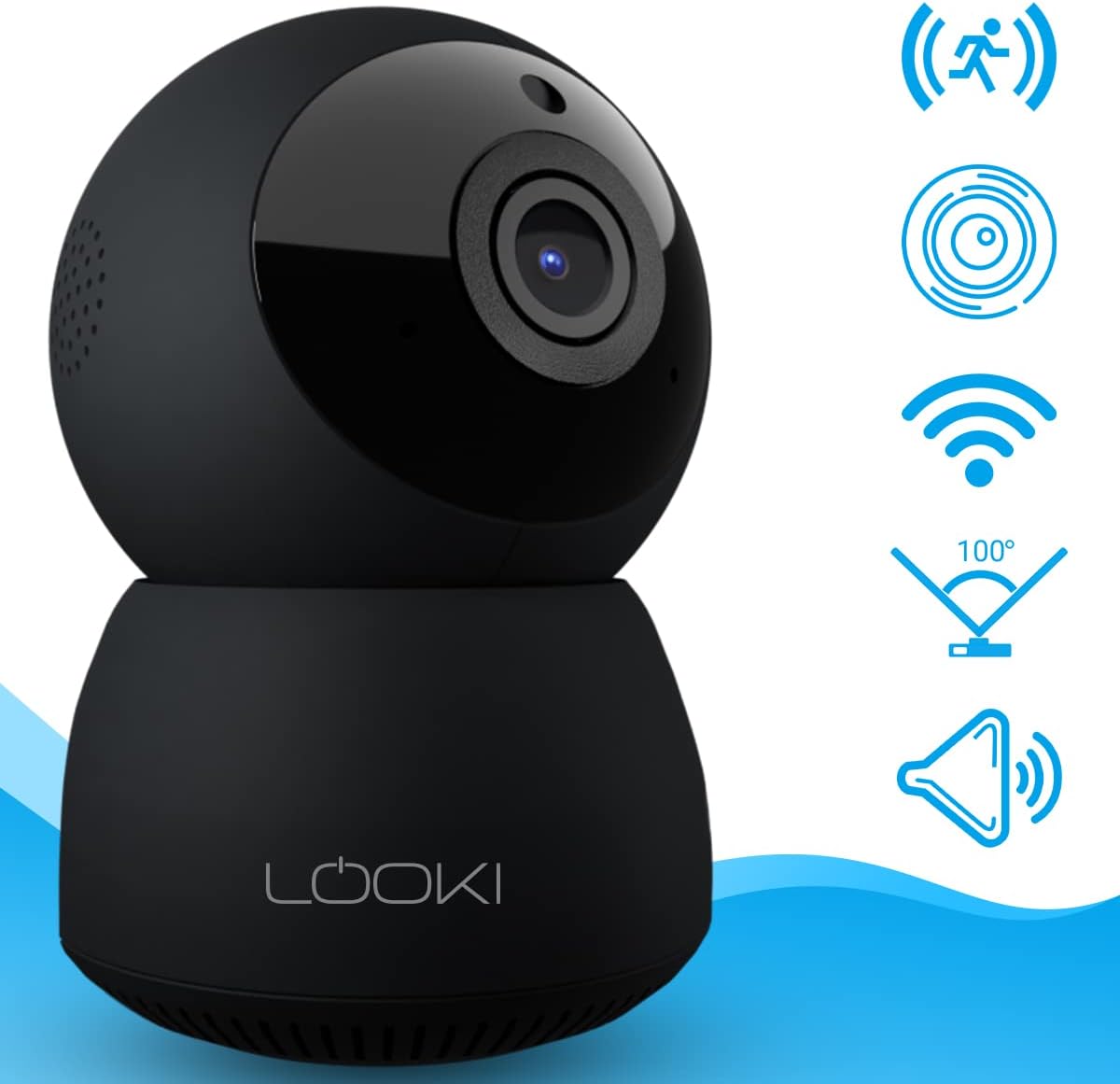
Access the live video feed from your camera anytime, anywhere, directly from the app. The camera provides 1080p Full HD resolution for clear images.

Figure 6.1: A visual comparison demonstrating the superior clarity of 1080p Full HD resolution provided by the Looki I3 Cam compared to 720p.
6.2 Audio Dua Hala
The camera is equipped with a built-in speaker and microphone, allowing for two-way communication. You can speak through the camera and hear audio from its surroundings via the app.
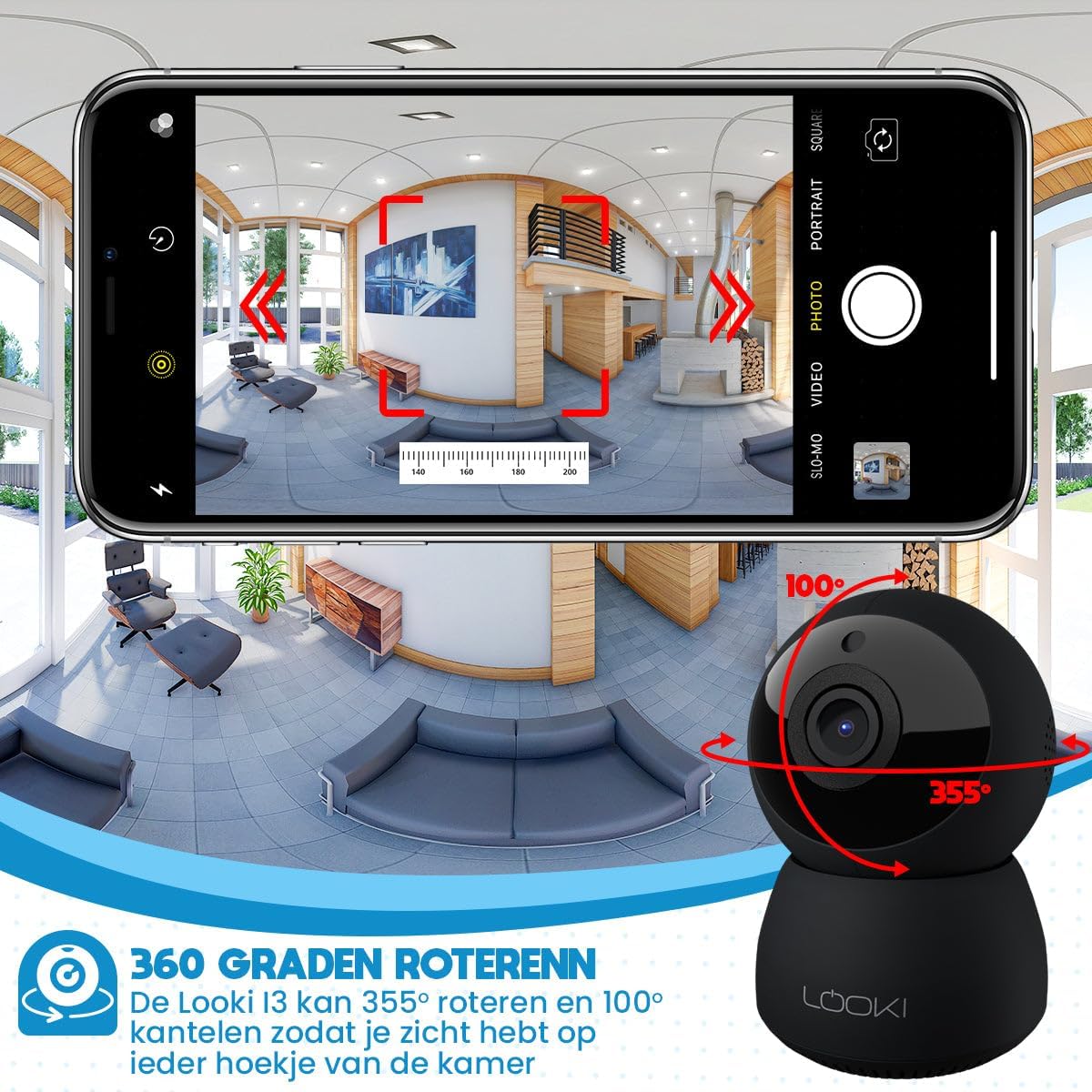
Figure 6.2: Illustration of the two-way audio feature, enabling communication through the camera from your mobile device.
6.3 Pengesanan Pergerakan
The Looki I3 Cam features smart motion detection. When motion is detected, you will receive a push notification on your mobile device, and the camera will begin recording.
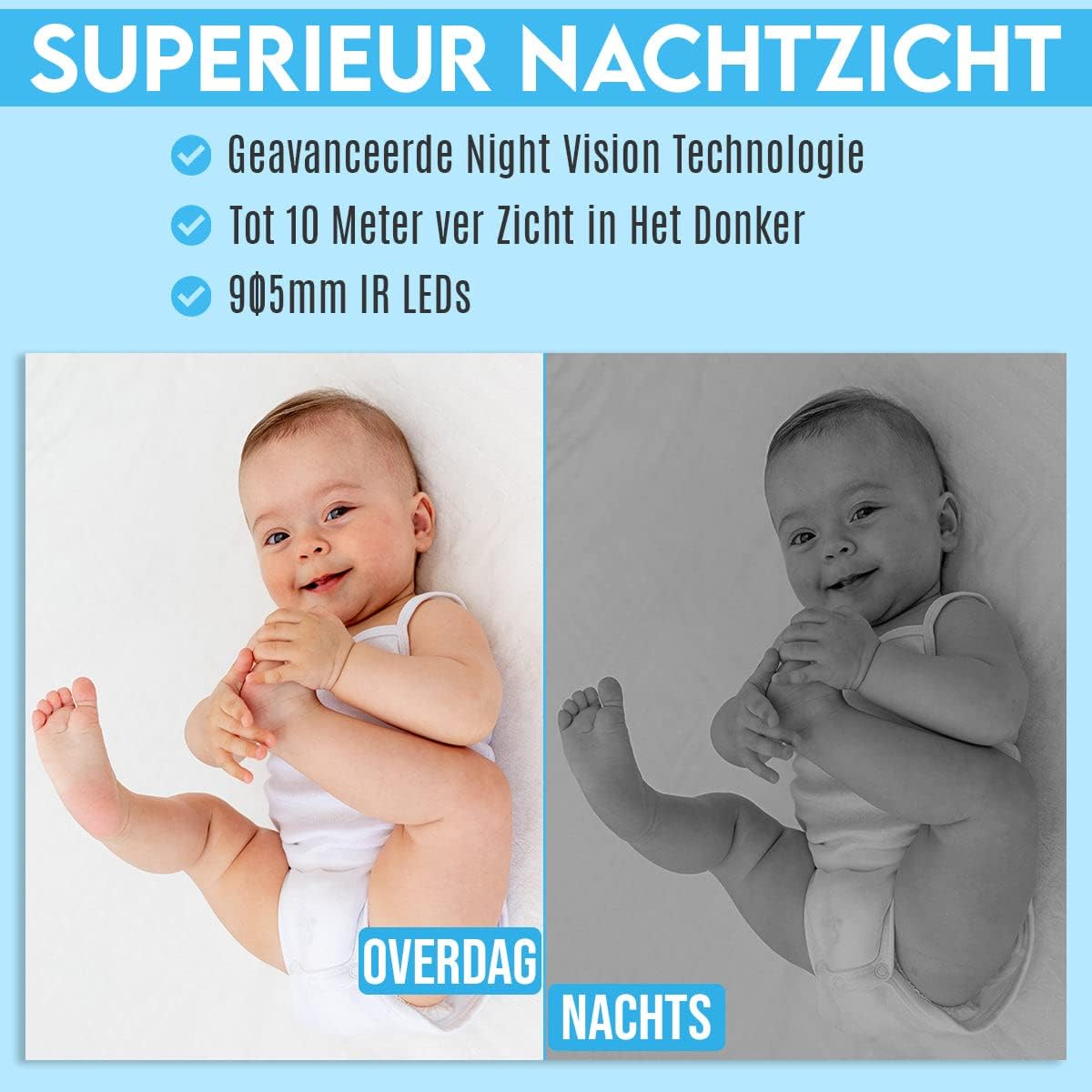
Figure 6.3: Depiction of the smart motion detection system, which alerts you to activity and initiates recording.
6.4 Penglihatan Malam
The camera is equipped with advanced night vision technology, allowing it to capture clear images in low-light conditions up to 10 meters away using 905mm IR LEDs.

Rajah 6.4: Bekasample illustrating the camera's superior night vision, showing clear images in complete darkness.
6.5 Pan dan Condongkan
The Looki I3 Cam offers a 355-degree horizontal rotation (pan) and 100-degree vertical tilt, allowing you to remotely adjust the viewing angle to cover a wide area of your room.

Figure 6.5: Diagram showing the camera's 355-degree horizontal rotation and 100-degree vertical tilt capabilities for comprehensive room coverage.
7. Penyelenggaraan
- Pembersihan: Gunakan kain lembut dan kering untuk membersihkan kanta dan badan kamera. Jangan gunakan pembersih cecair atau aerosol.
- Storan: If storing the camera for an extended period, disconnect it from power and store it in a cool, dry place.
- Kemas kini Firmware: Periodically check the app for available firmware updates to ensure optimal performance and security.
8. Penyelesaian masalah
If you encounter issues with your Looki I3 Cam, refer to the following common solutions:
- Kamera Luar Talian: Check your Wi-Fi connection and ensure the camera is powered on. Restart the camera and your router.
- Tidak Dapat Bersambung ke Apl: Ensure you have the latest version of the app. Try resetting the camera (refer to app instructions for reset procedure) and re-adding it.
- Kualiti Video Lemah: Check your internet speed. Ensure the camera lens is clean and free from obstructions.
- Pengesanan Pergerakan Tidak Berfungsi: Verify that motion detection is enabled in the app settings. Adjust sensitivity if necessary.
- Tiada Audio: Check the volume settings on your phone and within the app. Ensure the camera's microphone is not obstructed.
For further assistance, please contact Looki technical support.
9. Spesifikasi
| Ciri | Spesifikasi |
|---|---|
| Nama Model | I3 Cam incl. 32GB SD Card (Black) |
| Nombor Model Item | i3 |
| warna | Hitam |
| bahan | plastik |
| Berat badan | 341 Gram |
| Penggunaan Dalaman/Luar | Dalaman |
| Resolusi Rakaman Video | 1080p |
| Viewsudut | 355 degrees (Pan), 100 degrees (Tilt) |
| Kadar Bingkai | 60fps |
| Teknologi Komunikasi Tanpa Wayar | Wi-Fi |
| Teknologi Ketersambungan | Berwayar, Tanpa Wayar |
| Ciri Khas | Night Vision, Motion Detector, HD Resolution, Two-Way Audio |
| Sumber Kuasa | Kabel Elektrik |
| Jenis Pemasangan | Standing, Wall Mount, Ceiling Mount |
| Jenis Pengawal | iOS (via Application) |
| Komponen yang Disertakan | Camera, 32GB SD Card, USB Adapter, USB Cable, Mount, Screws |
| Penggunaan yang Disyorkan | Pet Monitoring, Indoor Security |
10. Waranti dan Sokongan
Looki provides lifetime technical support for the I3 Cam. If you have any questions, require assistance with setup, or encounter any issues not covered in this manual, please contact Looki customer service. Refer to the product packaging or the official Looki webtapak untuk maklumat hubungan.