
pengenalan
Welcome to your Pabobo Shakies Whale Plush Figure. This soft, illuminated plush toy is designed to provide a comforting glow for children. It features a shake-to-activate light and an automatic timer function, making it an ideal companion for bedtime.
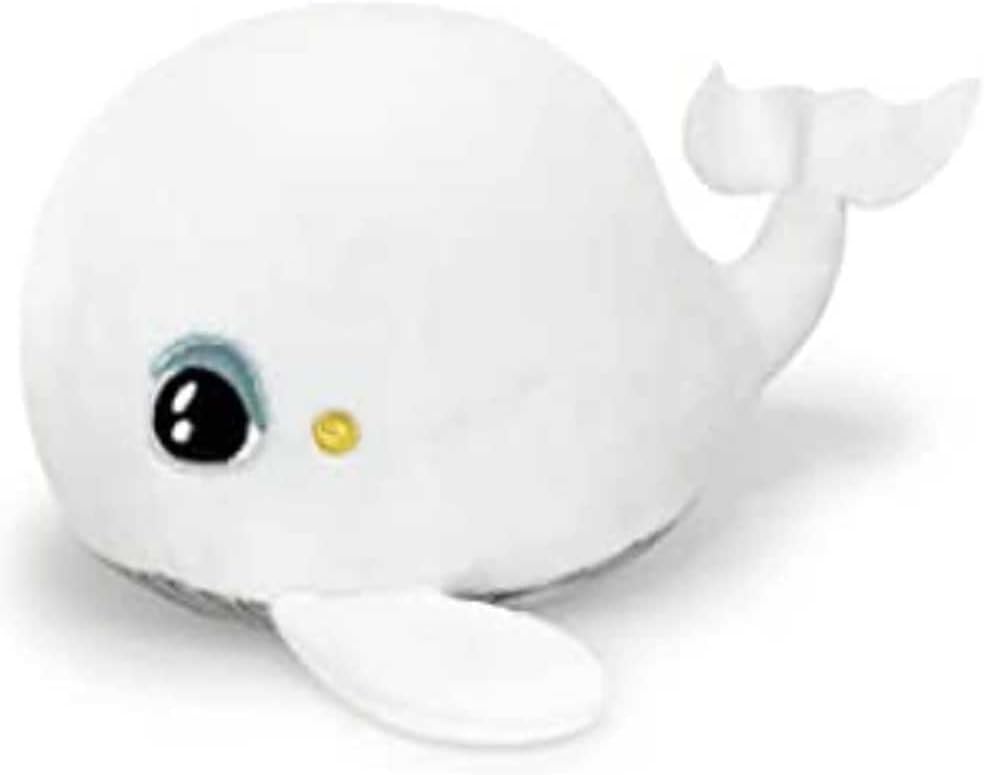
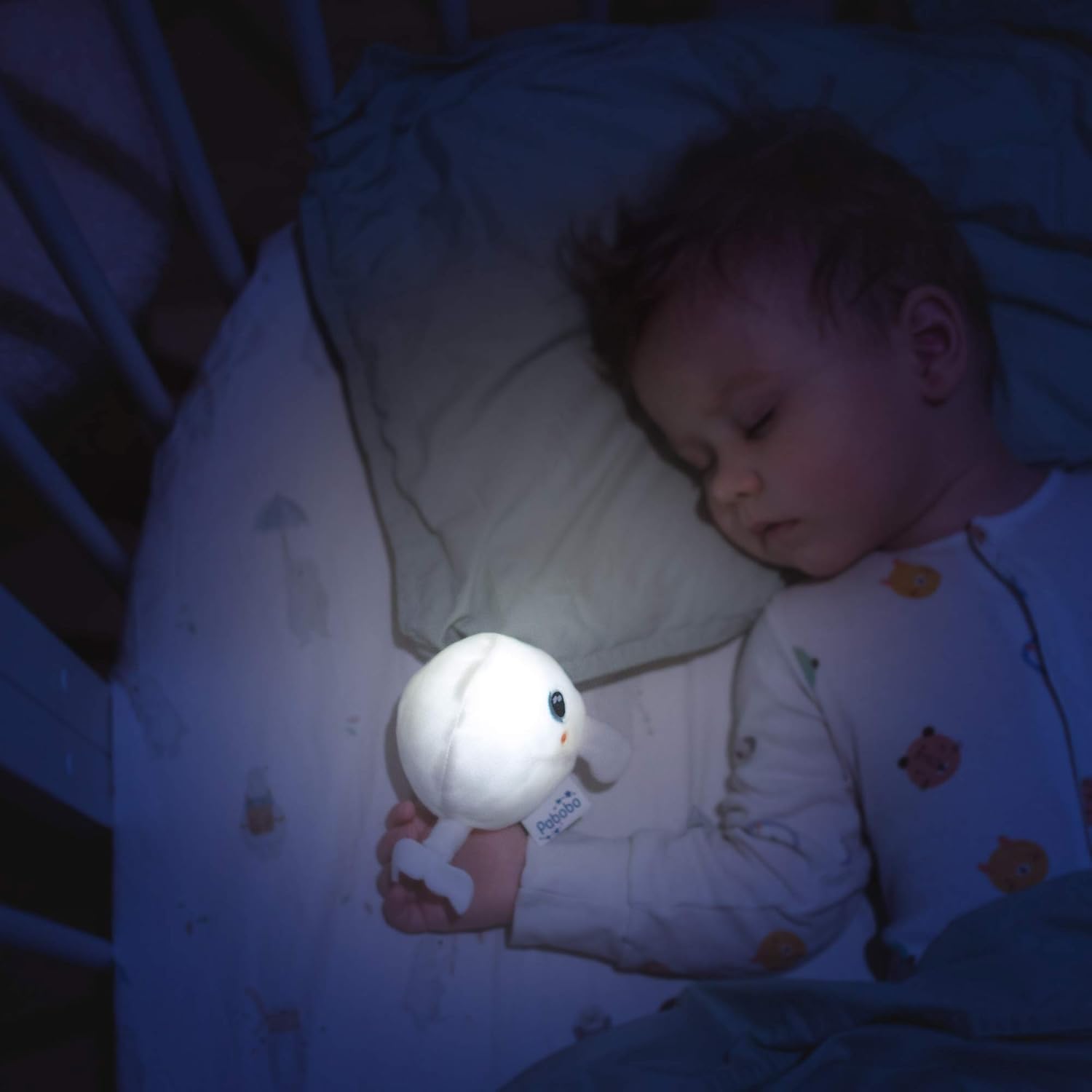
Image: The Pabobo Shakies Whale Plush Figure emitting a soft light, held by a sleeping child.
Persediaan
Pemasangan Bateri
The Pabobo Shakies Whale requires 2 CR2032 batteries, which are included with the product. The electronic module, which houses the batteries, is designed to be removable for both battery replacement and cleaning purposes.
- Locate the small opening or pouch on the plush figure where the electronic module is inserted.
- Carefully remove the electronic module from the plush toy.
- Using a small screwdriver (if required), open the battery compartment on the module.
- Insert the 2 CR2032 batteries, ensuring correct polarity (+/-).
- Tutup petak bateri dengan selamat.
- Reinsert the electronic module back into the plush figure, ensuring it is fully seated.
Imej: Bahagian hadapan terperinci view of the Pabobo Shakies Whale Plush Figure.
Arahan Operasi
Activating the Light
To turn on the light, gently shake the plush figure. The internal sensor will detect the movement and activate the LED light.
Menetapkan Pemasa
The light features an automatic shut-off timer to conserve battery life. You can program it for either 5 seconds or 5 minutes. To adjust the timer setting:
- Remove the electronic module from the plush figure as described in the Battery Installation section.
- Locate the timer switch or button on the electronic module. This is typically a small switch with two positions (e.g., '5s' and '5m').
- Select your desired shut-off time.
- Reinsert the electronic module back into the plush figure.
The light will now automatically turn off after the selected duration.
Penyelenggaraan
Cleaning the Plush Figure
The plush figure is machine washable, ensuring hygiene and longevity. Follow these steps for cleaning:
- Before washing, ensure the electronic module is completely removed from the plush toy.
- Machine wash the plush figure at 30°C (86°F) on a gentle cycle.
- Allow the plush to air dry completely before reinserting the electronic module. Do not tumble dry.
Penting: Never wash the electronic module. Exposure to water will damage the electronic components.
Menyelesaikan masalah
- Light not activating:
- Check battery installation. Ensure batteries are correctly inserted with the proper polarity.
- Verify that the batteries are not depleted. Replace with new CR2032 batteries if necessary.
- Ensure the electronic module is fully and correctly seated within the plush figure.
- Light not turning off automatically:
- Verify the timer setting on the electronic module. Ensure it is set to your desired duration (5 seconds or 5 minutes).
- If the issue persists, remove and reinsert the electronic module to reset it.
Spesifikasi
| Nombor Model | PB1830 |
| Jenama | Pabobo |
| Dimensi Produk | 12 x 12 x 8 cm |
| Berat badan | 40 g |
| bahan | Plush (Cotton exterior/interior) |
| warna | putih |
| Bateri | 2 x CR2032 (termasuk) |
| Ciri Khas | Light, Automatic Timer (5 seconds / 5 minutes) |
| Negara Asal | China |
Maklumat Waranti
Pabobo products are manufactured to high-quality standards. For specific warranty details regarding your Shakies Whale Plush Figure, please refer to the warranty information provided in the product packaging or visit the official Pabobo webtapak. Simpan bukti pembelian anda untuk sebarang tuntutan waranti.
Sokongan Pelanggan
Should you require further assistance, have questions about your product, or need to report an issue, please contact Pabobo customer service. You can typically find contact information on the product packaging or by visiting the official Pabobo webtapak:
- rasmi Webtapak: Cari untuk "Pabobo" online to find their official support page.
- Pendaftaran Produk: Consider registering your product on the Pabobo webtapak untuk menerima kemas kini dan sokongan.