
1. Pengenalan
This manual provides detailed instructions for the assembly, operation, and maintenance of your Antec NX410 ATX Mid-Tower Case. Please read this manual thoroughly before beginning installation to ensure proper setup and to maximize the performance and longevity of your system.

Figure 1.1: Antec NX410 ATX Mid-Tower Case (Black)
2. Ciri-ciri Utama
- Penyejukan Lanjutan: Pre-installed with 2 x 140mm ARGB fans in the front and 1 x 120mm ARGB fan in the rear for efficient airflow.
- Panel Sisi Kaca Terbaja: A full-side view tempered glass panel allows for showcasing internal components and RGB lighting.
- Aliran Udara Dioptimumkan: Features a grid front panel design to enhance air intake and maintain optimal temperatures.
- Sokongan Papan Induk: Compatible with ATX, Micro-ATX, and ITX motherboard form factors.
- Ample Pengembangan: Supports various storage configurations and large graphics cards (up to 335mm) and CPU coolers (up to 168mm).
3. Persediaan dan Pemasangan
3.1 Menyediakan Kes
Before installing components, ensure the case is placed on a stable, flat surface. The tempered glass side panel can be easily opened via a magnetic latch for access to the interior.

Figure 3.1: Internal Component Layout and Compatibility
3.2 Pemasangan Motherboard
The NX410 supports ATX, Micro-ATX, and ITX motherboards. Install standoffs as required by your motherboard's form factor before mounting the motherboard.
3.3 Sokongan Kipas dan Radiator
The case comes with pre-installed ARGB fans. Additional fans or radiators can be installed as follows:
- Depan: Up to 3 x 120mm or 3 x 140mm fans (up to 360mm radiator).
- Atas: Up to 2 x 120mm or 2 x 140mm fans (up to 280mm radiator).
- belakang: 1 x 120mm fan (up to 120mm radiator).
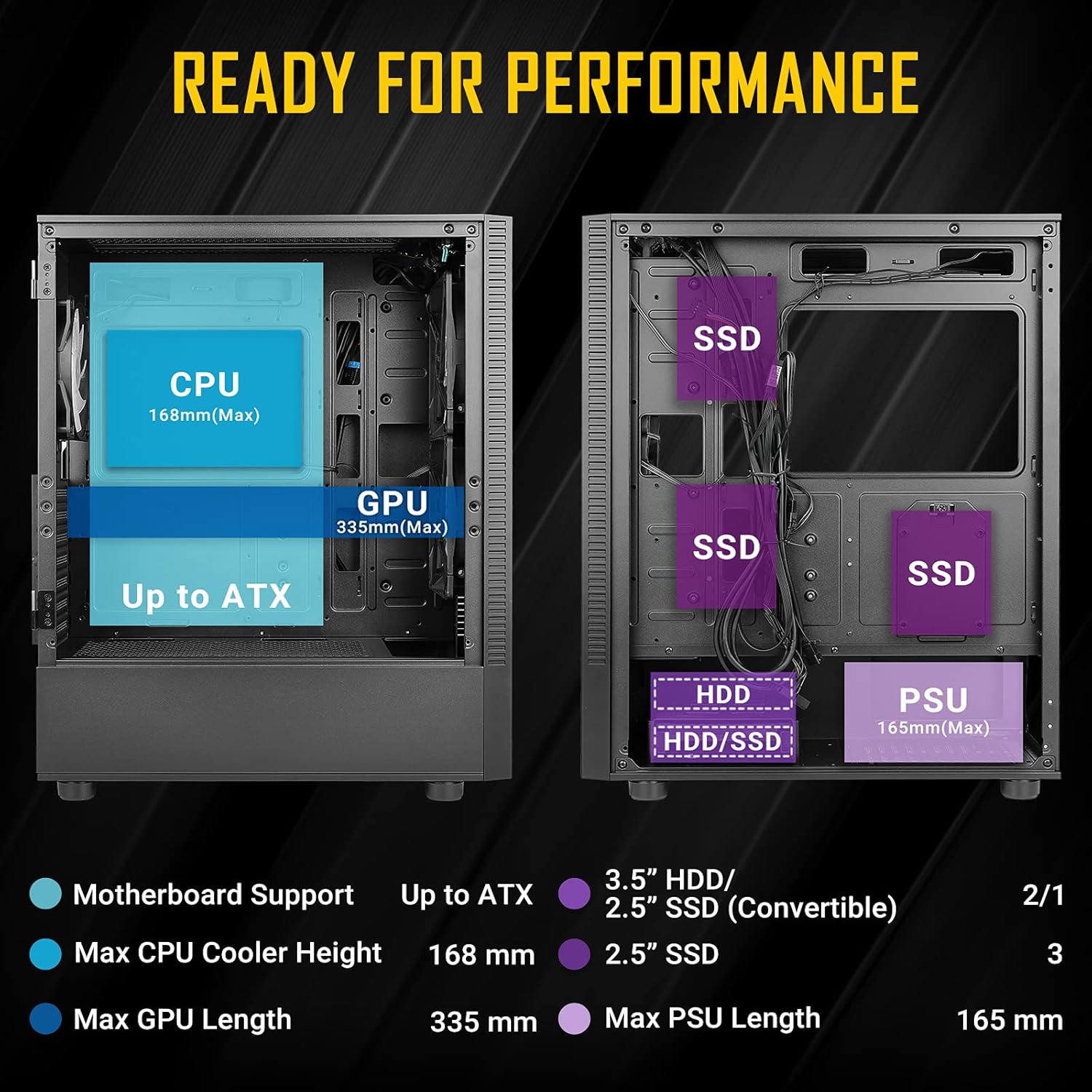
Figure 3.2: Fan and Radiator Configuration
Important Fan Connection Note:
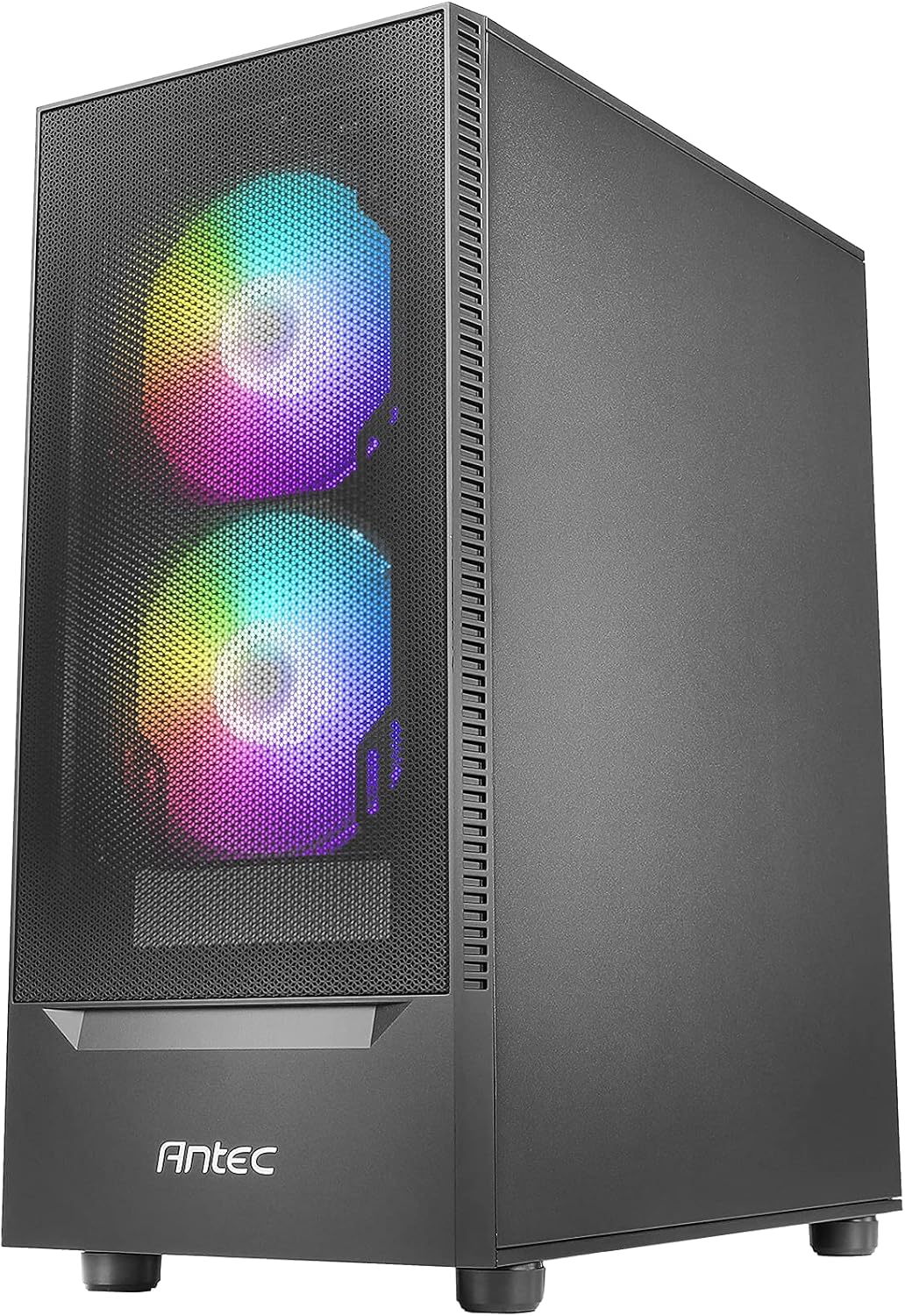
Figure 3.3: Fan Installation Warning
- If you connect the major fan and other fans but do not connect the major fan to the motherboard, other fans will not function.
- The fan kit does not work in sync with the motherboard ARGB function unless properly connected.
3.4 Pemasangan Pemacu Storan
The case provides bays for 3.5-inch HDDs and 2.5-inch SSDs. Refer to the internal layout diagram (Figure 3.1) for specific mounting locations.
3.5 Pemasangan Unit Bekalan Kuasa (PSU)
The PSU mounts at the rear bottom of the case. Ensure the PSU length does not exceed 165mm for optimal fit and cable management.
4. Operating the Case Features
4.1 Front Panel I/O Ports
The top front panel provides convenient access to essential ports and controls:
- Butang Kuasa
- Butang Kawalan LED
- USB 3.0 x 1
- USB 2.0 x 2
- HD-AUDIO (Headphone and Microphone jacks)

Figure 4.1: Front Panel I/O Ports
4.2 Kawalan Pencahayaan ARGB
Use the dedicated LED Control Button on the front panel to cycle through various ARGB lighting effects and colors for the pre-installed fans. This allows for customization of your system's aesthetic.

Figure 4.2: LED Control Button
5. Penyelenggaraan
5.1 Membersihkan Penapis Habuk
The Antec NX410 features a fine mesh front panel and a magnetic dust filter on the top panel to prevent dust buildup. Regularly remove and clean these filters to maintain optimal airflow and cooling performance.
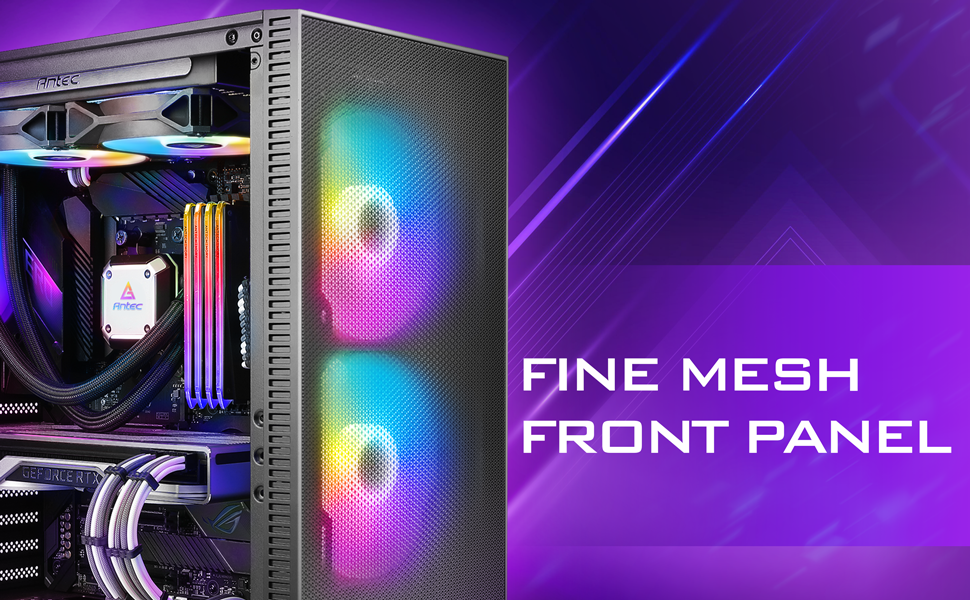
Figure 5.1: Fine Mesh Front Panel
5.2 Accessing Internal Components
The tempered glass side panel is secured with a magnetic latch, allowing for tool-less access to the internal components for upgrades, cleaning, or troubleshooting. Gently pull the handle to open the panel.
6. Penyelesaian masalah
- Sistem Tidak Dihidupkan: Ensure all power cables (24-pin ATX, 8-pin CPU, GPU PCIe) are securely connected to the motherboard, graphics card, and power supply. Verify the power supply switch is in the 'ON' position.
- Kipas Tidak Berputar/RGB Tidak Berfungsi: Check fan connections to the motherboard or fan controller. Ensure the LED control button is pressed to cycle through modes. Refer to Figure 3.3 for proper fan wiring.
- Isu Terlalu Panas: Confirm all case fans are installed correctly and spinning. Clean dust filters regularly. Ensure proper thermal paste application on the CPU cooler.
- Port USB Tidak Berfungsi: Verify the USB headers from the front panel are correctly connected to the motherboard.
7. Spesifikasi
| Ciri | Perincian |
|---|---|
| Jenama | Antec |
| Nama Model | NX410 |
| Jenis Kes | Mid Tower |
| Keserasian Papan Induk | ATX, Mikro-ATX, ITX |
| Dimensi (D x W x H) | 15.35"D x 8.27"W x 19.09"H |
| bahan | Kaca Tempered, Keluli |
| Peminat prapasang | 2 x 140mm ARGB (Front), 1 x 120mm ARGB (Rear) |
| Ketinggian Penyejuk CPU Maks | 168mm |
| Panjang GPU Maks | 335mm |
| Panjang PSU Maks | 165mm |
| Slot Pengembangan | 7 |
| Pelabuhan I/O | Power, LED Control Button, USB 3.0 x 1, USB 2.0 x 2, HD-AUDIO |
| Faktor Bentuk Cakera Keras | 3.5 Inci |
| Internal Bays Quantity | 2 (3.5" HDD / 2.5" SSD Convertible), 3 (2.5" SSD) |
8. Waranti dan Sokongan
The Antec NX410 ATX Mid-Tower Case comes with a Waranti 2 tahun. For technical support, troubleshooting assistance, or warranty claims, please visit the official Antec webtapak atau hubungi bahagian perkhidmatan pelanggan mereka. Simpan bukti pembelian anda untuk pengesahan waranti.