
1. Pengenalan
This manual provides essential information for the proper setup, operation, and maintenance of your Cuifati USB PC Camera 4K Webcam. Please read this guide thoroughly to ensure optimal performance and longevity of your device.
The Cuifati USB PC Camera is designed for various applications including network teaching, video conferencing, remote work, and live streaming. It features a 4K pixel sensor with 2560 x 1440 resolution, a built-in microphone, and auto-focus capabilities for clear and smooth video communication.
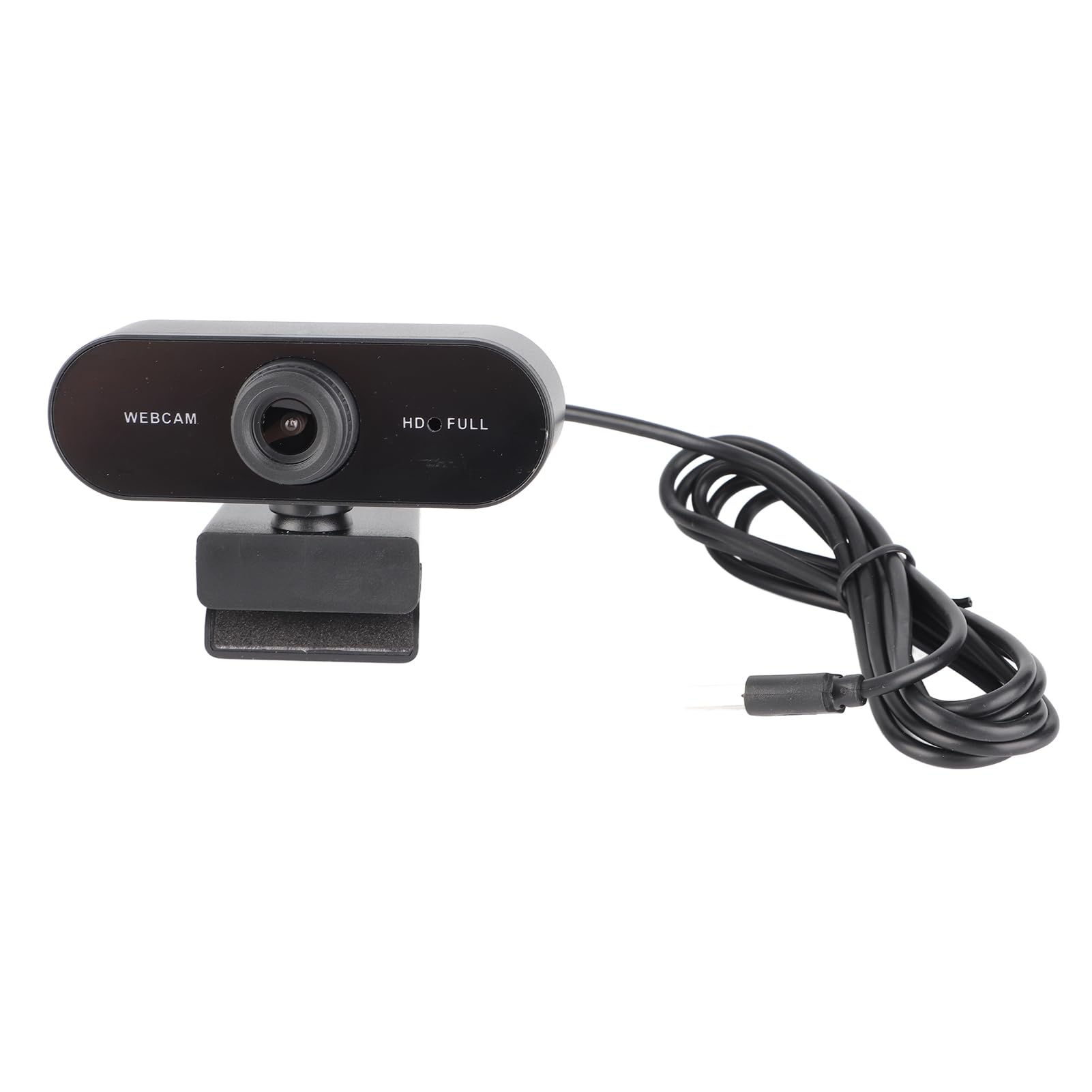
Rajah 1: Depan view of the Cuifati USB PC Camera 4K Webcam.
2. Persediaan
The Cuifati USB PC Camera is a plug-and-play device, requiring no driver installation for most operating systems. Follow these simple steps to set up your webcam:
- Memposisikan Webcam: Letakkan webcam on top of your monitor, laptop screen, or a flat surface. The adjustable clip allows for secure mounting.
- Menyambung ke Komputer anda: Sambungkan kabel USB 2.0 bersepadu daripada webcam to an available USB port on your desktop or laptop. The device will be automatically recognized by your operating system.
- Optional Tripod Mount: For alternative positioning, the webcam features a standard tripod mounting thread on its base.

Rajah 2: Webcam securely mounted on a laptop screen.

Figure 3: USB cable connection to a computer.
3. Arahan Operasi
Once connected, your Cuifati USB PC Camera is ready for use with most video conferencing and streaming applications.
- Fokus Auto: The webcam features an auto-focus function, ensuring your image remains clear and sharp without manual adjustment within its focusing range of 90cm.
- Mikrofon terbina dalam: The integrated microphone provides clear audio capture for your calls and recordings.
- Putaran 360 Darjah: The webcam's clip allows for 360-degree rotation, providing flexibility to adjust your viewsudut mengikut keperluan.
- Pembetulan Cahaya Rendah: The camera is equipped with automatic low-light correction to optimize video quality in dimly lit environments.
Rajah 4: Webcam demonstrating 360-degree rotation.
4. Penyelenggaraan
Untuk memastikan jangka hayat dan prestasi optimum anda webcam, ikut garis panduan penyelenggaraan ini:
- Pembersihan: Gently wipe the lens with a soft, lint-free cloth. Avoid using harsh chemicals or abrasive materials that could scratch the lens.
- Penjagaan Kabel: The USB cable is non-removable. Handle it with care to prevent damage. Avoid sharp bends or excessive pulling.
- Storan: Apabila tidak digunakan, simpan websimpan di tempat yang bersih dan kering, jauh daripada suhu ekstrem dan cahaya matahari langsung.
5. Penyelesaian masalah
If you encounter any issues with your Cuifati USB PC Camera, refer to the following troubleshooting tips:
- Poor Picture Quality / Greenish Tinge: Ensure adequate lighting in your environment. While the camera has low-light correction, sufficient ambient light is crucial for best results. Check your software settings for any color balance or exposure adjustments.
- Focus Issues / Zoomed-in Image: The camera features auto-focus. Ensure you are within the optimal focusing range (90cm). If using third-party software, check if there are any digital zoom settings enabled that might be causing the image to appear too close or distorted.
- Unstable Mount / Loose Swivel: Memastikan webcam is securely clipped to your monitor or laptop. If using a tripod, confirm it is stable. If the swivel mechanism feels loose after extended use, ensure it is properly tightened if adjustable, or consider alternative mounting solutions.
- Webcam Tidak Dikesan: Try plugging the USB cable into a different USB port on your computer. Restart your computer. Ensure your operating system is up to date.
- Mikrofon Tidak Berfungsi: Check your computer's sound settings to ensure the webcam's microphone is selected as the input device. Verify that the microphone is not muted in your operating system or video conferencing application.
6. Spesifikasi
| Ciri | Penerangan |
|---|---|
| Jenama | Cuifati |
| Nama Model | USB PC Camera |
| Nombor Bahagian | Cuifatixf34cvewom-11 |
| Piksel | 4K |
| Resolusi | 2560 x 1440 (2K Full HD) |
| Jenis Kanta | Kanta HD |
| Jenis Sensor | CMOS |
| Format Video | AVI, MJPG, YUY2, H264 |
| Kadar Bingkai | 30FPS |
| Jenis Drive | Plug-and-play drive (no driver required) |
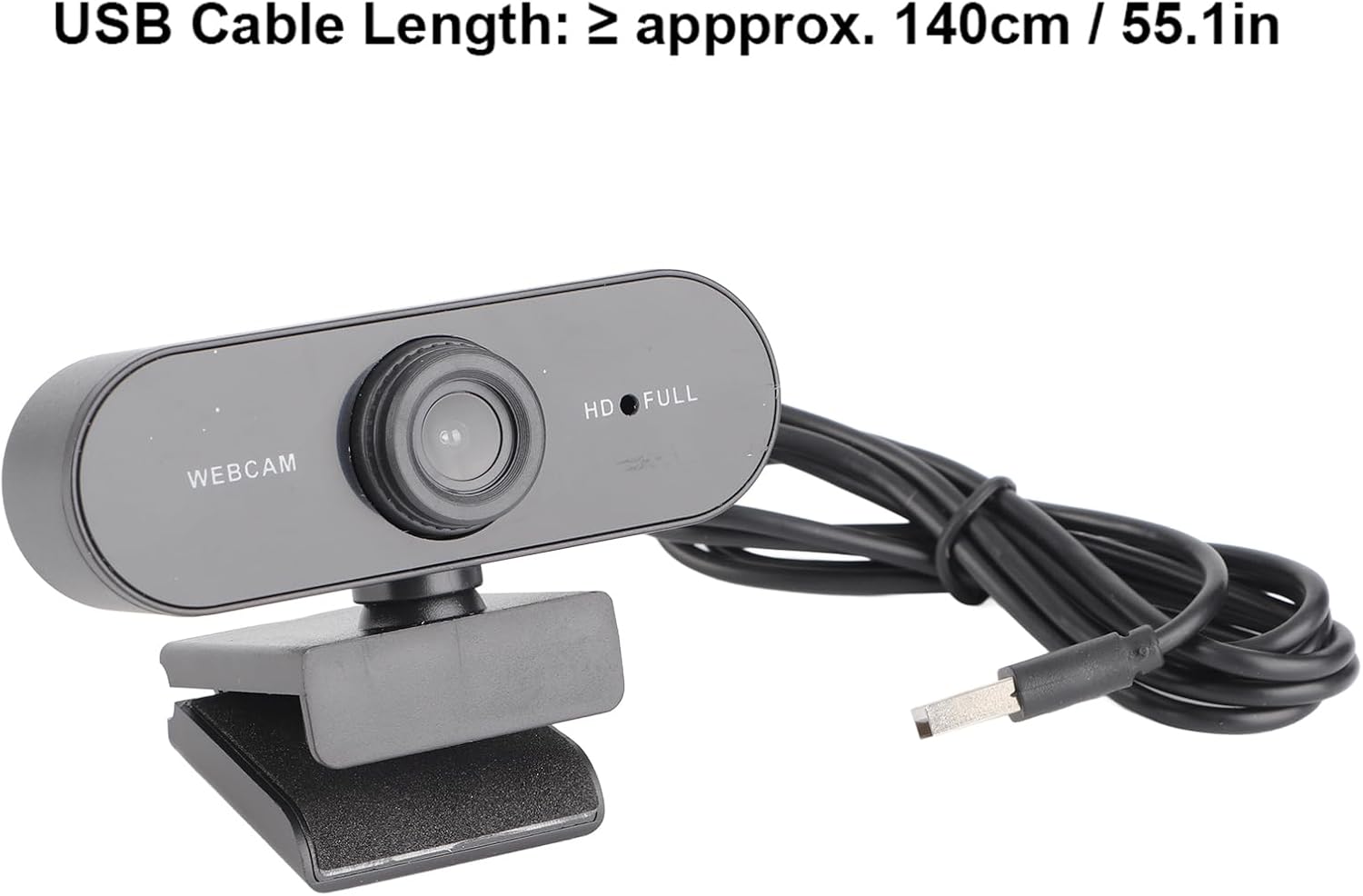
| Panjang Kabel USB | ≥ approx. 140cm / 55.1in |
| Mikrofon | Mikrofon terbina dalam |
| Format Foto | BMP, JPG |
| Jenis Antaramuka | USB2.0 |
| Julat Fokus | 90cm |
| Flashing Control | 50Hz |
| Peranti Serasi | Komputer riba, Komputer Peribadi |
| OS yang disokong | For 2000 / XP / XP2 / Vista / / / / OS X / Linux and other operating systems. |
7. Waranti dan Sokongan
This product comes with a standard manufacturer's warranty. Please refer to the warranty card included in your package for specific terms and conditions. For technical support or further assistance, please contact Cuifati customer service through your retailer or the official brand webtapak.