
1. Pengenalan
Thank you for choosing the AUNA CDC 200 Portable DAB+/FM CD Player. This device combines the versatility of a portable CD player with the advanced capabilities of DAB+ and FM radio. Designed for on-the-go listening, it features a rechargeable battery, an anti-skip function, and supports various audio formats. Please read this manual carefully to ensure proper use and maintenance of your device.

Image 1.1: AUNA CDC 200 Portable DAB+/FM CD Player. This image shows the compact design of the device.
2. Ciri-ciri Produk
- DAB+ and FM Radio Tuner: Access a wide range of digital and analog radio stations.
- Main balik CD: Supports CD, CD-R, CD-RW, and MP3-CD formats.
- Reka Bentuk Mudah Alih: Padat dan ringan untuk pengangkutan yang mudah.
- Bateri boleh dicas semula: Integrated 1000 mAh battery for extended mobile use.
- Paparan LC: Clear Liquid Crystal display for track information and radio station details.
- Anti-Skip Function: Ensures stable audio playback during movement.
- Peningkatan Bass: Enhances low-frequency audio for a richer sound experience.
- Port USB Mikro: Untuk mengecas peranti.
- Bicu Fon Kepala 3.5mm: Untuk mendengar secara peribadi.
3. Kandungan Pakej
Sila semak pakej untuk item berikut:
- AUNA CDC 200 Portable DAB+/FM CD Player
- Fon kepala dalam telinga
- Kabel pengecas USB mikro
- Manual Pengguna (dokumen ini)
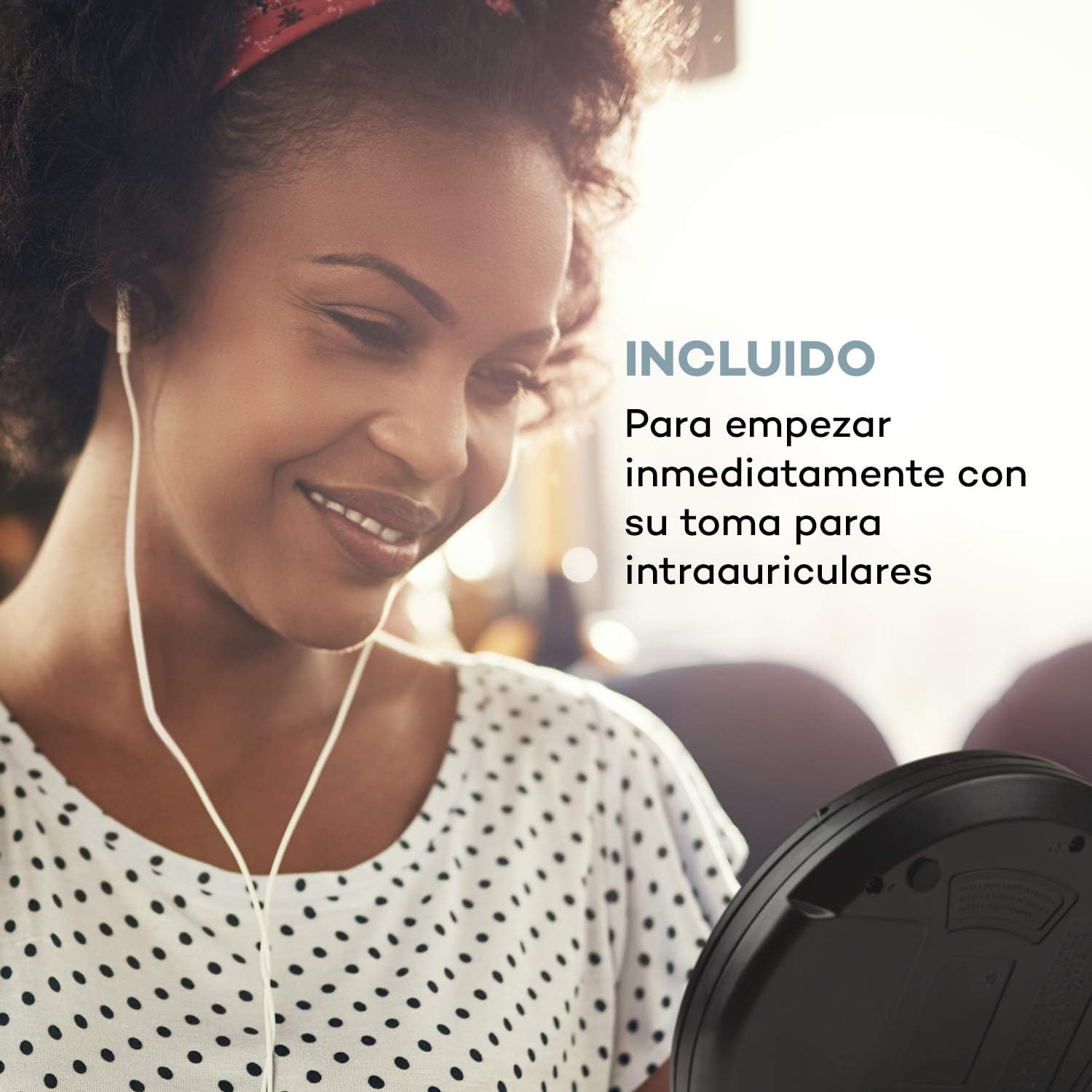
Image 3.1: The AUNA CDC 200 includes a pair of in-ear headphones for immediate use.
4. Kawalan dan Sambungan
Familiarize yourself with the buttons and ports on your AUNA CDC 200:
- Suis MATI/HIDUP: Menghidupkan atau mematikan peranti.
- Play/Pause Button (►/−): Memulakan atau menjeda main balik CD.
- Butang Berhenti (■): Menghentikan main balik CD.
- Skip/Search Buttons (◀◀ / ►►): Skips tracks or fast forwards/rewinds during CD playback. In radio mode, tunes to the next/previous station.
- Butang MENU: Mengakses pilihan menu.
- P-MODE Button: Selects playback modes (e.g., repeat, random).
- Butang SUMBER: Switches between CD and Radio modes.
- Butang SCAN: Initiates station scanning in radio mode.
- Butang INFO: Displays additional information (e.g., radio station details).
- Butang ENTER: Mengesahkan pilihan dalam menu.
- TU+/TU- Buttons: Adjusts tuning in radio mode or navigates menu options.
- Port USB Mikro: Untuk menyambungkan kabel pengecasan.
- Bicu Fon Kepala 3.5mm: Untuk menyambungkan fon kepala.

Imej 4.1: Selesaiview of the AUNA CDC 200's top panel with control buttons and LC display.
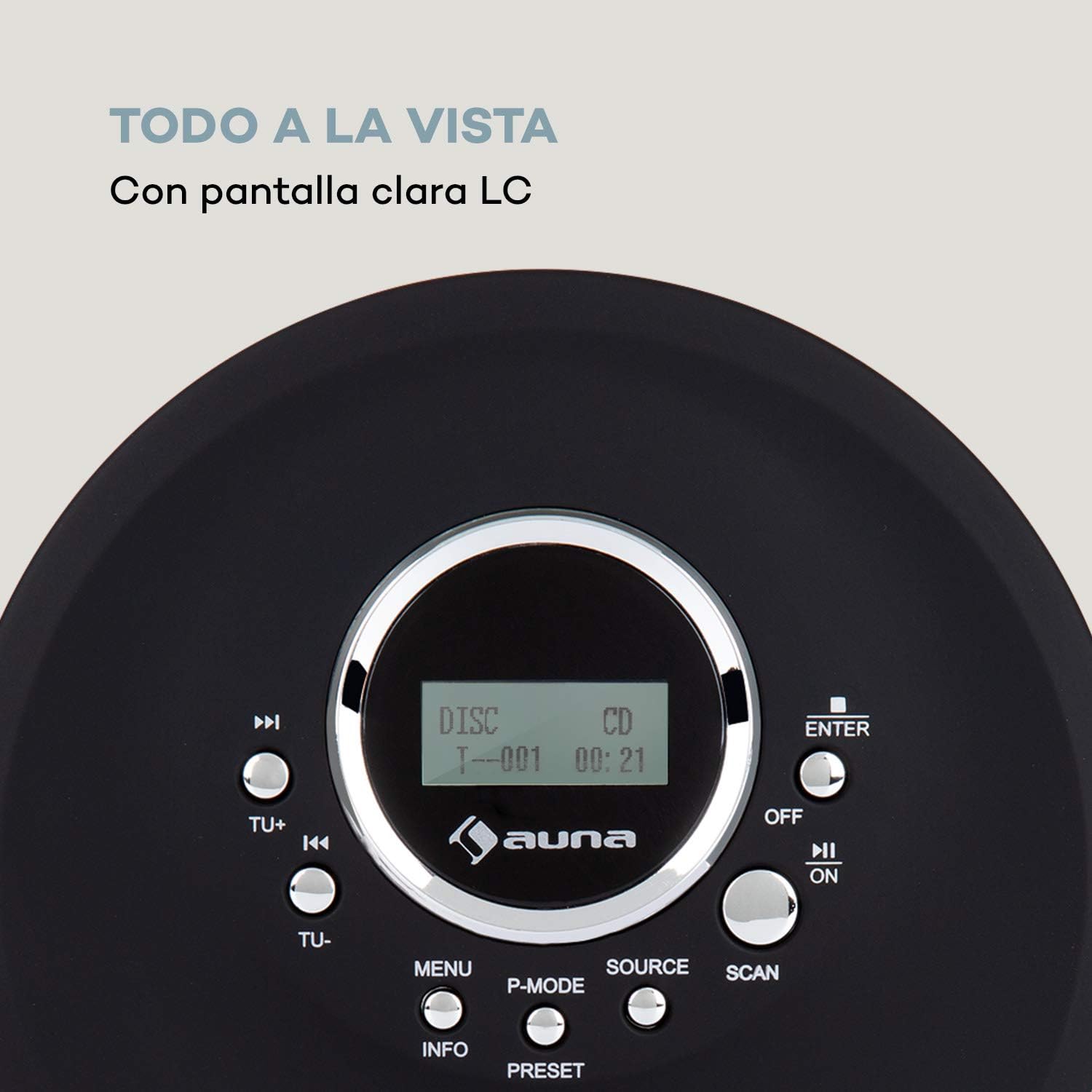
Image 4.2: The clear LC display shows track information and operating status.
5. Persediaan
5.1 Mengecas Bateri
Before first use, fully charge the integrated 1000 mAh battery. Connect the supplied Micro USB cable to the device's Micro USB port and the other end to a USB power source (e.g., a computer USB port, a USB wall adapter, or a power bank). The charging indicator will illuminate during charging and turn off when fully charged.
Image 5.1: The AUNA CDC 200 can be charged via Micro USB from various power sources.
5.2 Menyambung Fon Kepala
Insert the 3.5mm jack of your headphones into the headphone port on the side of the device. Ensure the connection is secure for optimal audio output.
5.3 Memasukkan CD
- Slide the OPEN switch to open the CD compartment lid.
- Carefully place a CD (audio CD, CD-R, CD-RW, or MP3-CD) onto the spindle with the label side facing up.
- Gently press the CD until it clicks into place.
- Tutup penutup petak CD dengan kuat sehingga ia terselak.

Image 5.2: The CD compartment supports various disc formats including CD, CD-R, CD-RW, and MP3-CD.
6. Arahan Operasi
6.1 Menghidupkan/Mematikan
Luncurkan MATI/HIDUP switch to the 'ON' position to power on the device. Slide it to 'OFF' to power off.
6.2 Main Semula CD
- Ensure a CD is inserted and the device is powered on.
- Tekan ke SUMBER button to select CD mode. The display will show 'CD'.
- Tekan ke Play/Pause (►/−) button to start playback. The track number and elapsed time will be displayed.
- Tekan Play/Pause (►/−) again to pause playback. Press it once more to resume.
- Tekan Skip/Search (►►) to skip to the next track. Press Skip/Search (◀◀) untuk pergi ke permulaan trek semasa atau trek sebelumnya.
- Tekan dan tahan Skip/Search (►►) or (◀◀) to fast forward or rewind through the current track.
- Tekan ke Berhenti (■) butang untuk menghentikan main balik.
Anti-Skip Function
The AUNA CDC 200 features an integrated anti-skip function to prevent interruptions during playback, especially when the device is in motion. This function is automatically active during CD playback.
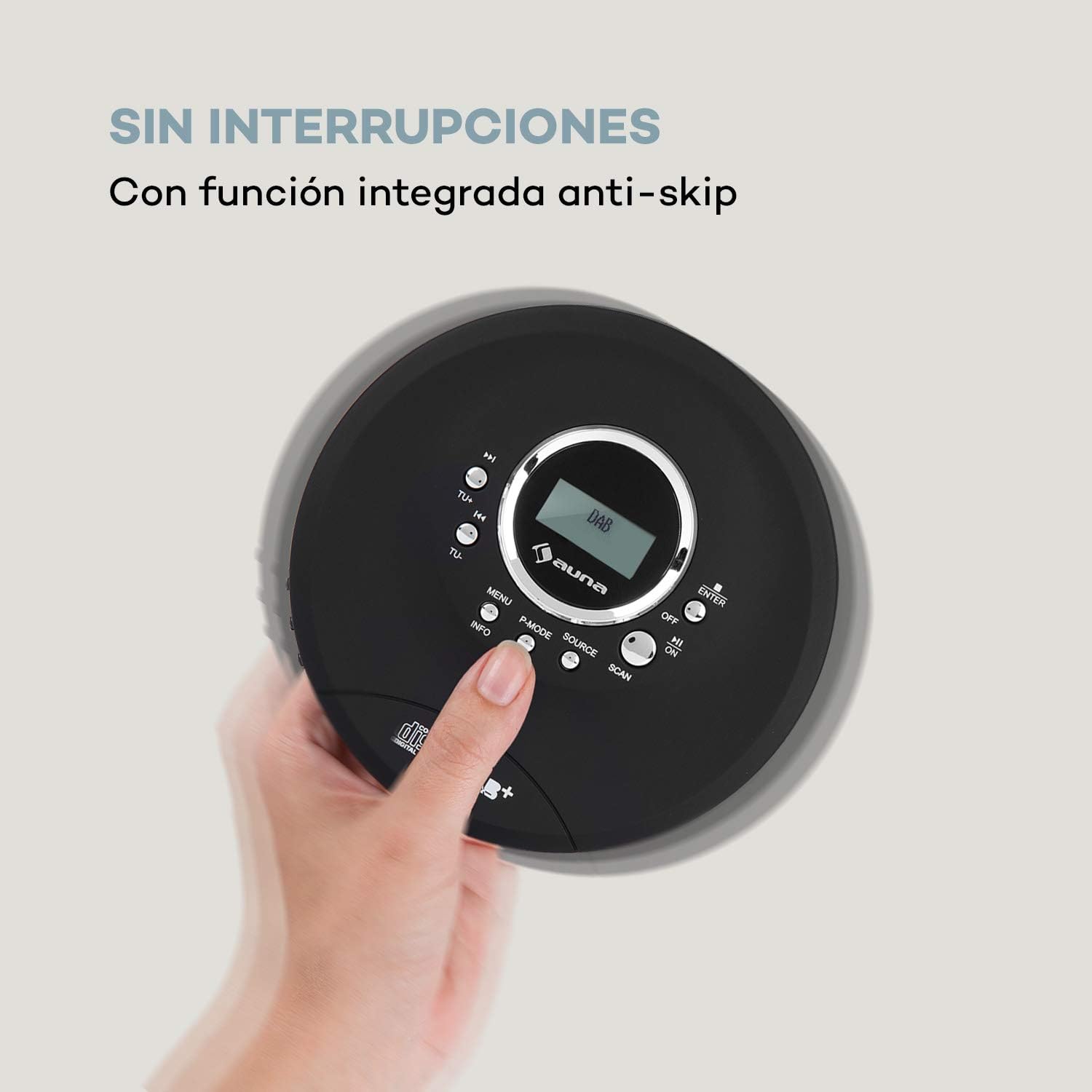
Image 6.1: The anti-skip function ensures uninterrupted audio playback.
Playback Modes (P-MODE)
Tekan ke MOD P button repeatedly to cycle through different playback modes such as Repeat One, Repeat All, Random, or Program Play (if available).
6.3 Operasi Radio (DAB+/FM)
- Tekan ke SUMBER button to select Radio mode. The display will show 'DAB' or 'FM'.
- Imbasan Automatik: Tekan ke IMBAS button to automatically search for available DAB+ or FM stations. The device will store found stations.
- Penalaan Manual: Gunakan TU+ or TU- buttons to manually tune to a specific frequency.
- Memilih Stesen: After scanning, use the Skip/Search (◀◀ / ►►) buttons to navigate through the stored stations.
- Paparan Maklumat: Tekan ke INFO butang ke view additional information about the current radio station (e.g., program type, signal strength).

Image 6.2: The AUNA CDC 200 features a DAB+ and FM radio tuner for diverse listening options.
6.4 Fungsi Penggalak Bes
The AUNA CDC 200 includes a bass boost feature. To activate or deactivate it, refer to the device's menu options by pressing the MENU butang dan menavigasi dengan TU+/TU- dan MASUK.
7. Penyelenggaraan
7.1 Pembersihan
- Lap bahagian luar peranti dengan kain lembut dan kering.
- Jangan gunakan pembersih yang melelas, lilin atau pelarut.
- Untuk membersihkan kanta CD, gunakan kit pembersih kanta CD khusus. Jangan sentuh kanta secara langsung.
7.2 Penjagaan Bateri
- Elakkan menyahcas sepenuhnya bateri dengan kerap.
- Jika peranti tidak akan digunakan untuk tempoh yang lama, caskannya secara berkala untuk mengekalkan kesihatan bateri.
- Jangan dedahkan peranti kepada suhu yang melampau.
8. Penyelesaian masalah
If you encounter issues with your AUNA CDC 200, refer to the following table:
| Masalah | Kemungkinan Punca | Penyelesaian |
|---|---|---|
| Peranti tidak dihidupkan. | Battery is discharged. Power switch is OFF. | Charge the battery. Slide the power switch to ON. |
| Tiada bunyi dari fon kepala. | Headphones not connected properly. Volume too low. Faulty headphones. | Ensure headphones are fully plugged in. Increase volume. Try different headphones. |
| CD melangkau atau tidak dimainkan. | CD is dirty or scratched. CD inserted incorrectly. Device is subject to strong vibrations. | Clean or replace the CD. Reinsert the CD correctly. Ensure the anti-skip function is active and minimize movement. |
| Penerimaan radio yang lemah. | Isyarat lemah. Gangguan. | Relocate the device to an area with better reception. Avoid sources of electronic interference. |
9. Spesifikasi
- Jenama:
- AUNA
- Nombor Model:
- CDC 200 (Manufacturer Reference: MG3-90400-jfhg)
- Compatible Audio Formats:
- CD, CD-R, CD-RW, MP3-CD
- Penala Radio:
- DAB+, FM
- Sumber Kuasa:
- 1000 mAh Rechargeable Battery, Micro USB (Electric Cable)
- Ketersambungan:
- USB (for charging), 3.5mm Headphone Jack
- paparan:
- Paparan LC
- Peranti Serasi:
- Fon kepala
- gaya:
- Mudah alih
- Pilihan Warna:
- Hitam, Merah
10. Maklumat Keselamatan
- Jangan dedahkan peranti kepada hujan, lembapan atau suhu yang melampau.
- Elakkan daripada menjatuhkan atau meletakkan peranti kepada kesan yang kuat.
- Jangan cuba membuka atau membaiki peranti sendiri. Rujuk kepada kakitangan perkhidmatan yang berkelayakan.
- Jauhkan peranti daripada medan magnet yang kuat.
- Buang bateri dan peranti mengikut peraturan tempatan.
11. Waranti dan Sokongan
For warranty information and technical support, please refer to the documentation provided with your purchase or visit the official AUNA webtapak. Simpan bukti pembelian anda untuk sebarang tuntutan waranti.