
pengenalan
This manual provides essential information for the safe and efficient operation of your iFFALCON 55K2A 55-inch 4K Ultra HD Smart Android LED TV. Please read this manual thoroughly before using the television and retain it for future reference.
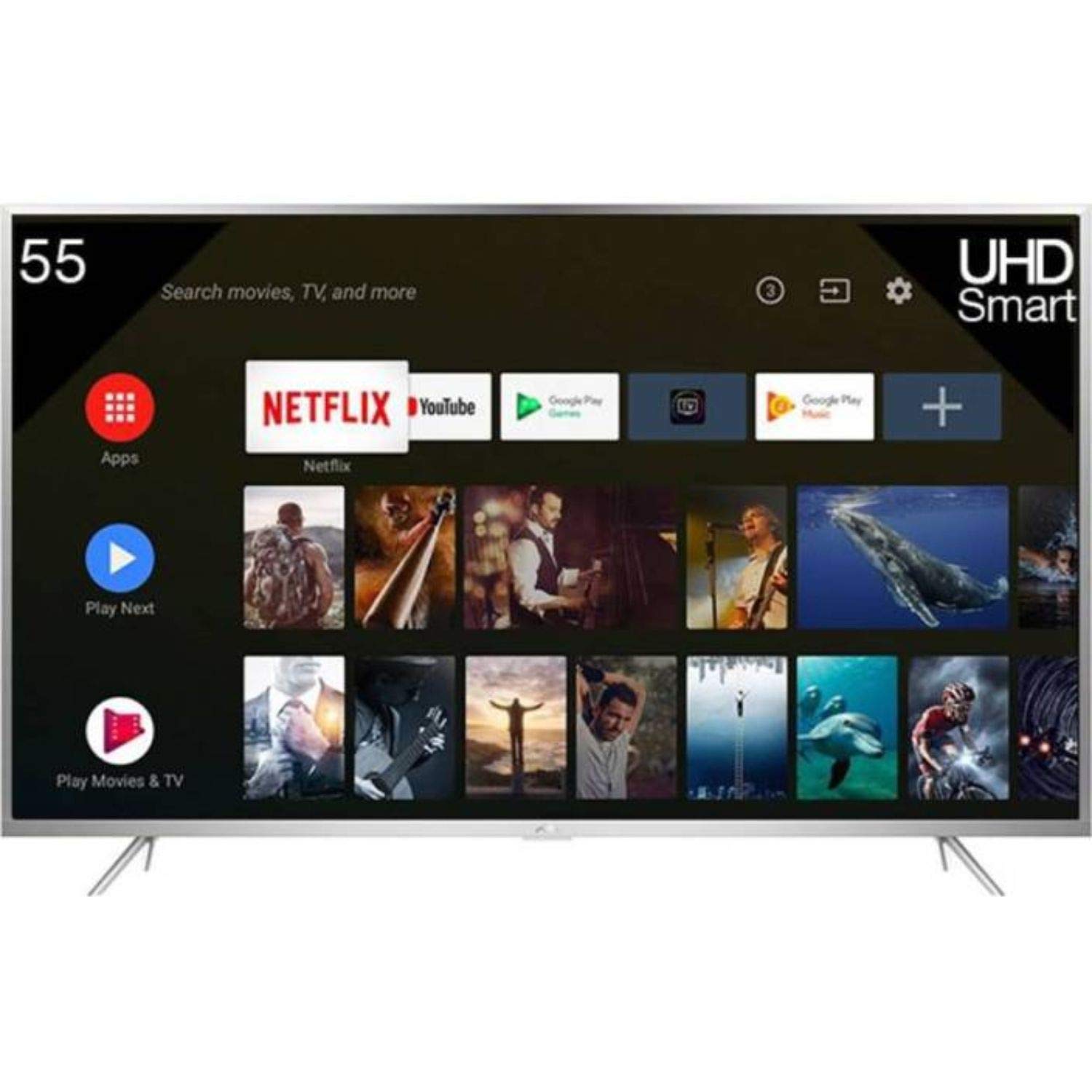
Rajah 1: Depan view of the iFFALCON 55K2A 55-inch 4K Ultra HD Smart Android LED TV.
Maklumat Keselamatan
Patuhi langkah keselamatan berikut untuk mengelakkan kebakaran, kejutan elektrik atau kecederaan:
- Sumber Kuasa: Sambungkan TV hanya kepada bekalan kuasa AC 100-240V, 50/60Hz.
- Pengudaraan: Ensure adequate ventilation. Do not block ventilation openings. Maintain a minimum distance from walls and other objects.
- penempatan: Place the TV on a stable, level surface. Avoid placing it in direct sunlight, near heat sources, or in areas with high humidity or dust.
- Cecair dan Kelembapan: Jangan dedahkan TV kepada hujan atau lembapan. Jangan letakkan objek yang diisi dengan cecair, seperti pasu, di TV.
- Pembersihan: Cabut plag TV sebelum membersihkan. Gunakan kain lembut dan kering. Jangan gunakan pembersih cecair atau pembersih aerosol.
- Servis: Jangan cuba servis produk ini sendiri. Rujuk semua perkhidmatan kepada pegawai perkhidmatan yang berkelayakan.
Apa yang ada dalam Kotak
Buka bungkusan kotak dengan berhati-hati dan pastikan semua item ada:
- 1 x iFFALCON 55K2A TV Unit
- 1 x Standard Remote Controller
- 1 x Smart Remote
- 1 x Manual Pengguna (dokumen ini)
- 1 x Kit Pemasangan Dinding
- 1 x Kad Waranti
- 2 x Pangkalan Pangkalan
Persediaan
1. Pemasangan Stand (Pilihan)
If you are not wall-mounting the TV, attach the base stands:
- Letakkan TV menghadap ke bawah pada permukaan yang lembut dan rata untuk mengelakkan kerosakan skrin.
- Jajarkan setiap kaki tapak dengan slot yang sepadan di bahagian bawah TV.
- Selamatkan dirian menggunakan skru yang disediakan.
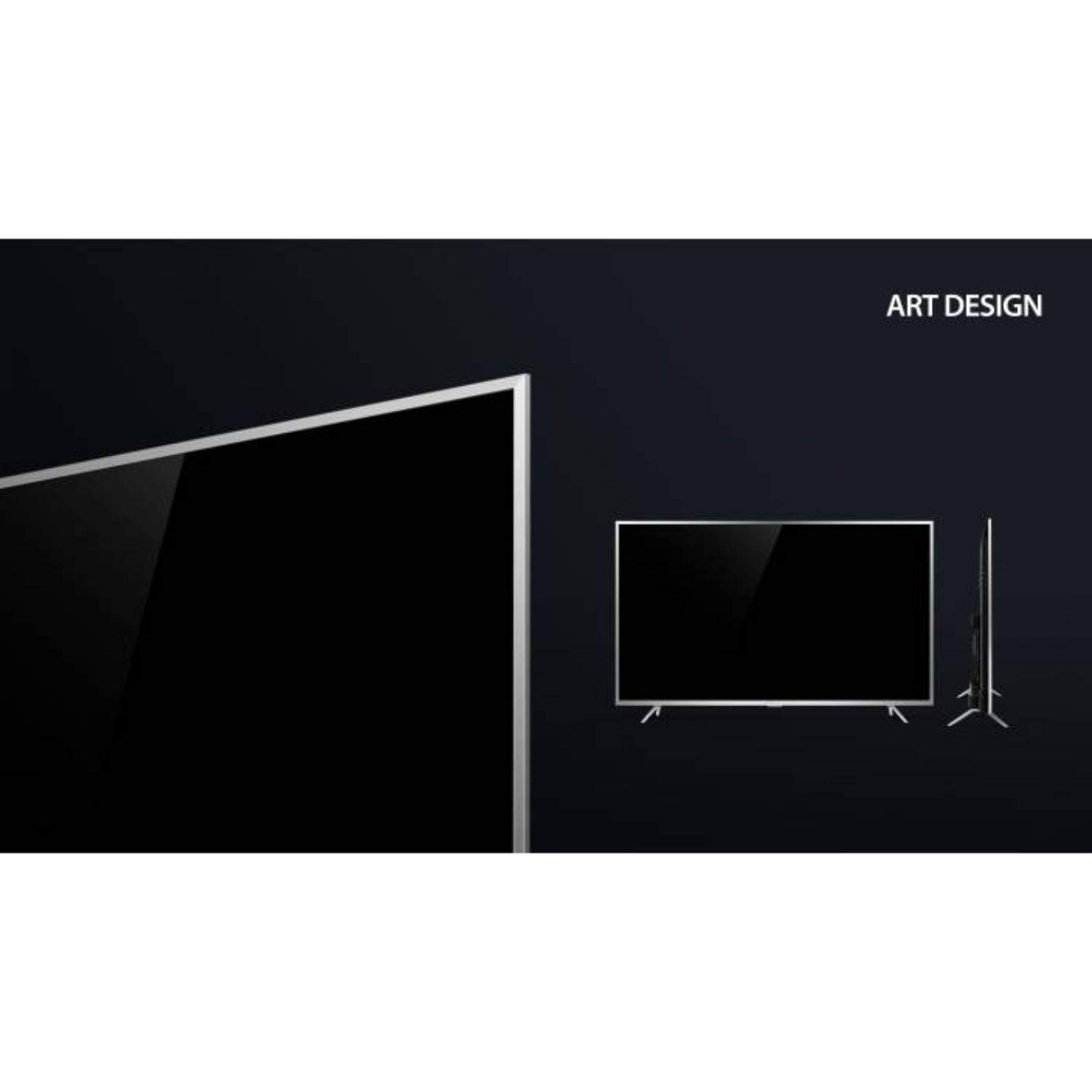
Figure 2: Detail of the TV's lower bezel, where the base stands attach.
2. Pemasangan Dinding (Pilihan)
If wall-mounting, use the included wall mount kit. The TV supports VESA 200 x 200 mm mounting standard. Follow the instructions provided with the wall mount kit for safe installation.
3. Menghubungkan Peranti
Connect your external devices to the TV's ports:
- HDMI: Connect Blu-ray players, game consoles, or set-top boxes to the HDMI ports. This TV has 2 HDMI ports.
- USB: Connect USB storage devices for media playback to the 2 USB ports.
- VGA: Connect a computer via the VGA port.
- Fon kepala: Sambungkan fon kepala untuk mendengar secara peribadi.
- Wi-Fi: Connect to your home network wirelessly for internet services.
4. Hidupkan Kuasa dan Persediaan Awal
- Palamkan kord kuasa ke dalam TV dan kemudian ke soket dinding.
- Tekan butang kuasa pada TV atau alat kawalan jauh untuk menghidupkannya.
- Ikut arahan pada skrin untuk melengkapkan persediaan awal, termasuk pemilihan bahasa, sambungan rangkaian dan pengimbasan saluran.
Mengendalikan TV
Alat Kawalan Jauh
Your iFFALCON 55K2A TV comes with two remote controls: a standard remote and a smart remote. The smart remote offers enhanced features like voice control.

Figure 3: Standard and Smart Remote Controls for the iFFALCON 55K2A TV.
- Butang Kuasa: Menghidupkan atau mematikan TV.
- Butang Kelantangan: Laraskan tahap bunyi.
- Butang Saluran: Tukar saluran TV.
- Butang Navigasi: Navigasi melalui menu dan pilihan.
- Google Assistant (Smart Remote): Press the dedicated button to activate voice control for searching content, controlling smart home devices, and more.
Smart TV Features (Android OS)
The iFFALCON 55K2A runs on Android OS, providing access to a wide range of applications and services.

Figure 4: The TV displaying the Netflix application interface.
- Perkhidmatan yang Disokong: Access popular streaming platforms like Amazon Video, Hotstar, Netflix, and YouTube directly from your TV.
- Gedung Google Play: Download additional apps and games.
- Kawalan Suara: Use the Google Assistant via the smart remote to search for content, get information, and control your TV hands-free.
Tetapan Gambar dan Bunyi
Access the TV's settings menu to customize picture and sound preferences. This TV features 4K resolution, HDR, True Color, Micro Dimming, and Dolby Audio for an enhanced viewpengalaman dalam.
Penyelenggaraan
Membersihkan TV
- Sentiasa cabut plag TV dari salur keluar kuasa sebelum membersihkan.
- Gunakan kain lembut, kering dan bebas serabut untuk mengelap skrin dan kabinet.
- Untuk tanda degil, ringankan dampen kain dengan air atau pembersih skrin yang lembut dan tidak melelas. Jangan sembur pembersih terus ke skrin.
- Avoid using alcohol, benzene, thinners, or other volatile substances, as they may damage the TV's surface.
Menyelesaikan masalah
Jika anda menghadapi masalah dengan TV anda, rujuk kepada penyelesaian biasa berikut:
- Tiada Kuasa: Pastikan kord kuasa dipasang dengan kukuh pada TV dan soket dinding. Periksa sama ada soket kuasa berfungsi.
- Tiada Gambar/Bunyi: Verify that the correct input source is selected. Check all cable connections (HDMI, AV).
- Alat Kawalan Jauh Tidak Berfungsi: Periksa bateri dalam alat kawalan jauh. Pastikan tiada halangan antara alat kawalan jauh dan penderia IR TV.
- Kualiti Gambar Lemah: Laraskan tetapan gambar (kecerahan, kontras, ketajaman). Pastikan sumber input menyediakan isyarat berkualiti tinggi.
- Tiada sambungan internet: Check your Wi-Fi router and network settings. Reconnect the TV to the Wi-Fi network.
For persistent issues, consult the full troubleshooting guide available on the iFFALCON support webtapak atau hubungi perkhidmatan pelanggan.
Spesifikasi
| Nama Model | iFFALCON 55K2A |
| Saiz Skrin | 55 Inci (138.71 cm) |
| Teknologi Paparan | LED |
| Resolusi | 4K Ultra HD (3840 x 2160) |
| Kadar Segar Semula | 60 Hz |
| Sistem Operasi | Android |
| Ketersambungan | Wi-Fi, 2 x HDMI, 2 x USB, VGA, Headphone |
| Output Audio | Pembesar suara stereo dengan Dolby Audio |
| Jenis Pemasangan | Wall Mount (VESA 200 x 200 mm) |
| Penggunaan Kuasa | 130 Watt |
| Berat Barang | 13.8 Kilogram |
| Tahun Model | 2018 |
Waranti dan Sokongan
Maklumat Waranti
Your iFFALCON 55K2A TV comes with a Waranti Standard 1 Tahun provided by the manufacturer from the date of purchase. Please retain your purchase receipt for warranty claims.
Sokongan Pelanggan
For technical assistance, warranty service, or further inquiries, please contact iFFALCON customer support. Refer to the warranty card or the official iFFALCON weblaman web untuk maklumat hubungan.