
pengenalan
Thank you for choosing the MEDION E11909 (MD 20059) 19-inch HD TV. This television features an integrated DVD player, a 12V car adapter for mobile use, and a triple tuner for receiving cable, satellite, or DVB-T2 HD signals. This manual provides essential information for the safe and efficient use of your new device. Please read it thoroughly before operation and keep it for future reference.
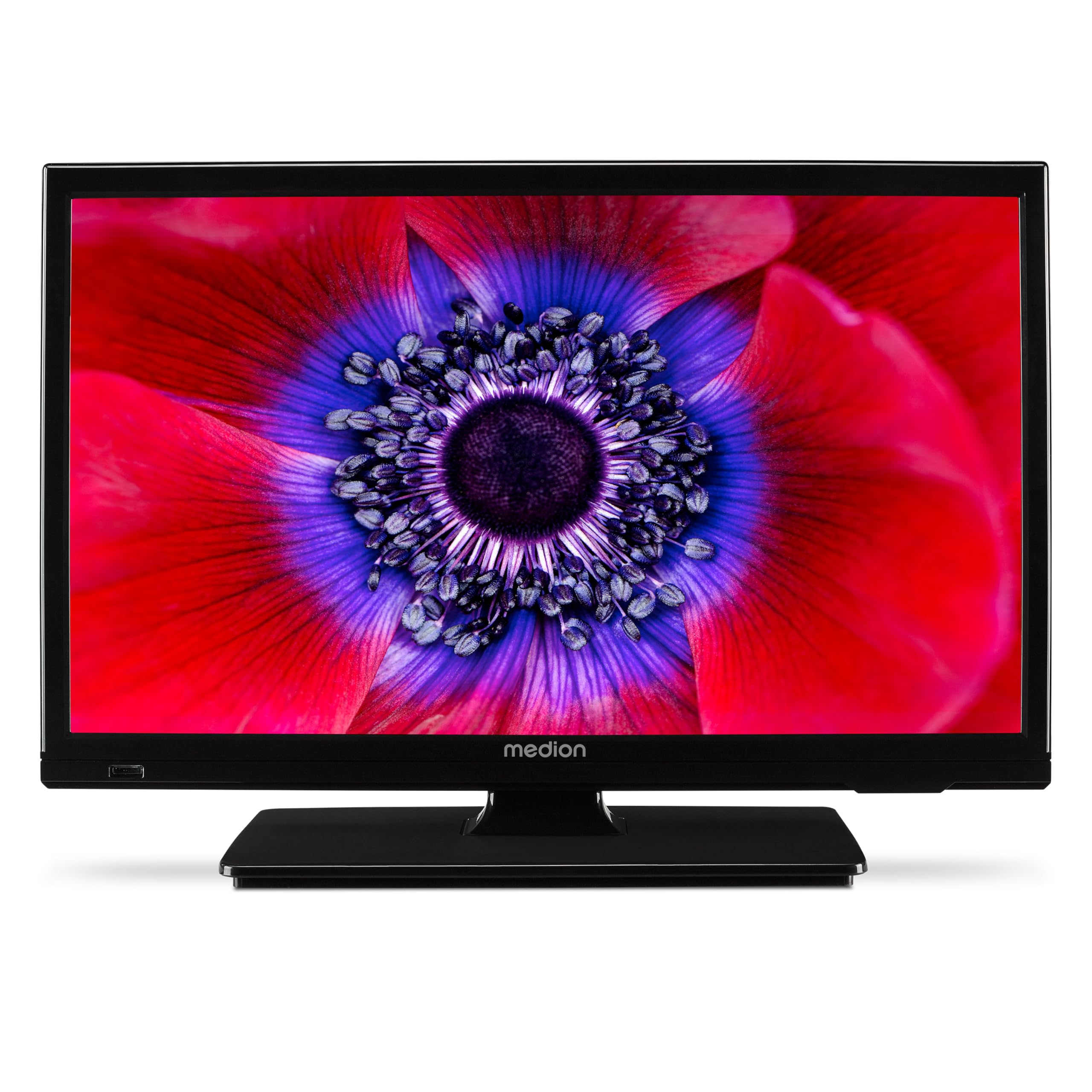
Rajah 1: MEDION E11909 19-inch HD TV. This image shows the front view of the television, highlighting its compact design suitable for various environments.
Maklumat Keselamatan
Please observe the following safety instructions to prevent damage to the device or injury to yourself:
- Jangan dedahkan TV kepada hujan atau lembapan.
- Pastikan pengudaraan yang betul; jangan sekat bukaan pengudaraan.
- Hanya gunakan penyesuai kuasa yang dibekalkan bersama peranti.
- Jangan buka TV casing; merujuk semua perkhidmatan kepada kakitangan yang berkelayakan.
- Jauhkan TV daripada sumber haba dan cahaya matahari langsung.
- When using the 12V car adapter, ensure the vehicle's power outlet is clean and provides stable power.
Kandungan Pakej
Sila pastikan semua item ada dalam pakej:
- MEDION E11909 MD20059 LCD TV
- Remote control with batteries (AAA)
- Penyesuai kuasa luaran
- Car adapter (12V)
- Antena DVB-T
- penyesuai AV
- Berdiri dengan skru
- Manual pengguna
- Buku kecil jaminan
Persediaan
1. Memasang Pendirian
- Carefully place the TV screen-down on a soft, clean surface.
- Jajarkan dirian dengan lubang pelekap di bahagian bawah TV.
- Selamatkan dirian menggunakan skru yang disediakan.
2. Kuasa Penyambung
- Untuk Kegunaan Rumah: Connect the external power adapter to the TV's DC IN port and then plug it into a standard wall outlet.
- For Mobile Use (Car/Caravan): Connect the 12V car adapter to the TV's DC IN port and then plug it into your vehicle's 12V DC power socket.
3. Connecting Antennas and External Devices
Refer to the connection diagram below for port locations.

Rajah 2: Rear panel connections. This image illustrates the various input and output ports on the back of the television, including HDMI, USB, SCART, VGA, AV In, YPbPr, PC Audio In, Headphone Jack, Digital Audio Out, and the 12V DC power input.
- Antena/Kabel: Connect your DVB-T antenna (included), cable, or satellite dish to the appropriate RF IN port.
- Peranti HDMI: Connect devices like Blu-ray players or game consoles to the HDMI ports.
- Peranti USB: Masukkan pemacu USB untuk main balik media ke dalam port USB.
- Older Devices: Use the SCART, VGA, or AV IN ports for older equipment.
4. Persediaan Awal
After connecting power and turning on the TV for the first time, an initial setup wizard will guide you through language selection, country, and channel scanning. Follow the on-screen instructions.
Beroperasi
1. Hidupkan/Mati Kuasa
Tekan ke KUASA button on the remote control or on the TV to turn the unit on or off.
2. Fungsi Alat Kawalan Jauh
The remote control allows you to navigate menus, change channels, adjust volume, and select input sources. Refer to the remote control diagram in your separate warranty booklet for specific button functions.
3. Channel Selection and Volume
- Gunakan CH +/- butang untuk menukar saluran.
- Gunakan VOL +/- butang untuk melaraskan kelantangan.
4. Pemilihan Sumber Input
Tekan ke SUMBER button on the remote control to cycle through available input sources (TV, HDMI1, HDMI2, AV, USB, DVD).
5. Using the Integrated DVD Player
- Insert a DVD disc into the disc slot on the side of the TV.
- The TV should automatically switch to DVD mode. If not, press the SUMBER button and select DVD.
- Use the remote control's playback buttons (PLAY, PAUSE, STOP, FF, REW) to control DVD playback.

Rajah 3: TV with integrated DVD player. This image shows the television screen displaying high-definition content, with a DVD disc partially visible, indicating the integrated DVD player functionality.
6. Using the Media Player (USB)
- Masukkan peranti storan USB ke dalam port USB.
- Tekan ke SUMBER button and select USB.
- Navigasi melalui anda files (photos, music, videos) using the remote control and press OK untuk bermain.

Rajah 4: Easy playback of photos, videos, and more. This image highlights the USB port on the TV's side and icons representing music, photos, and video files, indicating the TV's multimedia playback capabilities.
Penyelenggaraan
1. Membersihkan Skrin
Lap skrin perlahan-lahan dengan kain lembut yang tidak berbulu. Untuk tanda degil, sedikit dampen kain dengan air atau pembersih skrin khusus. Jangan sembur cecair terus ke skrin.
2. Membersihkan Unit
Lap TV casindengan kain lembut dan kering. Elakkan menggunakan pembersih atau pelarut yang kasar.
3. Penyimpanan
If storing the TV for an extended period, disconnect it from power, remove batteries from the remote, and store it in a cool, dry place, preferably in its original packaging.
Menyelesaikan masalah
If you encounter problems with your TV, please refer to the following common issues and solutions:
- Tiada Kuasa:
- Check if the power adapter is securely connected to both the TV and the power outlet.
- Ensure the power outlet is functional. - Tiada Gambar/Bunyi:
- Verify that the correct input source is selected (e.g., HDMI1, TV, DVD).
- Check all cable connections (antenna, HDMI, AV).
- Perform a channel scan if using TV mode. - DVD Tidak Dimainkan:
- Ensure the disc is inserted correctly with the label facing up.
- Check if the disc is clean and free from scratches.
- Try a different DVD to rule out disc issues. - Alat Kawalan Jauh Tidak Berfungsi:
- Replace the batteries (AAA).
- Ensure there are no obstructions between the remote and the TV's IR sensor.
Jika masalah berterusan selepas mencuba penyelesaian ini, sila hubungi sokongan pelanggan.
Spesifikasi
- Jenama: MEDION
- model: E11909 (MD 20059)
- Saiz Skrin: 18.5 Inci (47 cm)
- Teknologi Paparan: LCD LED
- Resolusi: 768p (HD)
- Kadar Segar Semula: 60 Hz
- Nisbah Aspek: 1.77:1
- Teknologi Ketersambungan: HDMI, USB
- Ciri Khas: Built-in DVD player, 12V Car Adapter, Triple Tuner for HD reception (Cable, Satellite, DVB-T2)
- Komponen yang Disertakan: LCD TV (MD 20059)
- Dimensi Produk: 16D x 44W x 31H cm
- Output Audio: 2 x 3 W RMS Stereo Speakers
Waranti dan Sokongan
Your MEDION E11909 (MD 20059) TV comes with a manufacturer's warranty. Please refer to the included warranty booklet for detailed terms and conditions, including the warranty period and coverage.
For technical support, service, or further inquiries, please visit the official MEDION website or contact their customer service department. Contact information can typically be found in your warranty booklet or on the MEDION support page.