pengenalan
Thank you for choosing the UiiSii Songbirds TWS21 Wireless In-Ear Earbuds. This manual provides essential information for setting up, operating, and maintaining your earbuds to ensure optimal performance and longevity. Please read this manual thoroughly before using the product.
Kandungan Pakej
Sahkan bahawa semua item terdapat dalam pakej anda:
- UiiSii Songbirds TWS21 Wireless Earbuds (Left and Right)
- Kes Pengecasan
- Kabel Pengecas USB
- Manual Pengguna
Produk Selesaiview
The UiiSii Songbirds TWS21 earbuds feature a lightweight, semi in-ear design for comfortable wear. They are equipped with touch controls for easy management of audio and calls.
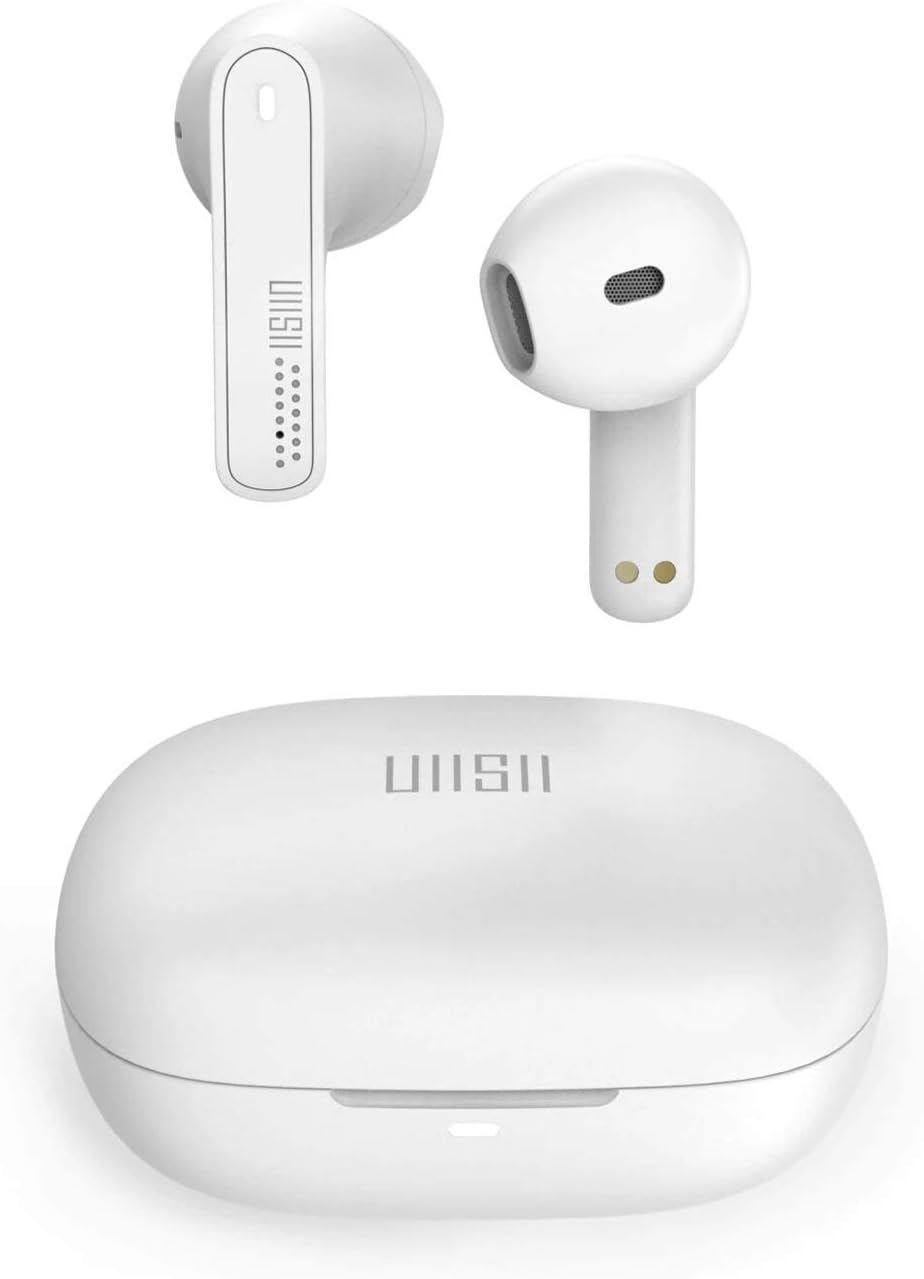
Image: UiiSii TWS21 Earbuds shown inside their charging case, with the case lid open. The earbuds are white, and the case is also white, displaying the UiiSii logo.
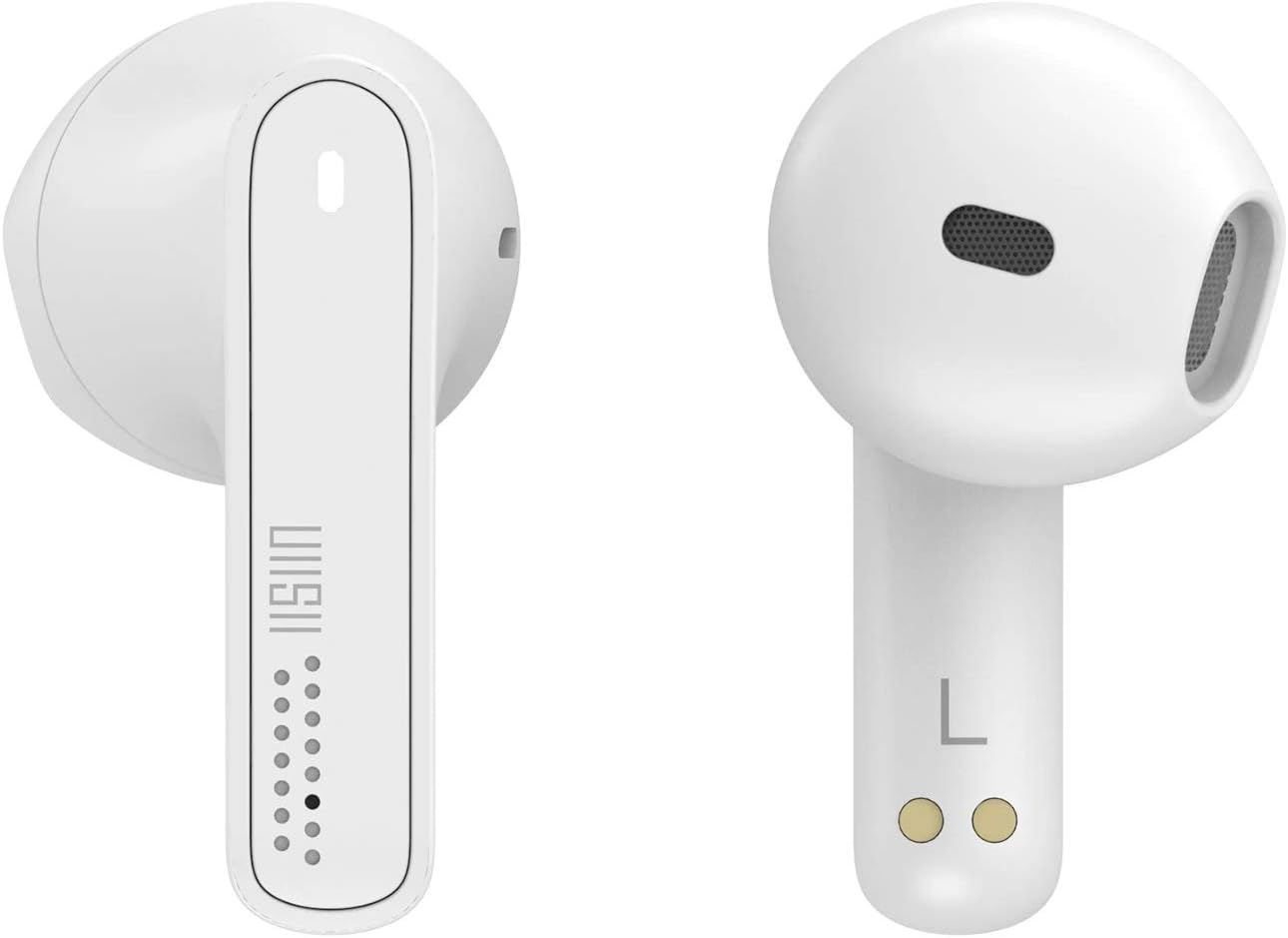
Imej: Jarak dekat view of the left and right UiiSii TWS21 earbuds. The design is sleek and white, highlighting the touch sensitive area and charging contacts.
Persediaan
1. Mengecas Fon Telinga dan Sarung
Before first use, fully charge the earbuds and the charging case. Place the earbuds into the charging case. Connect the USB charging cable to the charging port on the case and to a power source. The indicator lights on the case will show the charging status.
2. Berpasangan dengan Peranti
- Pastikan fon telinga dicas.
- Buka bekas pengecas. Fon telinga akan memasuki mod berpasangan secara automatik dan lampu penunjuk akan berkelip.
- Pada peranti anda (telefon pintar, tablet, dll.), dayakan Bluetooth.
- Cari untuk available Bluetooth devices and select "UiiSii TWS21" from the list.
- Sebaik sahaja disambungkan, lampu penunjuk pada fon telinga akan berhenti berkelip.
Fon telinga akan menyambung semula secara automatik ke peranti gandingan terakhir apabila dikeluarkan daripada sarung, jika Bluetooth didayakan pada peranti.
Arahan Operasi
The UiiSii TWS21 earbuds feature intuitive touch controls. The touch-sensitive area is located on the outer surface of each earbud.

Image: An illustration demonstrating the touch control functions of the UiiSii TWS21 earbuds, showing icons for Siri, Google Assistant, Call, and Music.
Fungsi Kawalan Sentuh:
- Main/Jeda: Ketik sekali pada salah satu fon telinga.
- Lagu Seterusnya: Ketik dua kali pada fon telinga kanan.
- Trek Sebelumnya: Ketik dua kali pada fon telinga kiri.
- Jawab/Tamatkan Panggilan: Ketik sekali pada salah satu fon telinga.
- Tolak Panggilan: Tekan dan tahan pada salah satu fon telinga selama 2 saat.
- Kelantangan: Ketik tiga kali pada fon telinga kanan.
- Perlahankan suara: Ketik tiga kali pada fon telinga kiri.
- Aktifkan Pembantu Suara (Siri/Google Assistant): Tekan dan tahan pada salah satu fon telinga selama 3 saat.
Panggilan Bebas Tangan:
The earbuds support hands-free calling. You can use a single earbud while the other charges, providing up to 6 hours of non-stop call time in mono mode.

Image: An illustration showing one UiiSii TWS21 earbud in use for hands-free calling, with a microphone icon indicating its function.
Penyelenggaraan
Pembersihan:
- Bersihkan fon telinga dan bekas pengecas dengan kerap menggunakan kain yang lembut, kering dan tidak berbulu.
- Jangan gunakan pembersih yang melelas, alkohol atau pelarut kimia.
- Ensure charging contacts are free from dust and debris.
Storan:
- Simpan fon telinga dalam bekas pengecasnya apabila tidak digunakan untuk melindunginya dan memastikan ia dicas.
- Elakkan suhu ekstrem dan kelembapan yang tinggi.
Menyelesaikan masalah
Fon telinga tidak berpasangan:
- Pastikan kedua-dua fon telinga dicas.
- Matikan Bluetooth pada peranti anda, kemudian hidupkan semula.
- Lupakan peranti daripada senarai Bluetooth anda dan cuba pasangkan semula.
- Place earbuds back in the case, close the lid, wait a few seconds, then open to re-initiate pairing mode.
Tiada bunyi atau kelantangan rendah:
- Semak tahap kelantangan pada kedua-dua peranti anda dan fon telinga.
- Pastikan fon telinga disambungkan dengan betul ke peranti anda.
- Bersihkan sebarang serpihan daripada pembesar suara fon telinga.
Isu pengecasan:
- Pastikan kabel pengecasan disambungkan dengan selamat pada kedua-dua bekas dan sumber kuasa.
- Periksa sama ada sentuhan pengecas pada fon telinga dan bahagian dalam bekas bersih.
- Cuba kabel pengecas USB atau penyesuai kuasa yang berbeza.
Spesifikasi
| Ciri | Penerangan |
|---|---|
| Nama Model | TWS21 |
| Jenama | UiiSii |
| Teknologi Ketersambungan | Wayarles (Bluetooth 5.0) |
| Kaedah Kawalan | Sentuh |
| Faktor Bentuk Fon Kepala | Dalam Telinga |
| Kawalan Bunyi | Pembatalan Bunyi Aktif |
| Tahan Air | IPX5 (Nano ceramic plasma-coated) |
| Julat Tanpa Wayar | Sehingga 40 kaki (12 meter) |
| Call Time (Mono Mode) | Sehingga 6 jam |
| Masa Mendengar (Cas Tunggal) | Lebih kurang 3.5 jam |
| Jumlah Masa Mendengar (dengan Kes) | Lebih daripada 24 jam |
| Caj Cepat | 8 minit cas untuk 1 jam mendengar |
| Komponen yang Disertakan | Kes Pelindung |
| Bahan | Metal, Rubber, Ceramic |
| warna | putih |

Image: Visual representation of the UiiSii TWS21 earbuds' battery life, indicating over 24 hours total listening time with the case, 6 hours call time in mono mode, and approximately 3.5 hours listening time on a single charge.
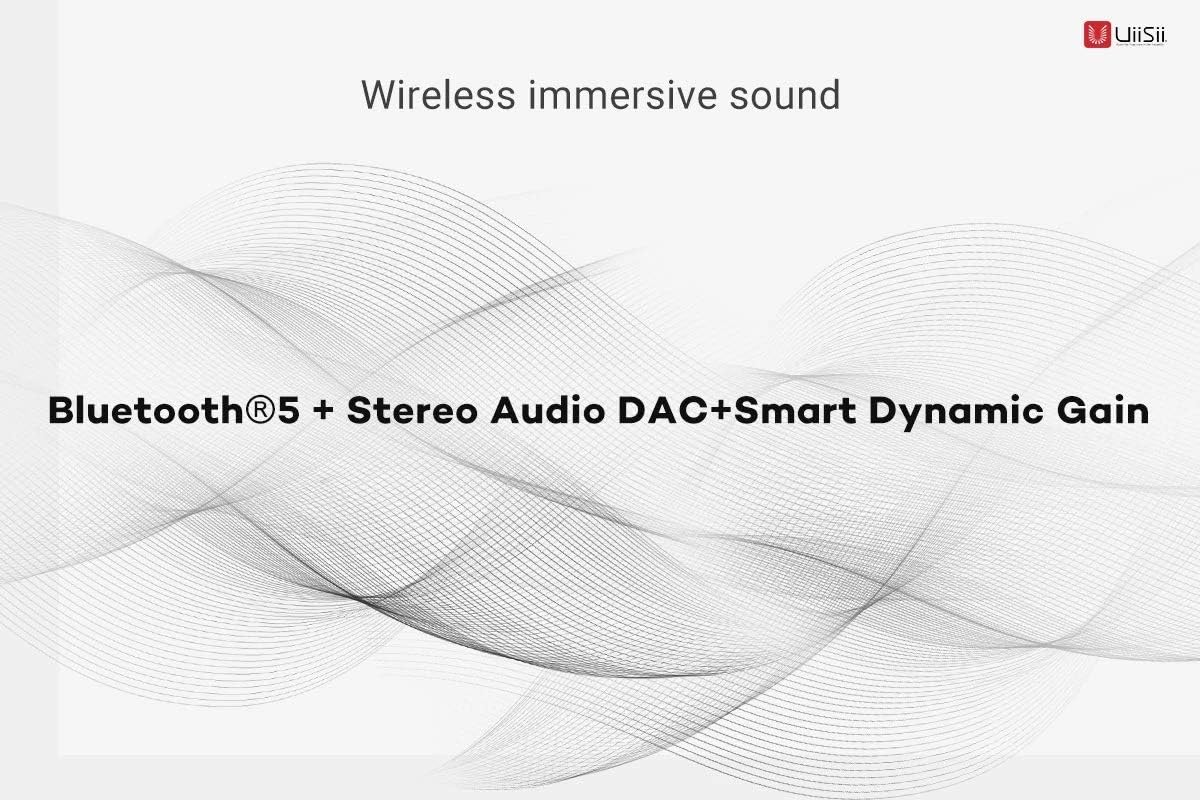
Image: Graphic highlighting the wireless immersive sound features of the UiiSii TWS21 earbuds, including Bluetooth 5, Stereo Audio DAC, and Smart Dynamic Gain.
Maklumat Waranti
UiiSii products are covered by a limited warranty from the date of purchase. Please refer to the warranty card included in your package or visit the official UiiSii website for detailed warranty terms and conditions. This warranty typically covers manufacturing defects but does not cover damage caused by misuse, accidents, unauthorized modifications, or normal wear and tear.
Sokongan
For further assistance, technical support, or customer service inquiries, please contact UiiSii customer support through their official website or the contact information provided in your product packaging. When contacting support, please have your product model (TWS21) and proof of purchase ready.