
1. Arahan Persediaan
1.1 Kandungan Pakej
- Srihome SH004 USB Webcam
- Kabel USB (bersepadu)
1.2 Menyambungkan Webcam
The Srihome SH004 webcam is designed for plug-and-play operation, requiring no additional driver installation on most compatible systems.
- Sambung ke Port USB: Masukkan webcam's USB cable into an available USB 2.0 or USB 3.0 port on your computer (PC, laptop, or desktop).
- Pengecaman Sistem: Your operating system (Windows 7/8/10, LINUX, Mac OS, Android TV) should automatically detect and configure the webcam. A notification may appear indicating successful device installation.
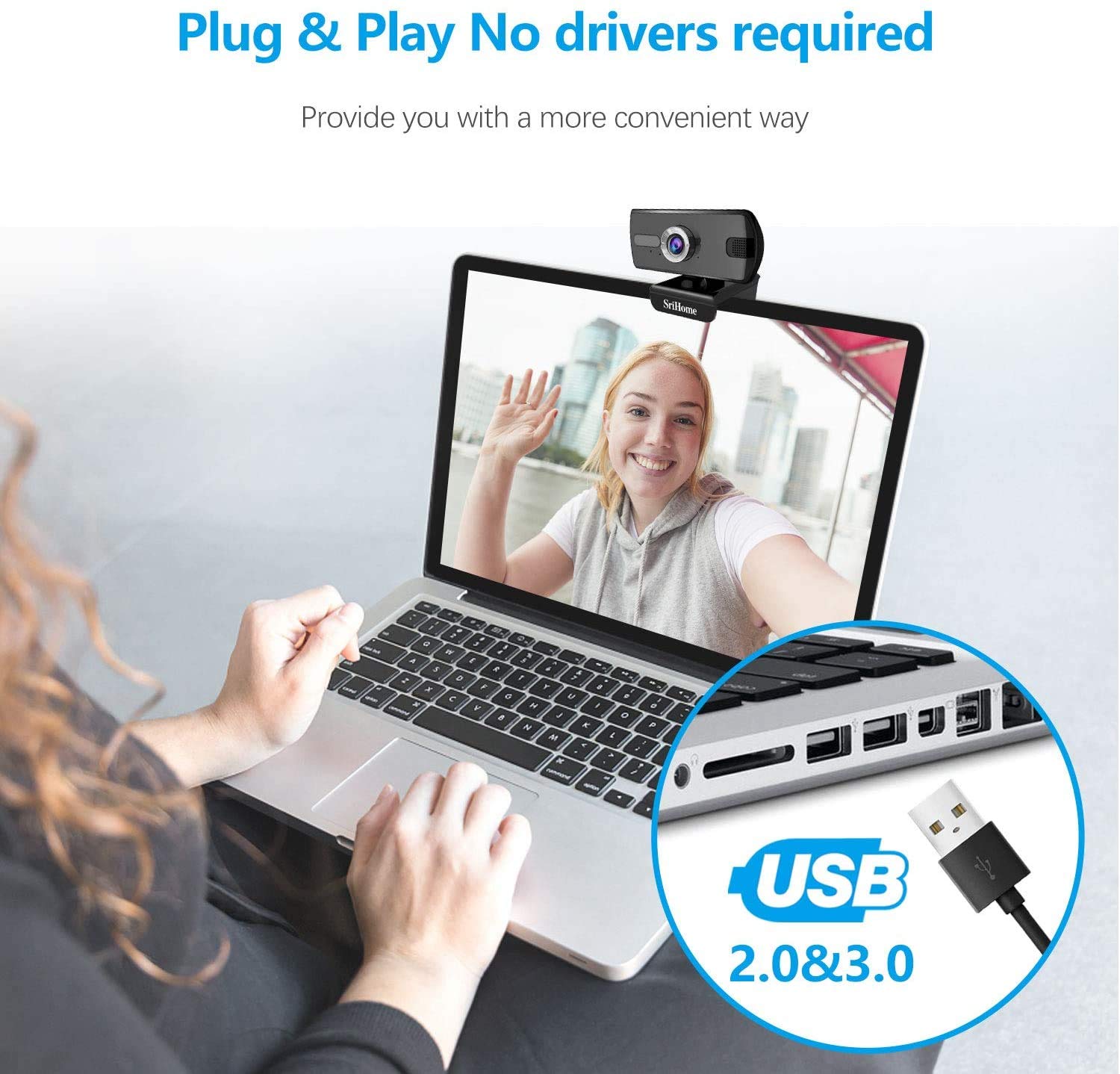
Figure 1: Connecting the webcam to a USB port. The device is plug-and-play, requiring no driver installation.
1.3 Memasang Webcam
The webcam features a versatile clip that allows it to be securely mounted on various devices, such as laptop screens, desktop monitors, or placed on a flat surface.
- Laraskan Klip: Open the clip to fit over the top edge of your monitor or laptop screen.
- Kedudukan yang Webcam: Memastikan webcam is centered and stable.
- Rotate for Optimal Angle: The webcam's bracket allows for 360-degree rotation, enabling you to adjust the camera angle as needed.

Rajah 2: The webcam features a 360-degree rotatable bracket for flexible positioning.
1.4 Pelarasan Fokus
For optimal image clarity, the webcam features a manual focus adjustment. If the image appears blurred, gently rotate the silver-colored ring around the lens until the picture becomes sharp.
2. Arahan Operasi
2.1 Video Calls and Conferencing
The Srihome SH004 webcam is suitable for various communication platforms and applications.
- Keserasian Aplikasi: Use with popular applications such as Skype, Yahoo, FaceTime, Hangouts, YouTube, Zoom, and other video conferencing software.
- Memilih Webcam: In your chosen application's settings, ensure "Srihome SH004" is selected as the primary video and audio input device.

Figure 3: Key features of the Srihome SH004 webcam, including HD video, 3MP resolution, wide-angle lens, built-in microphone, and plug-and-play functionality.
2.2 Image and Audio Quality
- Video Definisi Tinggi: The webcam provides a maximum resolution of 3 Megapixels (2048x1536) with H.264 video compression, ensuring clear and detailed images.
- Bidang Luas View: A 110° wide-angle lens captures a broad perspective, ideal for group calls or presentations.
- Mikrofon terbina dalam: The integrated stereo microphone features noise cancellation, designed to capture your voice clearly even in moderately noisy environments.

Figure 4: The 110-degree wide-angle field of view provides extensive coverage.

Figure 5: The built-in microphone with noise cancellation enhances audio clarity.
3. Penyelenggaraan
To ensure the longevity and optimal performance of your Srihome SH004 webkamera, ikuti garis panduan penyelenggaraan mudah ini:
- Membersihkan Lensa: Gently wipe the camera lens with a soft, lint-free cloth. Avoid using harsh chemicals or abrasive materials that could scratch the lens.
- Membersihkan Badan: Gunakan yang kering atau sedikit damp soft cloth to clean the webcam's body. Do not immerse the device in water or any other liquid.
- Storan: Apabila tidak digunakan, simpan webkamera di tempat yang bersih dan kering, jauh daripada cahaya matahari langsung dan suhu yang melampau.
- Penjagaan Kabel: Elakkan membengkokkan atau memusingkan kabel USB secara berlebihan untuk mengelakkan kerosakan dalaman.
4. Penyelesaian masalah
If you encounter issues with your Srihome SH004 webcam, rujuk masalah dan penyelesaian biasa berikut:
- Problem: The system does not detect the webcam.
Penyelesaian:
- Putuskan dan sambungkan semula kabel USB.
- Cuba sambungkan webkamera ke port USB berbeza pada komputer anda.
- Restart the application you are trying to use with the webcam (e.g., Skype, Zoom).
- Mulakan semula komputer anda.
- Pastikan sistem pengendalian anda dikemas kini.
- Problem: The image appears blurred or out of focus.
Penyelesaian:
- Gently rotate the silver-colored ring around the webcam lens to manually adjust the focus until the image is clear.
- Pastikan kanta bersih dan bebas daripada kotoran atau habuk.
- Masalah: The webcam frequently disconnects during use.
Penyelesaian:
- Pastikan kabel USB disambungkan dengan selamat ke kedua-dua webcam dan komputer.
- Try a different USB port, preferably a USB 3.0 port if available, to ensure sufficient power and stable connection.
- Avoid using long USB extension cables, which can sometimes cause connectivity issues.
- Problem: The built-in microphone is not working or audio quality is poor.
Penyelesaian:
- Check your computer's sound settings to ensure the "Srihome SH004" is selected as the default recording device.
- Verify microphone settings within your video conferencing application (e.g., Zoom, Skype).
- Ensure there are no physical obstructions blocking the microphone on the webcam.
- Test the microphone in a quieter environment to rule out excessive background noise.
5. Spesifikasi Produk
| Ciri | Perincian |
|---|---|
| Jenama | Srihome |
| Nama Model | SH004 |
| Resolusi Pegun Berkesan | 3 MP |
| Resolusi Tangkapan Video | 2048x1536 (3MP), also supports 1080p, 720p, 480p |
| Kelajuan Tangkapan Imej | 30 fps |
| Teknologi Penderia Foto | CMOS |
| Jenis Kanta | Wide Angle (3.6mm) |
| Bidang View | 110° |
| Jenis Fokus | Fokus Manual |
| Teknologi Ketersambungan | USB 2.0/3.0 |
| Mikrofon Terbina dalam | Yes, with Noise Cancellation |
| Peranti Serasi | PC, Laptop, Desktop, Android TV |
| Sistem Operasi | Windows 7 / Win8 / Win10 / LINUX / Mac OS / Android TV |
| Ciri Khas | Penglihatan Malam |
| warna | Hitam |
| Berat Barang | 250 Gram |
6. Waranti dan Sokongan
6.1 Maklumat Waranti
The Srihome SH004 webcam comes with a standard manufacturer's warranty. Please refer to the warranty card included with your purchase or contact your retailer for specific terms and conditions regarding warranty coverage and duration.
6.2 Sokongan Pelanggan
For technical assistance, product inquiries, or support, please contact Srihome customer service through their official website or the contact information provided in your product packaging. When contacting support, please have your product model (SH004) and purchase details ready.