
VMAI HD-019
VMAI 36-Inch Soundbar User Manual
Model: HD-019
1. Pengenalan
Thank you for choosing the VMAI 36-Inch Soundbar. This soundbar is designed to significantly enhance your home entertainment experience by delivering crystal clear, powerful audio. With multiple connectivity options and a sleek design, it integrates seamlessly into any living space. Please read this manual thoroughly before use to ensure proper setup and operation.

Image: The VMAI 36-inch soundbar in black, accompanied by its remote control, showcasing its compact and elegant design.
2. Kandungan Pakej
Sila semak pakej dengan teliti untuk memastikan semua item ada dan dalam keadaan baik:
- VMAI 36-Inch Soundbar
- Alat Kawalan Jauh
- Penyesuai Kuasa
- Kabel Optik
- Kabel Audio RCA hingga 3.5mm
- Kabel HDMI ARC
- Wall Mounting Kit (screws, wall anchors, mounting brackets)
- Manual Pengguna
3. Ciri-ciri Produk
- Bunyi Jelas: 60W sound output with less than 1% total harmonic distortion, providing rich and detailed audio for an immersive experience.
- Bluetooth 5.0 Terperinci: Ensures stable and fast wireless connectivity with low power consumption, allowing seamless streaming from your smart devices.
- Pelbagai Pilihan Kesambungan: Supports HDMI ARC, Optical, AUX input, and USB flash drive for versatile connection to various audio sources.
- Personalized Sound Settings: Adjust sound modes (Music, Movie, News, 3D) and fine-tune treble and bass levels using the included smart remote control.
- Reka Bentuk Pemasangan Fleksibel: Can be placed under your TV, on a cabinet, or easily mounted on the wall with the included premium mounting kit.
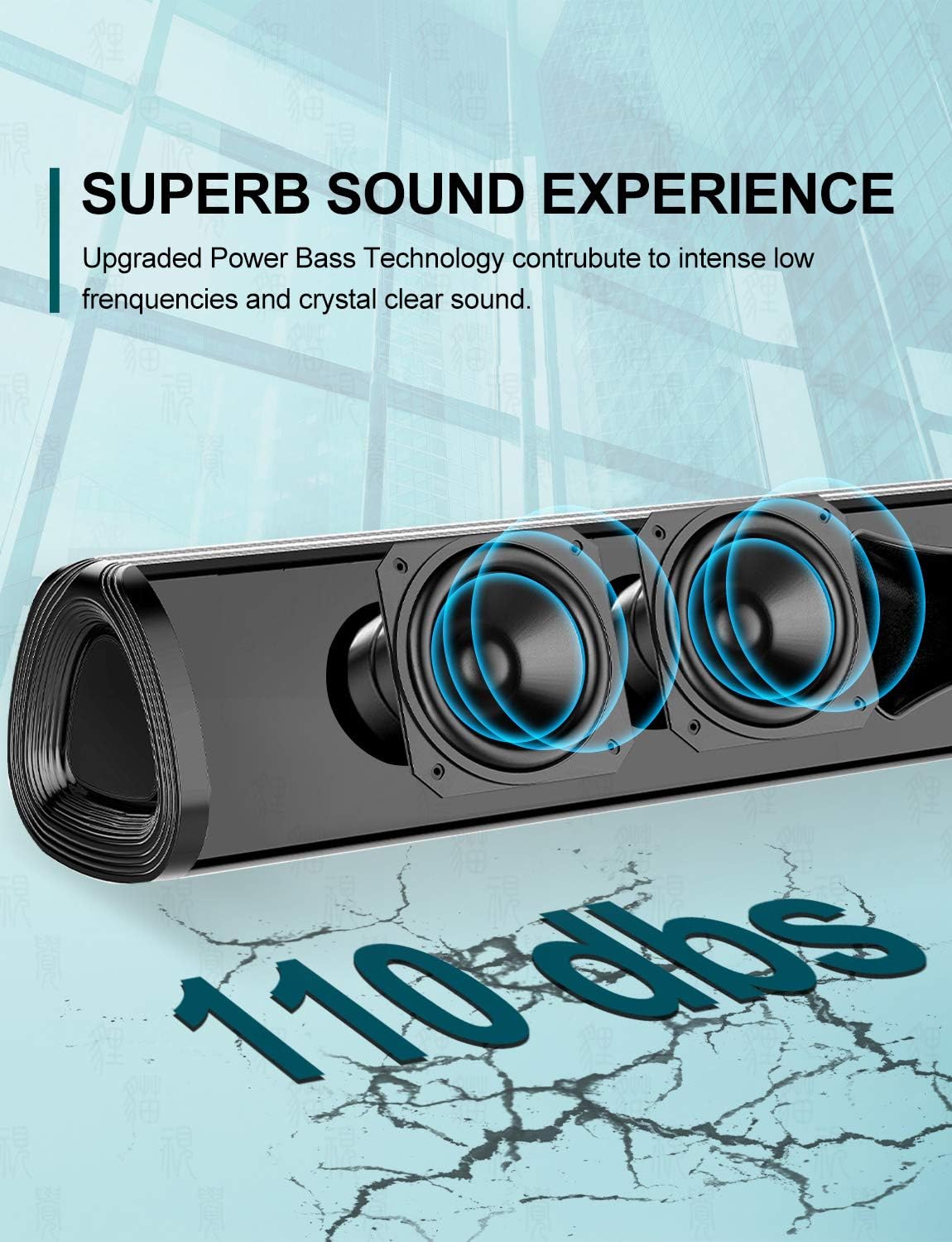
Imej: Dari dekat view of the soundbar's internal speakers, illustrating the powerful sound output with a visual representation of 110 decibels.
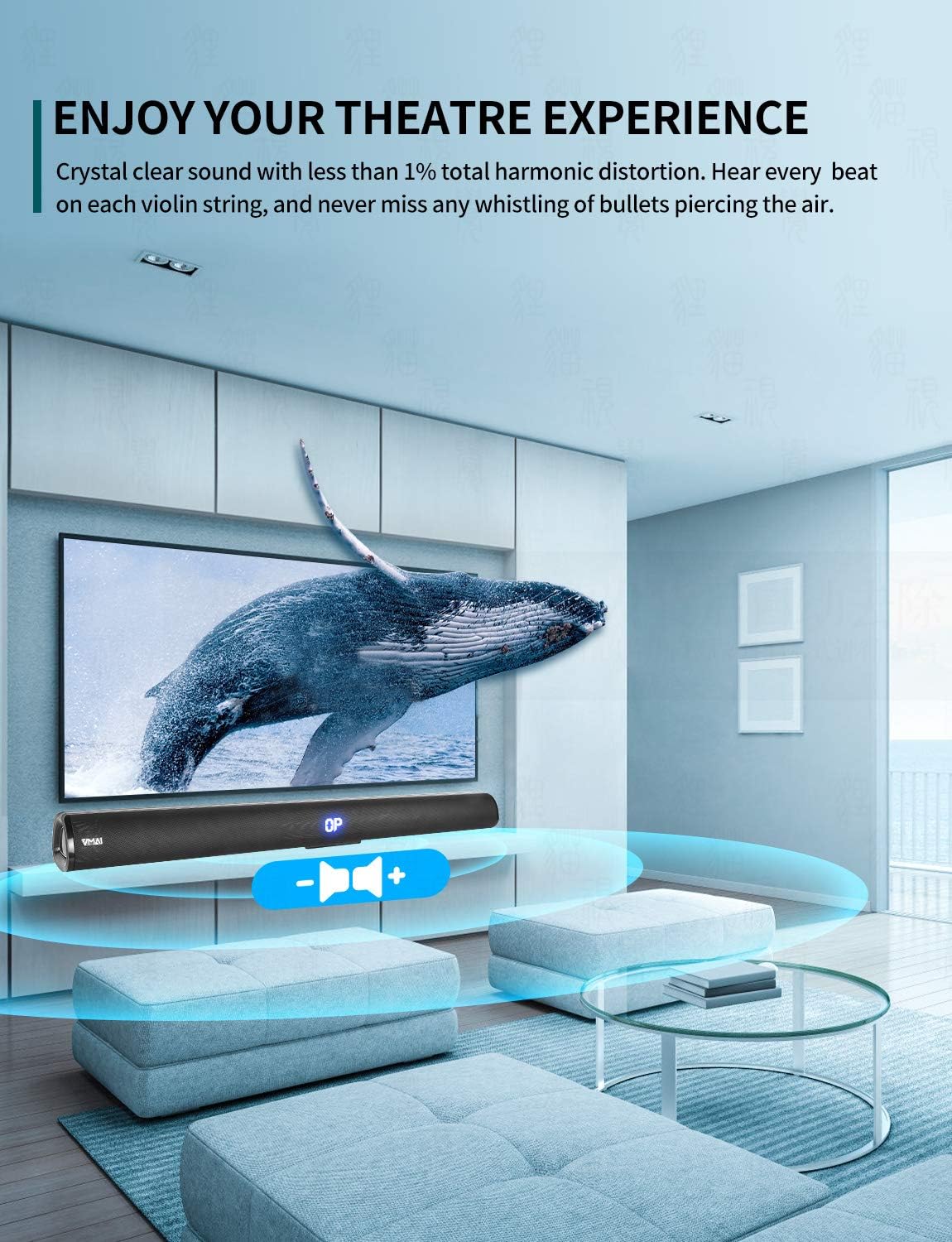
Image: A family enjoying a movie with the soundbar enhancing the audio experience, demonstrating its capability to create an immersive home theater environment.
4. Persediaan
4.1 Pilihan Penempatan
The VMAI Soundbar offers versatile placement to suit your home setup:
- Peletakan Desktop: Place the soundbar on a flat, stable surface directly in front of your TV. Ensure there are no obstructions in front of the soundbar to allow for optimal sound projection.
- Pemasangan Dinding: Use the included wall mounting kit to securely attach the soundbar to a wall below your TV. Refer to the detailed wall mounting instructions provided in the kit for proper installation.

Image: A visual guide demonstrating the two primary placement options for the soundbar: mounted on a wall below a television and placed on a desktop surface.
4.2 Sambungan Kuasa
- Connect the power adapter to the DC IN port on the back of the soundbar.
- Palamkan hujung satu lagi penyesuai kuasa ke dalam salur keluar dinding.
- The soundbar will enter standby mode, indicated by an LED light.
4.3 Menyambung ke TV/Peranti Anda
Choose the most suitable connection method for your device:

Image: The rear panel of the soundbar displaying its various input ports including HDMI ARC, Optical, AUX, and DC IN, along with the corresponding connection cables.
HDMI ARC Connection (Recommended)
- Connect one end of the HDMI cable (included) to the HDMI ARC port on the soundbar.
- Sambungkan hujung yang satu lagi ke port HDMI ARC pada TV anda.
- Ensure your TV's HDMI ARC function is enabled in its settings. This allows you to control the soundbar volume with your TV remote.
Sambungan Optik
- Connect one end of the Optical cable (included) to the OPTICAL port on the soundbar.
- Sambungkan hujung yang satu lagi ke port Keluaran Audio Digital Optik pada TV atau sumber audio anda.
- Ensure your TV's audio output is set to 'PCM' format, as some TVs may default to other formats incompatible with optical input.
Sambungan AUX
- Connect one end of the RCA to 3.5mm audio cable (included) to the AUX port on the soundbar.
- Connect the RCA ends to the corresponding audio output ports (usually red and white) on your TV or audio source.
Sambungan Bluetooth
- Power on the soundbar and select 'Bluetooth' input mode using the remote or side buttons. The LED display will show 'BT'.
- Dayakan Bluetooth pada telefon pintar atau peranti anda yang lain.
- Cari untuk 'VMAI Soundbar' in the list of available devices and select it to pair.
- Once paired, the soundbar will indicate a successful connection, and you can play audio wirelessly.
USB (Flash Drive) Connection
- Masukkan pemacu kilat USB yang mengandungi audio MP3 files ke dalam port USB pada bar bunyi.
- The soundbar will automatically switch to USB mode and begin playing the audio files.
5. Arahan Operasi
5.1 Kawalan
The soundbar can be controlled via the side panel buttons or the included remote control.

Imej: A terperinci view of the soundbar's remote control and its side panel buttons, highlighting the various controls for power, volume, and input selection.
Side Panel Buttons:
- Butang Kuasa: Press to turn the soundbar On/Off.
- Butang Pemilihan Input: Press to cycle through input modes (HDMI ARC, Optical, AUX, Bluetooth, USB).
- Volume - / + Buttons: Tekan untuk mengurangkan atau menambah kelantangan.
Fungsi Kawalan Jauh:
- Power (⏸): Menghidupkan/Mematikan bar bunyi.
- Redam (🔇): Membisukan atau menyahredamkan bunyi.
- Input: Berkitar melalui mod input.
- Jilid +/-: Melaraskan kelantangan induk.
- Bes +/-: Melaraskan tahap bes.
- Tiga kali ganda +/-: Melaraskan tahap treble.
- Mod Bunyi:
- MUZIK: Dioptimumkan untuk main balik muzik.
- PERGERAKAN: Dipertingkatkan untuk audio sinematik.
- BERITA: Clearer dialogue for news and talk shows.
- 3D: Creates a virtual surround sound effect.
- Bluetooth Pairing (PAIR): Memulakan mod berpasangan Bluetooth.
- Playback Controls (for USB/Bluetooth): Main/Jeda, Trek Sebelumnya, Trek Seterusnya.
6. Penyelenggaraan
To ensure the longevity and optimal performance of your VMAI Soundbar, follow these maintenance guidelines:
- Pembersihan: Use a soft, dry cloth to wipe the surface of the soundbar. Do not use liquid cleaners, abrasive cleaners, or chemical sprays, as they may damage the finish or internal components.
- Pengudaraan: Pastikan lubang udara pada bar bunyi tidak tersumbat untuk mengelakkan terlalu panas.
- Storan: Jika menyimpan bar bunyi untuk tempoh yang lama, putuskan sambungannya daripada kuasa dan simpannya di tempat yang sejuk dan kering jauh daripada cahaya matahari langsung dan suhu yang melampau.
- Elakkan Kelembapan: Keep the soundbar away from water and high humidity environments. It is not waterproof.
7. Penyelesaian masalah
Jika anda menghadapi sebarang masalah dengan bar bunyi anda, sila rujuk masalah dan penyelesaian biasa berikut:
| Masalah | Kemungkinan Punca | Penyelesaian |
|---|---|---|
| Tiada bunyi dari bar bunyi |
|
|
| Kualiti bunyi yang herot atau lemah |
|
|
| Alat kawalan jauh tidak berfungsi |
|
|
| Isu berpasangan Bluetooth |
|
|
8. Spesifikasi
| Ciri | Perincian |
|---|---|
| Nama Model | HD-019 |
| Jenis Pembesar Suara | Bar bunyi |
| Ciri Khas | Tanpa Wayar, Bluetooth, Amplebih hidup |
| Penggunaan yang Disyorkan | Teater Rumah |
| Peranti Serasi | TV, Projector, Computer, Blu-ray player, Tablet, XBOX, PS5, Amppenguat, Telefon pintar |
| Jenis Pengawal | Butang, Kawalan Jauh |
| Konfigurasi Bunyi Sekeliling | 2.0 Saluran |
| warna | Hitam Jet |
| Dimensi Produk (D x W x H) | 7.8 cm x 90 cm x 7.6 cm |
| Berat Barang | 2 Kilogram |
| Julat Bluetooth Maksimum | 15 Meter |
| Kuasa Output Maksimum Pembesar Suara | 60 Watt |
| Teknologi Ketersambungan | Wired (HDMI ARC, Optical, AUX, USB), Bluetooth (Wireless) |
| Jenis Pemasangan | Pemasangan Dinding, Desktop |
9. Waranti dan Sokongan
The VMAI 36-Inch Soundbar comes with a Waranti 12 bulan dari tarikh pembelian. Waranti ini meliputi kecacatan pembuatan dan mutu kerja di bawah penggunaan biasa.
For technical support, warranty claims, or any questions regarding your product, please contact VMAI customer service through the retailer's platform or visit the official VMAI website for contact information. Please have your purchase receipt and product model number (HD-019) ready when contacting support.
Ask a question about this manual
Ask about setup, troubleshooting, compatibility, parts, safety, or missing instructions. Manuals+ will review the question and use this page’s manual context to help answer it.