
pengenalan
This manual provides detailed instructions for the proper use and maintenance of your LG AKB74955603 Air Conditioner Remote Control. Please read this manual thoroughly before operating the device to ensure optimal performance and longevity.
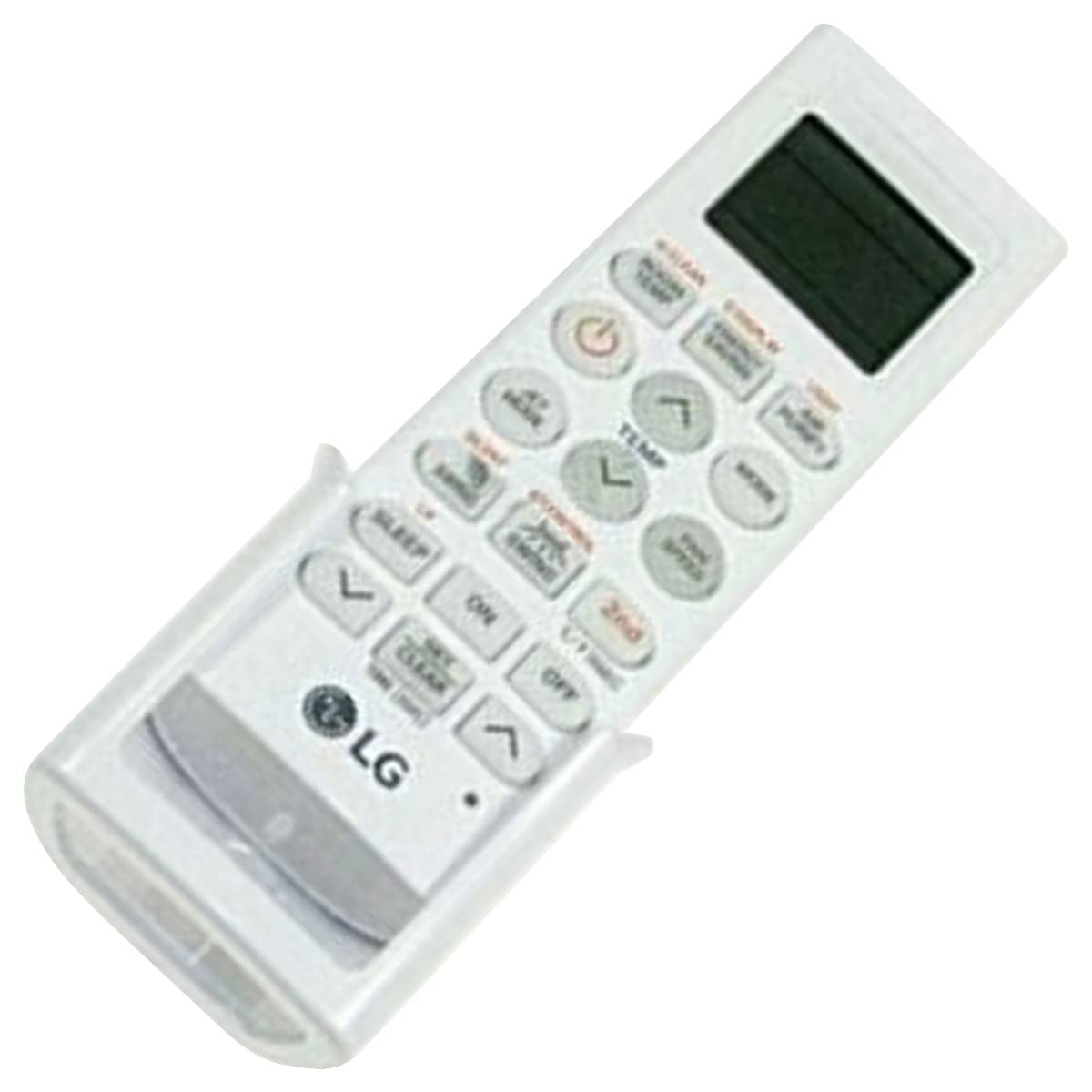
Image: The LG AKB74955603 Air Conditioner Remote Control, a white rectangular device with various control buttons.
Persediaan
1. Pemasangan Bateri
Alat kawalan jauh memerlukan dua (2) bateri AAA untuk operasi. Pastikan kekutuban yang betul semasa memasukkan bateri.
- Buka penutup petak bateri yang terletak di belakang alat kawalan jauh.
- Masukkan dua bateri AAA baharu, sepadan dengan terminal (+) dan (-) seperti yang ditunjukkan di dalam petak.
- Tutup penutup petak bateri dengan selamat.
Nota: Do not mix old and new batteries, or different types of batteries. Remove batteries if the remote control will not be used for an extended period.
Arahan Operasi
Point the remote control directly at the air conditioner's receiver. Ensure there are no obstructions between the remote and the unit.
Fungsi Utama
- KUASA (⏻): Menghidupkan atau MATI penghawa dingin.
- ARAHAN: Kitaran melalui mod pengendalian: Auto, Sejuk, Kering, Kipas, Haba.
- TEMP ▲/▼: Melaraskan tetapan suhu yang dikehendaki.
- KELAJUAN KIPAS: Selects the fan speed (Auto, Low, Medium, High).
- HAYUN: Activates or deactivates the louver swing function.
- PEMASA: Menetapkan pemasa HIDUP/MATI untuk penghawa dingin.
- TIDUR: Activates the sleep mode for comfortable night operation.
- CAHAYA: Controls the display light on the air conditioner unit (if available).
- FUNCTION/SPECIAL: Mengakses fungsi atau tetapan tambahan.
Operasi Asas
- Tekan ke KUASA butang untuk menghidupkan penghawa dingin.
- Tekan ke MODE button repeatedly to select your desired operating mode (e.g., Cool).
- Gunakan SUHU ▲/▼ butang untuk menetapkan suhu yang dikehendaki.
- Laraskan kelajuan kipas menggunakan KELAJUAN KIPAS butang jika perlu.
- Untuk mematikan unit, tekan butang KUASA butang lagi.
Penyelenggaraan
Penggantian Bateri
Replace batteries when the remote control's range decreases or if the display becomes dim. Follow the battery installation steps outlined in the Setup section.
Pembersihan
Wipe the remote control with a soft, dry cloth. Do not use liquid cleaners, abrasive materials, or chemical solvents, as these may damage the surface or internal components.
Penyimpanan
Simpan alat kawalan jauh di tempat yang sejuk dan kering jauh dari cahaya matahari langsung dan suhu yang melampau. Jika menyimpan untuk tempoh yang lama, keluarkan bateri untuk mengelakkan kebocoran.
Menyelesaikan masalah
- Alat kawalan jauh tidak bertindak balas:
- Periksa sama ada bateri dimasukkan dengan betul dan tidak kehabisan kuasa. Gantikan jika perlu.
- Pastikan terdapat garis penglihatan yang jelas antara alat kawalan jauh dan penerima penghawa dingin.
- Verify that the remote control is pointed directly at the air conditioner.
- Julat operasi terhad:
- Gantikan bateri dengan yang baru.
- Ensure no strong light sources (e.g., direct sunlight, fluorescent lights) are interfering with the infrared signal.
Spesifikasi
| Ciri | Perincian |
|---|---|
| Nama Model | AKB74955603 |
| Jenama | LG |
| Peranti Serasi | Penghawa Dingin |
| Teknologi Ketersambungan | Inframerah (IR) |
| Bilangan Butang | 10 |
| Julat Maksimum | 10 Meter |
| Jenis Bateri | 2 x AAA (tidak termasuk) |
| Ciri Khas | Mudah Digunakan |
Waranti dan Sokongan
For warranty information and customer support, please refer to the documentation provided with your air conditioner unit or visit the official LG webtapak. Simpan resit pembelian anda sebagai bukti pembelian untuk sebarang tuntutan waranti.
For further assistance, you may contact LG customer service through their official channels.