
1. Pengenalan
The CATCHFACE G2 Wifi Gateway acts as a bridge to connect your Bluetooth-enabled smart locks to your home Wi-Fi network. This enables remote control functionalities and integration with voice assistants like Amazon Alexa and Google Assistant, enhancing the convenience and security of your smart lock system.
This gateway is compatible with smart locks that utilize the TTLock app, including brands such as CATCHFACE, Sifely, YRHAND, Laxre, Nyboer, and Tropernic Bluetooth Smart Door Locks.

Image: The CATCHFACE G2 Wifi Gateway device, a compact white square unit with a blue indicator light.

Image: The G2 Gateway shown alongside logos indicating compatibility with Amazon Alexa, Google Home, and the TTLock App.
2. Panduan Persediaan
2.1 Powering the Gateway
The G2 Wifi Gateway requires a DC5V1A micro USB power adapter for operation. Please note that a power adapter is not included in the package. Connect the gateway to a suitable power source using the provided USB cable.
2.2 Indicator Lights Status
- Red and Blue lights flashing alternately: Indicates Stand-by mode, ready for pairing.
- Cahaya biru: Indicates Working mode, the gateway is connected and operational.
- Lampu merah: Indicates Network failure, the gateway is unable to connect to the Wi-Fi network.

Image: Diagram showing the G2 Gateway's power interface and the meaning of its blue and red indicator lights.
2.3 Adding the Gateway to the TTLock App
Follow these steps to connect your G2 Gateway to the TTLock app:
- Langkah 1: Power on the G2 gateway. The light will flash alternately in red and blue, indicating it is in pairing mode.
- Langkah 2: Open the TTLock APP on your smartphone and navigate to the 'Gateway' section.
- Langkah 3: Click the '+' icon located in the top right corner of the app interface, then select 'G2' as the gateway type.
- Langkah 4: Click 'Next'. The app will automatically search for available G2 Gateway devices. Once found, click to add the G2 Gateway.
- Langkah 5: Choose your Wi-Fi network from the list and enter the Wi-Fi password to connect the gateway to your network.
- Langkah 6: Once connected, the gateway will be added successfully to your app.

Image: A visual six-step guide demonstrating the process of adding the G2 Gateway within the TTLock mobile application, showing various app screenshots.
3. Arahan Operasi
3.1 Remote Control via TTLock App
With the G2 Gateway connected, you can remotely manage your smart lock from anywhere in the world using the TTLock app. This includes:
- Setting, changing, and deleting access codes.
- Checking the door status (locked/unlocked).
- Monitoring battery life of the connected smart lock.
- Viewing activity logs in real-time.
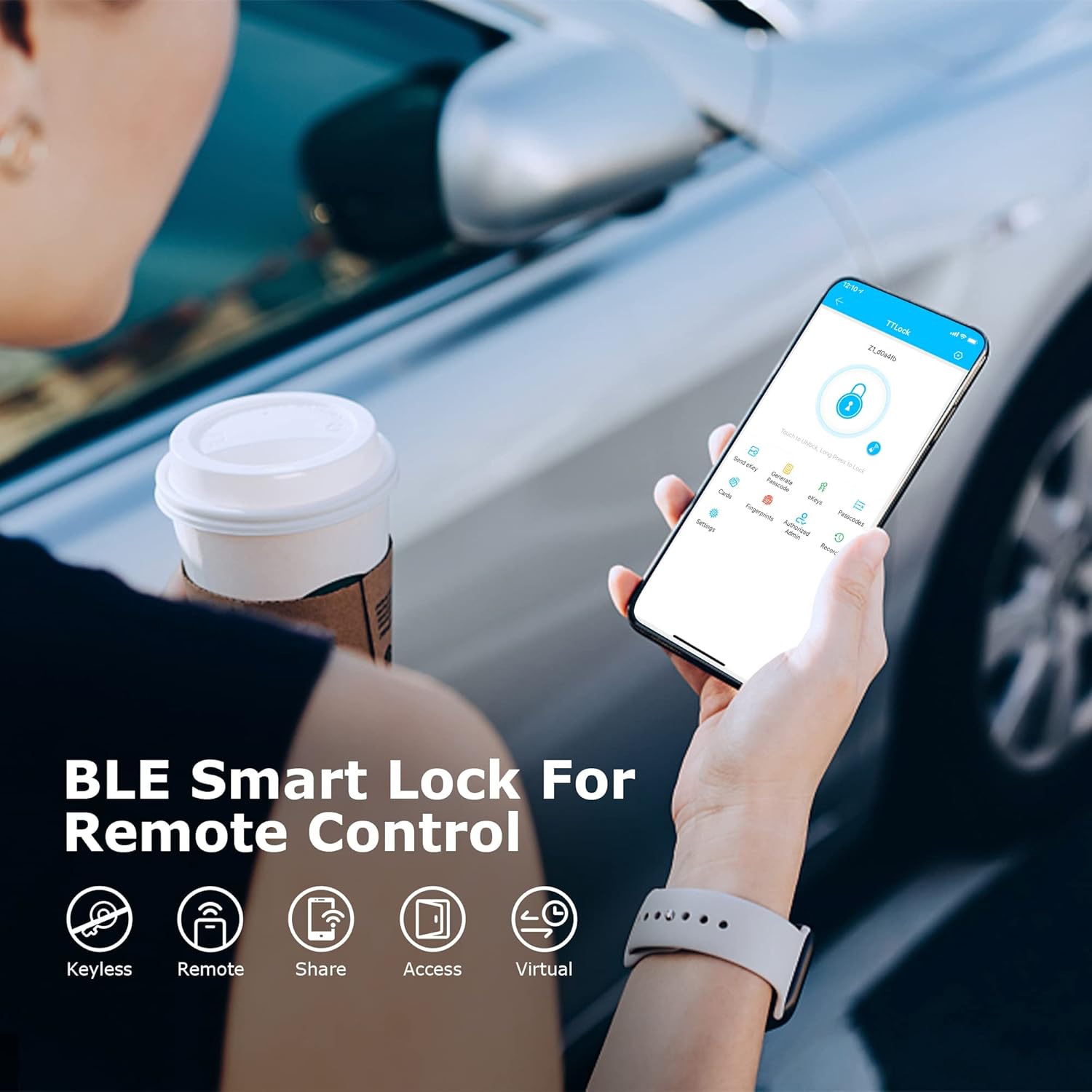
Image: A smartphone displaying the TTLock app interface, highlighting features for keyless entry, remote access, sharing, and virtual keys.

Image: A desktop computer and smartphone displaying the TTLock Web System and app, illustrating remote management capabilities for multiple locks and properties.
3.2 Instant Alerts
Receive instant notifications on your smartphone when someone enters or exits your home, providing real-time security monitoring.
3.3 Penyepaduan Kawalan Suara
The G2 Gateway enables voice control of your smart lock through compatible devices like Amazon Alexa and Google Assistant. Once set up, you can use voice commands to lock or unlock your door.

Image: The G2 Gateway positioned near Amazon Echo and Google Home devices, demonstrating its smart voice control capabilities.
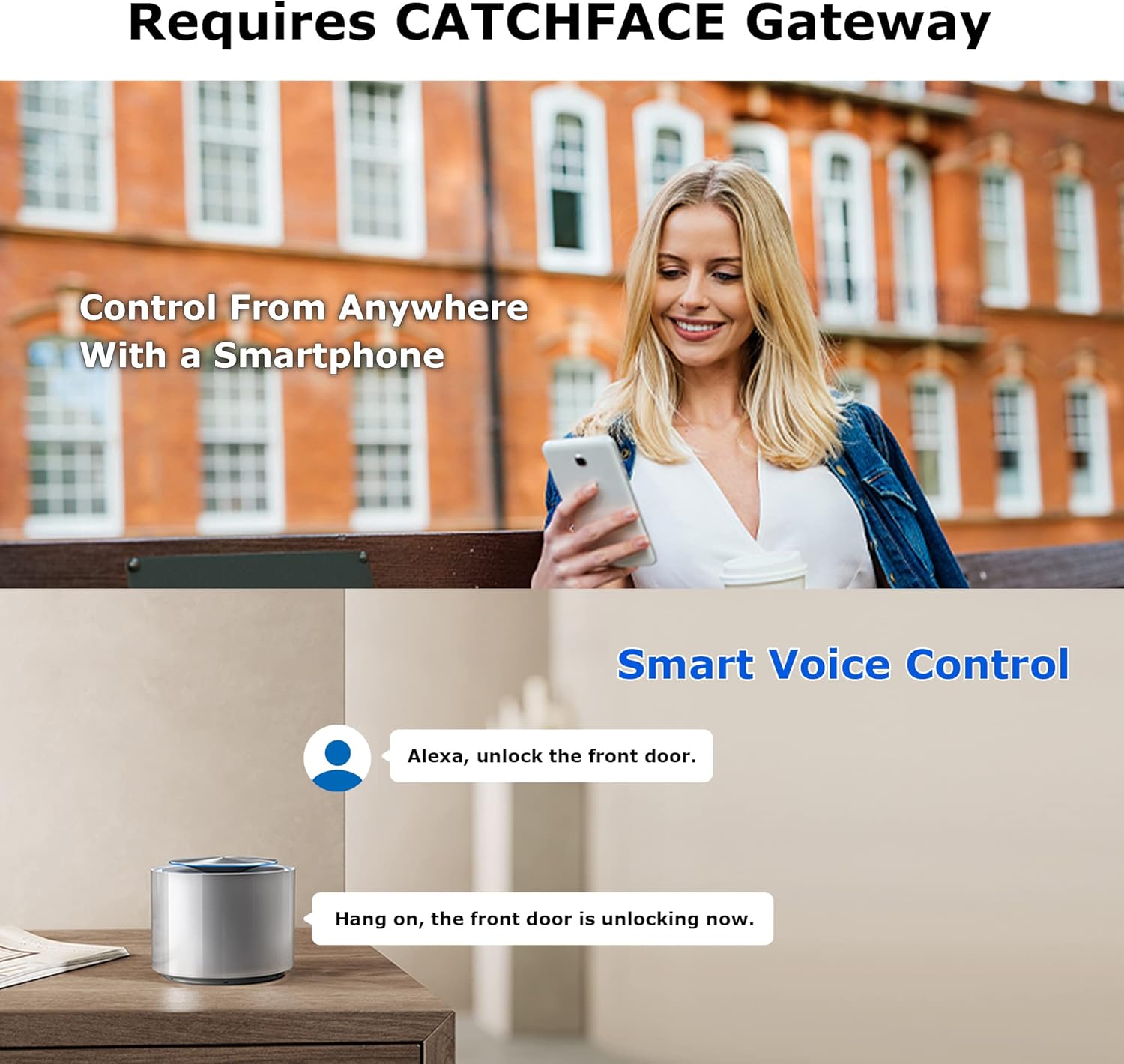
Image: A person using a smartphone to control a smart lock remotely, with an illustration of voice command interaction with a smart speaker.
4. Penyelenggaraan
The G2 Wifi Gateway is designed for low maintenance. Ensure it is always connected to a stable DC5V1A micro USB power source. Keep the device in a dry environment and avoid exposure to extreme temperatures or moisture.
If the gateway is powered off, it may need to be reconnected to the network through the TTLock app to restore full functionality.
5. Penyelesaian masalah
- Gateway not pairing (Red and Blue lights flashing alternately): Ensure the gateway is powered on and within range of your Wi-Fi router. Follow the app pairing steps carefully.
- Network failure (Red light): Check your Wi-Fi router and internet connection. Ensure the Wi-Fi password entered in the app is correct. Try restarting your router and the gateway.
- Alat kawalan jauh tidak berfungsi: Verify that the gateway's blue light is on, indicating it's in working mode. Ensure your smartphone has an active internet connection. Check the TTLock app for any error messages or connectivity issues.
- Kawalan suara tidak bertindak balas: Confirm that your Alexa or Google Assistant device is properly linked to your TTLock account and the gateway is online. Ensure voice commands are clear and correctly phrased.
- Gateway powered off: If the gateway loses power, it will need to be reconnected to the network via the TTLock app once power is restored.
If you encounter persistent issues, please refer to the TTLock app's help section or contact CATCHFACE customer support for assistance.
6. Spesifikasi
| Ciri | Perincian |
|---|---|
| Jenama | CATCHFACE |
| Nama Model | G2 |
| Nombor Model Item | G2 |
| warna | Gerbang G2 |
| bahan | Zink |
| Dimensi Item L x W x H | 2.75 x 1.02 x 2.55 inci |
| Dimensi Produk | 2.75 x 1.02 x 2.55 inci |
| Berat Barang | 4.2 auns |
| Jenis Kunci | Wifi smart door lock with hub |
| Ciri Khas | Mudah dipasang |
| Protokol Ketersambungan | Wi-Fi |
| Kaedah Kawalan | Apl |
| Jenis Pengawal | Amazon Alexa, Android, Google Assistant, iOS |
| Komponen yang Disertakan | 1 X Smart Gateway, 1 X USB Cable, 1 X User Manual |
| Bateri Termasuk? | Tidak |
| Bateri Diperlukan? | Tidak |
| UPC | 727522007439 |

Image: A diagram illustrating the physical dimensions of the G2 Wifi Gateway, measuring 2.75 inches by 2.75 inches by 1.02 inches.
7. Waranti dan Sokongan
For warranty information or technical support, please contact CATCHFACE customer service. Details can typically be found on the product packaging or the official CATCHFACE website. When contacting support, please have your product model (G2) and purchase information available.