
ALONEFIRE H38
Alonefire H38 Tactical LED Flashlight User Manual
Model: H38
1. Pengenalan
Thank you for choosing the Alonefire H38 Tactical LED Flashlight. This high-performance flashlight is designed for reliability and versatility, featuring a powerful LED, multiple lighting modes, USB recharging, and a power output function. Please read this manual carefully to ensure proper use and maintenance of your device.
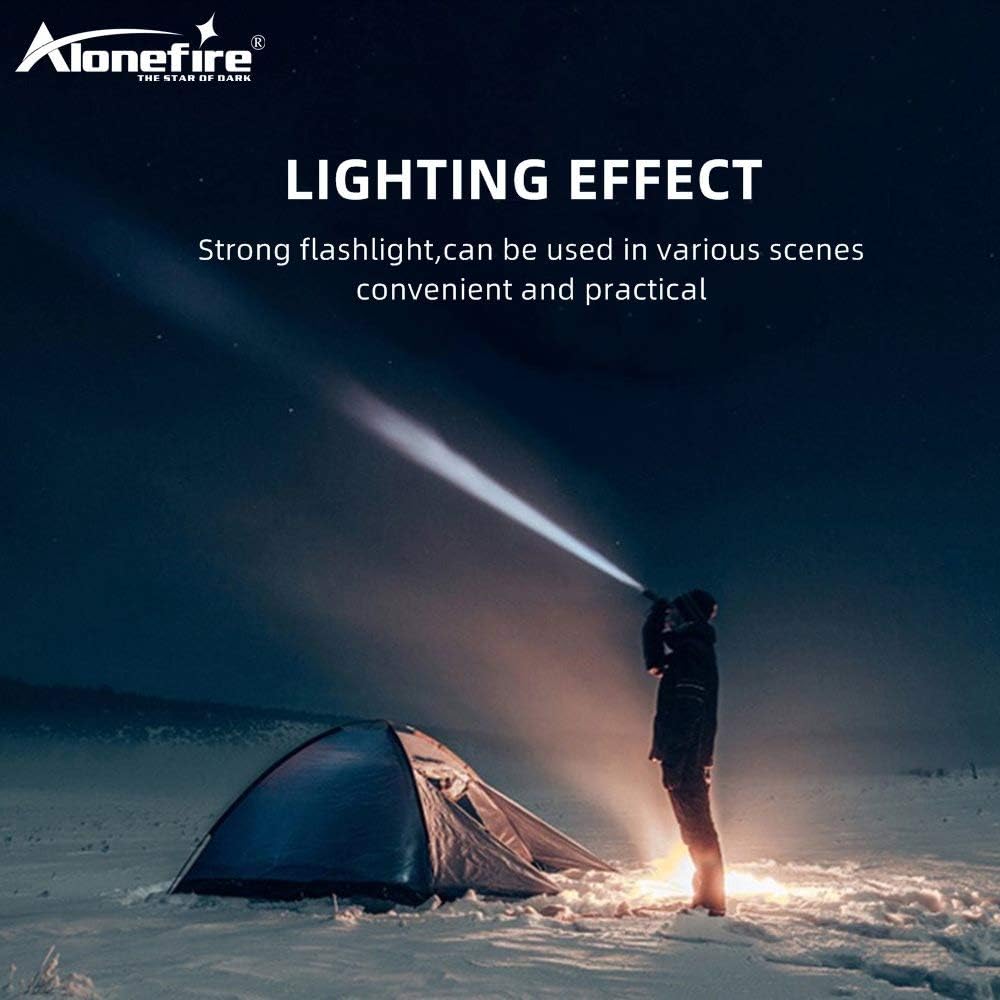
Figure 1: Alonefire H38 providing strong illumination in a dark environment.
2. Maklumat Keselamatan
- Keselamatan Mata: Jangan lihat terus ke dalam lampu LED atau menyinarkannya terus ke mata manusia atau haiwan. Cahaya berintensiti tinggi boleh menyebabkan gangguan penglihatan sementara atau kerosakan mata kekal.
- haba: The flashlight may become warm during prolonged use, especially on high brightness modes. Handle with care.
- Pengendalian Bateri: Use only recommended Lithium-ion batteries. Do not mix old and new batteries, or different types of batteries. Do not attempt to disassemble, puncture, or short-circuit the battery.
- Tahan Air: The flashlight has an IP5 water resistance rating, meaning it is protected against low-pressure water jets from any direction. It is suitable for use in rainy conditions but should not be submerged in water.
- Kanak-kanak: Jauhkan daripada kanak-kanak.
3. Kandungan Pakej
Sila semak pakej untuk item berikut:
- Alonefire H38 Tactical LED Flashlight
- Kabel Pengecas USB
- Tali Pergelangan Tangan
- Battery Tube (for AAA batteries, if applicable)
- Lithium-ion Battery (if included, otherwise sold separately)

Figure 2: Included components of the Alonefire H38 package.
4. Produk Lebihview
Familiarize yourself with the different parts of your Alonefire H38 flashlight:

Figure 3: Labeled components of the Alonefire H38 Flashlight.
- LED Lamp: The primary light source.
- Zoomable Zone: Adjustable head for wide floodlight or focused spotlight.
- Suis kuasa: Button to turn the flashlight on/off and cycle through modes.
- Penunjuk Pengecasan: LEDs that show charging status and battery level.
- Copper Contactor: Ensures stable electrical connection with the battery.
- Anti-skip Handle: Textured surface for a secure grip.
- Bateri Li-ion: Sumber kuasa boleh dicas semula.
5. Persediaan
5.1. Pemasangan Bateri
- Tanggalkan penutup ekor lampu suluh.
- Insert the Lithium-ion battery with the positive (+) end facing towards the head of the flashlight.
- If using AAA batteries (not included), place them into the provided battery tube and insert the tube into the flashlight.
- Skru penutup ekor kembali dengan selamat.
5.2. Pengecasan Awal
Sebelum penggunaan pertama, cas sepenuhnya lampu suluh.
- Locate the micro USB charging port, usually hidden under a rubber cover on the side of the flashlight.
- Connect the small end of the USB charging cable to the flashlight's micro USB port.
- Connect the larger end of the USB cable to a USB power source (e.g., wall adapter, computer USB port, power bank).
- The charging indicator lights will illuminate to show the charging progress. Once fully charged, all indicator lights will typically be solid blue.

Figure 4: Charging the Alonefire H38 via micro USB port.
6. Arahan Operasi
6.1. Hidupkan/Mati Kuasa dan Pemilihan Mod

Figure 5: The five lighting modes of the Alonefire H38.
- Untuk Menghidupkan: Press the power switch button once. The flashlight will turn on in the last used mode.
- Untuk Menukar Mod: With the flashlight on, press the power switch button repeatedly to cycle through the 5 modes: High > Medium > Low > Strobe > SOS.
- Untuk Mematikan: Press and hold the power switch button for approximately 2 seconds.
6.2. Fungsi Zum
The Alonefire H38 features an adjustable zoom function:
- Untuk Zum Masuk (Tumpuan): Extend the head of the flashlight forward. This narrows the beam for a more focused, long-distance light.
- Untuk Zum Keluar (Lampu Sorot): Retract the head of the flashlight backward. This widens the beam for broader area illumination.
6.3. Power Output (Power Bank Function)
The flashlight can also serve as a temporary power bank to charge other devices.
- Locate the USB output port, usually next to the micro USB input port.
- Connect your device (e.g., smartphone) to the USB output port using its charging cable.
- Lampu suluh akan mula mengecas peranti anda.

Figure 6: Using the Alonefire H38 as a power bank to charge a smartphone.

Figure 7: The Alonefire H38 flashlight with an attached wrist strap for secure handling.
7. Penyelenggaraan
- Pembersihan: Lap badan lampu suluh dengan lembut, damp kain. Jangan gunakan pembersih atau pelarut yang melelas.
- Pelinciran: Sapukan gris silikon pada O-ring dan ulir secara berkala untuk mengekalkan kalis air dan operasi yang lancar.
- Penjagaan Bateri: If the flashlight will not be used for an extended period, remove the battery to prevent leakage and damage. Store batteries in a cool, dry place.
- Storan: Store the flashlight in a cool, dry environment away from direct sunlight and extreme temperatures.
8. Penyelesaian masalah
| Masalah | Kemungkinan Punca | Penyelesaian |
|---|---|---|
| Lampu suluh tidak menyala. | Bateri mati atau salah dimasukkan. | Recharge the battery or check its orientation. Ensure the tail cap is fully tightened. |
| Cahaya malap atau berkelip. | Cas bateri rendah. | Isi semula bateri sepenuhnya. |
| Lampu suluh tidak dicas. | Faulty USB cable or power source. Charging port cover not fully open. | Try a different USB cable or power source. Ensure the charging port is clean and accessible. |
| Fungsi zum adalah kaku. | Dirt or lack of lubrication. | Clean the zoom mechanism and apply a small amount of silicone grease. |
9. Spesifikasi
| Ciri | Perincian |
|---|---|
| Jenama | SENDIRIAN |
| Model | H38 |
| Sumber Cahaya | LED |
| Keluaran Lumen | Sehingga 5000 lm |
| Mod Pencahayaan | Tinggi, Sederhana, Rendah, Strob, SOS (5 mod) |
| bahan | Aloi Aluminium |
| Dimensi (L x W x H) | 4.69 x 0.91 x 0.91 cm (approx. 162mm - 178mm length) |
| Berat badan | 53.8 g |
| Jenis Bateri | 1 Lithium-ion (requires) |
| Voltage | 5 Volt |
| Penilaian Kalis Air | IP5 |
| Ciri Khas | USB Rechargeable, Power Output (Power Bank), Zoomable |
10. Waranti dan Sokongan
10.1. Maklumat Waranti
For specific warranty details, please refer to the documentation provided at the time of purchase or contact your retailer. The manufacturer typically offers a warranty against defects in materials and workmanship for a specified period.
10.2. Sokongan Pelanggan
If you encounter any issues or have questions not covered in this manual, please contact Alonefire customer service or your point of purchase for assistance. Keep your purchase receipt as proof of purchase.
Ask a question about this manual
Ask about setup, troubleshooting, compatibility, parts, safety, or missing instructions. Manuals+ will review the question and use this page’s manual context to help answer it.