
pengenalan
This manual provides detailed instructions for the installation, operation, and maintenance of your ESX VN1015-MA-DAB-1DIN 1-DIN Touchscreen Navigation System. This advanced car multimedia unit features a 10.1-inch multi-angle touchscreen, Android operating system, DAB+ digital radio, Bluetooth hands-free and audio streaming, GPS navigation, and extensive media connectivity. Please read this manual thoroughly before using the device to ensure proper operation and to maximize your user experience.
Persediaan dan Pemasangan
Proper installation is crucial for the optimal performance of your ESX navigation system. It is recommended that installation be performed by a qualified professional.
1. Membongkar dan Pemeriksaan
- Keluarkan semua komponen dari pembungkusan dengan berhati-hati.
- Sahkan bahawa semua aksesori yang disenaraikan ada.
- Periksa unit tersebut untuk sebarang tanda kerosakan.
2. Sambungan Pendawaian
Refer to the wiring diagram for detailed connections. Ensure all connections are secure to prevent malfunctions.
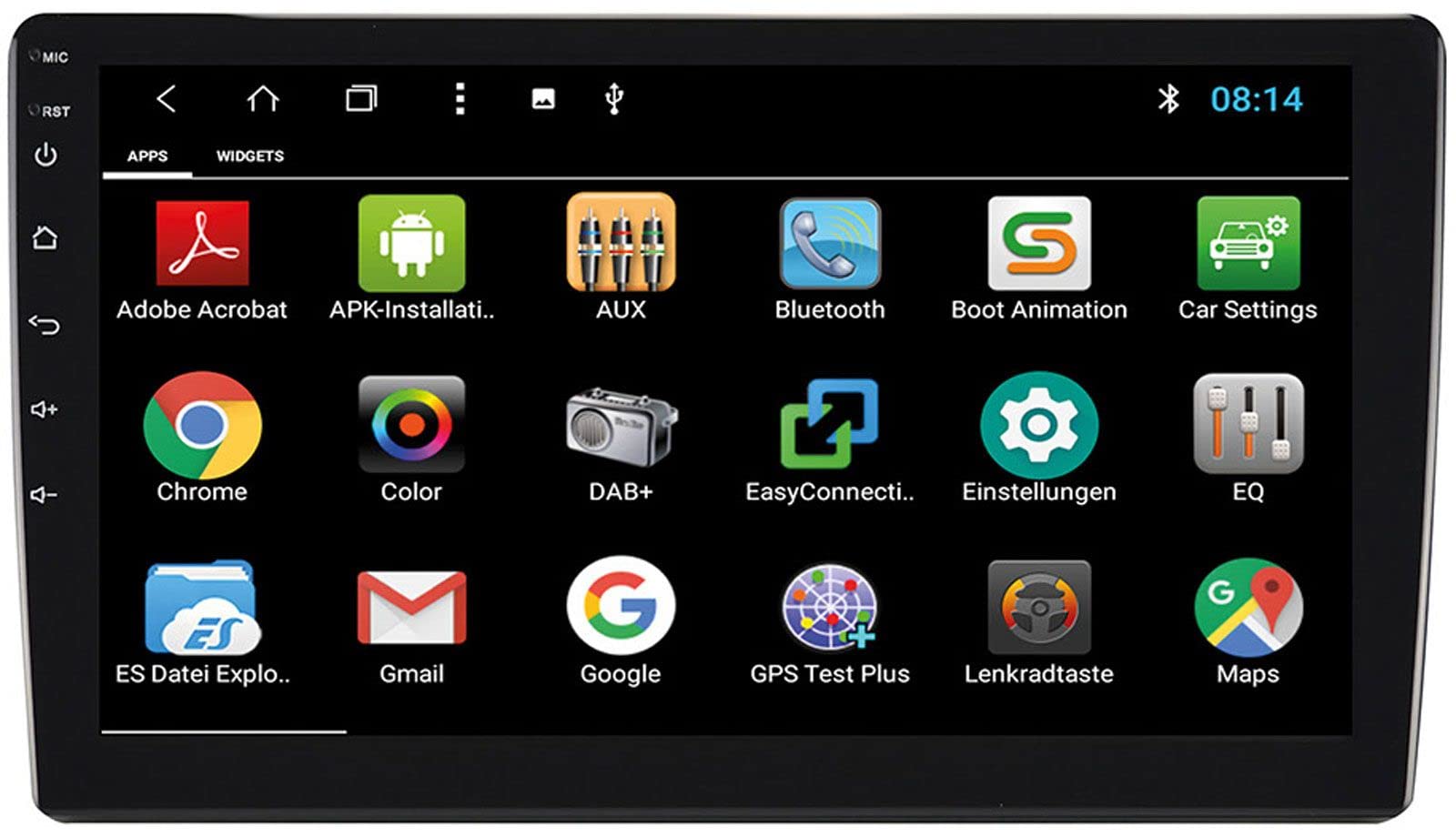
Image: Rear Connection Ports. This image displays the rear panel of the ESX VN1015-MA-DAB-1DIN unit, highlighting the various input and output ports. Key connections visible include GPS antenna input, WiFi antenna input, microphone input, USB ports, AV inputs, and the main power/speaker harness connector. A DAB+ antenna input is also present, along with a "PASSED" quality control sticker.
- Sambungan Kuasa: Connect the main power harness to your vehicle's power supply (constant 12V, ignition 12V, and ground).
- Sambungan Pembesar Suara: Connect the speaker wires to your vehicle's speakers, ensuring correct polarity.
- Antena GPS: Connect the GPS antenna to the dedicated GPS input. Position the antenna in a location with a clear view langit untuk penerimaan isyarat yang optimum.
- DAB+ Antenna: Connect the included DAB+ antenna to the DAB+ input. Ensure proper placement for best digital radio reception.
- Antena WiFi: Connect the WiFi antenna for internet connectivity via a mobile hotspot.
- Port USB: Connect USB devices for media playback or smartphone charging.
- mikrofon: Connect the internal microphone or an optional external microphone (VNA-MIC-AND) for Bluetooth hands-free calling.
- AUX/Video Input: Connect external audio/video sources.
- Input Kamera: Sambungkan belakangview camera to the camera input. The system supports adjustable parking lines.
- pra-amp Keluaran: Sambung luaran amppengalir untuk saluran hadapan, belakang dan subwoofer.
- Kawalan Roda Stereng: If your vehicle supports steering wheel controls, an optional adapter may be required. Connect the steering wheel control wires as per the adapter's instructions.
3. Memasang Unit
- Install the 1-DIN chassis into your vehicle's dashboard opening.
- Attach the 10.1-inch touchscreen display to the chassis. The display is multi-angle adjustable (height and viewing angle) for optimal visibility.
- Secure the unit firmly to prevent movement during driving.
4. Hidupkan Kuasa Awal
- After all connections are made, turn on your vehicle's ignition.
- The unit should power on and display the ESX logo.
- Ikut sebarang gesaan pada skrin untuk persediaan awal, seperti pemilihan bahasa dan zon waktu.
Arahan Operasi
Your ESX navigation system runs on an Android operating system, offering a familiar and intuitive user interface.
1. Antara Muka Skrin Sentuh
The 10.1-inch high-resolution touchscreen allows for easy control of all functions. Tap, swipe, and pinch-to-zoom gestures are supported.
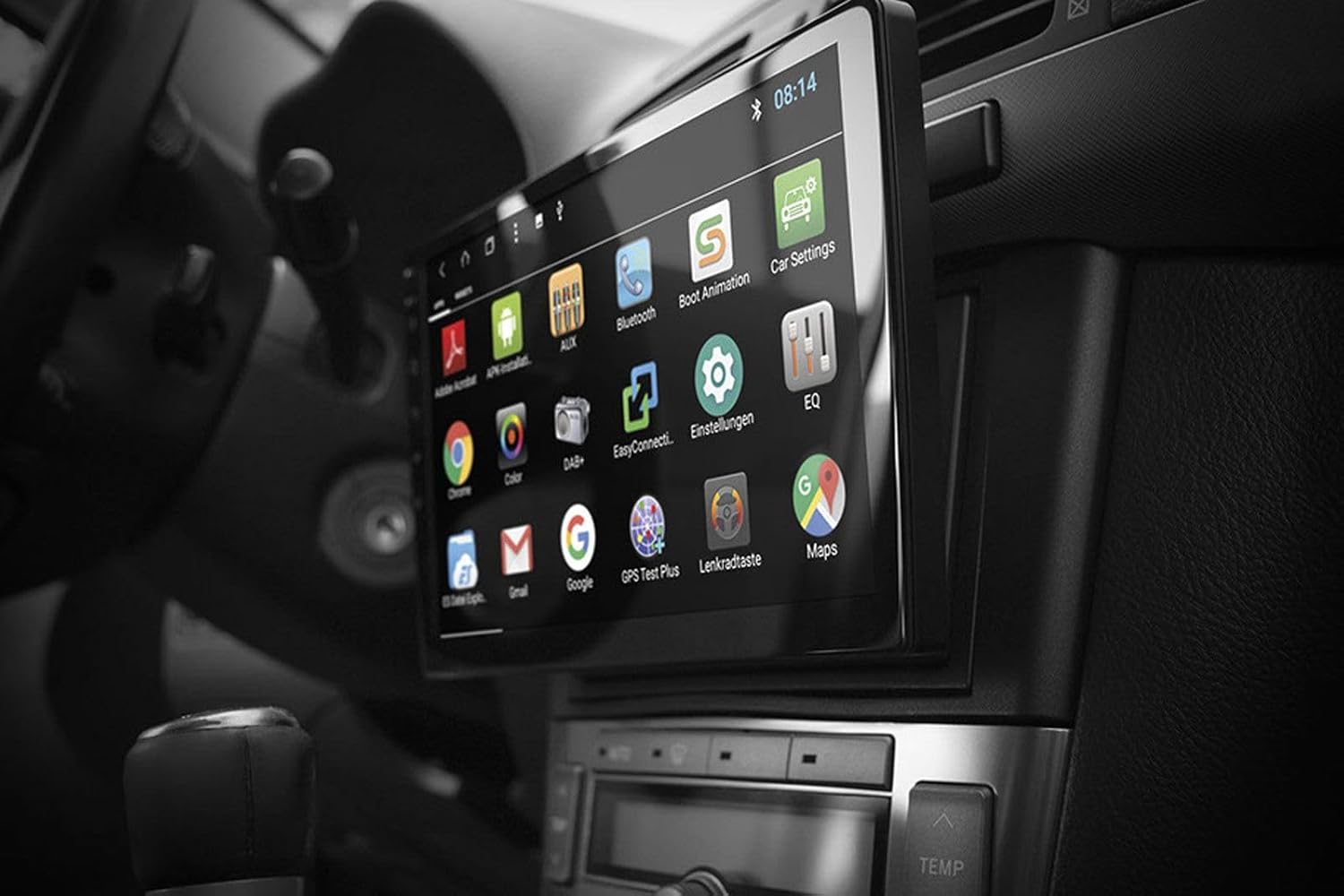
Image: Android App Interface. This image shows the ESX VN1015-MA-DAB-1DIN unit installed in a car, with its screen displaying a grid of Android application icons. Visible apps include Bluetooth, DAB+, EQ, Google, Maps, and various system settings, indicating the unit's smart functionality.
2. Navigasi (GPS)
- The system uses Google Maps for navigation, supporting both online and offline modes.
- Ensure the GPS antenna is properly connected and positioned.
- For offline maps, download the required map data via a WiFi connection.
- To start navigation, open the Maps application and enter your destination.

Image: Navigation Display. This image illustrates the ESX VN1015-MA-DAB-1DIN unit's screen showing a detailed navigation map. The map displays street names and routes, indicating active GPS guidance within a vehicle's interior.
3. Radio Functions (DAB+/AM/FM)
- Radio Digital DAB+: Access high-quality digital radio broadcasts. The system displays station logos. Ensure the DAB+ antenna is connected.
- Radio AM/FM: Tune into analog radio stations. RDS (Radio Data System) functionality provides station information.
- To switch between radio modes, select the appropriate option in the radio application.
- Scan for stations and save your favorites for quick access.

Image: Radio Interface. This image shows the ESX VN1015-MA-DAB-1DIN unit's screen displaying the FM radio interface. It features a frequency tuner, station presets, and controls for functions like REG, TA, AF, and PTY, indicating comprehensive radio capabilities.
4. Kesambungan Bluetooth
- Berpasangan: Go to the Bluetooth settings on the unit and your smartphone. Cari untuk available devices and select "ESX VN1015-MA-DAB-1DIN" (or similar). Enter the PIN if prompted (usually 0000 or 1234).
- Panggilan bebas tangan: Once paired, you can make and receive calls directly from the unit. Use the internal microphone or an optional external microphone for clear communication.
- Penstriman Audio (A2DP): Stream music from your smartphone to the unit wirelessly.
5. Main Semula Media
- USB/MikroSD: Insert USB drives or MicroSD cards containing audio or video files into the respective ports. The system will automatically detect and allow playback through the media player application.
- Input AUX: Connect external audio/video devices via the AUX input.
- Sambungan Telefon Pintar: Connect Android or iPhone devices via USB for charging. Some Android devices may support mirroring or data transfer depending on the phone and app.
6. Tetapan Sistem
- Access the Android settings menu to customize various aspects of the unit, including display, sound, network, and system information.
- You can adjust display brightness, sound equalizer settings, and connect to a WiFi hotspot for internet access.
- Customize boot logos and background images from the settings.
Penyelenggaraan
Regular maintenance ensures the longevity and optimal performance of your ESX navigation system.
- Membersihkan Skrin: Gunakan kain lembut dan tidak berbulu untuk mengelap skrin sentuh dengan lembut. Untuk calitan degil, sedikit dampen kain dengan air atau pembersih selamat skrin. Elakkan bahan kimia yang keras atau bahan yang melelas.
- Kemas Kini Perisian: Periodically check for software updates from the manufacturer's website or through the unit's system settings (if available). Updates can improve performance and add new features.
- Penjagaan Am: Elakkan mendedahkan unit kepada suhu yang melampau, cahaya matahari langsung untuk tempoh yang lama atau kelembapan berlebihan. Pastikan pengudaraan yang betul di sekitar unit.
Menyelesaikan masalah
If you encounter issues with your ESX navigation system, refer to the following common problems and solutions.
| Masalah | Penyelesaian yang Mungkin |
|---|---|
| Unit tidak dihidupkan. | Check all power connections (constant 12V, ignition 12V, ground). Verify the vehicle's fuse box and the unit's inline fuse. Ensure the ignition is on. |
| Tiada bunyi. | Check speaker connections. Ensure volume is not muted or set too low. Verify amplifier connections if external amplifiers are used. Check audio source selection. |
| GPS signal is weak or unavailable. | Ensure the GPS antenna is securely connected and placed in a location with a clear view of the sky (e.g., dashboard, under windshield). Avoid obstructions. |
| Bluetooth not connecting or unstable. | Ensure Bluetooth is enabled on both the unit and your smartphone. Delete previous pairings and try re-pairing. Move the phone closer to the unit. Restart both devices. |
| Penerimaan radio DAB+ adalah lemah. | Check the DAB+ antenna connection and its placement. Ensure you are in an area with DAB+ coverage. Rescan for stations. |
| Skrin sentuh tidak bertindak balas. | Perform a soft reset of the unit (refer to the system settings for a reset option, or press and hold the power button if available). Ensure the screen is clean and free of debris. |
Spesifikasi
Key technical specifications for the ESX VN1015-MA-DAB-1DIN navigation system:
- paparan: 10.1-inch high-resolution multi-angle LCD touchscreen
- Sistem pengendalian: Android
- Navigasi: Google Maps (online and offline)
- Ketersambungan: WiFi Hotspot (requires compatible smartphone), Bluetooth (hands-free, audio streaming), USB (2 ports), MicroSD card slot (for navigation and media), AUX/Video input, AUX/Audio input
- Radio: DAB+ Digital Radio (with station logos, DAB antenna included), AM/FM Radio (with RDS function)
- Keluaran Audio: Front/Rear/Subwoofer pre-amp keluaran
- Input: 1 Camera input (adjustable lines), 1 AUX/Video input, 1 AUX/Audio input
- Ciri Khas: Adjustable boot logos and background images, Internal microphone, Connector for optional external microphone (VNA-MIC-AND), Steering wheel control support (optional adapter required)
- Kaedah Kawalan: Skrin sentuh
- Jenis Perkhidmatan Kenderaan: kereta
- Pengeluar: ESX
- Negara Asal: China
Maklumat Waranti
The ESX VN1015-MA-DAB-1DIN unit includes a Certificate of Authenticity. For specific warranty terms and conditions, please refer to the documentation provided with your purchase or contact your retailer. Information regarding spare parts availability and guaranteed software updates is not explicitly provided.
Sokongan Pelanggan
If you require further assistance or have questions not covered in this manual, please contact your authorized ESX dealer or the retailer from whom you purchased the product. They can provide specialized support and service.