
1. Pengenalan
The MOJOGEAR Mini XL 20,000 mAh Power Bank is a high-capacity portable charger designed to provide fast and efficient power to your mobile devices. With its compact design and multiple charging ports, it's an ideal companion for travel, outdoor activities, or daily use, ensuring your smartphones, tablets, and other compatible gadgets stay charged.
2. Maklumat Keselamatan
Please read and follow these safety guidelines carefully to ensure safe operation and prolong the life of your power bank:
- Do not expose the power bank to extreme temperatures (above 45°C or below 0°C), direct sunlight, or high humidity.
- Jangan buka, ubah suai atau cuba membaiki peranti ini sendiri. Ini akan membatalkan jaminan dan boleh menyebabkan kerosakan atau kecederaan.
- Jauhkan bank kuasa daripada air dan cecair lain.
- Elakkan daripada menjatuhkan atau meletakkan bank kuasa kepada kesan yang kuat.
- Buang power bank secara bertanggungjawab mengikut peraturan tempatan. Jangan buangnya bersama sisa rumah.
- The power bank has a capacity of 74 Wh, which is generally suitable for air travel. However, always check with your airline's specific regulations before flying.
3. Kandungan Pakej
Sahkan bahawa semua item terdapat dalam pakej anda:
- MOJOGEAR Mini XL 20,000 mAh Power Bank
- Kabel USB Mikro 0.3m
- Manual Pengguna (dokumen ini)
4. Produk Lebihview
Familiarize yourself with the components of your MOJOGEAR Mini XL Power Bank:
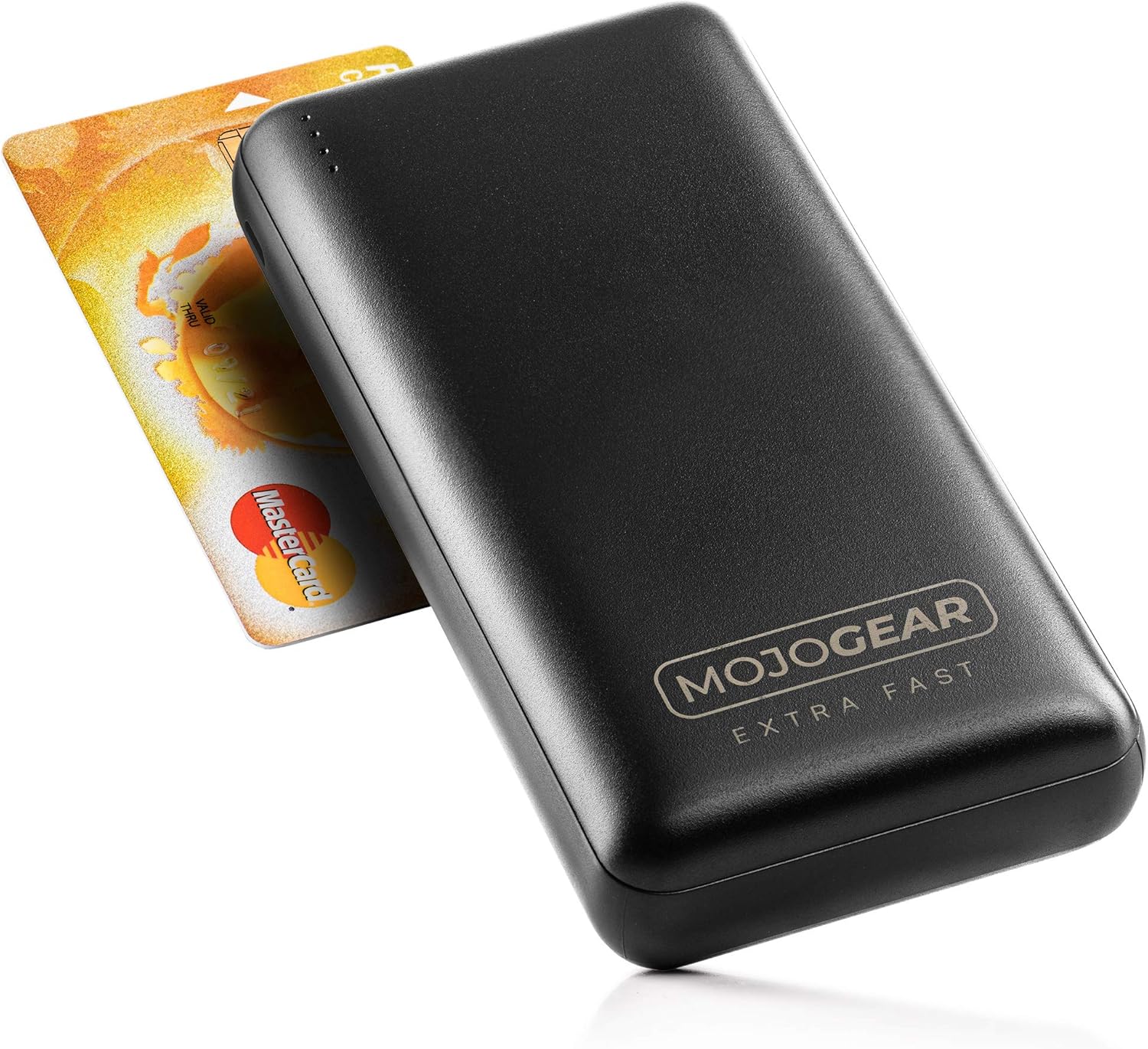


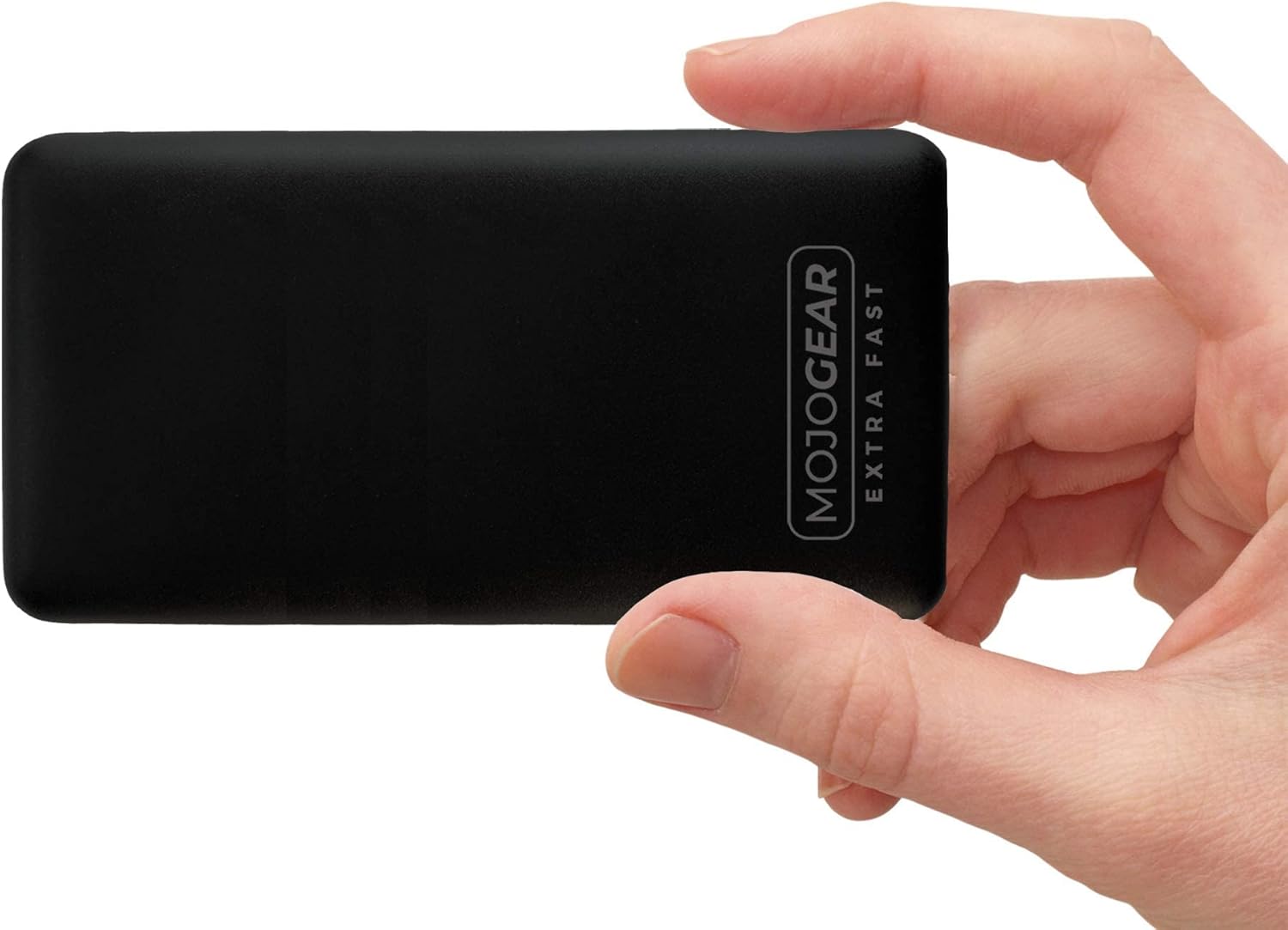
Komponen:
- Penunjuk LED: Four small LED lights on the top edge indicate the remaining battery level and charging status.
- Port Output USB-A (x2): Standard USB ports for charging various devices. These support Quick Charge 3.0.
- USB-C Input/Output Port (x1): A versatile port that can be used to charge the power bank or to charge compatible devices. This port supports USB Power Delivery.
- Micro USB Input Port (x1): Dedicated port for charging the power bank using the provided Micro USB cable.
5. Persediaan
Before using your MOJOGEAR Mini XL Power Bank for the first time, it is recommended to fully charge it.
- Connect the provided 0.3m Micro USB cable to the Micro USB input port on the side of the power bank.
- Connect the other end of the Micro USB cable to a USB power adapter (not included) or a computer's USB port.
- The LED indicators will light up and blink, indicating that the power bank is charging. All four LEDs will remain solid when fully charged.
Alternatively, you can use a USB-C to USB-C cable (not included) to charge the power bank via its USB-C input/output port.
6. Arahan Operasi
6.1. Mengecas Peranti Anda
To charge your smartphone, tablet, or other compatible devices:
- Connect your device's charging cable (e.g., USB-A to Lightning, USB-C to USB-C) to one of the power bank's output ports (USB-A or USB-C).
- Sambungkan hujung kabel yang lain ke peranti anda.
- The power bank will automatically begin charging your device. The LED indicators will show the remaining power level.
The power bank supports Quick Charge 3.0 via the USB-A ports and USB Power Delivery via the USB-C port for fast charging compatible devices.
6.2. Charging Multiple Devices Simultaneously
You can charge up to three devices at the same time using the two USB-A output ports and the USB-C input/output port.
6.3. Status Penunjuk LED
Empat lampu LED menunjukkan tahap bateri power bank:
- 4 Solid LEDs: 75% - 100% dicaj
- 3 Solid LEDs: 50% - 75% dicaj
- 2 Solid LEDs: 25% - 50% dicaj
- 1 LED pepejal: 0% - 25% dicaj (caj semula tidak lama lagi)
- Blinking LEDs: Indicates the power bank is currently being charged.
7. Penyelenggaraan
Proper care will ensure the longevity of your power bank:
- Pembersihan: Wipe the surface of the power bank with a dry, soft cloth. Do not use harsh chemicals or abrasive materials.
- Storan: Simpan bank kuasa di tempat yang sejuk dan kering jauh dari cahaya matahari langsung dan suhu yang melampau.
- Penjagaan Bateri: If the power bank is not used for extended periods, charge it at least once every three months to maintain battery health and prevent deep discharge.
8. Penyelesaian masalah
If you encounter issues with your MOJOGEAR Mini XL Power Bank, refer to the following common problems and solutions:
| Masalah | Kemungkinan Punca | Penyelesaian |
|---|---|---|
| Power bank tidak dicas | Loose cable connection; Faulty cable or adapter; Power source issue. | Ensure cables are securely connected. Try a different cable or power adapter. Test with a different power outlet or USB port. |
| Peranti tidak mengecas daripada bank kuasa | Power bank is depleted; Loose cable connection; Incompatible device; Faulty device cable. | Recharge the power bank. Check cable connections. Ensure your device is compatible. Try a different charging cable for your device. |
| Pengecasan perlahan | Cable not supporting fast charging; Device not supporting fast charging; Charging multiple devices. | Use a cable that supports Quick Charge or Power Delivery. Ensure your device supports these fast charging protocols. Charging multiple devices simultaneously may reduce individual charging speeds. |
| Power bank feels warm during use | Normal operation during charging/discharging. | A slight warmth is normal. If it becomes excessively hot, disconnect immediately and contact customer support. |
9. Spesifikasi
| Ciri | Perincian |
|---|---|
| Model | 20.000 mAh |
| Kapasiti | 20,000 mAh (74 Wj) |
| Komposisi Bateri | Litium-polimer |
| Port Input | 1x Micro USB, 1x USB-C |
| Port Output | 2x USB-A, 1x USB-C |
| Ciri Khas | Quick Charge 3.0 (USB-A), USB Power Delivery (USB-C) |
| Max Charging Speed | Up to 18W (3A) |
| Dimensi (L x W x H) | 13.8 x 6.8 x 2.7 cm |
| Berat badan | 408 Gram |
| Peranti Serasi | Smartphones, Tablets, E-readers, Action Cameras, Wireless Headphones |
10. Waranti dan Sokongan
10.1. Maklumat Waranti
The MOJOGEAR Mini XL 20,000 mAh Power Bank comes with a Waranti 2 tahun dari tarikh pembelian. Waranti ini meliputi kecacatan pembuatan dan isu-isu yang timbul daripada penggunaan biasa. Ia tidak meliputi kerosakan yang disebabkan oleh salah guna, kemalangan, pengubahsuaian tanpa kebenaran atau bencana alam.
10.2. Sokongan Pelanggan
For any questions, technical assistance, or warranty claims, please contact MOJOGEAR customer service. Refer to the product packaging or the official MOJOGEAR webtapak untuk maklumat hubungan yang paling terkini.


