
1. Pengenalan
This instruction manual provides detailed guidance for the installation, operation, and maintenance of your Inovelli Z-Wave Dimmer Switches and RGBW Light Bulbs. This kit includes 4 Red Series Dimmer Switches and 2 RGBW Light Bulbs, both utilizing Z-Wave Plus technology for seamless integration with compatible smart home hubs such as SmartThings, Hubitat, and HomeSeer.

Imej 1: Selesaiview of the Inovelli Z-Wave Dimmer and RGBW Light Bulb Kit components.
2. Maklumat Keselamatan
Sila baca dan fahami semua arahan keselamatan sebelum pemasangan dan penggunaan. Kegagalan mematuhi arahan ini boleh mengakibatkan renjatan elektrik, kebakaran atau bahaya lain.
- AMARAN: Risiko Renjatan Elektrik. Always disconnect power at the circuit breaker or fuse box before installing or servicing.
- Pasang mengikut semua kod elektrik nasional dan tempatan.
- Sekiranya anda tidak pasti mengenai mana-mana bahagian arahan ini, berjumpa dengan juruelektrik yang berkelayakan.
- Do not use this device to control an appliance that could present a hazardous condition when operated remotely or unattended.
- Untuk kegunaan dalaman sahaja.
3. Kandungan Pakej
Sahkan bahawa semua komponen terdapat dalam pakej anda:
- 4x Inovelli Red Series Z-Wave Dimmer Switches
- 2x Inovelli RGBW Z-Wave Light Bulbs
- Manual Arahan (dokumen ini)
4. Persediaan dan Pemasangan
4.1 Dimmer Switch Installation
Before beginning, ensure power is OFF at the circuit breaker.
- Pendawaian: The Inovelli Red Series Dimmer Switch can operate with or without a neutral wire.
- If installing without a neutral wire and your load is under 25W, a separate bypass may be required.
- Energy monitoring functionality will not be available when wired without a neutral.
- Connect the dimmer switch according to the wiring diagram provided in the switch packaging.
- Secure the switch in the wall box and attach the wall plate.
- Pulihkan kuasa pada pemutus litar.
4.2 Penyertaan Rangkaian Z-Wave
To integrate your dimmer switch and RGBW bulbs into your Z-Wave network:
- Put your Z-Wave hub into inclusion/pairing mode (refer to your hub's manual for specific instructions).
- Untuk Suis Dimmer: Tap the config button on the switch (usually the small button below the paddle) or perform the specific inclusion sequence (e.g., 3x tap up on the paddle) as per the switch's manual.
- Untuk RGBW Light Bulb: Screw the bulb into a standard light socket. Ensure the socket is powered on. The bulb should automatically enter pairing mode or can be manually triggered by cycling power.
- Confirm successful inclusion on your Z-Wave hub.
4.3 Smart Bulb Mode (Dimmer Switch)
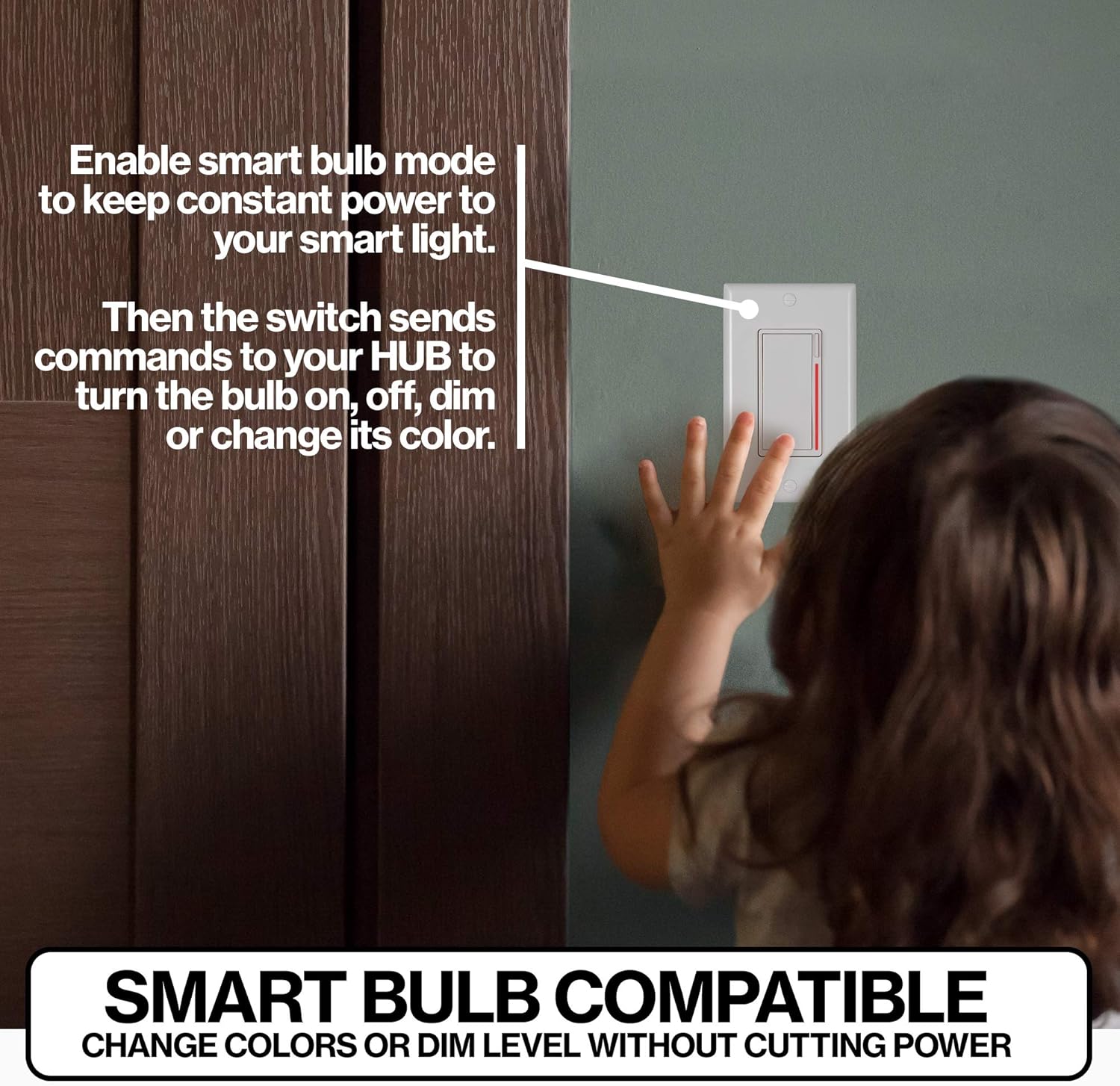
Enable Smart Bulb Mode on your dimmer switch to maintain constant power to your smart light bulbs, allowing the bulbs to be controlled directly by your Z-Wave hub for dimming and color changes.
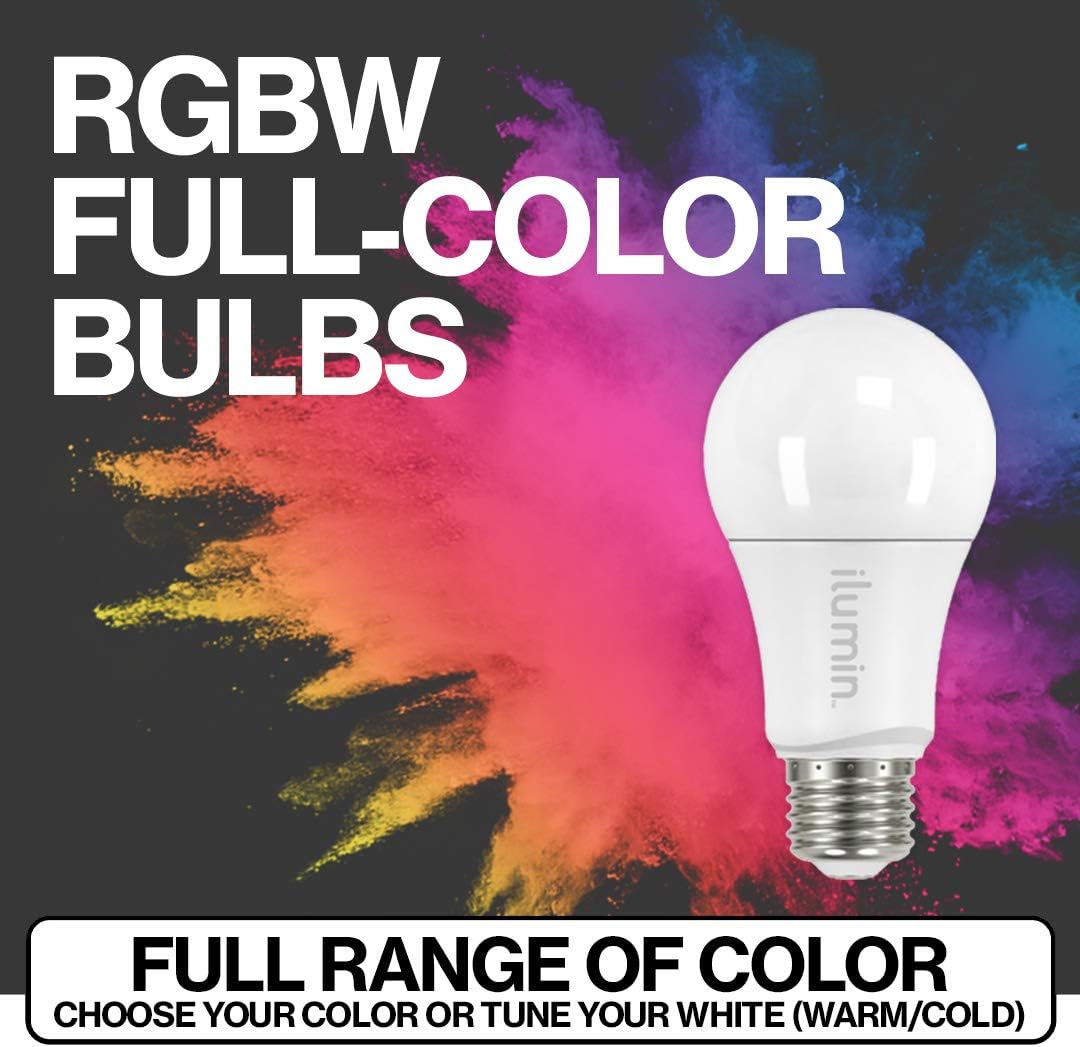
Image 2: Illustration of Smart Bulb Mode, where the switch maintains constant power and sends commands to the hub for bulb control.
5. Arahan Operasi
5.1 Basic Dimmer Operation
- Hidup/Mati: Tap the top of the paddle to turn lights ON, tap the bottom to turn lights OFF.
- Peredupan: Press and hold the top of the paddle to increase brightness, press and hold the bottom to decrease brightness.
5.2 Advanced Scene Control
The Inovelli Dimmer Switch supports up to 11 scenes, allowing multi-tap actions to activate customized smart home scenes. Ensure your Z-Wave hub supports Z-Wave's Central Scene Command for this functionality.
- Tap Favorites Button: Use the small button below the paddle to activate a pre-configured scene, such as locking doors and turning off lights for bedtime.
- 2x Tap Up on Paddle: Can be configured to turn on specific lights, like movie lights.
- 3x Tap Down on Paddle: Can be configured to arm your security system.

Imej 3: Cthamples of multi-tap scene control functionality on the Inovelli Dimmer Switch.
5.3 Customizable LED Notifications
The integrated LED bar on the dimmer switch can change color and pattern to provide visual notifications based on events configured in your smart home hub.
- Garage Door Left Open: LED berkelip-kelip warna sian.
- Door Unlocked After 10 PM: LED pulses purple.
- Alarm Panel Unarmed: LED bertukar merah.
Imej 4: Cthamples of customizable LED bar notifications on the Inovelli Dimmer Switch.
5.4 RGBW Light Bulb Features
The included RGBW light bulbs offer a full spectrum of color and tunable white light, powered by Z-Wave technology.
- Full Range of Color: Choose from millions of colors to set the perfect ambiance.
- Putih boleh merdu: Adjust white light from warm to cool temperatures.
- Z-Wave Powered: Features AES-128 encryption, acts as a repeater, and utilizes mesh technology for a robust network.

Image 5: The Inovelli RGBW Light Bulb demonstrating its full-color capabilities.
6. Penyelenggaraan
To maintain your Inovelli Z-Wave devices:
- Clean the dimmer switch and light bulbs with a soft, dry cloth.
- Jangan gunakan pembersih atau pelarut yang melelas.
- Pastikan peranti dimatikan sebelum dibersihkan.
7. Troubleshooting and Important Notes
Review the following important information and troubleshooting tips:

Image 6: Important disclaimers and considerations for Inovelli Z-Wave products.
- dayung: Gen 2 switches do not include Almond paddles. Only white paddles are included. Other paddle colors can be purchased separately.
- Kawat Neutral: This switch works with or without a neutral wire. If installing without a neutral wire, a separate bypass may be required if your load is under 25W. Energy monitoring will not function without a neutral wire.
- Google Home & Alexa: This switch requires a Z-Wave enabled HUB (e.g., SmartThings, Hubitat, Wink) to work with Google Home and Alexa. It will not work directly.
- Notifications, Scenes & Energy Monitoring: These advanced features require specific Z-Wave hubs and device drivers. Supported hubs include SmartThings (device handler required), Hubitat (device driver required), HomeSeer, and OpenHAB. If your hub does not support these features, consider purchasing a compatible hub or the base model (Amazon # B07T2416D8) for full functionality.
- Aux Switch Installation: For 3-way or multi-way setups, Inovelli recommends using GE Aux Switches (Amazon # B00RKJS8MQ) or HomeSeer Aux Switches (Amazon # B01DFSOTSM).
- SmartThings Users: For advanced functionality and customization, the SmartThings Classic App is recommended as the new SmartThings App may not support all device handlers or advanced settings.
8. Spesifikasi Teknikal
| Ciri | Spesifikasi |
|---|---|
| Jenama | Inovalli |
| Model | Z-Wave Dimmer & RGBW Light Bulb Kit |
| Protokol Ketersambungan | Gelombang Z |
| Jenis Penyambung | Gelombang Z |
| Jenis Suis | Suis Dimmer |
| Jenis Pengawal | SmartThings (compatible with Hubitat, HomeSeer, OpenHAB) |
| Jenis Pemasangan | Lekap di dinding |
| Penilaian Perlindungan Antarabangsa | IP54 |
| Dimensi Produk (L x W x H) | 10.25 x 9.75 x 2.75 inches (Kit Packaging) |
| Kiraan Unit | 1 Count (Kit) |
| Pengeluar | Inovalli |
| UPC | 850007431082 |
| Tarikh Mula-mula Tersedia | 4 Disember 2019 |
9. Waranti dan Sokongan Pelanggan
For warranty information and customer support, please refer to the official Inovelli weblaman web atau hubungi khidmat pelanggan mereka secara langsung. Terma dan syarat jaminan tertentu mungkin berbeza-beza.
Sumber Dalam Talian: For additional support, FAQs, and community forums, visit the Inovelli official webtapak.