
1. Pengenalan
This manual provides essential information for the safe and efficient operation of your Green Cell 1500W/3000W Pure Sine Wave Car Power Inverter. This device converts 12V DC power from your vehicle's battery into 230V AC power, suitable for a wide range of electronic devices. It delivers a continuous output of 1500W and a peak power of 3000W. Please read this manual thoroughly before use and retain it for future reference.
2. Arahan Keselamatan
Always observe the following safety precautions to prevent injury or damage to the inverter and connected devices:
- Jangan buka penyongsang casing. Tiada bahagian yang boleh diservis pengguna di dalamnya.
- Pastikan pengudaraan yang betul di sekitar inverter. Jangan halang lubang penyejukan.
- Jauhkan penyongsang daripada air, lembapan dan bahan mudah terbakar.
- Connect the inverter only to a 12V DC power source. Connecting to a 24V or higher source will damage the unit.
- Ensure the total power consumption of connected devices does not exceed the inverter's continuous output rating (1500W).
- Always connect the inverter to the battery terminals using the provided cables. For power exceeding 150W, avoid using the cigarette lighter socket.
- Putuskan sambungan inverter daripada sumber kuasa apabila tidak digunakan.
- This inverter produces a pure sine wave output, making it suitable for sensitive electronics like laptops, medical equipment, and power tools.
3. Kandungan Pakej
Sahkan bahawa semua item terdapat dalam pakej:
- Green Cell 1500W/3000W Pure Sine Wave Car Power Inverter
- Connection Cables (for battery terminals)
- Fius Ganti
- Manual Pengguna

Image: The Green Cell inverter shown with its included accessories, including connection cables and fuses.
4. Produk Lebihview
Familiarize yourself with the components of your inverter:

Image: Detailed diagram showing the front and rear panels of the Green Cell inverter, highlighting key components.
- Soket Output AC: Two standard 230V AC sockets for connecting electrical appliances.
- Port USB: For charging smaller devices like smartphones and tablets.
- Butang Hidup/Mati: Menghidupkan atau mematikan penyongsang.
- Lampu Penunjuk: Provide status information (e.g., power, fault).
- Ground Wire Screw: For attaching a ground wire for added safety.
- Terminal Input DC: Positive (+) and Negative (-) terminals for connecting to the 12V battery.
- Kipas penyejuk: Integrated smart cooling system to maintain optimal operating temperature and ensure quiet operation.

Imej: Jarak dekat view of the inverter's rear panel, showcasing the smart cooling fans for efficient heat dissipation.
5. Persediaan
Follow these steps to properly set up your inverter:
- penempatan: Choose a dry, well-ventilated location for the inverter, away from direct sunlight, heat sources, and flammable materials. Ensure sufficient space around the unit for airflow.
- Sambungan Bateri:
- Ensure the inverter is switched OFF.
- Connect the red cable to the positive (+) terminal of the inverter and then to the positive (+) terminal of the 12V battery.
- Connect the black cable to the negative (-) terminal of the inverter and then to the negative (-) terminal of the 12V battery.
- Ensure all connections are tight and secure. Loose connections can cause overheating and damage.
- Pembumian (Pilihan tetapi Disyorkan): For enhanced safety, connect a ground wire from the inverter's ground screw to a suitable vehicle chassis ground point.

Image: The Green Cell inverter connected to a power source, illustrating its pure sine wave output capability for sensitive devices.
6. Arahan Operasi
To operate your Green Cell inverter:
- Hidupkan kuasa: After securing all connections, press the On/Off button on the inverter. The power indicator light should illuminate.
- Sambungkan Peranti: Plug your 230V AC appliances into the inverter's AC output sockets. For charging smaller devices, use the USB port.
- Kuasa Monitor: Ensure the total power draw of all connected devices does not exceed 1500W. Overloading the inverter can trigger safety protections or cause damage.
- Matikan: When finished, first switch off all connected appliances, then press the On/Off button on the inverter to power it down.

Image: A Green Cell inverter actively charging a laptop inside a vehicle, demonstrating its practical application.
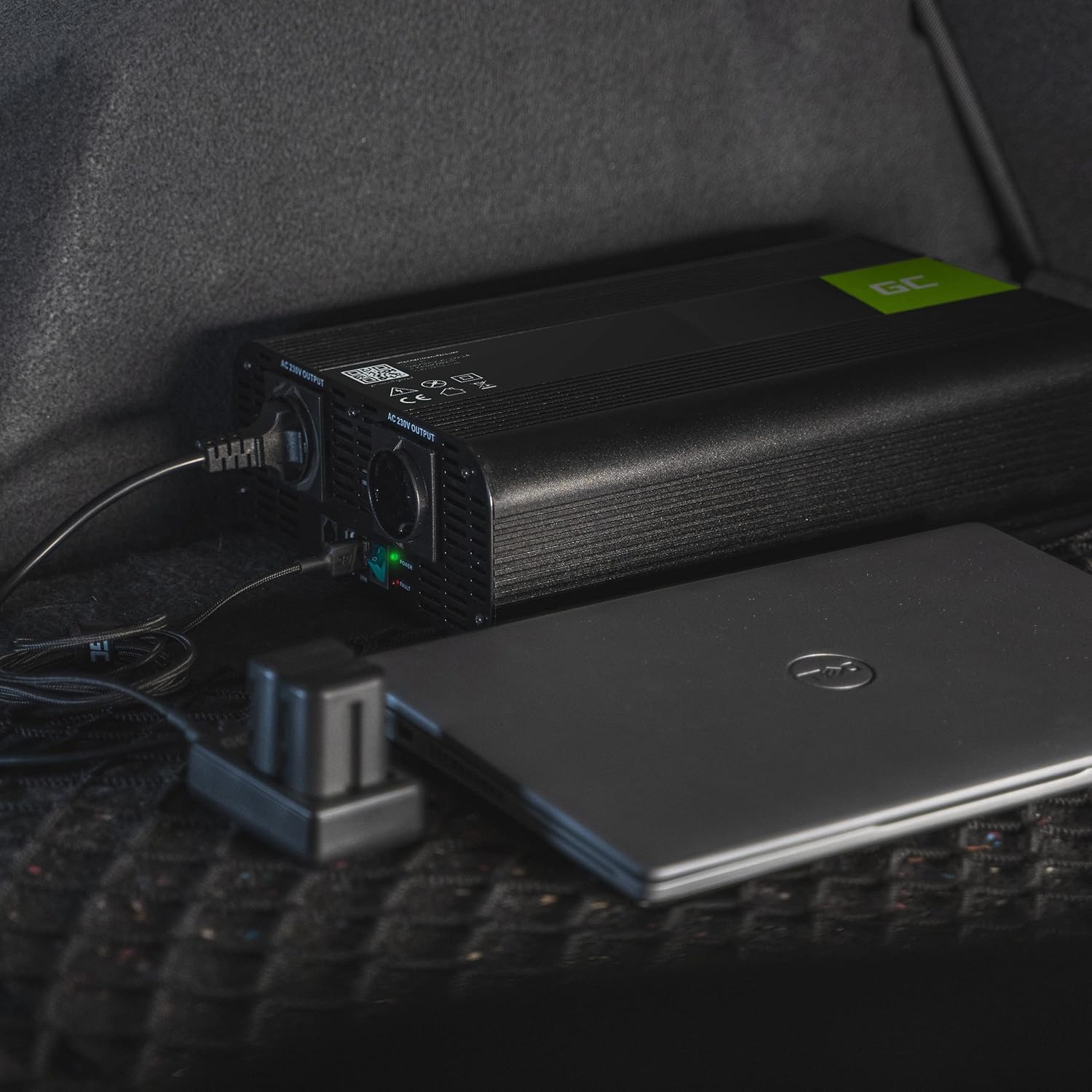
Image: The Green Cell inverter positioned in a car, providing power to a laptop, highlighting its utility for mobile power needs.

Image: A collage showing various outdoor and remote scenarios where the Green Cell inverter can provide power, such as camping and off-road travel.
7. Penyelenggaraan
Proper maintenance ensures the longevity and performance of your inverter:
- Pembersihan: Bersihkan bahagian luar inverter secara berkala dengan kain kering dan lembut. Jangan gunakan pembersih cecair atau pelarut.
- Pengudaraan: Regularly check that the cooling vents are free from dust and debris. Use compressed air to clear any blockages.
- Sambungan: Periodically inspect battery connections for corrosion or looseness. Clean terminals if necessary and ensure connections are tight.
- Storan: When not in use for extended periods, store the inverter in a cool, dry place.
8. Penyelesaian masalah
Rujuk jadual di bawah untuk isu biasa dan penyelesaiannya:
| Masalah | Kemungkinan Punca | Penyelesaian |
|---|---|---|
| Tiada output kuasa | Penyongsang dimatikan Sambungan bateri longgar Bateri rendah voltage Perlindungan beban lampau diaktifkan Fius ditiup | Tekan butang Hidup/Mati Periksa dan ketatkan sambungan Isi semula atau ganti bateri Reduce load, restart inverter Replace fuse (refer to spare fuses) |
| Inverter shuts down | Lebihan beban Terlalu panas Bateri rendah voltage | Kurangkan beban Ensure proper ventilation, allow to cool Isi semula bateri |
| Connected device not working | Peranti rosak Device power exceeds inverter capacity | Test device with another power source Check device power requirements |
If the problem persists after attempting these solutions, please contact Green Cell customer support.
9. Spesifikasi
Technical details for the Green Cell INV22 Inverter:
| Ciri | Spesifikasi |
|---|---|
| Jenama | Sel Hijau |
| Nama Model | INV22 |
| Input Voltage | 12V DC |
| Keluaran Voltage | 230V AC |
| Kuasa Keluaran Berterusan | 1500W |
| Kuasa Keluaran Puncak | 3000W |
| Bentuk Gelombang Output | Gelombang Sinus Tulen |
| Kekerapan | 50 Hz |
| Total Power Ports | 2 AC outlets + 1 USB port |
| Dimensi Produk (L x W x H) | 33 cm x 18.5 cm x 8 cm |
| Berat Barang | 3400 gram |
| Pensijilan | CE, RoHS |
| Penggunaan yang Disyorkan | Camping, road trips, power outages, off-grid applications |
10. Waranti dan Sokongan
The Green Cell INV22 Inverter comes with a 1-year spare part availability period in the European Union. For warranty claims, technical support, or further inquiries, please visit the official Green Cell webtapak atau hubungi peruncit anda.
rasmi Webtapak: greencell.pl

Image: The Green Cell inverter highlighting its robust design and safety features, ensuring protection for both the device and connected electronics.