
1. Pengenalan
This manual provides instructions for the setup, operation, and basic maintenance of your Easytry123 replacement remote control. This remote is designed to be compatible with specific Mitsubishi air conditioner models, including MSH-07RV, MSH-09RV, MS-09TW, MS-12TN, MS-15TN, MSY-GC71VA, MSY-GC25VA, MSY-GC35VA, and MSZ-GC71VA.
Please note that while this remote is a functional replacement, some advanced or specific functions of your original air conditioner remote may not be supported. Refer to your air conditioner's original manual for detailed information on its specific features.
2. Persediaan
2.1 Pemasangan Bateri
The remote control requires two (2) AAA batteries for operation. Batteries are not included with the remote control.
- Cari penutup petak bateri di belakang alat kawalan jauh.
- Luncurkan penutup ke bawah atau tekan selak (jika ada) untuk membuka petak.
- Masukkan dua bateri AAA, pastikan terminal positif (+) dan negatif (-) sejajar dengan tanda di dalam petak.
- Luncurkan penutup petak bateri kembali ke tempatnya sehingga ia berbunyi dengan selamat.
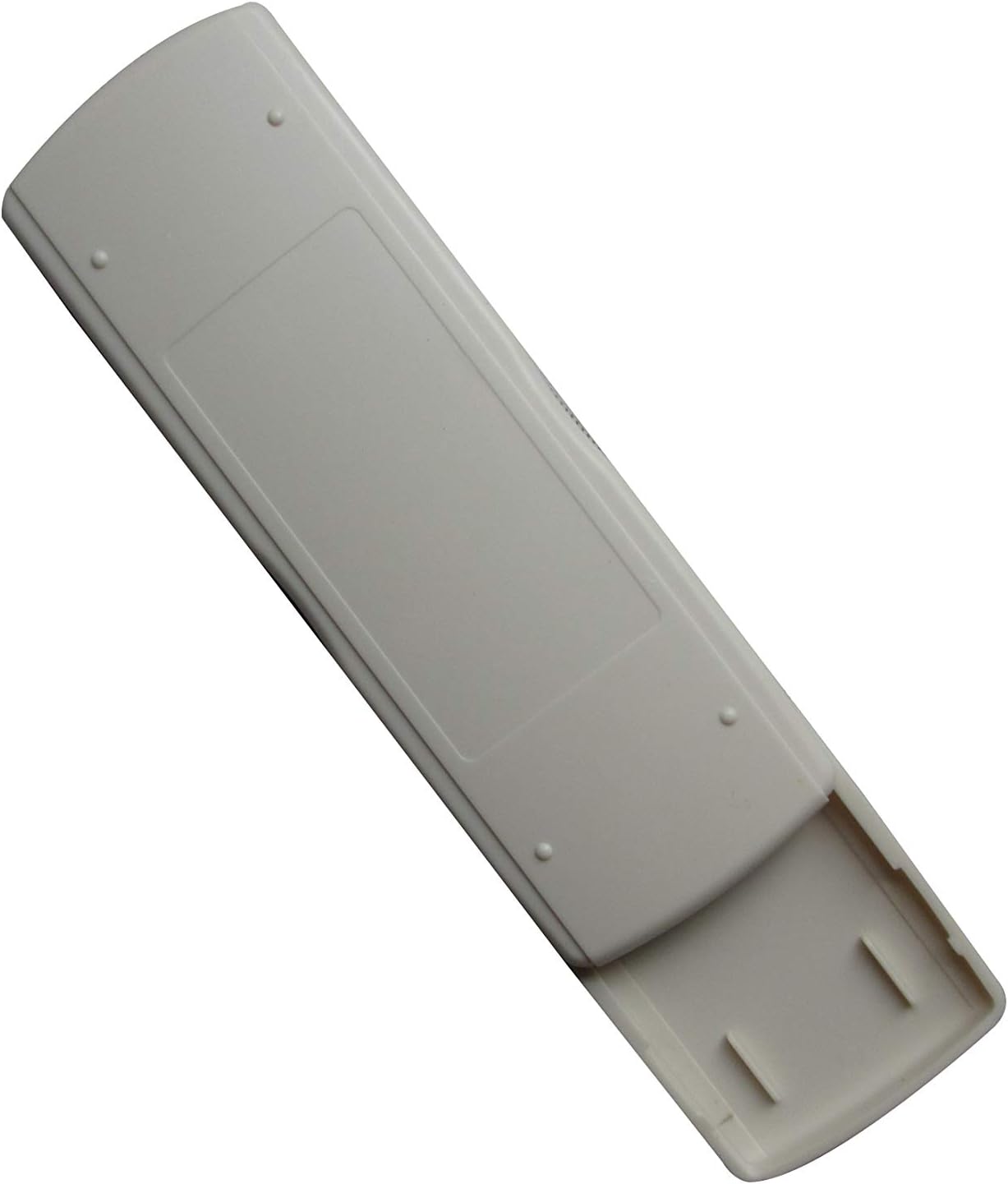
Image: Back of the remote control with the battery compartment. This view illustrates where to insert the AAA batteries.
2.2 Penggunaan Awal
After installing the batteries, the remote control is generally ready for immediate use. No complex pairing or programming is typically required. Point the remote control towards your Mitsubishi air conditioner unit and press the ON/OFF button to test functionality.
3. Arahan Operasi
This section describes the primary functions of the remote control buttons.

Imej: Depan view of the remote control. This image displays the layout of the buttons and the LCD screen.
- Butang HIDUP/MATI (): Press this button to turn the air conditioner unit ON or OFF.
- TEMP Buttons (▲ / ▼): Use these buttons to increase or decrease the desired temperature setting.
- Butang MOD (MODE): Press this button to cycle through the available operating modes of your air conditioner (e.g., Cool, Heat, Fan, Dry, Auto). The active mode will typically be displayed on the remote's LCD screen.
- Butang Lain: Depending on the specific model of the remote, there may be additional buttons for fan speed, swing, timer, etc. Refer to the remote's display and your air conditioner's manual for their specific functions.
4. Penyelenggaraan
4.1 Penggantian Bateri
Replace batteries when the remote control's range decreases, or if the display becomes dim or unresponsive. Always replace both AAA batteries at the same time with new ones. Do not mix old and new batteries, or different types of batteries.
4.2 Pembersihan
To clean the remote control, wipe it gently with a soft, dry cloth. Do not use liquid cleaners, abrasive pads, or chemical solvents, as these can damage the remote's surface or internal components.
4.3 Penyimpanan
Jika alat kawalan jauh tidak akan digunakan untuk tempoh yang lama, keluarkan bateri untuk mengelakkan kebocoran dan kemungkinan kerosakan pada peranti.
5. Penyelesaian masalah
Jika anda mengalami masalah dengan alat kawalan jauh anda, rujuk masalah dan penyelesaian biasa berikut:
- Remote is unresponsive or has limited range:
- Periksa sama ada bateri dimasukkan dengan betul dengan polariti yang betul.
- Gantikan bateri dengan bateri AAA baharu.
- Ensure there are no obstructions between the remote control and the air conditioner unit's infrared receiver.
- Confirm you are within the effective operating range of the air conditioner's receiver.
- Fungsi tertentu tidak berfungsi:
- As a replacement remote, some advanced or specific functions present on your original air conditioner remote may not be fully supported. This is a common characteristic of universal or replacement remotes.
- Verify that the function you are trying to use is available on your specific air conditioner model.
- Air conditioner does not respond to any commands:
- Ensure the air conditioner unit is powered on and receiving electricity.
- Try manually operating the air conditioner from its control panel to confirm it is functioning.
6. Spesifikasi
| Jenama | Easytry123 |
| Peranti Serasi | Mitsubishi Air Conditioners (MSH-07RV, MSH-09RV, MS-09TW, MS-12TN, MS-15TN, MSY-GC71VA, MSY-GC25VA, MSY-GC35VA, MSZ-GC71VA) |
| Teknologi Ketersambungan | Inframerah |
| Jenis Pengawal | Kawalan Butang |
| Sumber Kuasa | 2 x Bateri AAA (tidak termasuk) |
| Ciri Khas | Reka bentuk ergonomik |
7. Waranti dan Sokongan
Information regarding product warranty is not provided in this manual. For warranty details, technical support, or further assistance, please contact the seller or manufacturer directly through your purchase platform.