
1. Pengenalan
Thank you for choosing the Fellowes Powershred LX220 Micro-Cut Shredder. This manual provides essential information for the safe and efficient operation, maintenance, and troubleshooting of your new shredder. Please read this manual thoroughly before using the shredder and retain it for future reference.

Figure 1.1: Fellowes Powershred LX220 Micro-Cut Shredder, front view.
2. Maklumat Keselamatan Penting
To ensure safe operation and prevent injury or damage, always follow these safety precautions:
- Keep hands, hair, loose clothing, ties, and jewelry away from the paper entry slot.
- Jangan masukkan jari atau bahagian badan yang lain ke dalam bukaan mesin pencincang.
- Keep children and pets away from the shredder at all times. The SafeSense Protection feature helps prevent accidents by stopping shredding when hands or paws touch the paper entry.
- Unplug the shredder when not in use or before moving, cleaning, or emptying the wastebin.
- Do not use aerosol products, petroleum-based lubricants, or other flammable products on or near the shredder.
- Do not shred metal objects, hard plastics (except credit cards/CDs if specified for the model), or adhesive materials that could damage the cutting mechanism.
- Operate the shredder on a flat, stable surface.
- Jangan bebankan mesin pencincang melebihi kapasiti kepingan yang ditetapkan.
- Ensure the shredder is connected to a properly grounded power outlet.
3. Persediaan dan Pemasangan
- Membongkar: Keluarkan mesin pencincang dari pembungkusannya dengan berhati-hati. Simpan bahan pembungkusan untuk pengangkutan atau penyimpanan pada masa hadapan.
- penempatan: Position the shredder on a flat, stable surface near a grounded electrical outlet. Ensure adequate space around the unit for ventilation and wastebin access.
- Mobiliti: The LX220 is equipped with wheels for easy movement. Gently push or pull the shredder to its desired location.
- Sambungan Kuasa: Pasangkan kabel kuasa ke soket AC 120V standard.
- Wastebin: Ensure the pull-out wastebin is correctly inserted and fully closed. The shredder will not operate if the bin is open or improperly seated.

Figure 3.1: The LX220 shredder is designed to fit well within an office environment, with dimensions of approximately 23.25 inches (height), 11.75 inches (width), and 16.50 inches (depth).
4. Arahan Operasi
4.1 Basic Shredding
- Turn on the shredder using the power switch, typically located on the back or side of the unit. The shredder will enter standby mode.
- Insert paper into the paper entry slot. The LX220 has a manual sheet capacity of up to 20 sheets of 20lb bond paper.
- The shredder will automatically start shredding when paper is detected and stop when the shredding is complete.
- For optimal performance and to prevent jams, refer to the Efficiency Meter, which indicates the ideal number of sheets for shredding at a given time.

Figure 4.1: The LX220 is capable of shredding up to 4200 sheets per cycle with a continuous run time of 30 minutes before requiring a cool-down period.
4.2 Jam Proof System
The Fellowes Powershred LX220 features a 100% Jam Proof System. This system automatically detects and powers through tough jobs, preventing paper jams. If an overload is detected, the shredder will automatically reverse to clear the jam.

Figure 4.2: The shredder's 100% Jam Proof System ensures smooth operation by preventing paper jams.

Figure 4.3: The LX220 is designed to speed through tough shredding jobs, including paper with staples, paper clips, and even credit cards or CDs (if applicable for this model, typically for cross-cut/micro-cut shredders).
4.3 Micro-Cut Security
The LX220 provides P-4 Micro-Cut security, shredding documents into approximately 1,257 particles per sheet. This level of security is suitable for highly confidential documents, offering enhanced protection against identity theft.

Figure 4.4: The P-4 security level micro-cut ensures ultimate security by shredding documents into very small particles, reducing the frequency of bin emptying.
4.4 Continuous Operation and Cool-down
The shredder can run continuously for up to 30 minutes. After this period, it requires a 15-minute cool-down period to prevent overheating. The shredder will automatically shut off if it overheats and will resume operation once it has cooled down.
5. Penyelenggaraan
5.1 Emptying the Wastebin
The LX220 features a convenient pull-out wastebin with an 8-gallon capacity, capable of holding approximately 750 shredded sheets. The Bin Full Indicator signals when the bin is nearly full and when it needs to be emptied.
- Unplug the shredder from the power outlet.
- Pull out the wastebin from the front of the shredder.
- Empty the shredded material into a recycling bin or waste receptacle.
- Slide the wastebin back into the shredder until it clicks securely into place.
- Pasangkan semula mesin pencincang ke soket kuasa.
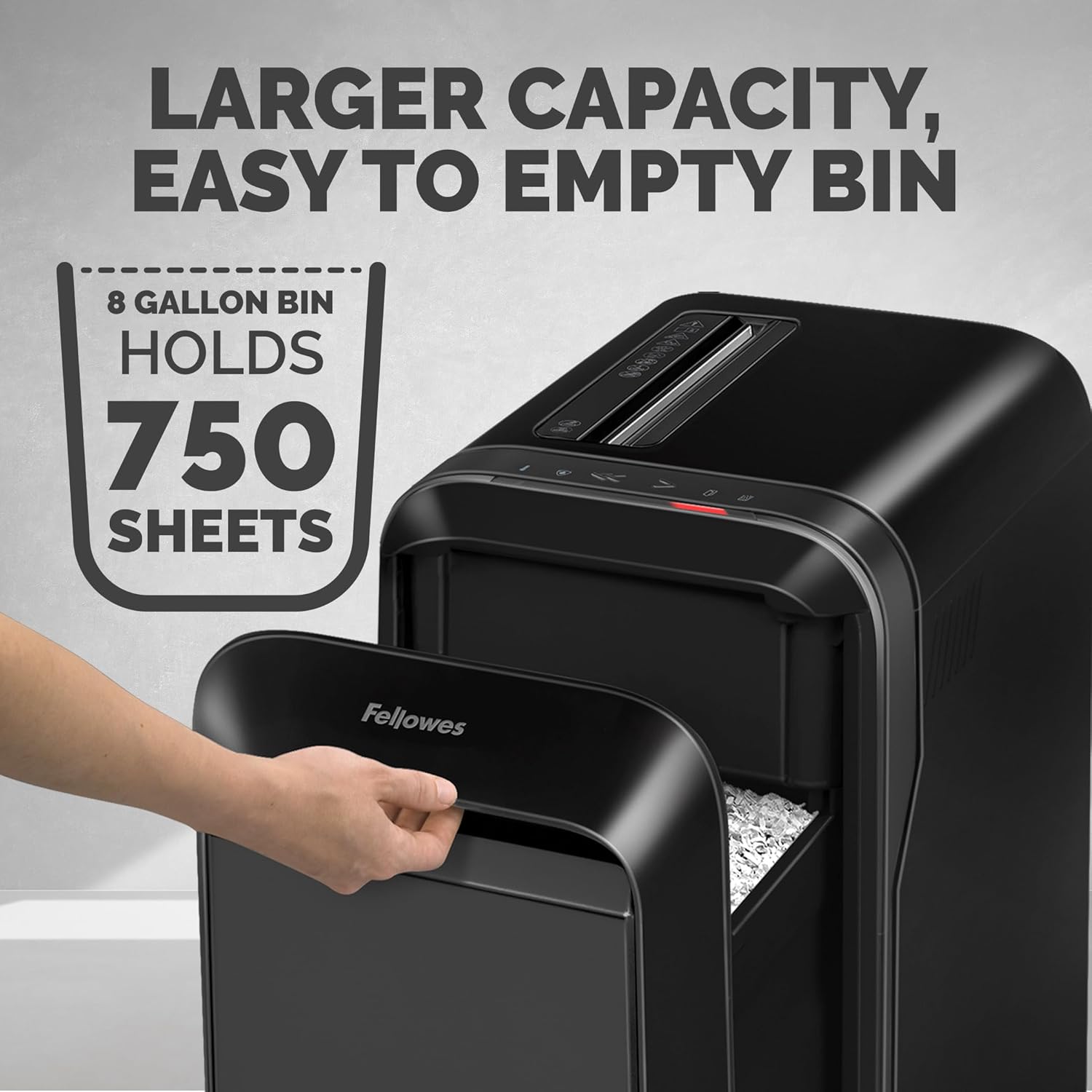
Figure 5.1: The 8-gallon wastebin holds up to 750 sheets, and is designed for easy emptying.
5.2 Pembersihan
Regular cleaning helps maintain shredder performance.
- Sentiasa cabut plag mesin pencincang sebelum membersihkan.
- Lap bahagian luar mesin pencincang dengan kain lembutamp kain. Jangan gunakan pembersih atau pelarut yang melelas.
- Periodically clean the paper entry area with a soft brush to remove paper dust.
5.3 Oiling the Cutters (Recommended)
To ensure optimal performance and extend the life of your shredder, it is recommended to oil the cutters regularly, especially after emptying the wastebin or after heavy use. Use only vegetable-based shredder oil or Fellowes brand shredder oil.
- Apply a continuous bead of shredder oil across the paper entry slot.
- Run the shredder in reverse for 2-3 seconds to distribute the oil.
- Then run it in forward for 2-3 seconds.
6. Penyelesaian masalah
| Masalah | Kemungkinan Punca | Penyelesaian |
|---|---|---|
| Shredder tidak boleh dihidupkan. |
|
|
| Mesin penghancur berhenti semasa operasi. |
|
|
| Shredded paper is not micro-cut. |
|
|
7. Spesifikasi Produk
| Ciri | Perincian |
|---|---|
| Model | Powershred LX220 |
| Nombor Bahagian | 5015401 |
| Jenis Potong | Micro-Cut (P-4 Security) |
| Sheet Capacity (20lb paper) | 20 Helaian |
| Saiz Zarah | Approx. 1,257 particles per sheet |
| Wastebin Capacity | 8 Gelen (lebih kurang 750 helai) |
| Masa Larian Berterusan | 30 Minit |
| Cool-down Period | 15 Minit |
| warna | Hitam |
| Penggunaan yang Disyorkan | Document, Office |
| Dimensi (H x W x D) | 23.25" x 11.75" x 16.50" |
| Ciri Khas | Efficiency Meter, Bin Full Indicator, 100% Jam Proof System, SafeSense Protection, Mobility Wheels |
8. Waranti dan Sokongan Pelanggan
Fellowes products are designed for durability and performance. For specific warranty details, please refer to the warranty card included with your product or visit the official Fellowes webtapak.
If you encounter any issues or have questions regarding your Fellowes Powershred LX220 shredder, please contact Fellowes Customer Support:
- Webtapak: www.fellowes.com/support
- telefon: Refer to the Fellowes webtapak untuk nombor hubungan serantau.
When contacting support, please have your model number (LX220) and part number (5015401) ready.