
1. Produk Lebihview
The Jectse VFD 220V AC 2.2KW Frequency Converter is designed for precise motor speed control. This device converts single-phase AC input into a variable frequency single-phase AC output, enabling efficient and controlled operation of compatible motors. It features vector control technology for enhanced performance.

Figure 1.1: Jectse VFD 2.2KW Frequency Converter, front-right view. This image displays the Jectse VFD 2.2KW Frequency Converter from a front-right perspective, showing the control panel, ventilation grilles, and side casing.

Figure 1.2: Jectse VFD 2.2KW Frequency Converter, front-left view. A front-left view of the Jectse VFD 2.2KW Frequency Converter, highlighting the control panel and the left side of the unit.

Figure 1.3: Jectse VFD 2.2KW Frequency Converter, alternative angle. An additional view of the Jectse VFD 2.2KW Frequency Converter, providing further visual detail of the unit's casing and design.
2. Langkah-langkah Keselamatan
Read all safety instructions carefully before installation, operation, or maintenance. Failure to comply may result in serious injury or equipment damage.
- Always disconnect power before wiring or performing any maintenance.
- Ensure the VFD is properly grounded.
- Do not install the inverter in environments with flammable gases or explosive atmospheres.
- Only qualified professionals should perform wiring and maintenance due to high voltage di dalam unit.
- Avoid opening the shell unless specifically instructed for maintenance by qualified personnel.

Rajah 2.1: Sisi view with safety precautions label. This image shows the side of the VFD with a label detailing important safety precautions.
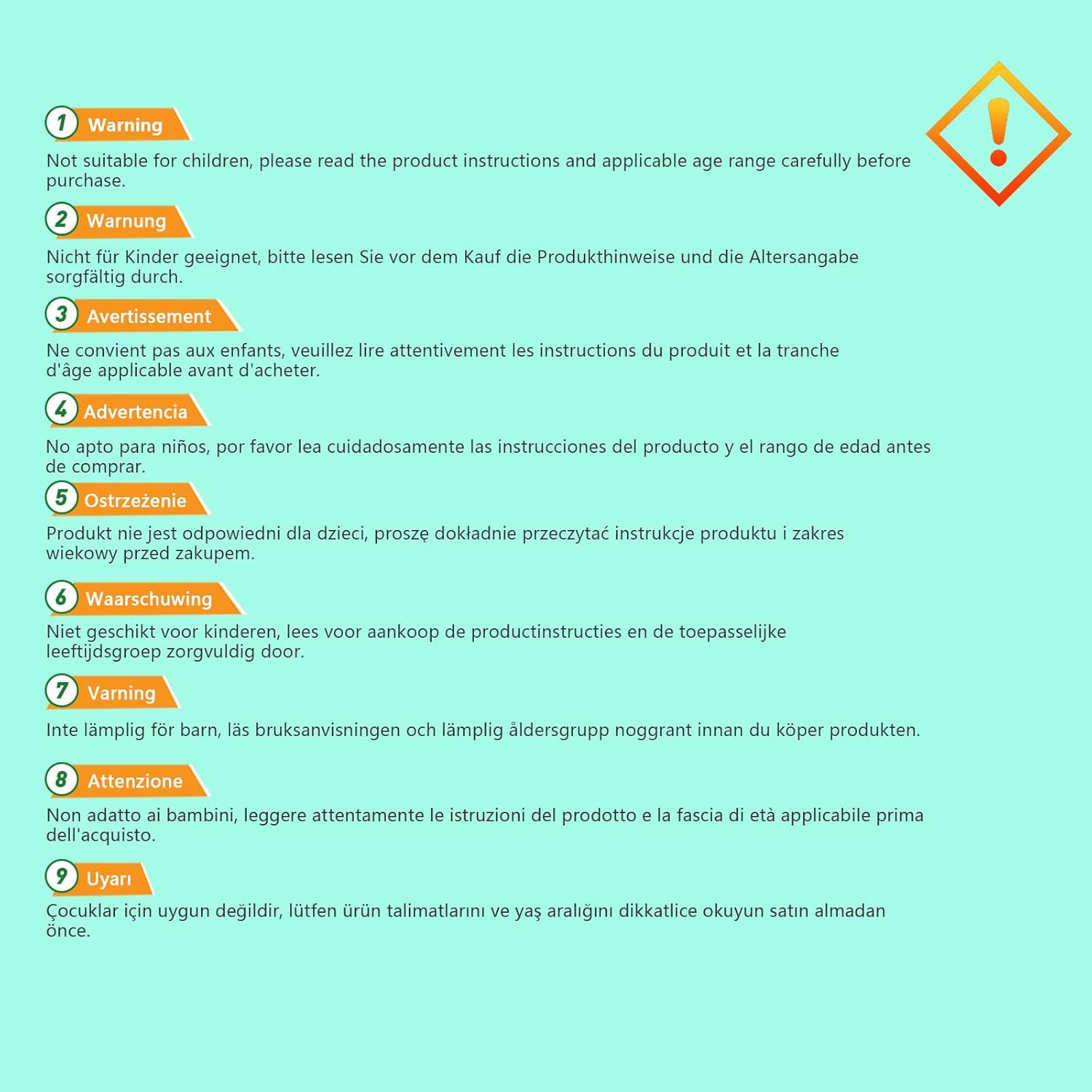
Figure 2.2: Multi-language safety warning. An image displaying a multi-language warning about product safety, advising users to read instructions and check age ranges before use.
3. Persediaan dan Pemasangan
3.1 Membongkar dan Pemeriksaan
Upon receiving the VFD, carefully unpack it and inspect for any signs of damage during transit. Verify that all components are present according to the packing list (not provided in this manual).
3.2 Pemasangan
Mount the VFD in a clean, dry, and well-ventilated area, away from direct sunlight, excessive dust, corrosive gases, or vibrations. Ensure adequate clearance around the unit for proper heat dissipation.
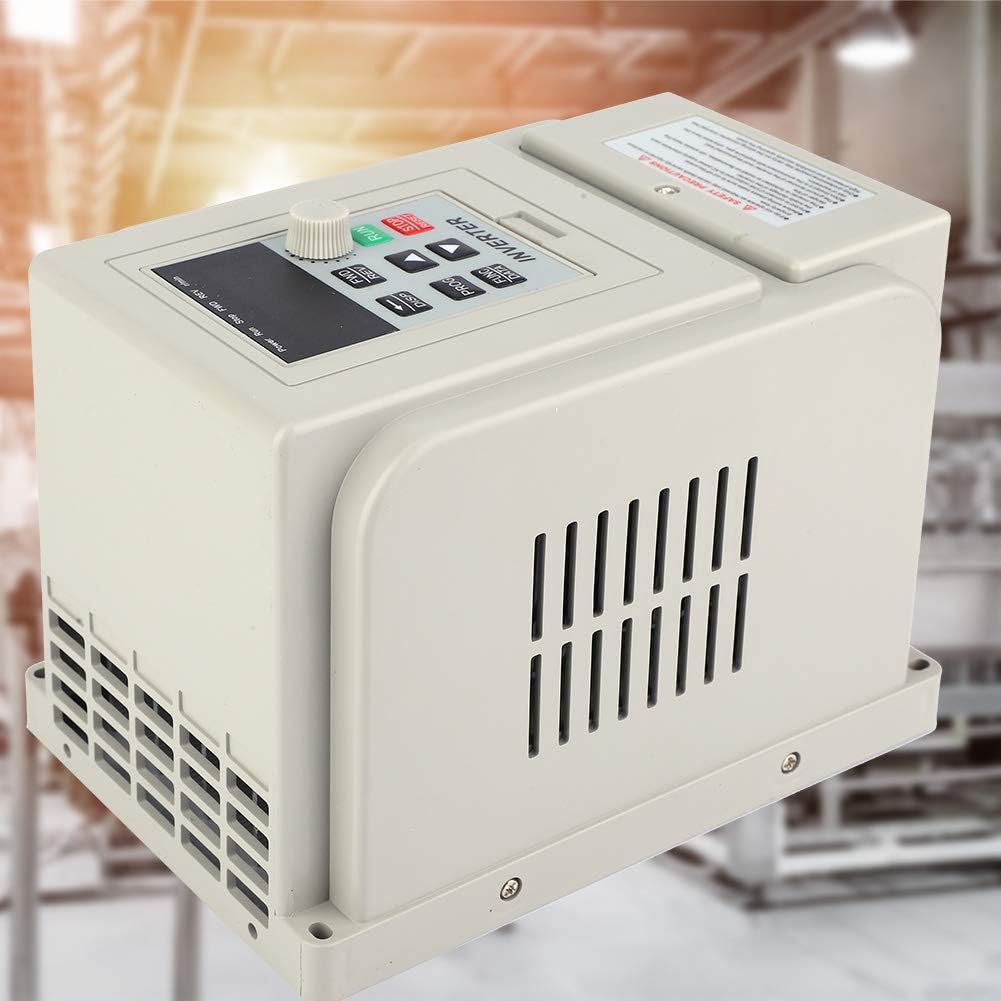
Figure 3.1: VFD in an industrial setting. The VFD unit is depicted in what appears to be an industrial or workshop environment, suggesting suitable installation locations.
3.3 Pendawaian
All wiring must be performed by a qualified electrician in accordance with local and national electrical codes. Ensure the power supply matches the VFD's input requirements (220V AC, single phase). Connect the motor to the VFD's output terminals. Proper grounding is essential.
- Kuasa Input: Connect 220V AC single-phase power to the designated input terminals.
- Sambungan Motor: Connect the motor to the VFD's output terminals (U, V, W).
- Pembumian: Connect the ground terminal of the VFD to a reliable earth ground.

Rajah 3.2: Belakang view of the VFD. A view of the rear panel of the Jectse VFD 2.2KW Frequency Converter, showing connection terminals and mounting points for wiring.
4. Arahan Operasi
The VFD features a user-friendly control panel for setting parameters and controlling motor operation.
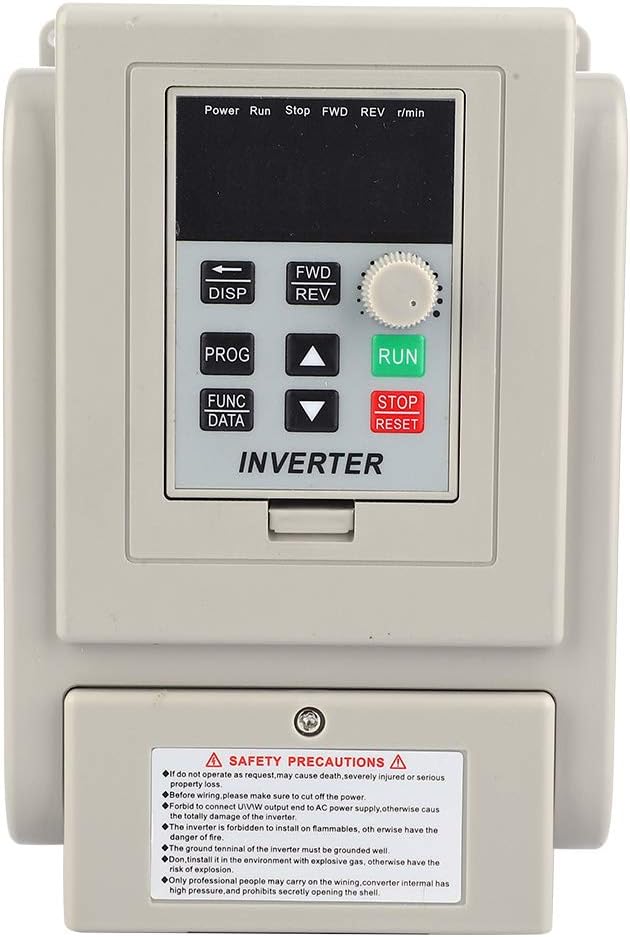
Figure 4.1: VFD Control Panel. Close-up view of the VFD's control panel, featuring the digital display, function buttons (DISP, PROG, FUNC/DATA), directional arrows, and the RUN/STOP/RESET rotary knob.
4.1 Fungsi Panel Kawalan
- Paparan (DISP): Toggles between different display modes (e.g., frequency, current, voltagdan).
- Program (PROG): Enters or exits parameter setting mode.
- Function/Data (FUNC/DATA): Selects parameters or confirms data entry.
- Anak panah atas/bawah: Navigates through parameters or adjusts values.
- FWD/REV: Changes motor rotation direction (Forward/Reverse).
- RUN Knob: Starts motor operation.
- Butang BERHENTI/SET SEMULA: Stops motor operation or resets fault conditions.
4.2 Operasi Asas
- Hidupkan kuasa: Ensure all connections are secure, then apply power to the VFD.
- Tetapan Parameter: Use the PROG button to enter parameter mode. Navigate with arrow keys and adjust values with FUNC/DATA and arrow keys. Refer to the detailed parameter manual (if available) for specific settings.
- Mulakan Motor: Turn the RUN knob to initiate motor operation.
- Laraskan Kelajuan: Use the rotary knob or programmed settings to adjust the output frequency and thus the motor speed.
- Berhenti Motor: Press the STOP/RESET button to halt motor operation.
5. Penyelenggaraan
Regular maintenance ensures optimal performance and extends the lifespan of your VFD.
- Pembersihan: Periodically clean the VFD's exterior and ventilation openings to prevent dust accumulation, which can hinder heat dissipation. Use a soft, dry cloth. Do not use liquid cleaners.
- Pemeriksaan: Periksa sambungan pendawaian secara berkala untuk memastikan ia ketat dan terdapat tanda-tanda haus atau kerosakan. Periksa sebarang bunyi atau bau yang luar biasa semasa operasi.
- Persekitaran: Pastikan persekitaran operasi kekal dalam julat suhu dan kelembapan yang ditetapkan.

Figure 5.1: VFD internal components. This image shows the VFD unit against a stylized blue circuit board background, hinting at its internal electronic complexity and the need for careful handling during maintenance.
6. Penyelesaian masalah
Bahagian ini menyediakan panduan untuk isu biasa. Untuk masalah yang rumit, hubungi kakitangan perkhidmatan yang berkelayakan.
| Masalah | Kemungkinan Punca | Penyelesaian |
|---|---|---|
| VFD tidak dihidupkan | No input power; faulty wiring; internal fuse blown. | Check power supply and connections. Verify input voltage. Consult a technician for internal inspection. |
| Motor tidak berjalan | Incorrect parameters; motor wiring error; VFD fault. | Verify motor connections. Check VFD display for fault codes. Review tetapan parameter. |
| Ralat beban berlebihan | Motor overloaded; acceleration time too short. | Reduce motor load. Increase acceleration time parameter. Check motor and VFD ratings. |
| Overvoltage/Undervoltagralat e | Input tidak stabil voltage; regeneration during deceleration. | Check input power supply stability. Increase deceleration time. Consider a braking resistor if applicable. |
7. Spesifikasi
| Ciri | Spesifikasi |
|---|---|
| Jenama | Jectse |
| Model | Jectse3ahuxv9b4f |
| Nombor Bahagian | Jectse3ahuxv9b4f |
| Input Voltage | 220V AC (Single Phase) |
| Output Power (Wattage) | 2.2 KW |
| Kekerapan Output | 60 Hz (Adjustable range typically 0-400Hz, refer to full manual) |
| Dimensi Produk | 13 x 13 x 18 cm |
| Berat Barang | 1.48 kg |
| UPC | 748904671482 |

Figure 7.1: VFD model and specification label. A side view of the VFD, clearly showing the safety precautions label and a label with model information (XSY-AT2) and electrical specifications.
8. Waranti dan Sokongan
For warranty information, technical support, or service inquiries, please refer to the manufacturer's official documentation or contact Jectse customer service directly. Keep your purchase receipt for warranty claims.