
1. Pengenalan
The Reloop Groove Blaster BT is a portable 100W loudspeaker designed for high sound pressure levels and robust bass performance. It features a built-in Bluetooth 4.0 interface for wireless audio streaming up to 30 meters and an integrated, rechargeable Li-ion battery providing up to 10 hours of music playback. NFC connectivity simplifies pairing with supported devices. The speaker's 3-way frequency separation, with two 3-inch midrange drivers, one 1-inch tweeter, and a 6-inch low-frequency driver, ensures a balanced and wide stereo sound.

Figure 1.1: Reloop Groove Blaster BT in use, highlighting its 10-hour battery life.
2. Kandungan Pakej
Pastikan semua item ada dalam pakej:
- Groove Blaster BT Portable Bluetooth Speaker
- Detachable Carrying Handle
- Power Supply Unit (located in the adapter compartment)
3. Kawalan dan Sambungan
3.1 Top Control Panel
The top panel provides access to all primary playback and pairing functions.
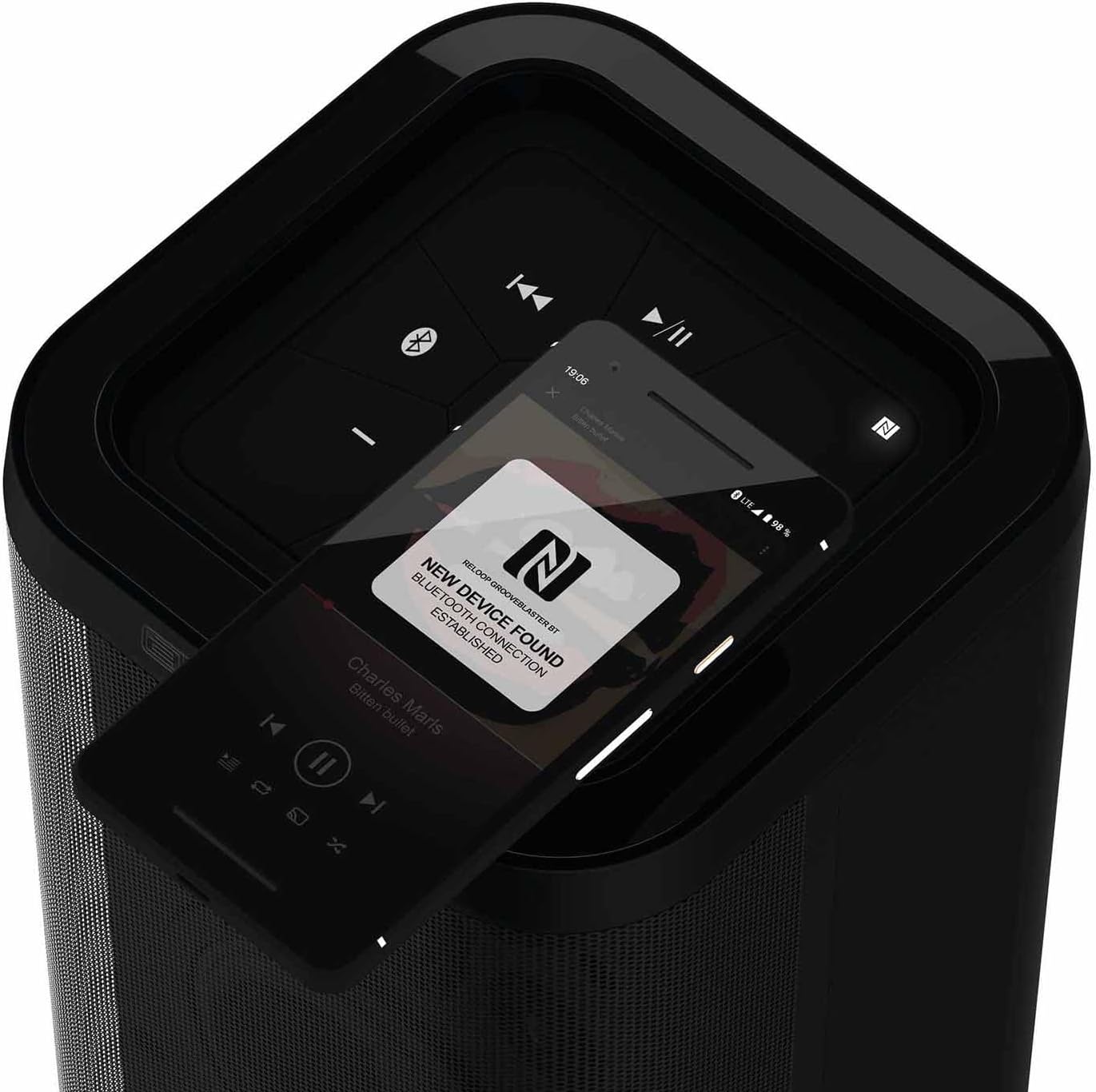
Rajah 3.1: Terperinci view of the top control panel.
- Butang Kuasa (ⓘ): Tekan dan tahan untuk menghidupkan atau mematikan pembesar suara.
- Play/Pause (▶/‖‖): Mengawal main balik media.
- Previous Track (⏮): Melangkau ke permulaan trek semasa atau trek sebelumnya.
- Next Track (⏭): Langkau ke trek seterusnya.
- Perlahankan suara (-): Mengurangkan kelantangan pembesar suara.
- Kelantangan Naik (+): Meningkatkan kelantangan pembesar suara.
- Bluetooth Pairing Button (ⓘ): Memulakan mod berpasangan Bluetooth.
- NFC Area (N): Touch NFC-enabled devices here for quick pairing.
- Speaker Pairing Button (Speaker Pairing): Activates Smart Link function to connect two Groove Blaster BT speakers.
3.2 Sambungan Belakang
The rear panel houses the power input, USB charging port, and auxiliary input, protected by an adapter compartment.

Figure 3.2: Rear connection panel with adapter compartment open.
- DC DALAM: Power input for the included power supply unit.
- Battery Level LEDs: Indicate the current battery charge status.
- USB POWER OUT (5V DC 1A): Port USB untuk mengecas peranti luaran.
- AUX DI: 3.5mm auxiliary input for wired audio connections.
- Power Supply Holder: Compartment to store the power supply unit.
4. Persediaan
4.1 Mengecas Bateri
Before first use, fully charge the integrated Li-ion battery. Connect the included power supply unit to the DC IN port on the rear of the speaker and plug it into a wall outlet. The battery level LEDs will indicate charging status. A full charge provides up to 10 hours of playback, depending on usage and volume.
4.2 Menghidupkan/Mematikan
Press and hold the Power button (ⓘ) on the top control panel for approximately 2 seconds to turn the speaker on or off. An audible cue will confirm the action.
5. Arahan Operasi
5.1 Berpasangan Bluetooth
- Ensure the Groove Blaster BT is powered on.
- Press the Bluetooth Pairing button (ⓘ) on the top panel. The Bluetooth indicator LED will flash, indicating pairing mode.
- On your audio device (smartphone, tablet, laptop), enable Bluetooth and search for available devices.
- Select "Groove Blaster BT" from the list of devices.
- Once connected, the Bluetooth indicator LED will glow solid, and an audible confirmation will sound.
The speaker has a Bluetooth range of up to 30 meters.
5.2 Berpasangan NFC
For NFC-enabled devices, pairing is simplified:
- Ensure NFC is enabled on your audio device.
- Gently tap your NFC-enabled device against the NFC area (N) on the top control panel of the Groove Blaster BT.
- Follow any on-screen prompts on your device to confirm the connection.
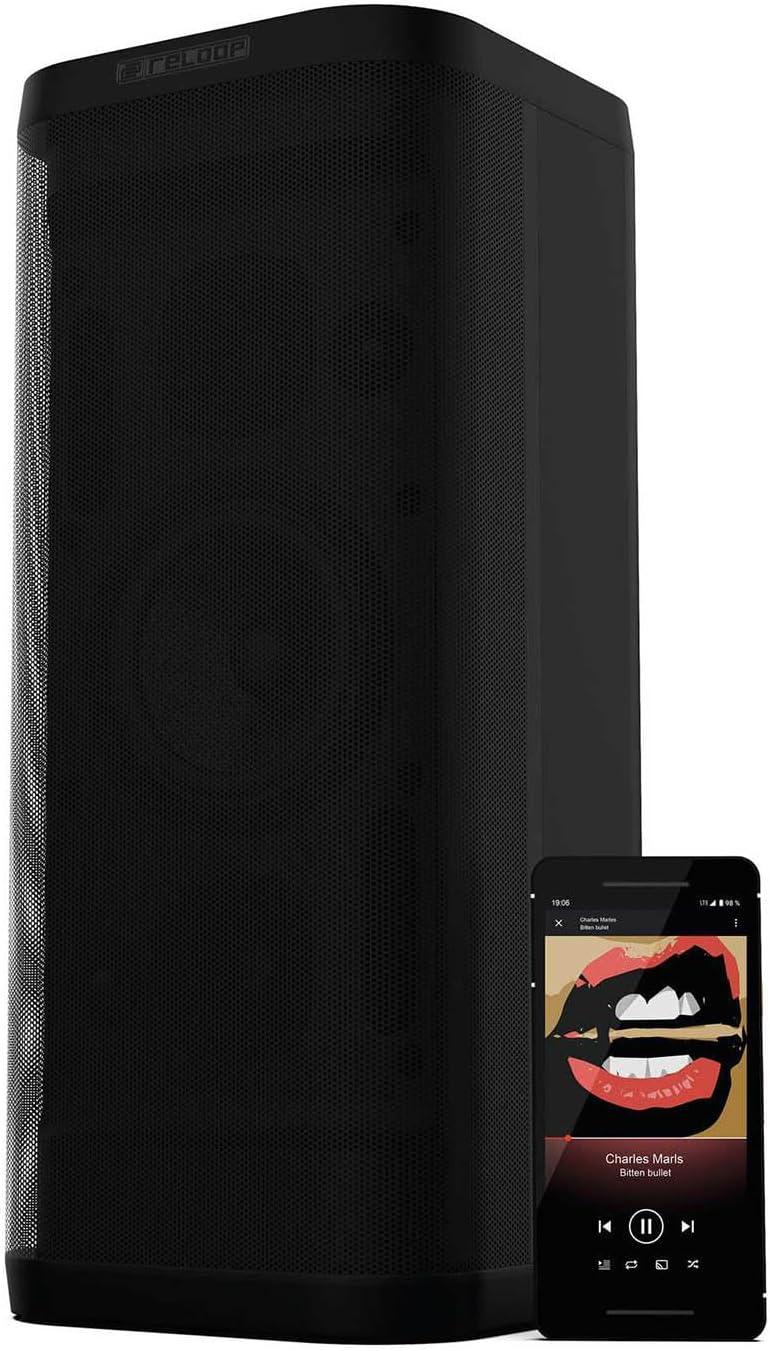
Figure 5.1: NFC pairing in progress.
5.3 Smart Link (Speaker Pairing)
The Smart Link function allows you to wirelessly connect two Groove Blaster BT speakers for a stereo experience or to double the overall volume across multiple rooms.
- Ensure both Groove Blaster BT speakers are powered on and not connected to any Bluetooth device.
- On the first speaker, press the "Speaker Pairing" button. The LED will flash.
- Repeat the process on the second speaker.
- The speakers will automatically search and connect to each other. Once connected, an audible confirmation will sound, and the LEDs will glow solid.
- Now, connect your audio device to one of the paired speakers via Bluetooth (as described in Section 5.1). Audio will play through both speakers.

Figure 5.2: Two Groove Blaster BT speakers connected using Smart Link.
5.4 Kawalan Main Semula
Use the buttons on the top control panel to manage your audio playback:
- Tekan Play/Pause (▶/‖‖) to start or pause music.
- Tekan Previous Track (⏮) untuk pergi ke lagu sebelumnya.
- Tekan Next Track (⏭) untuk melangkau ke lagu seterusnya.
- Tekan Perlahankan suara (-) or Kelantangan Naik (+) to adjust the audio level.
5.5 Fungsi Pengecasan USB
The USB POWER OUT port (5V DC 1A) on the rear of the speaker can be used to charge external devices such as smartphones or tablets. Connect your device's USB charging cable to this port.
6. Penyelenggaraan
6.1 Pembersihan
Lap bahagian luar pembesar suara dengan kain lembut dan kering. Jangan gunakan pembersih, lilin atau pelarut yang kasar. Pastikan tiada cecair memasuki bukaan pembesar suara.
6.2 Penjagaan Bateri
To prolong battery life, avoid fully discharging the speaker frequently. If storing the speaker for an extended period, charge it to approximately 50% every few months.
7. Penyelesaian masalah
| Masalah | Kemungkinan Punca | Penyelesaian |
|---|---|---|
| Speaker tidak dihidupkan. | Bateri habis. | Connect the speaker to the power supply and charge the battery. |
| Tiada bunyi dari pembesar suara. | Kelantangan terlalu rendah atau diredamkan. Peranti tidak disambungkan. | Increase volume on speaker and connected device. Ensure Bluetooth or AUX connection is established. |
| Peranti Bluetooth tidak boleh berpasangan. | Pembesar suara tidak dalam mod berpasangan. Peranti terlalu jauh. Gangguan. | Press Bluetooth pairing button. Move device closer. Avoid obstacles. Restart both devices. |
| Smart Link not connecting. | Speakers already paired to a device. | Ensure both speakers are disconnected from any Bluetooth devices before initiating Smart Link. |
| Kualiti bunyi yang buruk. | Low battery. Device too far. Source audio quality. | Charge speaker. Move device closer. Use high-quality audio files. |
8. Spesifikasi
| Ciri | Spesifikasi |
|---|---|
| Jenama | Gelung semula |
| Nombor Model | GROOVE-BLASTER-BT |
| Kuasa Output Maksimum Pembesar Suara | 100 Watt |
| Respons Kekerapan | 50 Hz (had bawah, julat penuh tidak dinyatakan) |
| Teknologi Ketersambungan | Bluetooth, NFC |
| Julat Bluetooth | 30 Meter |
| Mod Keluaran Audio | Stereo |
| Bahan Kepungan | logam |
| Diameter Subwoofer | 6 Inci |
| Diameter Tweeter | 1 Inci |
| Jenis Bateri | Litium Ion (termasuk) |
| Kapasiti Bateri | 6600 Miliamp jam |
| Purata Hayat Bateri | 10 Jam |
| Kuasa USB Keluar | 5V DC 1A |
| Berat Barang | 4.65 Kilogram |
| Kaedah Kawalan | Sentuh |
| Kalis air | Tidak |
9. Waranti dan Sokongan
The Reloop Groove Blaster BT comes with a Waranti terhad 1 tahun. For warranty claims or technical support, please contact your retailer or visit the official Reloop webtapak untuk maklumat hubungan.