
1. Maklumat Keselamatan Penting
Please read all instructions carefully before using the Media-Tech MT6510 Sonic Electric Toothbrush. Keep this manual for future reference.
- Do not immerse the charging base in water or any other liquid.
- Ensure the charging port cover on the toothbrush handle is securely closed before rinsing the handle under water. The toothbrush handle is IPX7 waterproof, meaning it can withstand immersion in water up to 1 meter for 30 minutes.
- Perkakas ini mengandungi bateri yang tidak boleh ditukar ganti.
- Do not modify or repair the appliance yourself. Contact qualified service personnel for any repairs.
- Keep out of reach of children. This product is designed for adult use.
- If you have any medical concerns regarding oral health, consult your dentist before using this product.
2. Produk Lebihview
The Media-Tech MT6510 Sonic Electric Toothbrush utilizes advanced sonic technology to provide effective oral hygiene. It features 36,000 vibrations per minute, two cleaning modes, a 2-minute timer with 30-second interval reminders, and a long-lasting battery.

Imej 2.1: Depan view of the Media-Tech MT6510 Sonic Electric Toothbrush, showcasinreka bentuk dan butang kawalannya yang anggun.
2.1 Komponen yang Disertakan
- 1 x Media-Tech MT6510 Sonic Toothbrush Handle
- 2 x DuPont Toothbrush Heads
- 1 x Pangkalan Pengecasan
- 1 x Kes Perjalanan
- 1 x Manual Pengguna

Image 2.2: The Media-Tech MT6510 toothbrush, two brush heads, and travel case, as included in the set.
3. Persediaan
3.1 Pengecasan Awal
Before first use, fully charge the toothbrush for approximately 12-16 hours. A full charge provides up to 60 days of use based on twice-daily brushing for 2 minutes.
- Connect the charging base to a power outlet.
- Place the toothbrush handle onto the charging base. Ensure the handle is seated correctly.
- The charging indicator light will illuminate to show that the toothbrush is charging.
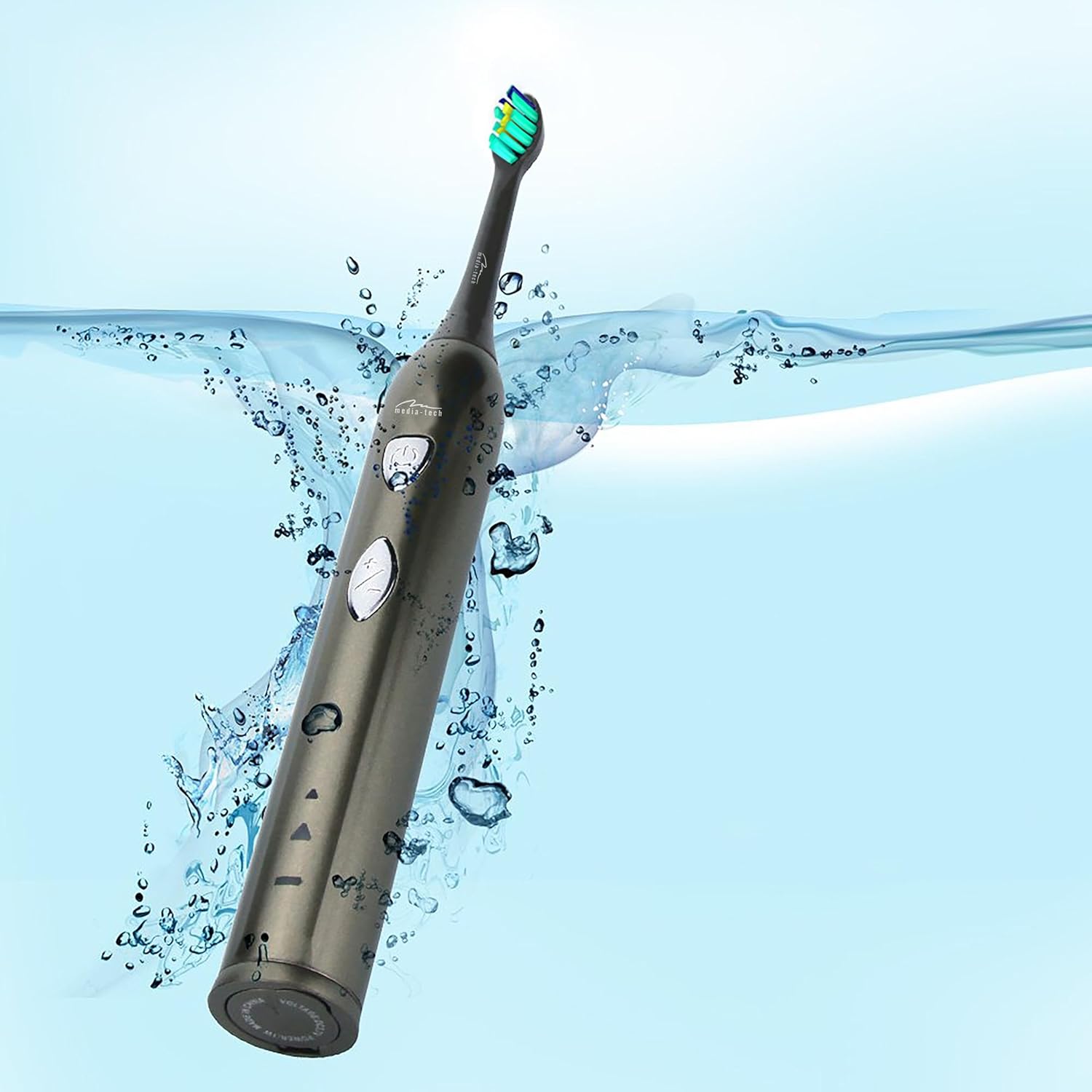
Image 3.1: The toothbrush handle placed on its charging base, indicating the charging process.
3.2 Memasang Kepala Berus
Sejajarkan kepala berus dengan batang logam pada pemegang berus gigi dan tolaknya ke bawah dengan kuat sehingga ia terpasang pada tempatnya. Pastikan ia dipasang dengan selamat sebelum digunakan.
4. Arahan Operasi
4.1 Kuasa Hidup/Mati dan Pemilihan Mod

Imej 4.1: Terperinci view of the toothbrush handle, showing the power button and mode selection button.
- Hidupkan kuasa: Press the power button (top button) once to turn on the toothbrush. It will start in the last used mode.
- Tukar Mod: While the toothbrush is on, press the mode button (bottom button) to cycle through the available cleaning modes:
- Daily Cleaning Mode: For regular, thorough cleaning.
- Mod Pemutihan: For deep cleaning and stain removal.
- Matikan: Press the power button again to turn off the toothbrush.
4.2 Teknik Memberus
- Basahkan kepala berus dan sapukan sedikit ubat gigi.
- Letakkan kepala berus pada gigi anda pada sudut sedikit ke arah garis gusi.
- Tekan butang kuasa untuk mula memberus.
- Gently move the brush head slowly from tooth to tooth, allowing the sonic vibrations to clean. Do not scrub.
- The toothbrush features a 2-minute timer and a 30-second interval reminder. It will briefly pause every 30 seconds to indicate when to move to a different quadrant of your mouth.
- After 2 minutes, the toothbrush will automatically turn off, signaling the completion of the recommended brushing time.

Image 4.2: The toothbrush positioned in a glass in a bathroom setting, ready for use.
5. Penyelenggaraan
5.1 Membersihkan Kepala Berus
After each use, rinse the brush head thoroughly under running water. Do not use harsh cleaning agents.
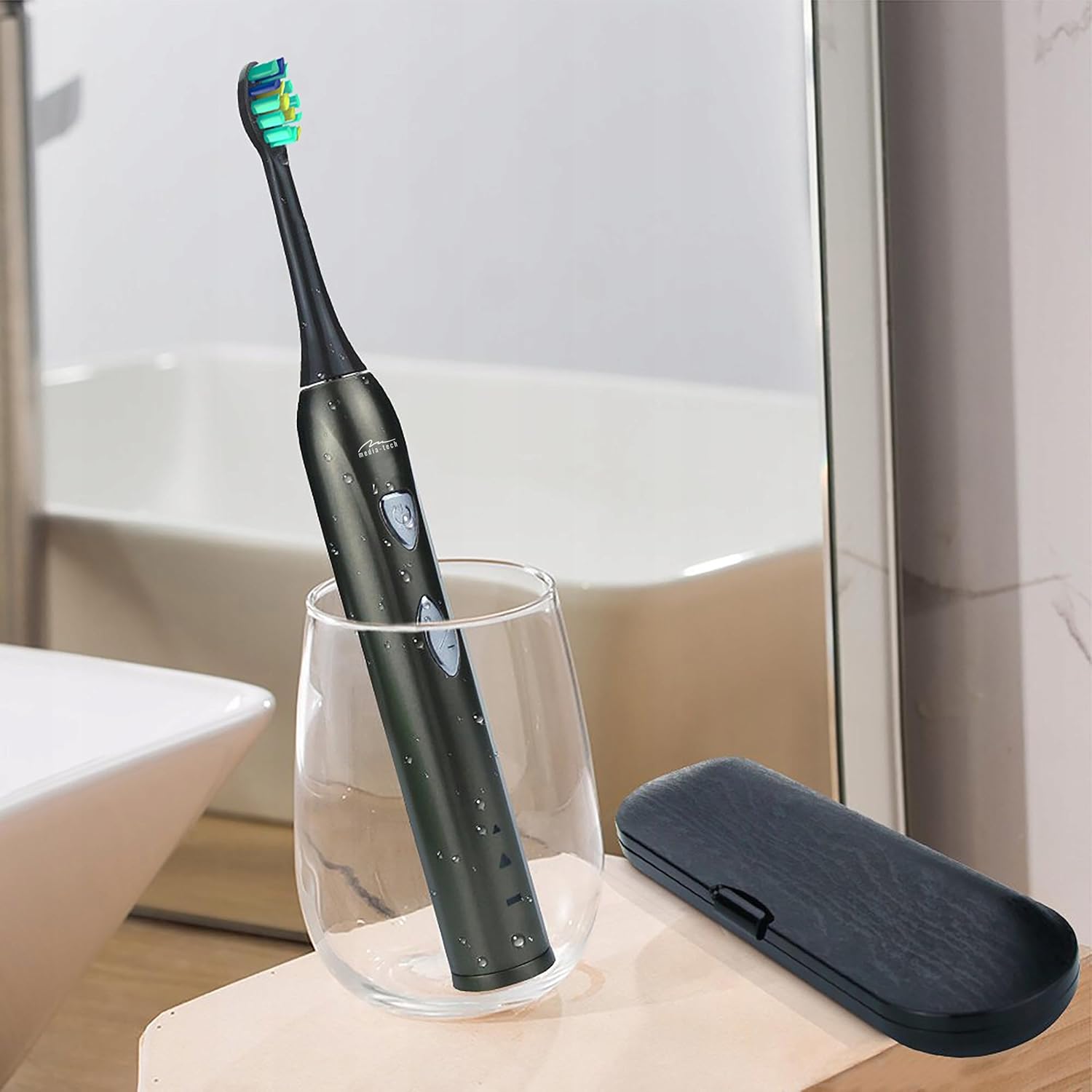
Image 5.1: A close-up of the brush head, showing bristles and water droplets after rinsing.
5.2 Membersihkan Pemegang
Lap pemegang berus gigi dengan iklanamp cloth. Ensure the charging port cover is closed before rinsing the handle under running water. Do not use abrasive cleaners or immerse the entire handle in water for extended periods.
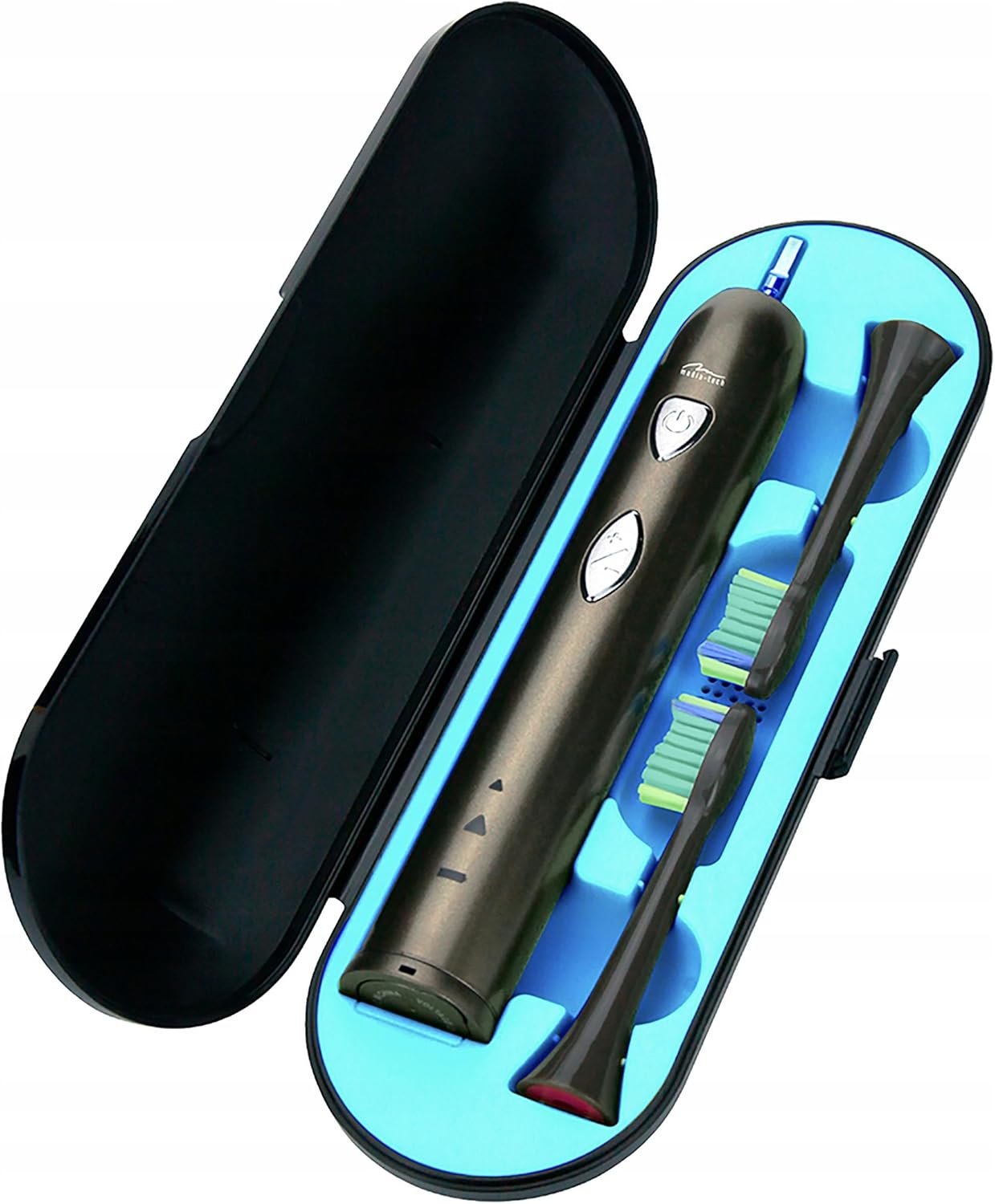
Image 5.2: The toothbrush handle partially submerged in water, demonstrating its IPX7 waterproof rating.
5.3 Menggantikan Kepala Berus
Dentists recommend replacing brush heads every 3 months, or sooner if the bristles become frayed. To replace, simply pull the old brush head off the handle and push a new one on until it clicks.
5.4 Penyimpanan
When not in use, store the toothbrush and brush heads in a clean, dry place. The included travel case is ideal for hygienic storage and transport.
6. Penyelesaian masalah
| Masalah | Kemungkinan Punca | Penyelesaian |
|---|---|---|
| Berus gigi tidak menyala. | Bateri habis. | Caskan berus gigi sekurang-kurangnya 12 jam. |
| Weak vibration or performance. | Bateri lemah. | Cas semula berus gigi. |
| Kepala berus terasa longgar. | Kepala berus tidak dipasang dengan betul. | Keluarkan dan pasang semula kepala berus, pastikan ia berbunyi klik pada tempatnya. |
| Penunjuk pengecasan tidak menyala. | Charging base not connected or toothbrush not seated correctly. | Check power connection and ensure the toothbrush is properly placed on the charging base. |
7. Spesifikasi
- Nombor Model: MT6510
- Jenama: Media-Tech
- Teknologi: Sonic
- Getaran: 36,000 seminit
- Kaedah Pembersihan: 2 (Daily Cleaning, Whitening)
- Pemasa: 2-minute auto-off with 30-second interval reminder
- Penilaian Kalis Air: IPX7
- Jenis Bateri: Litium-ion
- Hayat Bateri: Up to 60 days (based on typical use)
- Dimensi Produk: 17.5 x 2.7 x 17.5 cm (approximate, as per packaging)
- Berat: 95 g (anggaran)
8. Waranti dan Sokongan
For warranty information, please refer to the documentation provided at the time of purchase or contact your retailer. For technical support or further assistance, please contact Media-Tech customer service or visit their official webtapak.