
pengenalan
Terima kasih kerana membeliasing the Bailey Blue Dolphin LED Neon Night Light. This manual provides essential information for the safe and efficient use of your new decorative light. Please read these instructions carefully before use and retain them for future reference.
This LED neon light is designed to create a warm and romantic atmosphere, perfect for various decorative purposes in bedrooms, kids' rooms, parties, or as a general home accent. It features dual power options for convenience and is built with energy efficiency in mind.
Maklumat Keselamatan
- Use this product carefully to avoid damaging the lamp.
- If the product will not be used for a long time, store the lamp in a cool, dry place and remove the batteries.
- The battery case is not waterproof. Avoid exposure to water or moisture.
- Produk ini bertujuan untuk kegunaan dalaman sahaja.
- Do not use this neon light as a substitute for everyday lighting. It is primarily for decorative purposes.
- Pastikan pengudaraan yang betul di sekeliling peranti.
- Keep out of reach of children unless supervised.
Kandungan Pakej
Sila semak pakej untuk item berikut:
- 1 x Dolphin LED Neon Light
- 1 x Tapak
- 1 x Kabel USB
- Nota: 3 x bateri AA tidak disertakan dan mesti dibeli secara berasingan.

Figure 1: Package contents and power options. The image displays the dolphin neon light, its base with an ON/OFF switch, a USB cable, and a battery box requiring 3 AA batteries (not included).
Persediaan
Follow these steps to set up your Dolphin LED Neon Night Light:
- Pasang Cahaya: Carefully insert the Dolphin LED Neon Light into the slot on the provided base. Ensure it is securely seated.
- Pilih Sumber Kuasa:
- Kuasa Bateri: Open the battery compartment on the underside of the base. Insert 3 AA batteries (not included), ensuring correct polarity (+/-). Close the compartment securely.
- Kuasa USB: Connect the included USB cable to the USB port on the base. Plug the other end of the USB cable into a compatible USB power source, such as a computer, power bank, phone charger, or USB wall socket.
- penempatan: Place the assembled light on a stable, flat surface in your desired location.
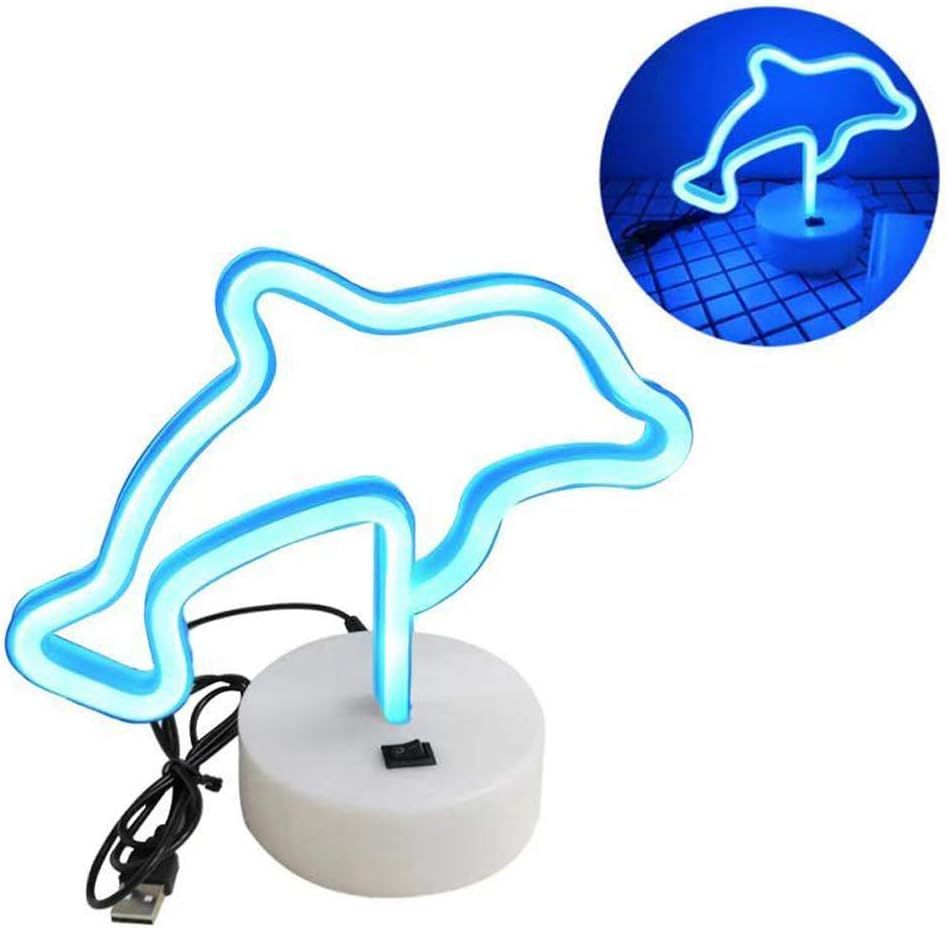
Figure 2: Dolphin light and base assembly. The image shows the dolphin light detached from its base, highlighting the connection point and the USB cable.

Figure 3: USB power options. This diagram shows a USB plug and various compatible power sources including a notebook PC, power bank, phone charger, and USB socket.
Arahan Operasi
To operate your Dolphin LED Neon Night Light:
- Hidupkan kuasa: Locate the ON/OFF switch on the base of the light. Slide the switch to the "ON" position to illuminate the dolphin neon light.
- Matikan: To turn off the light, slide the switch to the "OFF" position.
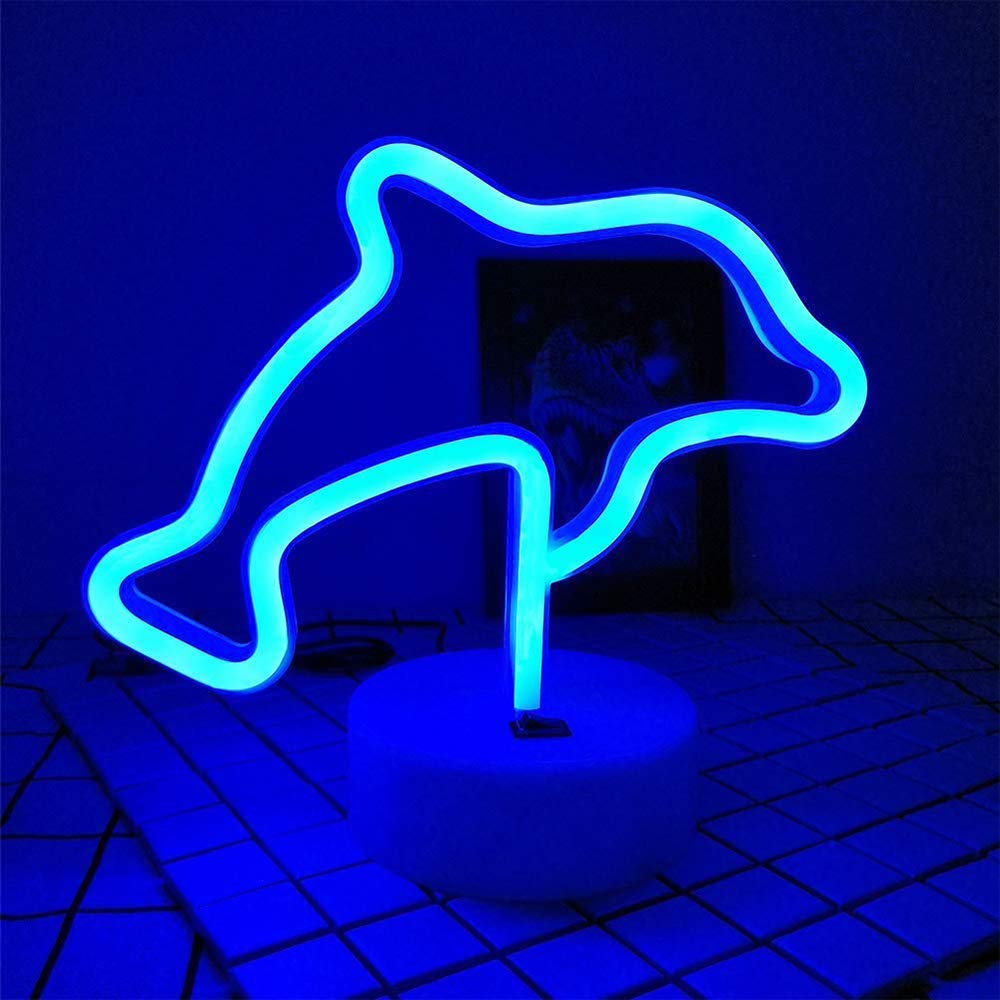
Figure 4: Illuminated Dolphin LED Neon Light. The image shows the blue dolphin light glowing brightly on its base.
Penyelenggaraan
Proper maintenance ensures the longevity of your LED neon light:
- Pembersihan: Gently wipe the light and base with a soft, dry cloth. Do not use abrasive cleaners or solvents.
- Penggantian Bateri: If using battery power and the light dims or stops working, replace all 3 AA batteries with new ones, ensuring correct polarity.
- Storan: When not in use for extended periods, remove batteries and store the light in a cool, dry place away from direct sunlight and moisture.
Menyelesaikan masalah
| Masalah | Kemungkinan Punca | Penyelesaian |
|---|---|---|
| Cahaya tidak menyala. |
|
|
| Cahaya malap. | Kuasa bateri rendah. | Replace batteries or switch to USB power. |
| Cahaya berkelip-kelip. | Sambungan longgar atau bateri lemah. | Check all connections. Replace batteries or try USB power. |
Spesifikasi
| Ciri | Perincian |
|---|---|
| Nama Model | NH.Z020A |
| Jenama | Bailey |
| bentuk | ikan lumba-lumba |
| Warna Cerah | Biru |
| bahan | plastik |
| Dimensi Produk | 21cm x 10cm x 18.5cm (8"W x 6"H x 1"D) |
| Berat Barang | 0.2 KG (3.2 ounces) |
| Wattage | 1.8 watt |
| Sumber Kuasa | 3 x AA Batteries (not included) / USB Cable |
| Hayat Perkhidmatan | 5000H |
| Penggunaan Dalaman/Luar | Dalaman |
| Tahap Ketahanan Air | Bukan Tahan Air |

Figure 5: Product dimensions. The image displays the height (16cm), width (21cm), and base dimensions (10cm diameter, 3.5cm height) of the dolphin light.
Waranti
Specific warranty information is not provided in the product details. Please refer to the retailer's return policy or contact the manufacturer directly for warranty details.
Sokongan
If you have any questions or require assistance with your Bailey Blue Dolphin LED Neon Night Light, please contact Bailey Lighting customer service through the retailer's platform or visit the official Bailey store online.
Untuk maklumat lanjut, anda boleh melawati Bailey Store.