
pengenalan
This manual provides comprehensive instructions for the setup, operation, and maintenance of your TeknoGame GC Wired Game Controller. This controller is designed for use with Nintendo Wii and Nintendo GameCube systems, offering a classic gaming experience.
Please read this manual thoroughly before using the product to ensure proper functionality and longevity.
Produk Selesaiview

Imej 1: Depan view of the TeknoGame GC Wired Game Controller, showcasing ia jelas casing, button layout, and the GameCube-style connector cable.
The TeknoGame GC Wired Game Controller features a transparent design, allowing visibility of its internal components. It includes a standard GameCube controller layout with an analog stick, C-stick, D-pad, A/B/X/Y buttons, Start/Pause button, and L/R/Z shoulder buttons. The controller connects via a wired cable with a GameCube compatible plug.
Arahan Persediaan
- Identify the Controller Port: Locate the GameCube controller ports on your Nintendo Wii console (under a flap on the top side) or directly on your Nintendo GameCube console.
- Sambungkan Pengawal: Insert the controller's plug firmly into an available GameCube controller port. Ensure the plug is oriented correctly to avoid damage.
- Konsol Hidupkan Kuasa: Turn on your Nintendo Wii or GameCube console.
- Kefungsian Ujian: Navigate the console's menu or start a game to confirm the controller is responsive.

Imej 2: Atas ke bawah view of the controller, highlighting the button layout and transparent design.
Mengendalikan Pengawal
The TeknoGame GC Wired Game Controller functions identically to an original GameCube controller. Refer to your game's specific instructions for button assignments and control schemes.
- Kayu Analog: Used for primary character movement or menu navigation.
- C-Stick: Often used for camera control, secondary actions, or smash attacks in fighting games.
- D-Pad: Used for menu navigation or specific in-game actions.
- Butang A, B, X, Y: Butang tindakan utama, fungsi berbeza mengikut permainan.
- Butang Mula/Jeda: Pauses the game or accesses in-game menus.
- Butang L/R: Analog shoulder buttons, often used for shielding, aiming, or other context-sensitive actions.
- Z Button: Digital shoulder button, typically used for specific actions like grabbing or targeting.
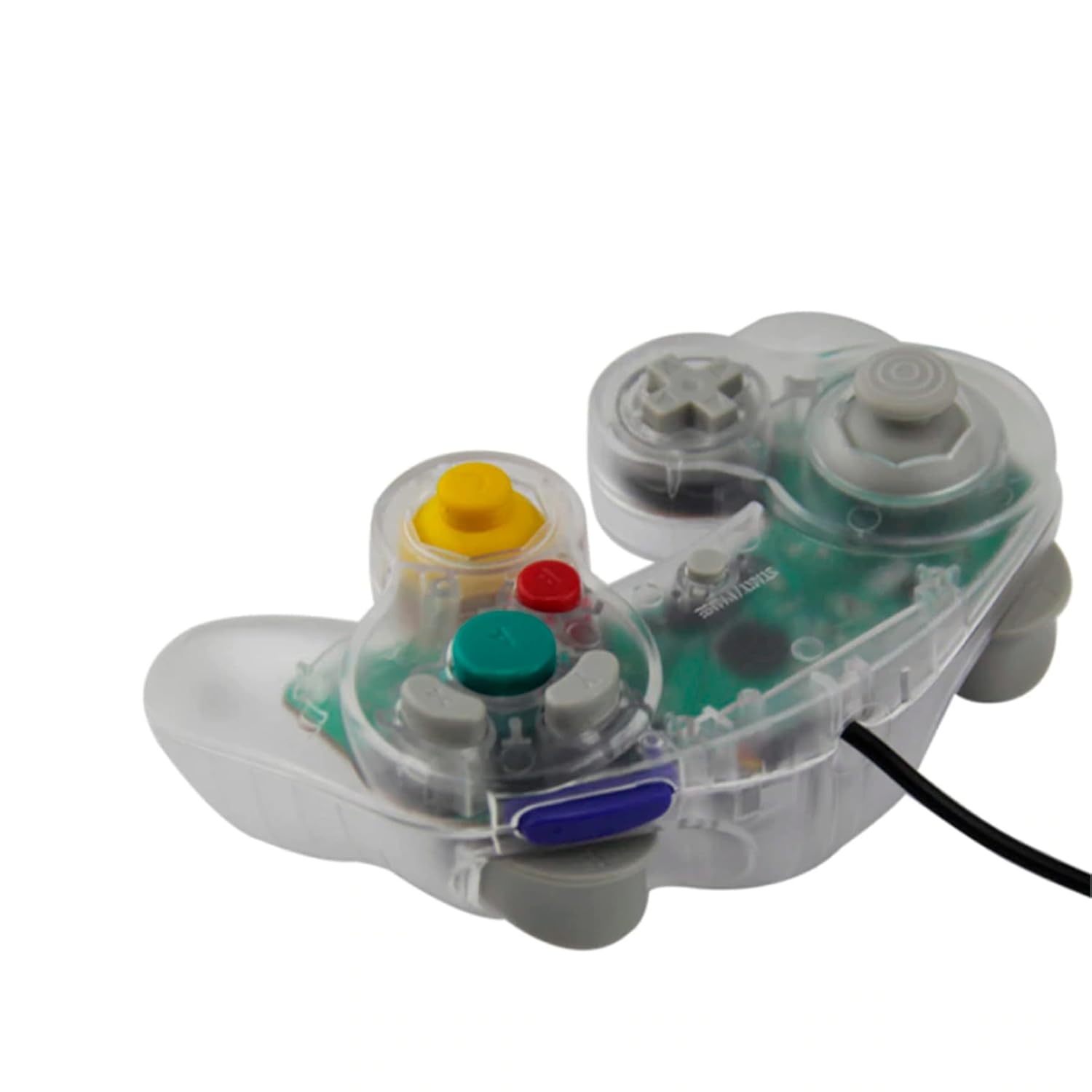
Imej 3: sebelah view of the controller, illustrating its ergonomic shape and the attached wired cable.
Penjagaan dan Penyelenggaraan
- Pembersihan: Gunakan kain lembut dan kering untuk membersihkan permukaan pengawal. Untuk kotoran degil, gosok sedikitampen kain dengan air. Elakkan bahan kimia yang keras atau pembersih yang kasar.
- Storan: Store the controller in a cool, dry place away from direct sunlight and extreme temperatures. Avoid wrapping the cable too tightly around the controller to prevent damage.
- Pengendalian: Do not drop the controller or subject it to strong impacts. Avoid pulling the cable forcefully when disconnecting from the console; always grasp the plug.
Menyelesaikan masalah
| Masalah | Kemungkinan Punca | Penyelesaian |
|---|---|---|
| Pengawal tidak bertindak balas. | Loose connection, incorrect port, console not powered on. |
|
| Buttons or sticks are unresponsive/stiff. | Debris under buttons, internal component issue. |
|
| Controller disconnects intermittently. | Loose cable connection, damaged cable. |
|
Spesifikasi
- model: GC Wired Game Controller
- Jenama: Teknogame
- Keserasian: Nintendo Wii, Nintendo GameCube
- Ketersambungan: Wired (GameCube port)
- Dimensi: Kira-kira 8 x 8 x 3 inci
- Berat: Kira-kira 8.8 auns
Waranti dan Sokongan
For warranty information or technical support, please refer to the contact details provided with your purchase or visit the official Teknogame webtapak.
