
DoHonest V25
DoHonest V25 Wireless Backup Camera System User Manual
Model: V25
pengenalan
Thank you for choosing the DoHonest V25 Wireless Backup Camera System. This manual provides detailed instructions for installation, operation, and maintenance of your new system. Please read this manual thoroughly before using the product to ensure proper function and safety.
Kandungan Pakej
Sahkan bahawa semua item yang disenaraikan di bawah disertakan dalam pakej anda:
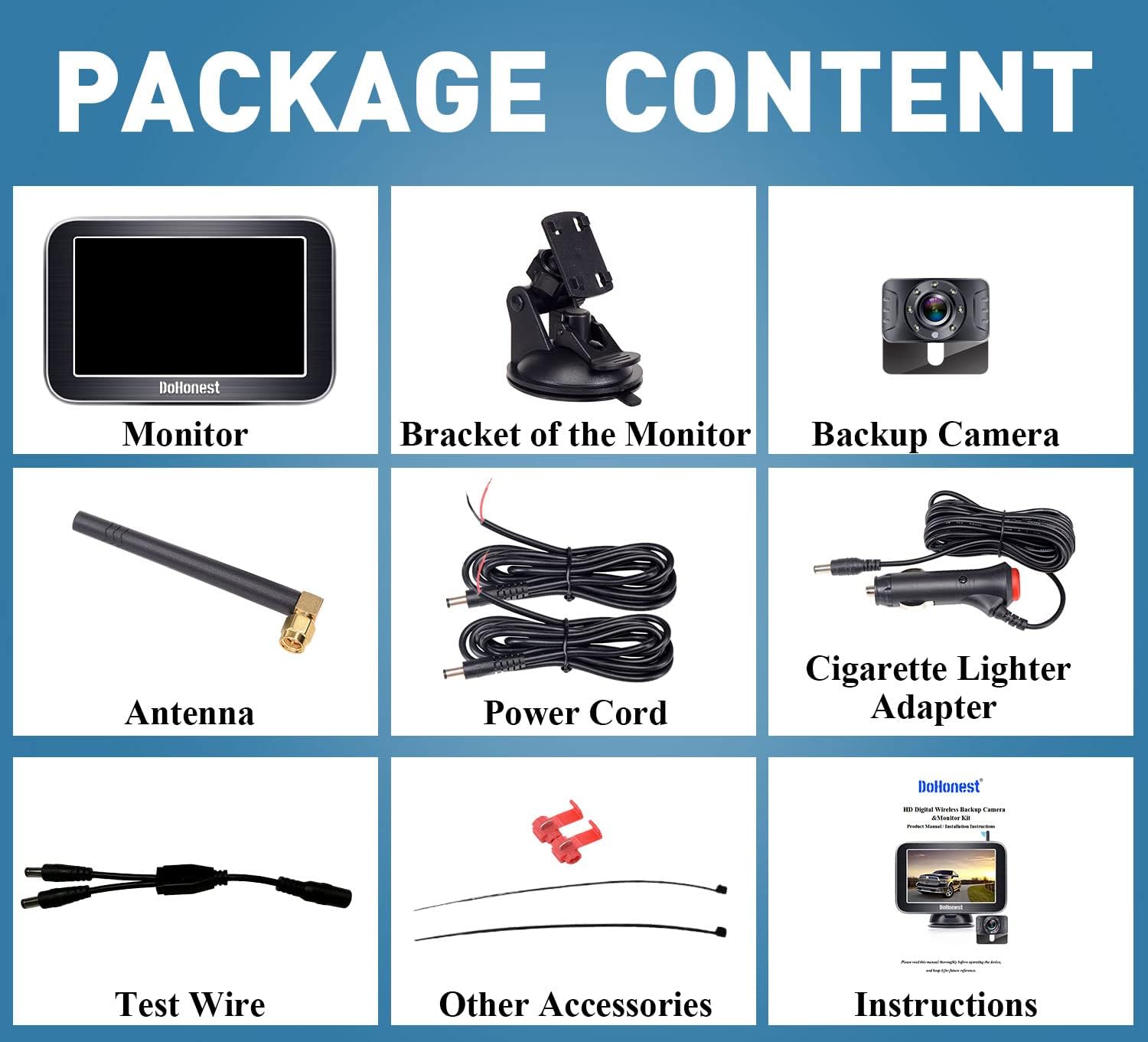
Image: Contents of the DoHonest V25 Wireless Backup Camera System package, showing the monitor, bracket, backup camera, antenna, power cord, cigarette lighter adapter, test wire, other accessories, and instructions.
- 5-inch Wireless Monitor
- Monitor Bracket (Suction Mount)
- Kamera Sandaran Tanpa Wayar
- Antena
- Kord Kuasa
- Penyesuai Pemetik Rokok
- Wire ujian
- Other Accessories (e.g., cable ties, t-taps)
- Manual Pengguna
Persediaan dan Pemasangan
The DoHonest V25 system is designed for easy wireless installation.
Langkah 1: Pasang Kamera
Locate a suitable mounting position for the camera, typically near the license plate. Connect the camera's power wire to your vehicle's backup light wire. Ensure correct polarity (positive to positive, negative to negative). T-tap connectors can be used for easy connection. License plate lights and tail lights can also be used as power sources if preferred.

Image: Diagram showing how to connect the camera tail wire to the backup light wire, indicating positive and negative connections. The camera is mounted above the license plate.
Langkah 2: Hidupkan Monitor
Mount the 5-inch monitor using the provided suction mount. It can be placed on the windshield or dashboard. Connect the monitor to your vehicle's cigarette lighter adapter. Press the on/off button on the adapter to power on the monitor. The monitor and camera will automatically pair.

Image: Illustrations showing the monitor mounted on a windshield using a suction cup and on a dashboard using a different suction mount. Below, a truck is shown with the camera mounted on the license plate, and an option to hide it inside.
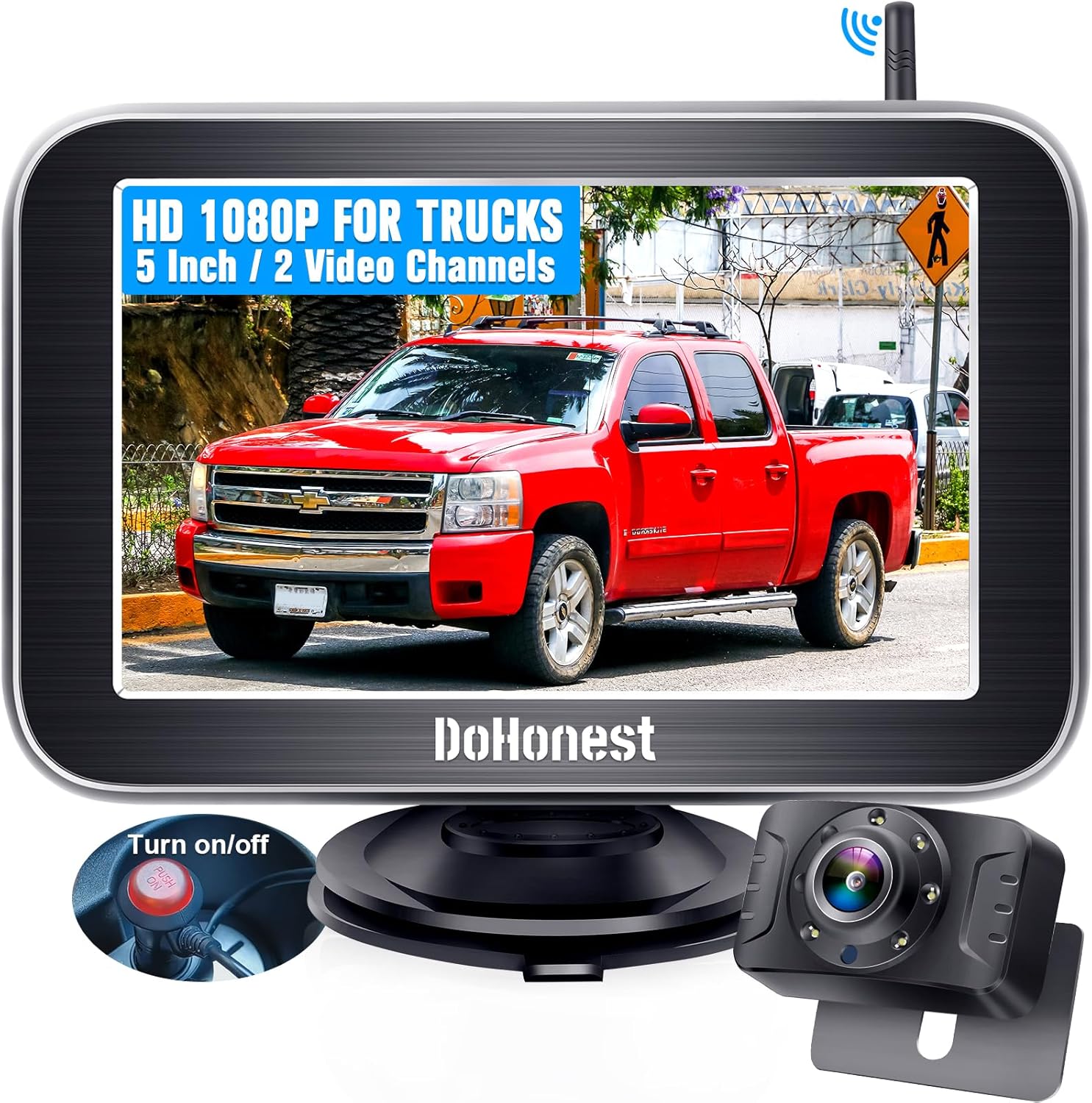
Image: The DoHonest V25 wireless backup camera system, featuring a 5-inch monitor displaying a truck, and the compact camera unit. A power button on the cigarette lighter adapter is also visible.
Arahan Operasi
Operasi Asas
Once powered on, the monitor will display the live feed from the backup camera. The system features a stable digital signal for clear, real-time images up to 33 feet away, minimizing interference.

Image: Diagram illustrating the wireless connection between the monitor and camera, showing a stable signal range of 33 feet, with a truck in between.
Garis Panduan DIY
The system allows for customization of parking guide lines. You can adjust the width (W), move them up or down (H), and shift them left or right (M) to suit your vehicle and parking preferences. Refer to the monitor's menu for these settings.
Image: Three diagrams demonstrating the adjustment of DIY guide lines: adjusting width (W), moving up or down (H), and moving left or right (M).
Multi-Function and 2-Channel Support
The smart switch offers 5 functions: DIY guide lines, mirror image flip, facing image flip, horizontal flip, and vertical flip. The monitor supports up to two cameras, allowing for full-screen display or split-screen monitoring of both cameras simultaneously. An additional camera (not included) can be added for expanded coverage, such as an RV backup camera.
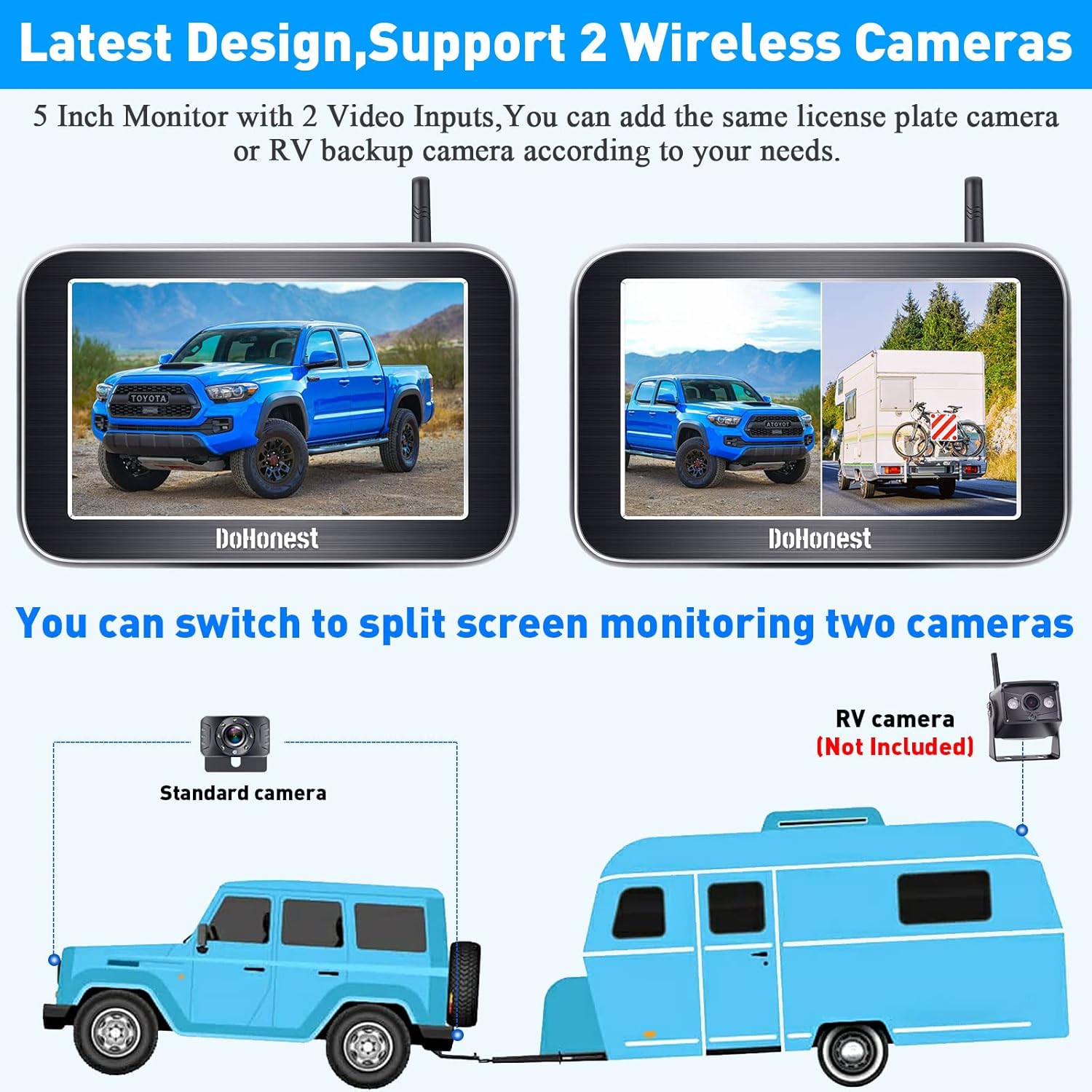
Image: The 5-inch monitor displaying two different camera views in split-screen mode. Below, a diagram shows a standard camera on a vehicle and an optional RV camera (not included) for dual camera setup.
Penglihatan Malam
The camera is equipped with true LED night vision technology and advanced chips to greatly enhance image clarity in low-light conditions, providing clear visibility even at night.

Image: A night scene showing a red truck with enhanced visibility due to the camera's LED lights, night vision, and advanced chips. Another image shows a driver's view at night with clear rear visibility.
Penyelenggaraan
- Pembersihan: Gunakan yang lembut, damp cloth to clean the monitor screen and camera lens. Avoid abrasive cleaners or solvents.
- Penilaian Kalis Air: The camera boasts an IP69K waterproof rating, ensuring it can withstand extreme weather conditions including rain, shock, heat, and dust. However, avoid prolonged submersion.
- Sambungan Kabel: Periksa semua sambungan kabel secara berkala untuk memastikan ia selamat dan bebas daripada kakisan.
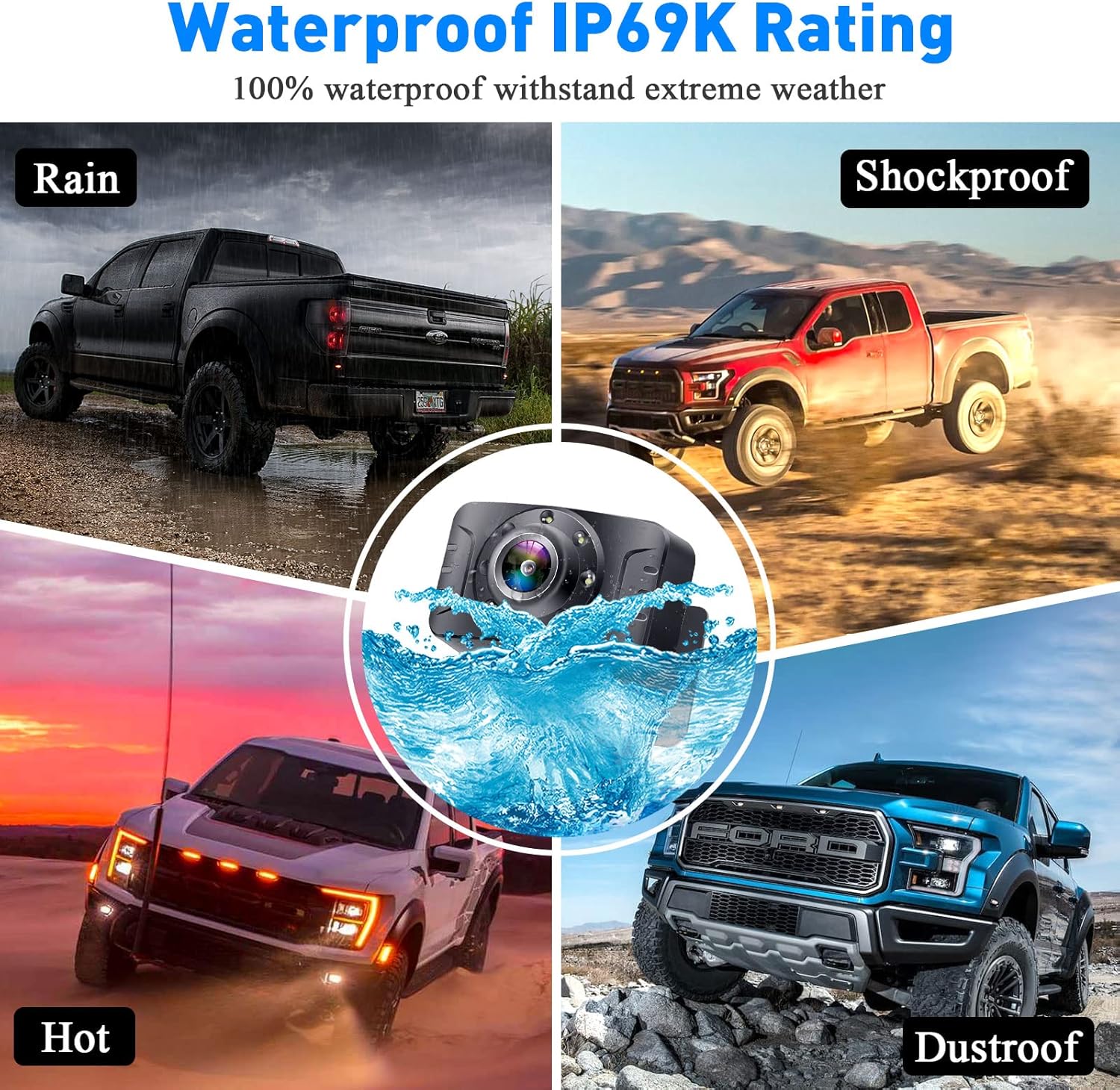
Image: Four quadrants depicting the IP69K waterproof rating, showing the camera withstanding rain, shock, extreme heat, and dust, with a central image of the camera submerged in water.
Menyelesaikan masalah
| Masalah | Kemungkinan Punca | Penyelesaian |
|---|---|---|
| Tiada imej pada monitor |
|
|
| Imej berkelip-kelip atau tidak stabil |
|
|
| Guide lines not appearing or incorrect |
|
|
Spesifikasi
| Ciri | Perincian |
|---|---|
| Jenama | Berbuat Jujur |
| Nombor Model | V25 |
| Saiz Skrin | 5 Inci |
| Voltage | 35 Volt |
| Nyata View sudut | 150 Darjah |
| Bidang View | 150 Darjah |
| Penilaian Kalis Air | IP69K |
| Julat Tanpa Wayar | Up to 33 feet (stable digital signal) |
| Multi-function Support | DIY guide lines, image flip (mirror, facing, horizontal, vertical) |
| Saluran Kamera | Supports 2 channels (full screen or split screen) |
| Penglihatan Malam | True LED night vision with advanced chips |
| UPC | 751940327619 |
Waranti dan Sokongan
The DoHonest V25 Wireless Backup Camera System comes with a 2-Year Quality Assurance. For technical support, warranty claims, or any questions regarding your product, please contact DoHonest customer service through the official website or your purchase platform. Please have your model number (V25) and purchase details ready when contacting support.

Image: A grid of icons and images highlighting the DoHonest V25 system's advantages, including IP69K Waterproof, 150° Wide Angle, Adjustable Brightness/Contrast/Hue, 2-Year Quality Assurance, HD 1080P Image, Flip Image, Installation Video, Wide Voltage, and Latest Digital Technology.
Ask a question about this manual
Ask about setup, troubleshooting, compatibility, parts, safety, or missing instructions. Manuals+ will review the question and use this page’s manual context to help answer it.