
pengenalan
This manual provides detailed instructions for the installation, operation, and maintenance of your Utilitech 1.0-Sone 150-CFM White Bathroom Fan with integrated LED light. This ventilation fan is designed to provide efficient air movement and illumination in your bathroom, featuring an energy-efficient DC brushless motor and a dimmable LED light. Please read these instructions thoroughly before installation and use to ensure safe and optimal performance.
Maklumat Keselamatan Penting
AMARAN: Untuk mengurangkan risiko kebakaran, renjatan elektrik atau kecederaan kepada orang ramai, perhatikan perkara berikut:
- Kerja-kerja pemasangan dan pendawaian elektrik mesti dilakukan oleh orang yang berkelayakan menurut semua kod dan piawaian yang berkenaan, termasuk kod dan piawaian pembinaan berkadar kebakaran.
- Gunakan unit ini hanya mengikut cara yang dimaksudkan oleh pengilang. Jika anda mempunyai soalan, hubungi pengilang.
- Sebelum melakukan servis atau membersihkan unit, matikan kuasa pada panel servis dan kunci kaedah pemutus servis untuk mengelakkan kuasa dihidupkan secara tidak sengaja. Apabila alat pemutus perkhidmatan tidak dapat dikunci, kencangkan peranti amaran yang menonjol, seperti a tag, ke panel perkhidmatan.
- Do not use this fan with any solid-state speed control device unless specifically approved for use with this model.
- This product is designed for general ventilating use only. Do not use to exhaust hazardous or explosive materials and vapors.
- Always wear safety glasses and gloves during installation and maintenance.
Kandungan Pakej
Sahkan bahawa semua komponen hadir sebelum memulakan pemasangan:
- Utilitech Bathroom Fan with Integrated LED Light
- 6-inch to 4-inch Duct Adapter
- Quick Connect Wire Nuts
- Installation Hardware (screws, etc., if applicable)

Image 1: The Utilitech bathroom fan unit, showing the main housing, LED light panel, and the attached duct connector.
Persediaan dan Pemasangan
This fan can be installed in both new construction (with attic access) and existing construction (without attic access). Professional installation is recommended for electrical wiring.
Langkah Pra-Pemasangan:
- Pemutusan Kuasa: Ensure power is turned off at the circuit breaker before starting any installation work.
- Pemilihan Lokasi: Choose a suitable ceiling location for the fan, ensuring adequate space for the housing and ductwork.
- Ducting Preparation: Prepare the ductwork. The fan is designed for 6-inch ducts, but a 6-inch to 4-inch duct adapter is included for compatibility with 4-inch systems.
Prosedur Pemasangan:
- Memasang Perumahan: Secure the fan housing to the ceiling joists using appropriate fasteners. Ensure the housing is level and firmly attached.
- Sambungan Saluran: Connect the ventilation duct to the fan's duct connector. Use duct tape or clamps to ensure a secure and airtight seal. The fan includes a plastic duct connector and damper to prevent backdraft.
- Pendawaian elektrik: Connect the electrical wiring to the fan using the provided quick connect wire nuts. Follow local electrical codes and the wiring diagram provided with the unit. Ensure proper grounding.
- Installing the Grille/Light Panel: Once the housing and wiring are complete, attach the integrated LED light panel/grille to the fan housing.
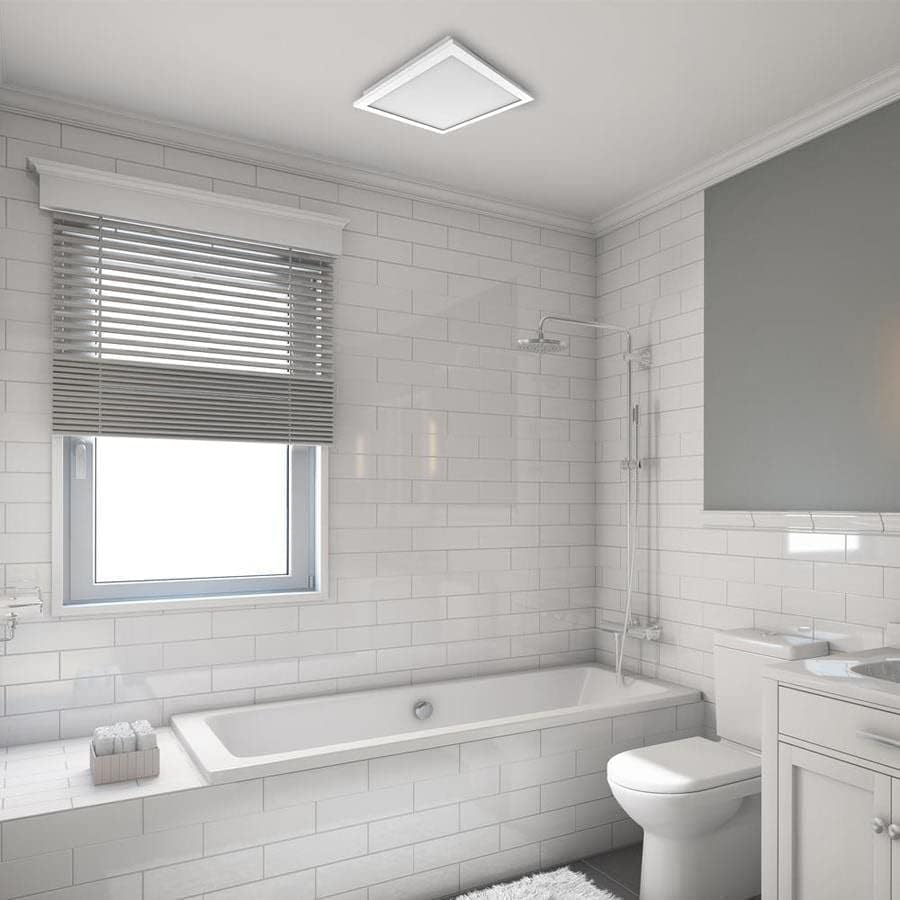
Imej 2: Bekasample of the Utilitech bathroom fan with LED light installed flush in a white ceiling, providing both ventilation and illumination.
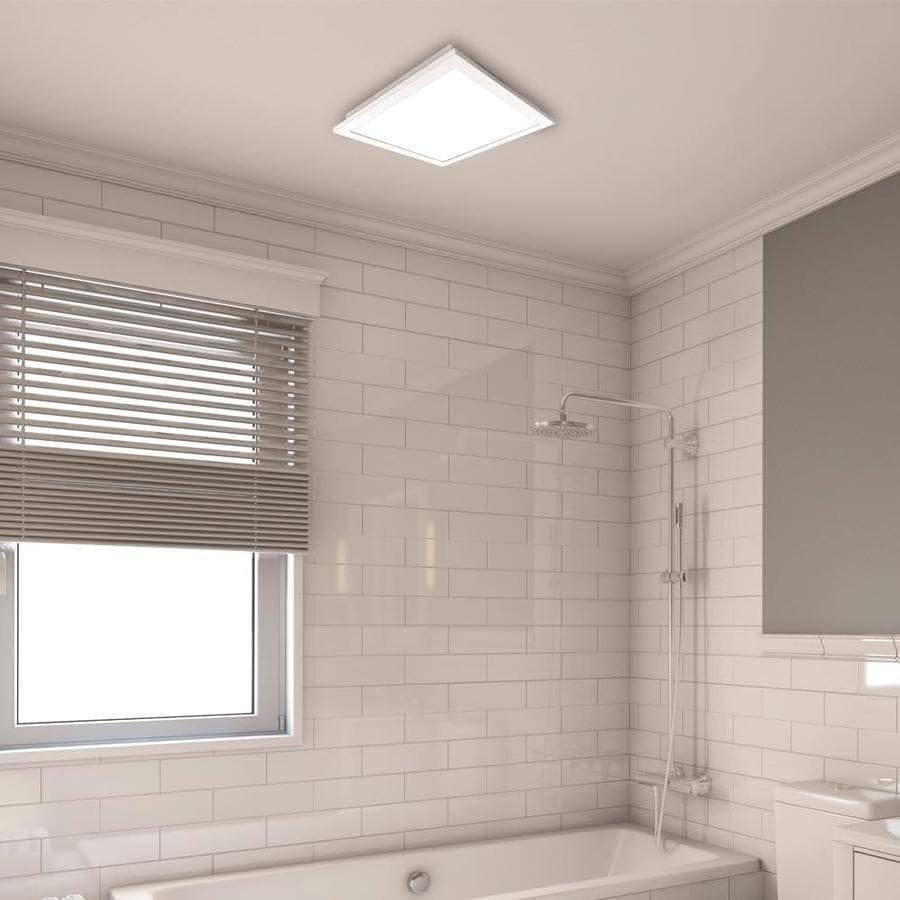
Imej 3: Lebih dekat view of the installed fan's LED light panel, showing its sleek, white finish integrated into the ceiling.
Arahan Operasi
The Utilitech bathroom fan is designed for simple operation, providing effective ventilation and lighting for your bathroom.
- Hidupkan/Mati Kuasa: The fan and light are typically controlled by a standard wall switch. Flip the switch to turn the unit on or off.
- Pengudaraan: The fan operates at a single speed, moving 150 cubic feet per minute (CFM) of air at a quiet 1.0 sone level.
- Lampu LED: The integrated 13-watt LED light provides room illumination. This light is dimmable, requiring a compatible dimmer switch (sold separately) for dimming functionality.
- Kawalan Apl: This model supports app control. Refer to the manufacturer's website or included documentation for details on connecting and controlling the fan via a smartphone application, if applicable.
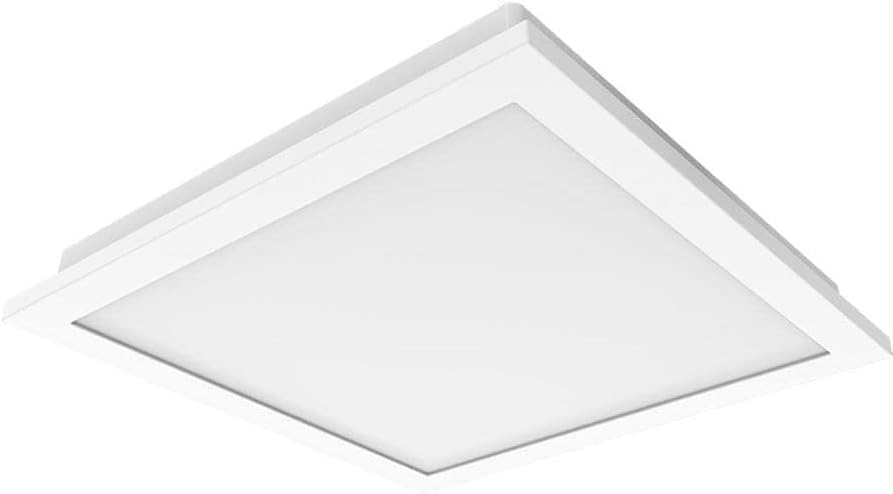
Imej 4: A view of the fan's LED light panel from below, showcasindengan reka bentuknya yang bersih dan minimalis.
Penyelenggaraan
Regular maintenance ensures the longevity and efficient operation of your Utilitech bathroom fan. Always disconnect power at the circuit breaker before performing any maintenance.
Cleaning the Fan and Light Grille:
- Turn off power to the fan at the service panel.
- Carefully remove the LED light panel/grille from the fan housing.
- Wipe the grille and light panel with a soft, damp kain. Jangan gunakan pembersih atau pelarut yang melelas.
- If necessary, use a vacuum cleaner with a brush attachment to remove dust from the fan blades and interior of the housing.
- Benarkan semua bahagian kering sepenuhnya sebelum dipasang semula.
- Reattach the LED light panel/grille and restore power.
The fan's DC brushless motor is designed for long-term operation, capable of running continuously for up to 70,000 hours, and the integrated LED light has a lifespan of up to 30,000 hours, minimizing the need for frequent internal maintenance.
Menyelesaikan masalah
If you experience issues with your Utilitech bathroom fan, refer to the following common problems and solutions. Always disconnect power before inspecting the unit.
| Masalah | Kemungkinan Punca | Penyelesaian |
|---|---|---|
| Kipas tidak beroperasi. | Tiada kuasa kepada unit. Sambungan pendawaian longgar. Suis dinding rosak. | Periksa pemutus litar dan suis dinding. Sahkan semua sambungan wayar adalah kukuh (pastikan kuasa dimatikan). Uji atau ganti suis dinding. |
| Lampu LED tidak menyala. | Tiada kuasa kepada unit. Sambungan pendawaian longgar. Faulty LED driver/light panel. | Periksa bekalan kuasa. Sahkan sambungan pendawaian. Contact customer support if the LED panel is faulty. |
| Kipas terlalu bising. | Pemasangan longgar. Halangan pada bilah kipas. Masalah kerja saluran. | Ensure fan housing is securely mounted. Remove grille and check for debris. Inspect ductwork for kinks or blockages. |
| Pergerakan udara yang lemah. | Blocked ductwork. Bilah kipas kotor. Improperly sized ducting. | Check ductwork for obstructions. Bersihkan bilah kipas dan gril. Ensure ducting matches recommended size or use adapter correctly. |
If problems persist after attempting these solutions, contact a qualified electrician or the manufacturer's customer support.
Spesifikasi
| Ciri | Perincian |
|---|---|
| Jenama | Utilitech |
| Nama Model | 7116-02 |
| Kapasiti Aliran Udara | 150 CFM (Kaki Kubik Seminit) |
| Tahap Kebisingan | 1.0 Bunyi |
| Jenis Cahaya | LED Boleh Dimalapkan Bersepadu |
| LED Wattage | 13 Watt |
| Jangka Hayat LED | Sehingga 30,000 jam |
| Jenis Motor | DC Tanpa Berus |
| Jangka Hayat Motor | Sehingga 70,000 jam berterusan |
| Saiz Saluran | 6-inch (includes 6-inch to 4-inch adapter) |
| Sumber Kuasa | AC |
| Jenis Pemasangan | Ceiling Mount (retrofit capable) |
| Kaedah Kawalan | Wall Switch, App Control |
| Pensijilan | UL Certified, HVI Listed, ENERGY STAR Compliant, Title 24 Compliant |
| Dimensi Produk | 9.68 x 9.68 x 7.88 inci |
| Berat Barang | 14.22 paun |
Maklumat Waranti
Utilitech products are manufactured to high-quality standards and are warranted to be free from defects in materials and workmanship for a specified period from the date of purchase. For specific warranty terms and conditions, please refer to the warranty card included with your product or visit the official Utilitech webtapak. Simpan resit pembelian anda sebagai bukti pembelian untuk tuntutan waranti.
Sokongan Pelanggan
If you have any questions regarding the installation, operation, or maintenance of your Utilitech bathroom fan, please contact Utilitech customer support. You can typically find contact information, including phone numbers and email addresses, on the manufacturer's official webtapak atau dalam dokumentasi yang disediakan bersama produk anda.
Untuk bantuan lanjut, sila layari Utilitech webtapak.