
Force1 RC131
Force1 Scoot Hand Operated Drone
model: RC131 | Jenama: Angkatan1
Manual Arahan
1. Pengenalan
Welcome to the world of hands-free flying with the Force1 Scoot Hand Operated Drone. This innovative mini-drone is designed for easy indoor flight, featuring motion sensors for obstacle avoidance and vibrant LED lights for an engaging experience. It's perfect for beginners and provides interactive fun for both kids and adults.
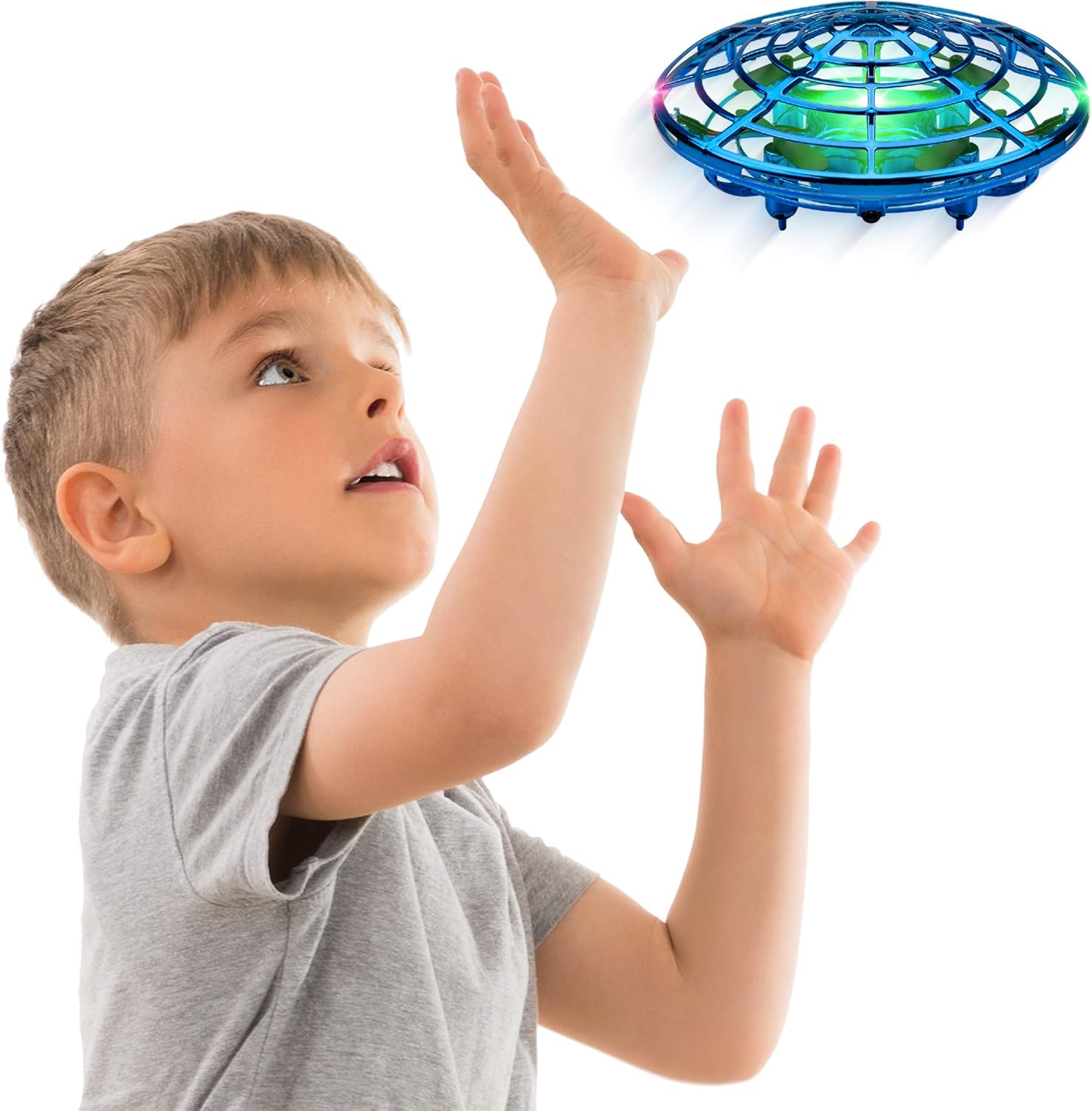
Image 1.1: The Force1 Scoot drone in flight, demonstrating its hand-operated nature.
2. Apa yang ada di dalam Kotak
Upon unboxing your Force1 Scoot drone, please ensure all the following components are present:
- Scoot Drone - Blue
- Kabel Pengecas USB
- Manual Produk (dokumen ini)
3. Persediaan
The Force1 Scoot drone is designed for quick and easy setup. Before your first flight, ensure the drone is fully charged.
3.1 Persediaan Awal
- Carefully remove the drone and all accessories from the packaging.
- Inspect the drone for any visible damage.
- Proceed to the charging instructions before attempting to fly.
4. Arahan Mengecas
Proper charging ensures optimal performance and battery longevity for your Scoot drone.
- First, plug the included USB charging cable into a DC power source. It is recommended to use the USB port of a computer, laptop, or power bank with a current input of 0.5-2.0A.
- Plug the round pin of the charging cable into the Scoot drone. The charging socket is located on the bottom of the drone, opposite the ON/OFF switch.
- Do TIDAK exceed 50 minutes of charge time. Exceeding the recommended charging time may damage the drone's battery.
- Allow your drone to rest for 10 minutes between flights to prevent overheating and prolong motor life.
CAUTION: Do not plug the charging cable into an A/C power source (wall outlet) using a wall charger. A high peak current may be caused, potentially damaging the drone.

Image 4.1: The Scoot drone connected via USB for charging.
5. Operating the Scoot Drone
The Force1 Scoot drone is designed for intuitive, hands-free operation.
5.1 Powering On and Launching
- Locate the ON/OFF switch on the bottom of the drone and slide it to the 'ON' position. The LED lights will illuminate.
- Gently toss the drone into the air to initiate flight. The propellers will automatically start spinning.
5.2 Controlling Flight
- Mengelakkan halangan: The Scoot drone is equipped with smart motion sensors that detect obstacles. It will automatically change direction when it senses a hand, wall, or furniture.
- Guiding Flight: Use your hand to guide its flight path. Place your hand near the drone, and it will sense it and move away.
- Making it Rise: Place your hand directly underneath the drone to make it ascend.
5.3 Stopping Flight
To stop the drone, gently catch it "hamburger-style" (cupping it with both hands). The propellers will automatically stop upon contact.

Image 5.1: Visual guide for launching, directing, and stopping the Scoot drone.

Image 5.2: The Scoot drone demonstrating its obstacle avoidance capabilities during play.
6. Maklumat Keselamatan
Adhering to these safety guidelines will ensure a safe and enjoyable experience with your Force1 Scoot drone.
- Penggunaan Dalaman Sahaja: This drone is designed exclusively for indoor use. Do not fly it outdoors, as it can easily be lost or damaged by wind.
- Cadangan Umur: Recommended for ages 8 and up. Adult supervision is advised for younger users.
- Keselamatan Kipas: Manakala webbed shell design protects hands and objects from the propellers, exercise caution. Avoid intentionally placing fingers or other objects into the propeller area while the drone is active.
- Hair and Debris: Keep long hair, loose clothing, and small debris away from the drone's propellers and internal mechanisms to prevent entanglement and damage.
- Kesan: The webbed shell is durable and designed to withstand minor impacts. However, repeated or severe impacts can cause damage.
- Keselamatan Pengecasan: Always follow the charging instructions carefully to prevent battery damage or other hazards.
7. Penyelenggaraan
Regular maintenance helps prolong the life and performance of your Scoot drone.
- Pembersihan: Use a soft, dry cloth to wipe down the drone's exterior. For internal components, especially around the propellers, carefully remove any accumulated dust, hair, or debris. A small brush or tweezers can be helpful.
- Storan: When not in use, store the drone in a cool, dry place, away from direct sunlight and extreme temperatures.
- Penjagaan Bateri: Do not leave the battery fully discharged for extended periods. Charge it periodically if storing for a long time.
8. Penyelesaian masalah
If you encounter issues with your Force1 Scoot drone, refer to the common problems and solutions below:
| Masalah | Kemungkinan Punca / Penyelesaian |
|---|---|
| Drone does not fly or flips over immediately. |
|
| Masa penerbangan yang singkat. |
|
| Drone gets stuck against ceiling or wall. |
|
| Lampu LED tidak berfungsi. |
|
9. Spesifikasi
| Ciri | Perincian |
|---|---|
| Jenama | Angkatan1 |
| Nama Model | Scoot Blue |
| Nombor Model | RC131 |
| Jenis Kawalan | Dikendali Tangan |
| Ciri Khas | Hand Operated, Rechargeable Battery, Sensors with 360° Obstacle Avoidance, Vibrant LEDs, WebReka bentuk Shell katil |
| Julat Umur (Disyorkan) | 8 tahun dan ke atas |
| warna | Biru |
| Teknologi Ketersambungan | USB (untuk mengecas) |
| Berat Barang | 1.12 auns (lebih kurang 0.07 paun) |
| bahan | Webbed shell |
| Jenis Bateri | 1 bateri Polimer Litium (termasuk) |
| Masa Mengecas | lebih kurang 50 minit |
| Masa Penerbangan | Up to 8 minutes (on a 50-minute charge) |
| Dimensi Produk | 4.7"L x 4.7"W x 2"H |
| UPC | 850010378756 |
10. Waranti & Sokongan
Force1 is committed to providing quality products and customer satisfaction. The Scoot drone is designed for durability and fun.
For any questions, concerns, or support needs regarding your Force1 Scoot drone, please visit the official Force1 store or contact their customer service. Refer to the product packaging or the Force1 webtapak untuk maklumat hubungan terkini.
You can find more information and products from Force1 at their official store: Force1 Amazon Store.
11. Video Produk
For visual demonstrations of the Force1 Scoot drone's features and operation, please refer to official product videos available on the product's retail page or the manufacturer's website. These videos often provide helpful insights into launching, controlling, and enjoying your drone.
Note: Specific video links are not provided in this manual. Please check the product listing for available media.
Ask a question about this manual
Ask about setup, troubleshooting, compatibility, parts, safety, or missing instructions. Manuals+ will review the question and use this page’s manual context to help answer it.