
UDIRC U46
Manual Pengguna Dron Mini UDIRC U46
Model: U46
1. Pengenalan
The UDIRC U46 Mini Drone is a compact quadcopter designed for beginners and recreational flying. It features user-friendly controls and safety mechanisms to ensure an enjoyable experience. This manual provides essential information for operating and maintaining your drone.

Image 1.1: The UDIRC U46 Mini Drone, its remote controller, and three included batteries.
2. Garis Panduan Keselamatan
- Cadangan Umur: Produk ini disyorkan untuk pengguna 14 tahun ke atas.
- Penggunaan Dalaman: The U46 drone is primarily designed for indoor use. Avoid flying in windy conditions outdoors, as this can lead to loss of control.
- Kawasan Jernih: Operate the drone in an open area free from obstacles, people, and pets.
- Keselamatan Kipas: Keep fingers, hair, and loose clothing away from the spinning propellers. The drone features propeller guards for added safety.
- Keselamatan Bateri: Do not overcharge batteries. Use only the provided USB charger. Discontinue use if batteries show signs of damage or swelling.
- Pendedahan Air: Elakkan sentuhan dengan air atau kelembapan untuk mengelakkan kerosakan pada komponen elektronik.
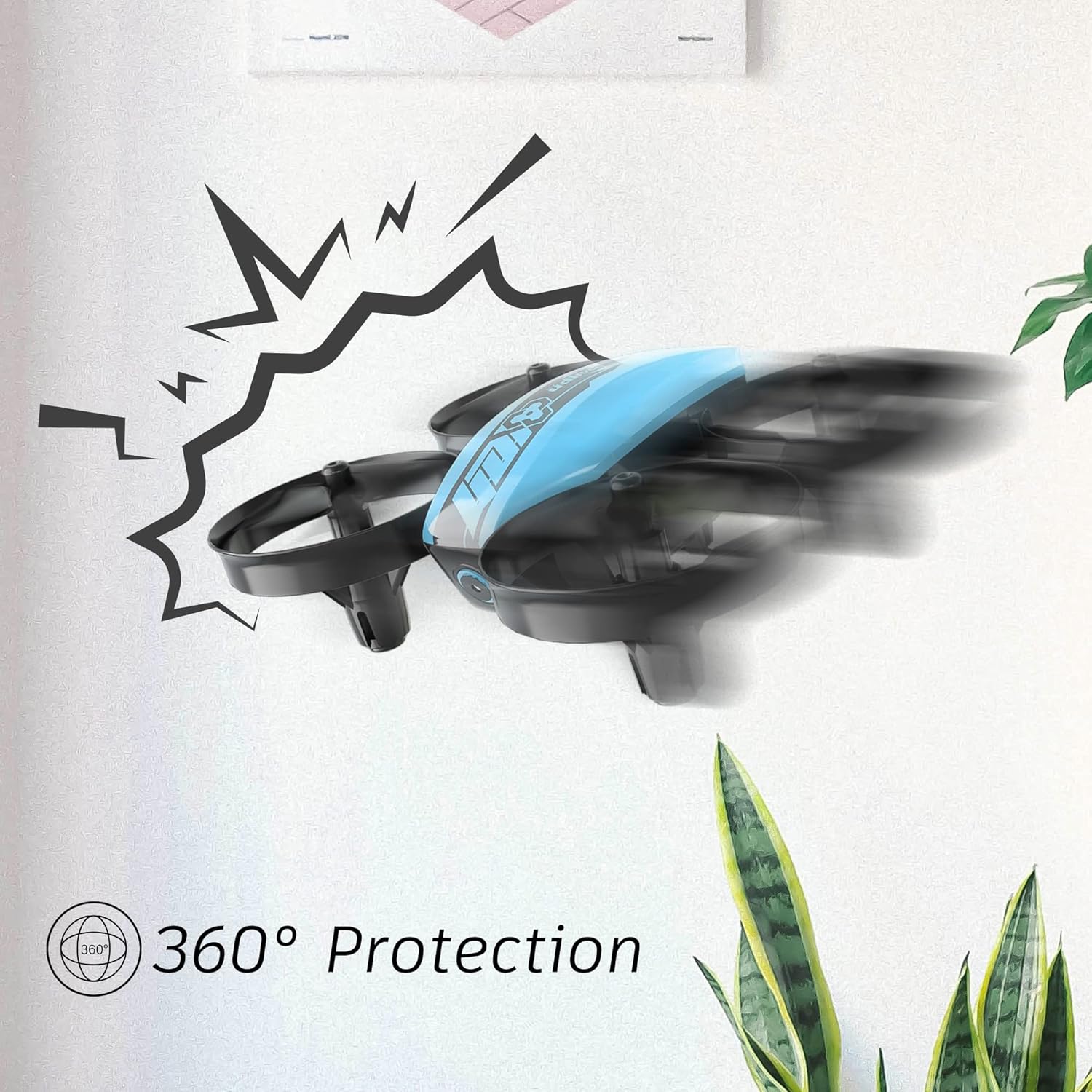
Image 2.1: The drone's 360-degree propeller protection guards help prevent damage during minor collisions.
3. Kandungan Pakej
Sahkan bahawa semua item terdapat dalam pakej:
- 1 x U46 Mini Drone
- 1 x Controller
- 3 x Drone Batteries
- 1 x Pengecas USB
- 4 x Kipas Tambahan
- 1 x Manual Pengguna

Image 3.1: All components included in the UDIRC U46 Mini Drone package.
4. Komponen Selesaiview
Familiarize yourself with the drone and controller components.
4.1 Komponen Dron
- Penjual: Four rotating blades for lift and movement.
- Pengawal Kipas: Integrated protective rings around each propeller.
- Badan Utama: Houses the electronics and battery.
- Lampu Penunjuk: Provide status information (e.g., pairing, low battery).
4.2 Komponen Pengawal
- Kayu Joy Kiri (Pendikit/Kuap): Controls altitude and rotation.
- Kayu Bedik Kanan (Pitch/Roll): Mengawal pergerakan ke hadapan/belakang dan kiri/kanan.
- One Key Take-off/Landing Button: Memulakan berlepas atau mendarat automatik.
- Butang Mod Kelajuan: Bertukar antara kelajuan penerbangan yang berbeza.
- Butang Mod Tanpa Kepala: Activates headless flight.
- Suis kuasa: Menghidupkan/mematikan pengawal.
- Lampu Penunjuk: Menunjukkan status pengawal.
5. Persediaan
5.1 Mengecas Bateri Dron
- Connect the drone battery to the USB charger.
- Plug the USB charger into a USB power source (e.g., computer, USB wall adapter).
- The indicator light on the USB charger will illuminate during charging and turn off when fully charged.
- Masa pengecasan adalah lebih kurang 30 minit setiap bateri.
5.2 Memasang Bateri Pengawal
- Buka petak bateri di bahagian belakang pengawal.
- Masukkan 3 bateri AA x 1.5V (tidak disertakan), pastikan kekutuban yang betul.
- Tutup petak bateri dengan selamat.
5.3 Pairing the Drone and Controller
- Letakkan drone di permukaan rata dan rata.
- Hidupkan suis kuasa dron. Lampu penunjuk dron akan berkelip.
- Turn on the controller's power switch. The controller's indicator light will flash.
- Push the left joystick (throttle) all the way up, then all the way down.
- The drone and controller indicator lights will become solid, indicating successful pairing.
Video 5.1: This video demonstrates the simple frequency pairing process, one-key take-off/landing, headless mode, altitude hold, and low battery alarm features of the UDI U46 Mini Drone.
6. Mengendalikan Dron
6.1 Satu Kunci Berlepas dan Mendarat
- After pairing, press the One Key Take-off/Landing button. The drone will automatically ascend to a stable hovering altitude.
- To land, press the One Key Take-off/Landing button again. The drone will slowly descend and land.
6.2 Kawalan Penerbangan
- Kayu Joy Kiri (Pendikit): Push up to increase altitude, pull down to decrease altitude.
- Left Joystick (Yaw): Push left or right to rotate the drone horizontally.
- Right Joystick (Pitch): Push up to fly forward, pull down to fly backward.
- Right Joystick (Roll): Push left to fly left, push right to fly right.
6.3 Mod Tanpa Kepala
- Press the Headless Mode button to activate. In this mode, the drone's orientation is irrelevant; it will always move relative to the pilot's position.
- Press the button again to exit Headless Mode.
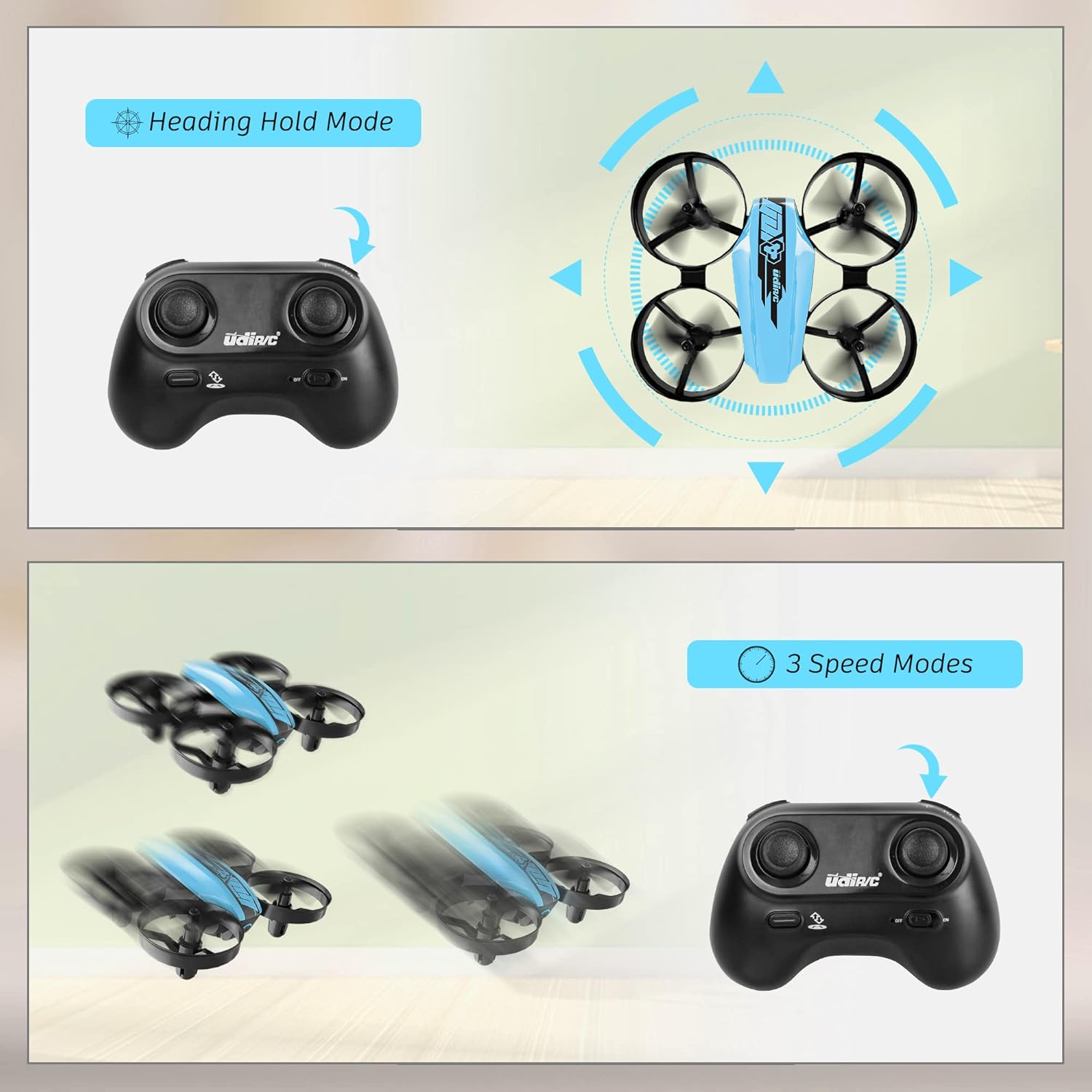
Image 6.1: Illustration of the Headless Mode feature and its activation on the controller.
6.4 Altitude Hold Function
- The U46 drone features an altitude hold function, allowing it to maintain a stable height automatically. This simplifies control, especially for beginners.

Image 6.2: Visual representation of Altitude Hold Mode, One Button Take Off/Landing, and Emergency Stop features.
6.5 Mod Kelajuan
- The drone has three speed modes (low, medium, high). Press the Speed Mode button to cycle through them.
- Start with low speed for learning and gradually increase as you gain proficiency.
6.6 Hentian Kecemasan
- In case of an emergency or loss of control, press and hold the One Key Take-off/Landing button for a few seconds to perform an emergency stop. The propellers will immediately cease rotation.
7. Penyelenggaraan
7.1 Penggantian Baling-Baling
- If a propeller is damaged, carefully remove it and replace it with a new one from the spare parts. Ensure the correct propeller (A or B) is installed on the corresponding motor.
7.2 Pembersihan dan Penyimpanan
- Wipe the drone with a soft, dry cloth after use. Avoid using water or cleaning agents.
- Store the drone and controller in a cool, dry place, away from direct sunlight and extreme temperatures.
- Remove batteries from the controller if storing for extended periods.
8. Penyelesaian masalah
- Dron tidak bertindak balas: Ensure both drone and controller are powered on and successfully paired. Check controller batteries.
- Dron melayang semasa penerbangan: Perform calibration on a flat surface. Use the trim buttons on the controller to adjust for minor drifts.
- Masa penerbangan yang singkat: Ensure batteries are fully charged. Flight time can vary based on flight style and environmental factors.
- Kipas tidak berputar: Check for obstructions or damage to propellers. Ensure they are correctly installed.
- Penggera Bateri Rendah: The controller will emit an alarm sound when the drone's battery is low, indicating it's time to land and recharge.
9. Spesifikasi
| Jenama | UDIRC |
| Nama Model | U46S |
| Berat Drone | 0.05 Paun (lebih kurang 22.68 gram) |
| Drone Dimensions | 3.54"L x 3.54"W x 1.25"H |
| Masa Penerbangan | 6-7 minutes per battery (up to 21 minutes with 3 batteries) |
| Kekerapan Pengawal | 2.4 GHz |
| Bateri Pengawal | 3 x Bateri AA 1.5V (tidak termasuk) |
| Kapasiti Bateri | 180 Miliamp Jam (Li-Po) |
| Tahap Kemahiran | pemula |
| Ciri Khas | Altitude Hold, Headless Mode, One Key Take-off/Landing, 3 Speed Modes, 360° Protection |

Image 9.1: Flight time illustration, showing extended flight with multiple batteries.

Image 9.2: Dimensions of the UDIRC U46 Mini Drone, shown next to a smartphone for size comparison.
10. Waranti dan Sokongan
For warranty information or technical support, please refer to the contact details provided with your purchase or visit the official UDIRC webtapak. Simpan bukti pembelian anda untuk tuntutan waranti.
Ask a question about this manual
Ask about setup, troubleshooting, compatibility, parts, safety, or missing instructions. Manuals+ will review the question and use this page’s manual context to help answer it.