
1. Pengenalan
This manual provides detailed instructions for the installation, operation, and maintenance of your EuroFone T9S-V3 Motorcycle Helmet Bluetooth Headset. Please read this manual thoroughly before using the device to ensure proper function and safety.
The EuroFone T9S-V3 is a full-duplex Bluetooth intercom system designed for motorcycle helmets, offering communication for up to three riders with a range of up to 1200 meters. It integrates Bluetooth connectivity for mobile phones, music playback, FM radio, and can be paired with other Bluetooth headsets.
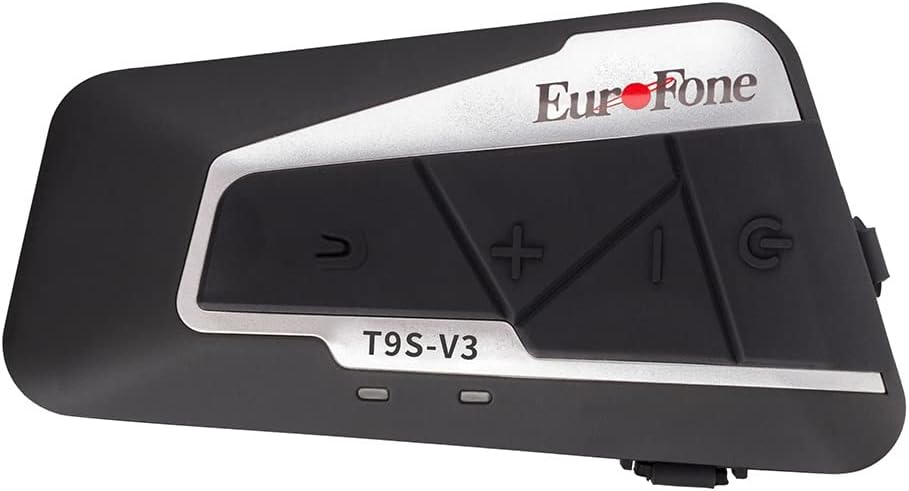
Image 1.1: EuroFone T9S-V3 Bluetooth Intercom Unit. This image shows the main unit of the EuroFone T9S-V3 Bluetooth intercom, highlighting its compact design and primary control buttons.
2. Produk Lebihview
The T9S-V3 unit features intuitive controls and indicators for easy operation.

Image 2.1: EuroFone T9S-V3 Function Introduction. This diagram labels the key components and buttons of the T9S-V3 unit, including the Intercom Button, Volume +/-, Power Button (also Phone Button), Headphone Jack, USB/Aux port, and LED indicators (Red and Blue).
Komponen Utama:
- Butang Interkom: Initiates and ends intercom conversations.
- Butang Kelantangan +: Increases volume, navigates forward in menus.
- Kelantangan - Butang: Decreases volume, navigates backward in menus.
- Power/Phone Button: Powers the unit on/off, answers/ends phone calls.
- Jack fon kepala: Connects the stereo headphones.
- USB/Aux Port: Used for charging and auxiliary connections.
- LED Indicators (Red/Blue): Provide status feedback for power, pairing, and charging.
3. Persediaan dan Pemasangan
3.1 Mengecas Peranti
Before initial use, fully charge the T9S-V3 unit. Connect the provided USB charging cable to the USB/Aux port on the device and to a compatible USB power source. The Red LED will illuminate during charging and turn off when fully charged. Charging time is approximately 3 hours.
3.2 Pemasangan pada Helmet
The T9S-V3 comes with helmet-mounted clips for installation. Choose a suitable location on the side of your helmet where the unit will not obstruct your vision or movement. Securely attach the clips and then slide the T9S-V3 unit onto the clips. Ensure the unit is firmly attached.
3.3 Connecting Headphones and Microphone
Insert the stereo headphone jack into the designated port on the T9S-V3 unit. Position the speakers inside your helmet, ensuring they are aligned with your ears for optimal audio quality. Attach the microphone to a suitable location inside the helmet, typically near your mouth, to ensure clear voice transmission.
4. Arahan Operasi
4.1 Hidupkan/Mati Kuasa
- Untuk Menghidupkan: Press and hold the Power/Phone Button for approximately 3 seconds until the Blue LED flashes.
- Untuk Mematikan: Press and hold the Power/Phone Button for approximately 3 seconds until the Red LED flashes and the unit powers down.
4.2 Bluetooth Pairing with Mobile Phone
- Ensure the T9S-V3 is powered off.
- Press and hold the Power/Phone Button for approximately 5-7 seconds until the Red and Blue LEDs flash alternately, indicating pairing mode.
- Pada telefon mudah alih anda, dayakan Bluetooth dan cari peranti baharu.
- Select "T9S-V3" from the list of available devices. If prompted for a password, enter "0000".
- Once paired, the Blue LED will flash slowly. The unit can connect with two phones simultaneously.
4.3 Fungsi Interkom
The T9S-V3 supports up to 3 people connected, with two people talking simultaneously. The intercom distance is up to 1200 meters.
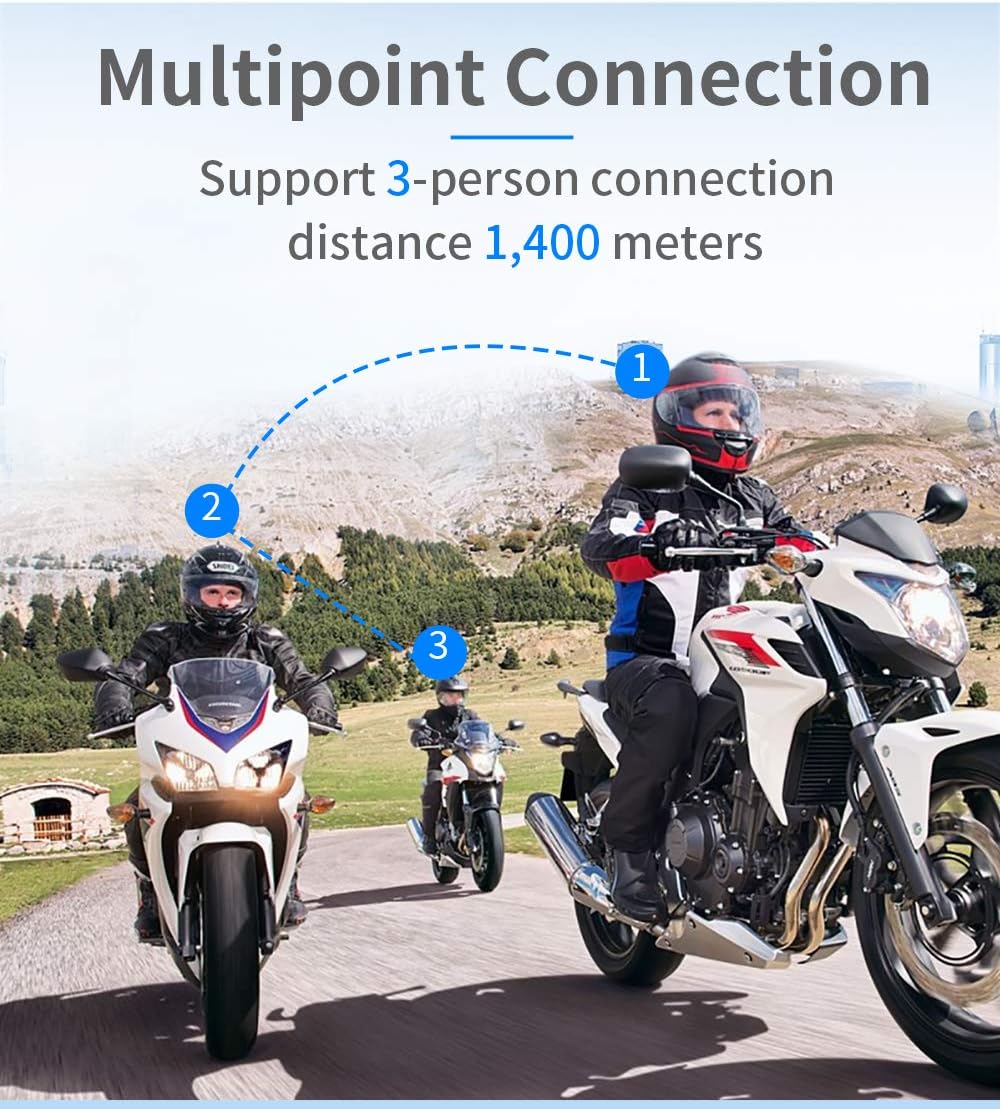
Image 4.1: EuroFone T9S-V3 Multipoint Connection. This image illustrates the capability of the T9S-V3 to connect up to three riders for intercom communication, showing a dashed line connecting three motorcyclists.
4.3.1 Pairing with Another T9S-V3 Unit
- Ensure both T9S-V3 units are powered off.
- On both units, press and hold the Power/Phone Button for approximately 5-7 seconds until the Red and Blue LEDs flash alternately, indicating pairing mode.
- Briefly press the Intercom Button on one of the units. The units will search for each other and automatically pair.
- Once paired, the Blue LED on both units will flash slowly, and you will hear a confirmation tone.
4.3.2 Initiating/Ending Intercom Call
- Untuk Memulakan: Tekan Butang Interkom sebentar.
- Untuk menamatkan: Tekan Butang Interkom sekali lagi secara ringkas.
4.3.3 Pairing with Other Brands of Bluetooth Headsets
The T9S-V3 can be paired with other brands of Bluetooth intercoms. Follow the pairing instructions for the other brand's device to enter universal pairing mode, then follow the T9S-V3 pairing steps (Section 4.3.1).

Image 4.2: EuroFone T9S-V3 Compatibility with Other Bluetooth Devices. This image demonstrates the T9S-V3's ability to pair with various Bluetooth headsets from other brands, as well as connect to ordinary radio PTT control intercoms.
4.4 Phone Call Functions
- Jawab Panggilan: Briefly press the Power/Phone Button.
- Tamatkan Panggilan: Briefly press the Power/Phone Button during a call.
- Tolak Panggilan: Press and hold the Power/Phone Button for 2 seconds.
- Dail Semula Nombor Terakhir: Double-press the Power/Phone Button.
- Panggilan Suara: If your phone supports voice dialing, briefly press the Power/Phone Button when not on a call to activate.
4.5 Main balik Muzik
Once paired with your phone, you can stream music. The T9S-V3 supports A2DP AVRCP profiles.
- Main/Jeda: Briefly press the Power/Phone Button.
- Lagu Seterusnya: Briefly press the Volume + Button.
- Trek Sebelumnya: Briefly press the Volume - Button.
4.6 Radio FM
The T9S-V3 includes a built-in FM radio function.
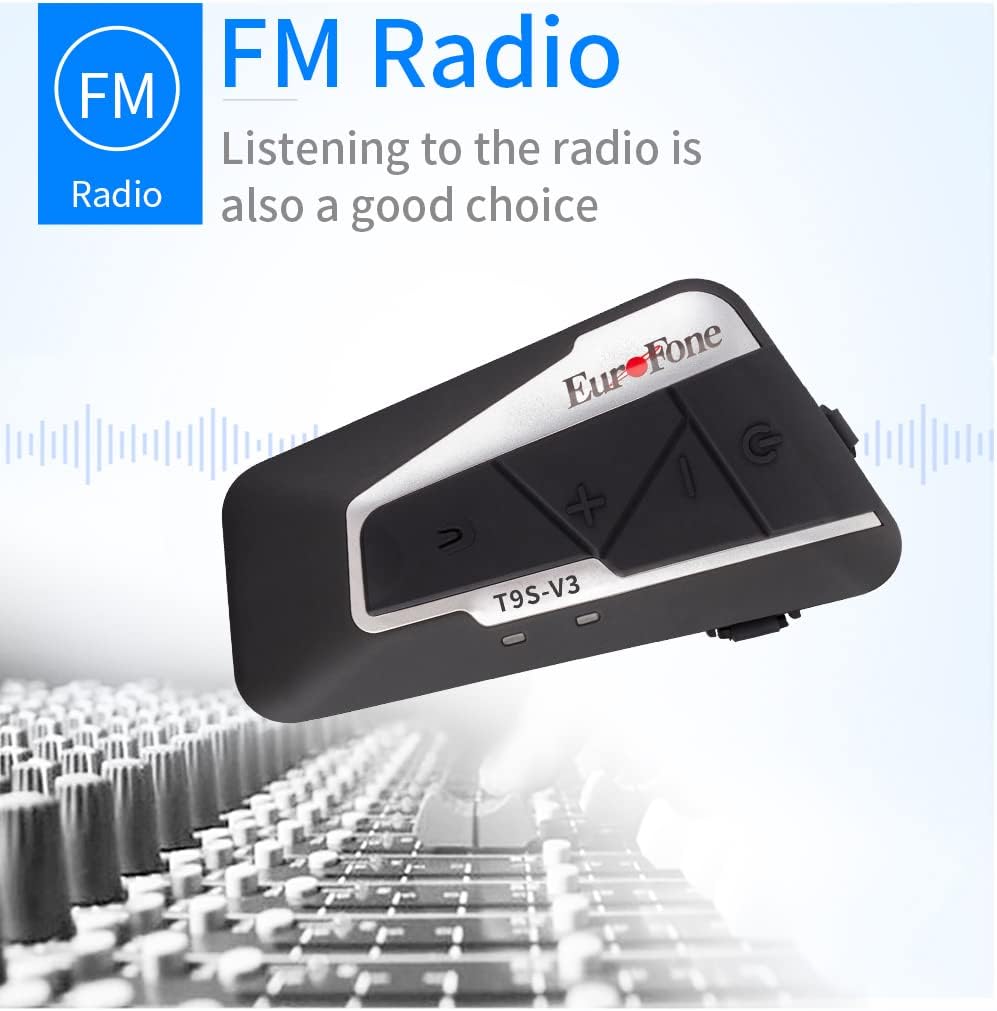
Image 4.3: EuroFone T9S-V3 FM Radio Feature. This image highlights the integrated FM radio functionality of the T9S-V3 unit, showing the device against a backdrop of audio mixing equipment.
- Hidupkan/Matikan Radio FM: Press and hold the Intercom Button for 2 seconds.
- Imbas Saluran: Briefly press the Volume + or Volume - Button to change stations.
4.7 Pelarasan Kelantangan
Use the Volume + and Volume - Buttons to adjust the audio volume during calls, music playback, or intercom conversations.
5. Penyelenggaraan
5.1 Pembersihan
Lap unit dengan lembut, damp cloth. Do not use harsh chemicals or abrasive cleaners. Ensure the USB/Aux port cover is securely closed to prevent water ingress.
5.2 Tahan Air
The T9S-V3 has an IP67 waterproof rating, meaning it is protected against dust and can withstand immersion in water up to 1 meter for 30 minutes. While it is designed to be waterproof, avoid prolonged exposure to heavy rain or submersion to ensure longevity.
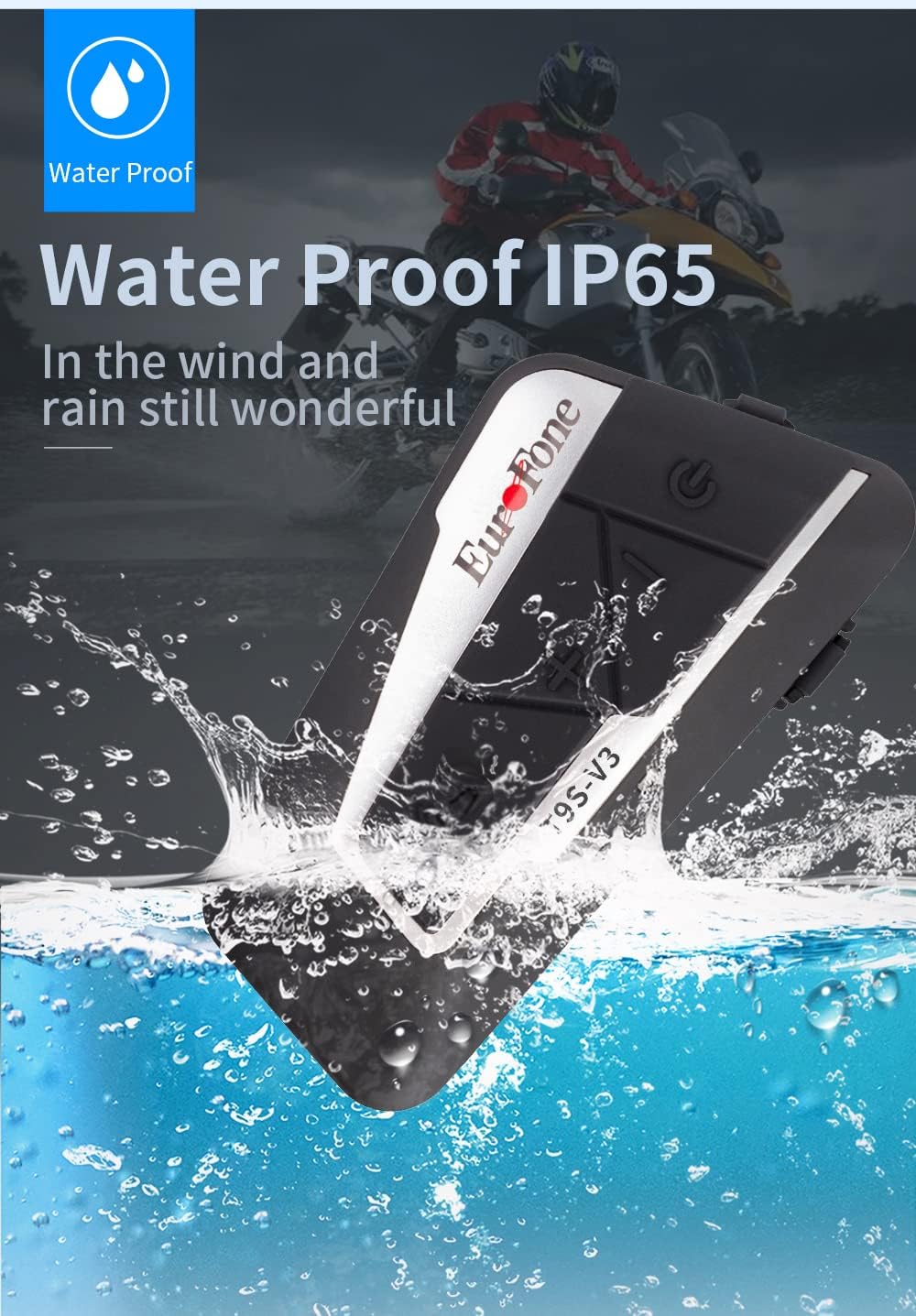
Image 5.1: EuroFone T9S-V3 IP67 Waterproof Rating. This image visually represents the T9S-V3 unit being splashed with water, emphasizing its IP67 waterproof capability.
5.3 Penjagaan Bateri
The device contains a built-in 3.7V, 800mA lithium battery. For optimal battery life, avoid fully discharging the battery frequently. Charge the device regularly, especially if it has been stored for an extended period. The unit will provide a low power notification.

Image 5.2: EuroFone T9S-V3 800mAh Lithium Battery. This image displays the T9S-V3 unit alongside a graphic representation of its 3.7V 800mAh lithium battery, highlighting its 15-hour call time and low-voltage notification feature.
6. Penyelesaian masalah
| Masalah | Kemungkinan Punca | Penyelesaian |
|---|---|---|
| Peranti tidak dihidupkan. | Bateri lemah. | Cas peranti selama sekurang-kurangnya 3 jam. |
| Tidak boleh dipasangkan dengan telefon/interkom. | Tidak dalam mod berpasangan; peranti terlalu jauh; gangguan. | Ensure device is in pairing mode (Red and Blue LEDs flashing alternately). Move closer to the other device. Restart both devices. |
| Tiada audio atau kelantangan rendah. | Volume too low; headphones not connected properly; speakers misaligned. | Adjust volume using +/- buttons. Check headphone connection. Reposition speakers inside helmet. |
| Sambungan interkom kerap terputus. | Di luar julat; gangguan persekitaran. | Stay within the specified intercom range (1200m). Avoid areas with strong radio interference. |
| Radio FM tidak berfungsi. | Weak signal; FM radio not activated. | Move to an area with better signal. Ensure FM radio is turned on (press and hold Intercom Button for 2 seconds). |
7. Spesifikasi
- Versi Bluetooth: Bluetooth 3.0+EDR
- Sokongan Profiles: A2DP, AVRCP, HS/HF
- Masa Bekerja: Lebih kurang 15 jam
- Masa Siap sedia: 350 jam
- Masa Pengecasan: 3 jam
- Bateri: Built-in 3.7V, 800mA lithium battery
- Dimensi: 89 mm x 46 mm x 20 mm
- Penilaian Kalis Air: IP67
- Jarak Interkom: Up to 1200 meters (between 2 riders)
- Ciri Khas: DSP noise reduction, echo cancellation, noise suppression, FM radio, voice dialing support.
8. Video Produk
For a visual guide on the EuroFone T9S-V3, please watch the official product video below.
Video 8.1: EuroFone Bluetooth Intercom Motorcycle Helmet. This video provides a visual demonstration of the EuroFone T9S-V3 Bluetooth intercom unit, showcasing reka bentuk dan ciri-cirinya.
9. Sokongan
If you encounter any issues or have questions not covered in this manual, please contact EuroFone customer support for assistance. Refer to the product packaging or the official EuroFone webtapak untuk maklumat hubungan.