
1. Pengenalan
Thank you for choosing the Avantree HF026 Wired Over-Ear Headphones. These lightweight and comfortable headphones are designed to provide a clear audio experience with rich bass, suitable for various devices and uses. This manual will guide you through the setup, operation, and maintenance of your new headphones.
The HF026 headphones feature high-definition drivers and a noise-isolating design for an enhanced listening experience. They are equipped with an extra-long 1.5-meter (4.9-foot) cable for freedom of movement and include a built-in microphone with Multi-Function Button (MFB) control for hands-free communication and media management.
2. Kandungan Pakej
- Avantree HF026 Wired Over-Ear Headphones (Model: ADHF-026-BLK)
- Cable ties (for organization)
- Kes pembawa
3. Produk Lebihview
Familiarize yourself with the key features of your Avantree HF026 headphones.

Image: Avantree HF026 headphones highlighting stereo sound, on-ear design, answer calling, soft wire, and comfortable wear features.
- Destar boleh laras: For a comfortable and secure fit for various head sizes.
- Soft Over-Ear Cushions: Designed for extended wear comfort and passive noise isolation.
- Mikrofon terbina dalam: Located on the cable for clear voice communication.
- Butang Berbilang Fungsi (MFB): Integrated into the cable for call and music control.
- Bicu Audio 3.5mm: L-shaped connector for universal compatibility with audio devices.
- Earcup boleh lipat: Earcups rotate flat for easy storage and portability in the included carrying case.
4. Persediaan dan Sambungan
The Avantree HF026 headphones are designed for simple plug-and-play operation.
- Kenal pasti Port Audio: Locate the 3.5mm audio jack on your device (computer, laptop, tablet, mobile phone, MP3/MP4 player). This port is typically marked with a headphone icon.
- Sambungkan Fon Kepala: Insert the L-shaped 3.5mm audio jack of the Avantree HF026 headphones firmly into your device's audio port.
- Laraskan untuk Keselesaan: Place the headphones over your ears. Adjust the headband by sliding the earcups up or down until they fit comfortably and securely on your head. The soft over-ear cushions should fully cover your ears for optimal sound and comfort.
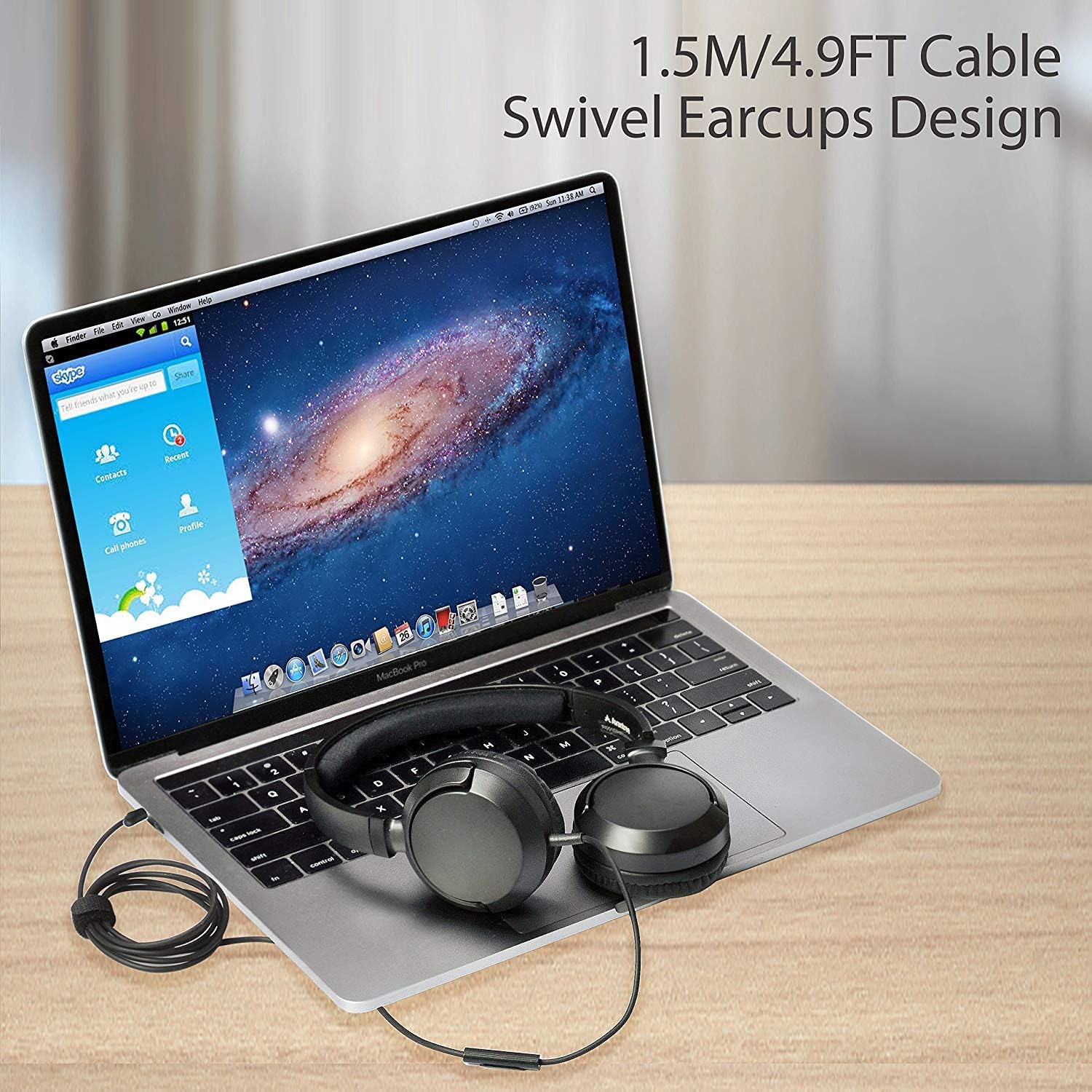
Image: Avantree HF026 headphones with its 1.5m cable connected to a laptop, demonstrating the swivel earcups design.
Your headphones are now ready for use. Ensure your device's volume is set to a comfortable level before playing audio.
5. Arahan Operasi
The Avantree HF026 headphones offer straightforward controls for audio playback and calls.
5.1 Main Balik Audio
- Sebaik sahaja disambungkan, audio daripada peranti anda akan dimainkan secara automatik melalui fon kepala.
- Adjust the volume using your device's volume controls.
- Use the Multi-Function Button (MFB) on the cable to control music:
- Akhbar Tunggal: Main/Jeda muzik.
- Tekan dua kali: Langkau ke trek seterusnya.
- Tiga Tekan: Pergi ke trek sebelumnya.
5.2 Pengurusan Panggilan
Mikrofon terbina dalam membolehkan panggilan bebas tangan.

Image: A person wearing Avantree HF026 headphones and using the built-in microphone for a call while working on a laptop.
- When a call comes in, the audio will switch from music to the call.
- Use the Multi-Function Button (MFB) on the cable to manage calls:
- Akhbar Tunggal: Jawab panggilan masuk atau tamatkan panggilan aktif.
- Tekan dan Tahan: Tolak panggilan masuk.
6. Penyelenggaraan dan Penjagaan
Proper care will extend the lifespan of your Avantree HF026 headphones.
- Pembersihan: Use a soft, dry cloth to clean the earcups and headband. Do not use liquid cleaners or solvents.
- Storan: When not in use, fold the earcups flat and store the headphones in the provided carrying case to protect them from dust and damage. Use the included cable ties to keep the cable tidy.
- Elakkan Kelembapan: These headphones are not water-resistant. Keep them away from water, rain, and excessive humidity.
- Tangani dengan Berhati-hati: Avoid pulling on the cable or subjecting the headphones to strong impacts.

Image: Close-up of Avantree HF026 headphones showing the soft ear cushions and the stretchable headband for comfort.
7. Penyelesaian masalah
Jika anda menghadapi masalah dengan fon kepala anda, cuba penyelesaian berikut:
- Tiada Bunyi:
- Ensure the 3.5mm audio jack is fully inserted into your device's port.
- Semak tetapan kelantangan peranti anda dan pastikan ia tidak disenyapkan.
- Uji fon kepala dengan peranti lain untuk menolak isu khusus peranti.
- Ensure the audio output on your device is set to the connected headphones.
- Mikrofon Tidak Berfungsi:
- Ensure the 3.5mm audio jack is fully inserted. Some devices require a TRRS (4-pole) jack for microphone functionality, which the HF026 provides.
- Check your device's microphone input settings and ensure the correct microphone is selected.
- Uji mikrofon dengan aplikasi atau peranti lain.
- Kualiti Bunyi Lemah:
- Pastikan bicu audio bersih dan bebas daripada serpihan.
- Try adjusting the audio settings on your device.
- Test with different audio sources or files.
8. Spesifikasi
| Ciri | Perincian |
|---|---|
| Nama Model | ADHF-026-BLK |
| Jenama | Avantree |
| Teknologi Ketersambungan | berwayar |
| Faktor Bentuk Fon Kepala | Atas Telinga |
| Bicu Fon Kepala | Jack 3.5 mm |
| Kawalan Bunyi | Pengasingan Bunyi |
| Panjang Kabel | 1.5 meter (4.9 kaki) |
| Diameter Pemandu | 36 mm |
| Julat Kekerapan | 20 Hz ~ 20 KHz |
| Impedans | 32 Ohm ± 15% |
| Sensitiviti | 101 ± 3 dB |
| Berat Barang | 110.56 gram (3.9 auns) |
| Dimensi Produk | 18.03 x 14.99 x 6.6 cm |
| bahan | Kulit Tiruan, Plastik |
| Jenis Kawalan | Kawalan Media (Butang) |
| Tahap Ketahanan Air | Bukan Tahan Air |
| Julat Umur | Dewasa |
9. Waranti dan Sokongan
Avantree provides a Waranti 24 bulan for normal use of the HF026 headphones.
For any issues or suggestions, please contact Avantree support:
- Sokongan Dalam Talian
- Sokongan Telefon
- Sokongan E-mel
A video user guide may also be available on the official Avantree webtapak untuk bantuan tambahan.