
pengenalan
This manual provides detailed instructions for the installation, operation, and maintenance of your Rosewill RSWM-9U001 9U Wall Mount Cabinet Enclosure. This cabinet is designed to house standard 19-inch rack-mount devices such as network switches and access points, providing a secure and organized environment for your IT equipment.
The RSWM-9U001 features a locking glass door for security, removable side panels for easy access, and provisions for cable management and ventilation. Please read this manual thoroughly before installation and operation to ensure proper use and longevity of the product.
Maklumat Keselamatan
- Always ensure the cabinet is securely mounted to a structurally sound wall capable of supporting the cabinet's weight plus the weight of all installed equipment.
- Distribute equipment weight evenly within the cabinet to prevent tipping or undue stress on mounting points.
- Do not overload the cabinet. The maximum weight capacity is 100 lbs (45.36 kg).
- Exercise caution when handling the glass door to prevent breakage.
- Ensure proper ventilation by installing optional fans if necessary, especially when housing heat-generating equipment.
- Keep keys in a secure location.
Kandungan Pakej
Sahkan bahawa semua item yang disenaraikan di bawah terdapat dalam pakej anda:
- 1 x 9U Wall-mount cabinet (fully assembled)
- 2 x Keys for front door
- 20 x M6 Cage nuts
- Mounting hardware (screws, washers, wall anchors - specific types may vary)

Image: Assortment of mounting hardware. This includes various screws and wall anchors necessary for securing the cabinet.

Image: M6 cage nuts and screws. These are used to mount your 19-inch rack equipment inside the cabinet.

Image: Two keys for the front door lock. These keys provide security for the cabinet's contents.
Persediaan dan Pemasangan
The Rosewill RSWM-9U001 cabinet is delivered fully assembled, simplifying the installation process. Follow these steps for proper setup:
1. Pemasangan Dinding
- Pilih Lokasi: Choose a sturdy wall location that can support the cabinet's weight (approximately 48.62 lbs / 22 kg empty) plus the weight of all intended equipment (up to 100 lbs / 45.36 kg total capacity).
- Tandakan Titik Pelekap: Hold the cabinet against the wall at the desired height and use a pencil to mark the locations for the mounting holes. Ensure the cabinet is level before marking.
- Lubang gerudi: Drill pilot holes at the marked locations using an appropriate drill bit size for the provided wall anchors.
- Masukkan Sauh: Masukkan penambat dinding ke dalam lubang yang digerudi.
- Kabinet Gunung: Carefully lift the cabinet and align its mounting brackets with the installed wall anchors. Secure the cabinet to the wall using the provided screws and washers. Tighten all fasteners securely.
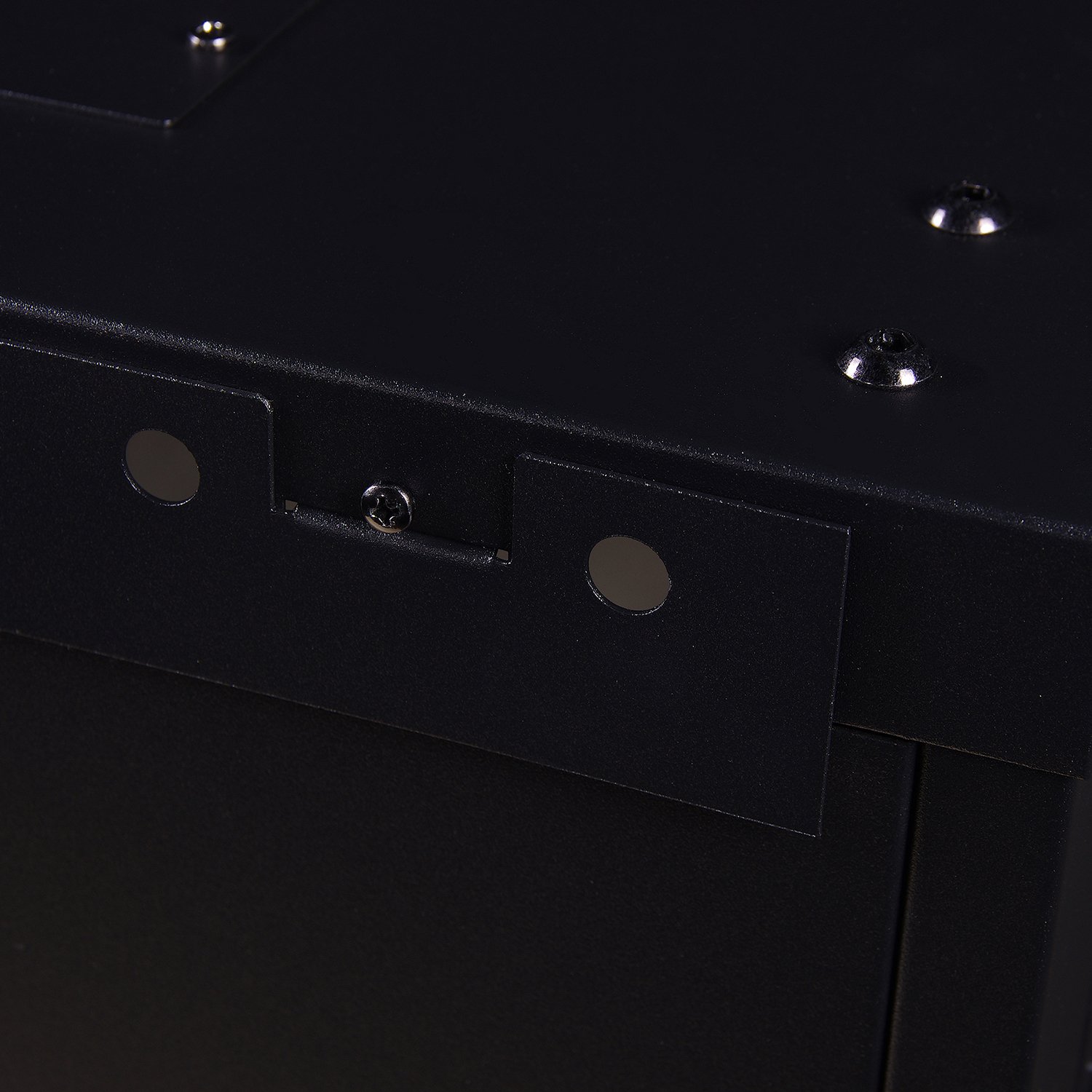
Image: Close-up of a mounting bracket. These brackets are used to secure the cabinet to the wall.
2. Memasang Peralatan
- Akses: The cabinet features removable side panels for easier access during equipment installation and maintenance. To remove a side panel, locate the latches or screws securing it and disengage them.
- Cage Nuts: Insert the M6 cage nuts into the square holes on the front and rear mounting rails at the desired U-heights for your equipment.
- Mount Devices: Align your 19-inch rack-mount devices with the installed cage nuts and secure them using the provided M6 screws.
3. Pengurusan Kabel
The cabinet includes cable entry points on both the top cover and the bottom panel. These openings (approximately 12.80" x 2.20") allow for organized routing of network and power cables into and out of the enclosure.
4. Optional Fan Installation
For enhanced cooling, the top cover of the cabinet is designed to accommodate 120mm x 120mm cooling fans (not included). Install fans into the designated cutouts on the top panel to improve heat dissipation, especially when housing multiple active devices.

Image: Close-up of a fan vent. This shows the circular cutout on the top panel where an optional 120mm fan can be installed for cooling.
Operasi
Once installed and populated with equipment, operating the cabinet primarily involves managing access and monitoring.
- Front Door Access: Use the provided keys to lock and unlock the front glass door. Ensure the door is securely closed and locked to protect your equipment from unauthorized access.
- Side Panel Access: The removable side panels allow for quick access to the sides of your equipment for cabling or maintenance without needing to open the front door. Re-secure panels after access.
- Pemantauan: The glass door allows for visual inspection of equipment status indicators without opening the cabinet.

Image: Rosewill 9U wall mount cabinet with its glass door open. This view shows the interior rack space and the open door mechanism.

Image: Close-up of the key inserted into the cabinet door lock. This illustrates the locking mechanism for securing the cabinet.
Penyelenggaraan
Regular maintenance ensures the longevity and optimal performance of your cabinet.
- Pembersihan: Lap permukaan luar dengan lembut, damp cloth. Avoid abrasive cleaners that may damage the finish or glass.
- Door Hinges and Lock: Periodically check the door hinges and lock mechanism for smooth operation. Apply a small amount of lubricant if necessary.
- Perkakasan Pemasangan: Annually inspect all wall mounting hardware and internal equipment mounting screws to ensure they remain tight and secure.
- Pengudaraan: If optional fans are installed, regularly clean fan grilles to prevent dust buildup, which can impede airflow.
Menyelesaikan masalah
This section addresses common issues you might encounter with the cabinet.
- Door does not close or lock properly:
- Check for obstructions: Ensure no cables or equipment are preventing the door from closing fully.
- Inspect hinges: Verify that the door hinges are not bent or loose. Adjust if possible or contact support.
- Examine lock mechanism: Ensure the lock mechanism is aligned with the strike plate.
- Excessive heat inside the cabinet:
- Verify fan operation: If optional fans are installed, ensure they are functioning correctly and not obstructed.
- Check equipment density: Ensure the cabinet is not overloaded with heat-generating equipment beyond its ventilation capabilities. Consider adding more fans or relocating some devices.
- Ensure proper cable management: Disorganized cables can impede airflow.
- Cabinet feels unstable after mounting:
- Re-check wall mounting: Ensure all wall anchors and screws are securely fastened into a suitable wall structure.
- Verify weight distribution: Ensure equipment inside is evenly distributed and does not exceed the maximum weight capacity.
Spesifikasi
| Model | RSWM-9U001 |
| Unit Rak | 9U |
| warna | Hitam |
| bahan | logam |
| Kapasiti Berat | 100 paun (45.36 kg) |
| Dimensi Unit (H x W x D) | 19.80" x 23.60" x 17.70" (50.29 cm x 59.94 cm x 44.96 cm) |
| Unit Berat | 48.62 paun (22.05 kg) |
| Maximum Rail Depth | 13" (33.02 sm) |
| Total Usable Space (Front to Back) | 16" (40.64 sm) |
| Cable Access Hole Measurement | 12.80" x 2.20" (32.51 cm x 5.59 cm) |
| Peranti Serasi | Standard 19-inch rack mount devices (e.g., servers, network switches, access points) |
| Perhimpunan Diperlukan | No (delivered fully assembled) |
Waranti dan Sokongan
For warranty information or technical support, please refer to the official Rosewill webtapak atau hubungi bahagian perkhidmatan pelanggan mereka. Simpan resit pembelian anda untuk tuntutan waranti.
Rosewill Official Webtapak: www.rosewill.com