
1. Pengenalan
The Rocketek TFU3R is a compact and portable USB 3.0 card reader designed for Micro SD (TF) cards. It allows for high-speed data transfer between your Micro SD card and USB-enabled devices such as laptops and tablets. This device supports plug-and-play functionality and hot-swapping, making it convenient for various applications.
Ciri-ciri Utama:
- Kecil & Mudah Alih: Designed for easy portability, fitting conveniently in a wallet or pocket.
- Pasang dan Main: Tiada pemacu diperlukan untuk kebanyakan sistem pengendalian.
- Pertukaran Panas: Allows insertion and removal of the device without restarting the computer.
- Dikuasakan USB: Operates without external power or batteries.
- USB 3.0 SuperSpeed: Offers data transfer speeds up to 5 Gbps, backward compatible with USB 2.0/1.1.
- Reka bentuk tahan lasak: Constructed with an aluminum case for enhanced durability and efficient heat dissipation.
2. Arahan Persediaan
Follow these steps to set up and begin using your Rocketek TFU3R Micro SD Card Reader.
2.1 Memasukkan Kad SD Mikro
- Locate the Micro SD card slot on the Rocketek TFU3R card reader.
- Gently insert your Micro SD (TF) card into the slot until it clicks into place. Ensure the card is oriented correctly to avoid damage.
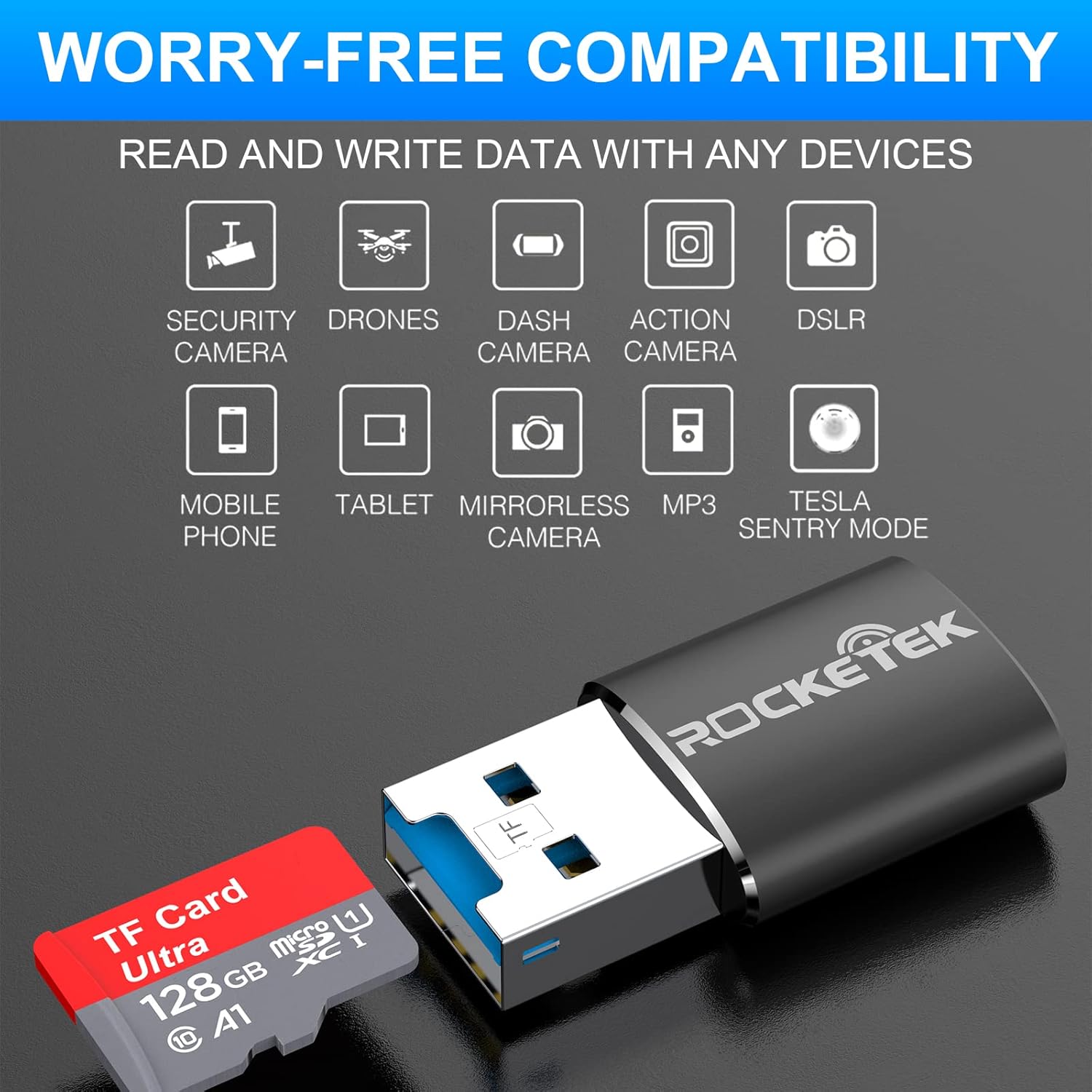
Image: Hands inserting a Micro SD card into the Rocketek TFU3R USB 3.0 card reader.
2.2 Menyambung ke Peranti Anda
- Locate an available USB 3.0 or USB 2.0 port on your computer, laptop, or tablet.
- Plug the Rocketek TFU3R card reader, with the Micro SD card inserted, into the USB port.
- The device is plug-and-play; your operating system should automatically detect it and install any necessary generic drivers.
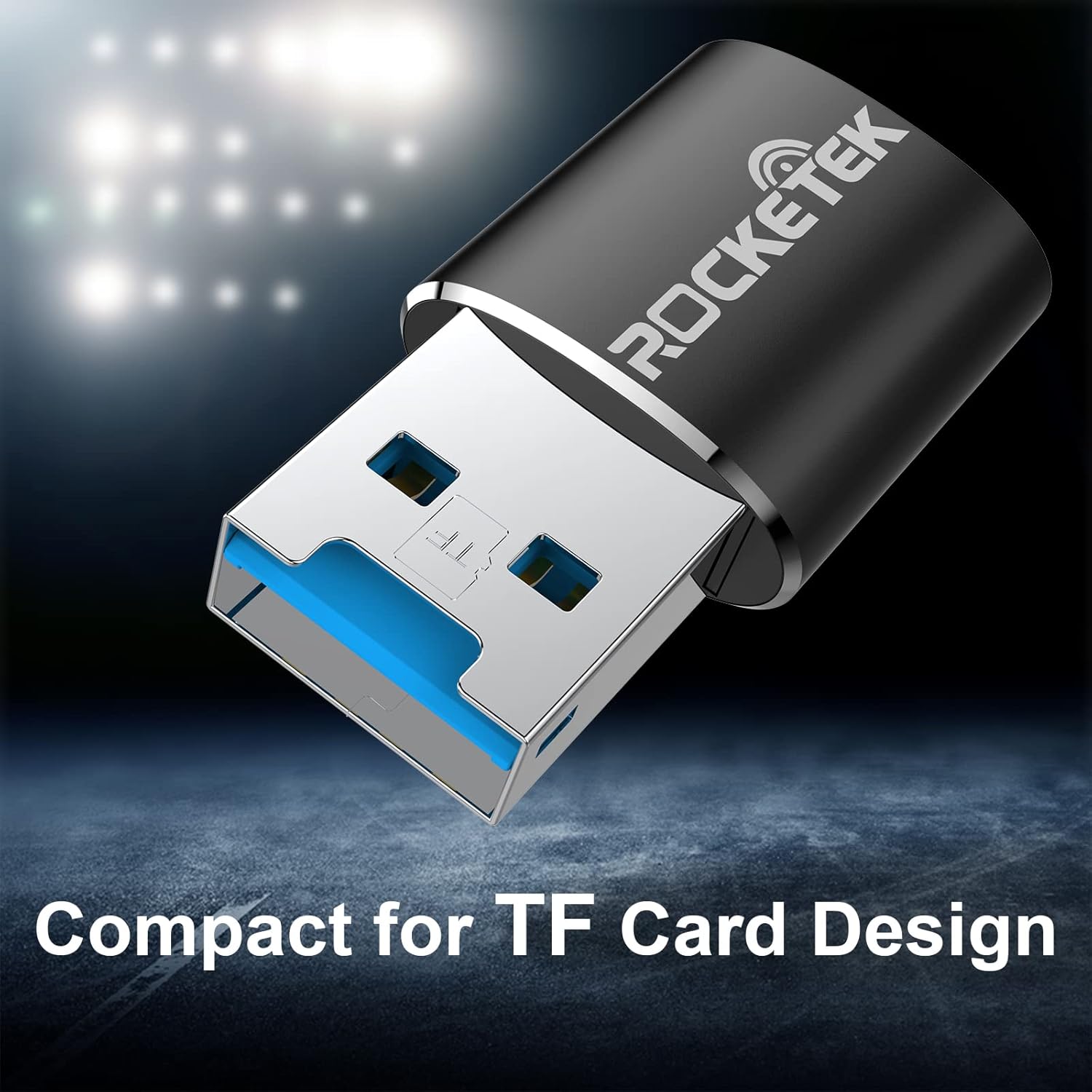
Image: Rocketek TFU3R USB 3.0 card reader plugged into a laptop's USB port, displaying 'Plug & Play'.
Video: A short demonstration showing how to insert a TF card into the Rocketek reader and connect it to a laptop for immediate use, highlighting its portability and plug-and-play functionality.
3. Arahan Operasi
Once connected, the Rocketek TFU3R functions like any standard external storage device.
3.1 Pemindahan Data
- After connecting the card reader to your device, open your computer's file explorer (Windows) or Finder (Mac OS).
- The Micro SD card will appear as a removable drive.
- Anda kini boleh seret dan lepas files to and from the Micro SD card, or use copy/paste functions to transfer data.
- The USB 3.0 interface provides SuperSpeed data transfer up to 5 Gbps, ensuring quick transfers of large files.
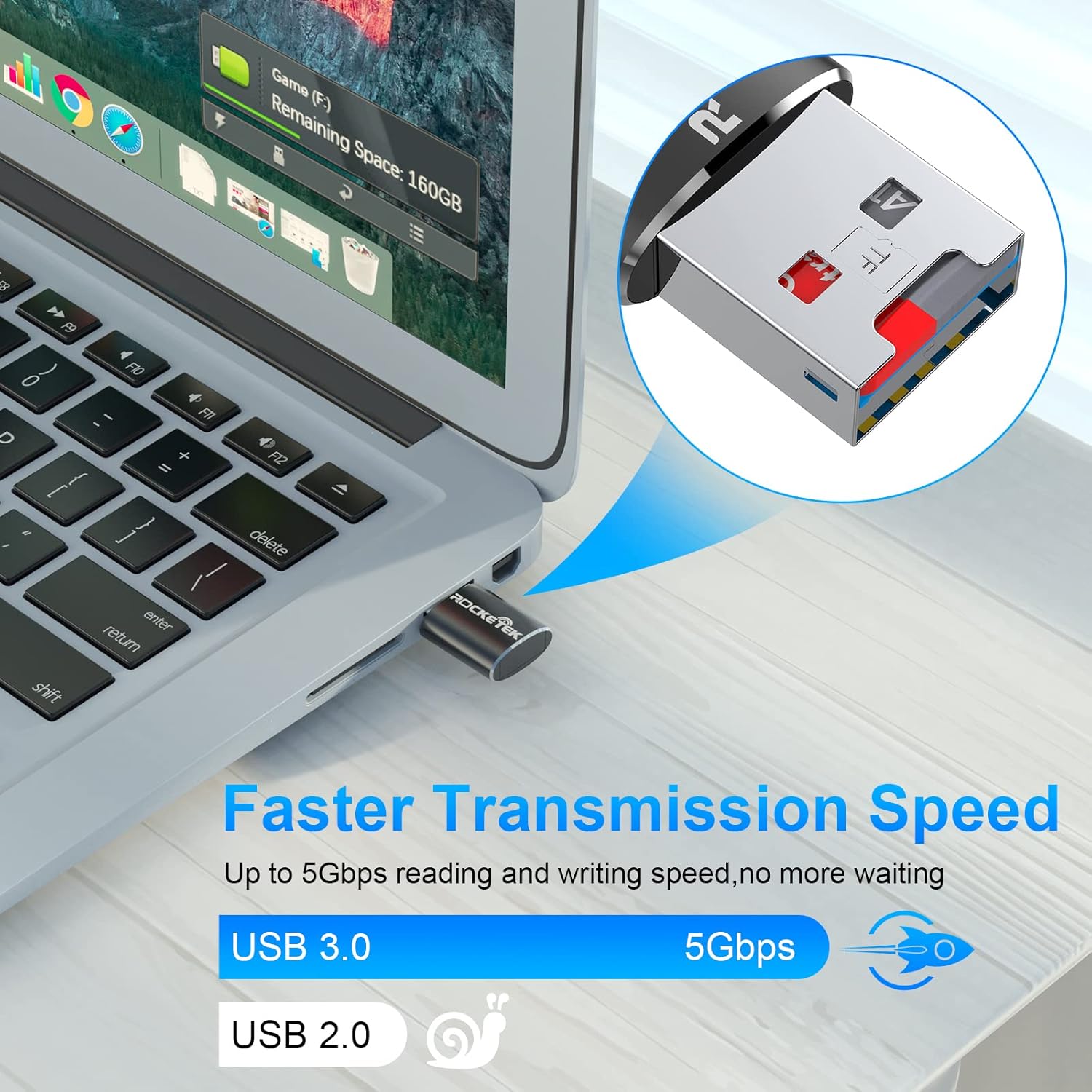
Image: Laptop screen showing file transfer with the Rocketek TFU3R plugged in, indicating 'Faster Transmission Speed' and 'USB 3.0 5Gbps'.
3.2 Penyingkiran Selamat
To prevent data corruption, always safely remove the card reader before unplugging it from your computer.
- Windows: Right-click on the drive icon in 'This PC' or the taskbar's 'Safely Remove Hardware' icon, then select 'Eject'.
- OS Mac: Seret ikon pemacu ke Sampah atau klik butang Keluarkan di sebelah nama pemacu dalam Finder.
4. Keserasian
The Rocketek TFU3R card reader offers broad compatibility with various devices and operating systems.
4.1 Peranti yang Disokong
- Komputer riba
- Tablet
- Komputer Desktop
- Other USB-enabled devices

Image: Diagram illustrating the Rocketek TFU3R's compatibility with tablets and laptops, showing a Micro SD card being inserted.
4.2 Sistem Operasi yang Disokong
- Windows 7 / 8 / 8.1 / 10+
- Mac OS
- Linux

Image: The Rocketek TFU3R is compatible with a wide range of devices, including security cameras, drones, dash cameras, action cameras, DSLRs, mobile phones, tablets, mirrorless cameras, MP3 players, and for Tesla Sentry Mode.
5. Spesifikasi
| Ciri | Perincian |
|---|---|
| Nombor Model | TFU3R (RT-TFU3R-B) |
| Jenama | Rocketek |
| Jenis Media | Micro SD (TF) |
| Teknologi Ketersambungan | USB |
| Antara Muka Perkakasan | USB 3.0 (backward compatible with USB 2.0/1.1) |
| Kadar Pemindahan Data | Sehingga 5 Gigabit Sesaat (USB 3.0) |
| Slot Count | 1 (for Micro SD/TF cards) |
| Ciri Khas | Portable, Plug & Play, Hot Swapping |
| bahan | Sarung Aluminium |
| Keserasian Sistem Pengendalian | Windows 7/8/8.1/10+, Mac OS, Linux |
6. Penyelesaian masalah
If you encounter issues with your Rocketek TFU3R, refer to the following common troubleshooting steps.
6.1 Peranti Tidak Dikenali
- Semak Sambungan: Ensure the card reader is fully inserted into the USB port.
- Cuba Port USB Lain: Connect the card reader to a different USB port on your computer.
- Cuba Peranti Lain: Test the card reader on another computer or compatible device to rule out a port issue.
- Check Micro SD Card: Ensure the Micro SD card is properly inserted into the card reader and is not damaged. Test the Micro SD card in another device if possible.
- Mulakan semula Komputer: Kadangkala permulaan semula yang mudah boleh menyelesaikan masalah pengesanan.
6.2 Kelajuan Pemindahan Data Perlahan
- Gunakan Port USB 3.0: For optimal speeds (up to 5 Gbps), ensure the card reader is plugged into a USB 3.0 port (often identified by a blue interior). Connecting to a USB 2.0 port will result in slower speeds.
- Check Micro SD Card Speed Class: The actual transfer speed is also limited by the speed class of your Micro SD card. Use a high-speed card for better performance.
- Elakkan Peranti USB Lain: Disconnect other high-bandwidth USB devices if you are experiencing unusually slow speeds.
6.3 Card Not Reading
- Reinsert Card: Remove and reinsert the Micro SD card, ensuring it is seated correctly.
- Kenalan Bersih: Gently clean the metal contacts on the Micro SD card with a soft, dry cloth.
- Check Card Format: Ensure the Micro SD card is formatted in a file system compatible with your operating system (e.g., FAT32, exFAT, NTFS).
7. Penyelenggaraan
Proper care and maintenance will extend the lifespan of your Rocketek TFU3R card reader.
- Keringkan: Elakkan daripada mendedahkan peranti kepada lembapan atau cecair.
- Bersihkan Perlahan-lahan: Gunakan kain lembut dan kering untuk membersihkan bahagian luar. Jangan gunakan bahan kimia yang keras atau bahan yang melelas.
- Simpan dengan Betul: When not in use, store the card reader in a cool, dry place away from direct sunlight and extreme temperatures.
- Tangani dengan Berhati-hati: Elakkan daripada menjatuhkan atau meletakkan peranti kepada kesan yang kuat.
8. Waranti dan Sokongan
Rocketek stands behind the quality of its products.
8.1 Maklumat Waranti
The Rocketek TFU3R USB 3.0 Micro SD Card Reader comes with a hassle-free 24-month warranty dari tarikh pembelian. Waranti ini meliputi kecacatan pembuatan dan memastikan prestasi yang boleh dipercayai di bawah penggunaan biasa. Sila simpan bukti pembelian anda untuk tuntutan waranti.
8.2 Sokongan Pelanggan
For technical assistance, warranty claims, or any questions regarding your Rocketek TFU3R, please contact our customer support team:
- e-mel: support@rocketek.com (Cthample email, please refer to product packaging for actual contact)
- Webtapak: Visit the official Rocketek webtapak untuk Soalan Lazim dan sumber tambahan.