
1. Pengenalan
This manual provides detailed instructions for the SF Xtreme Gear Analog-Digital Watch, model NP77070PP02. This timepiece features both analog and digital displays, quartz movement, and a durable plastic strap. Please read this manual thoroughly to ensure proper use and maintenance of your watch.
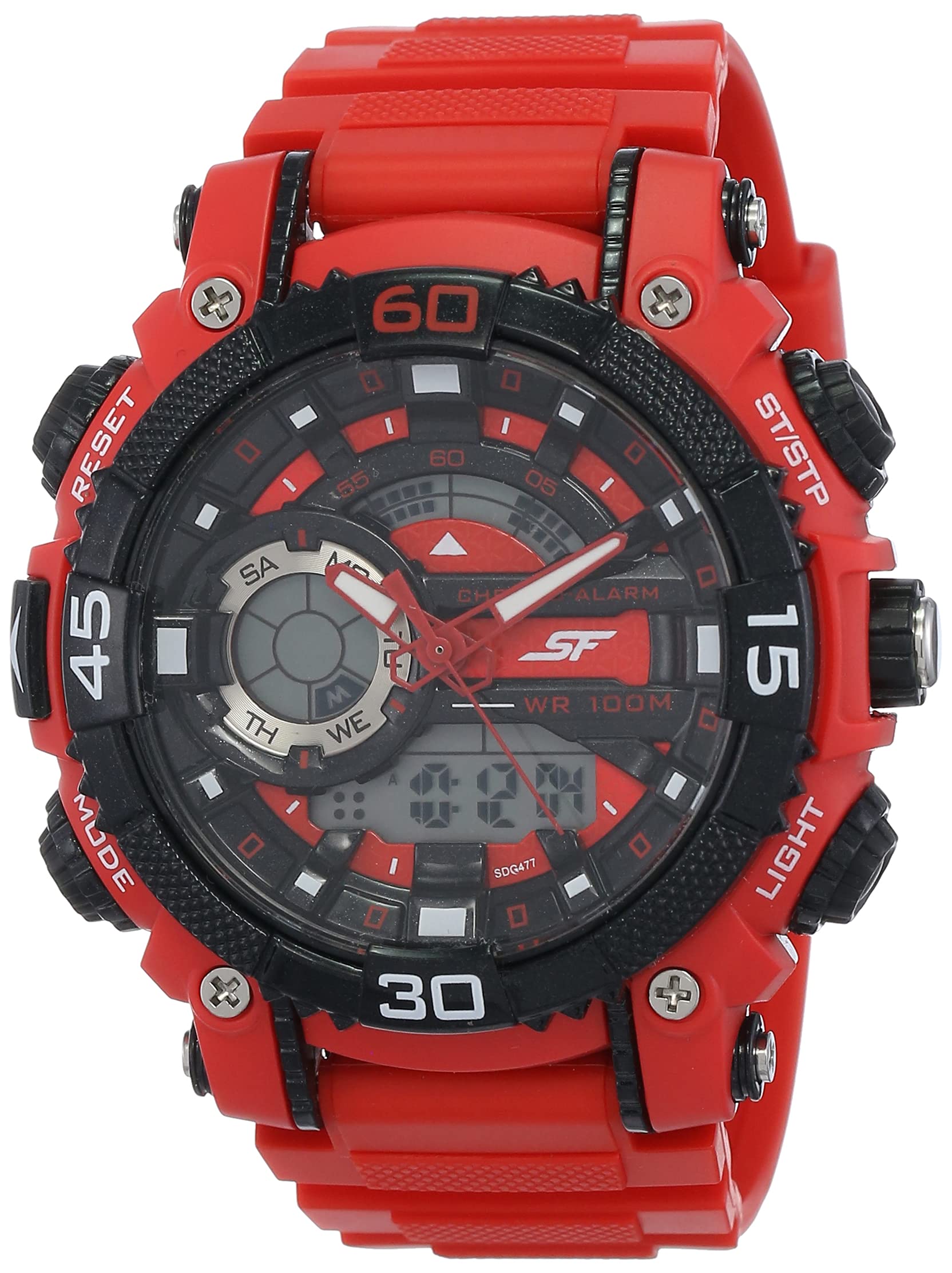
Rajah 1: Depan view of the SF Xtreme Gear Analog-Digital Watch.
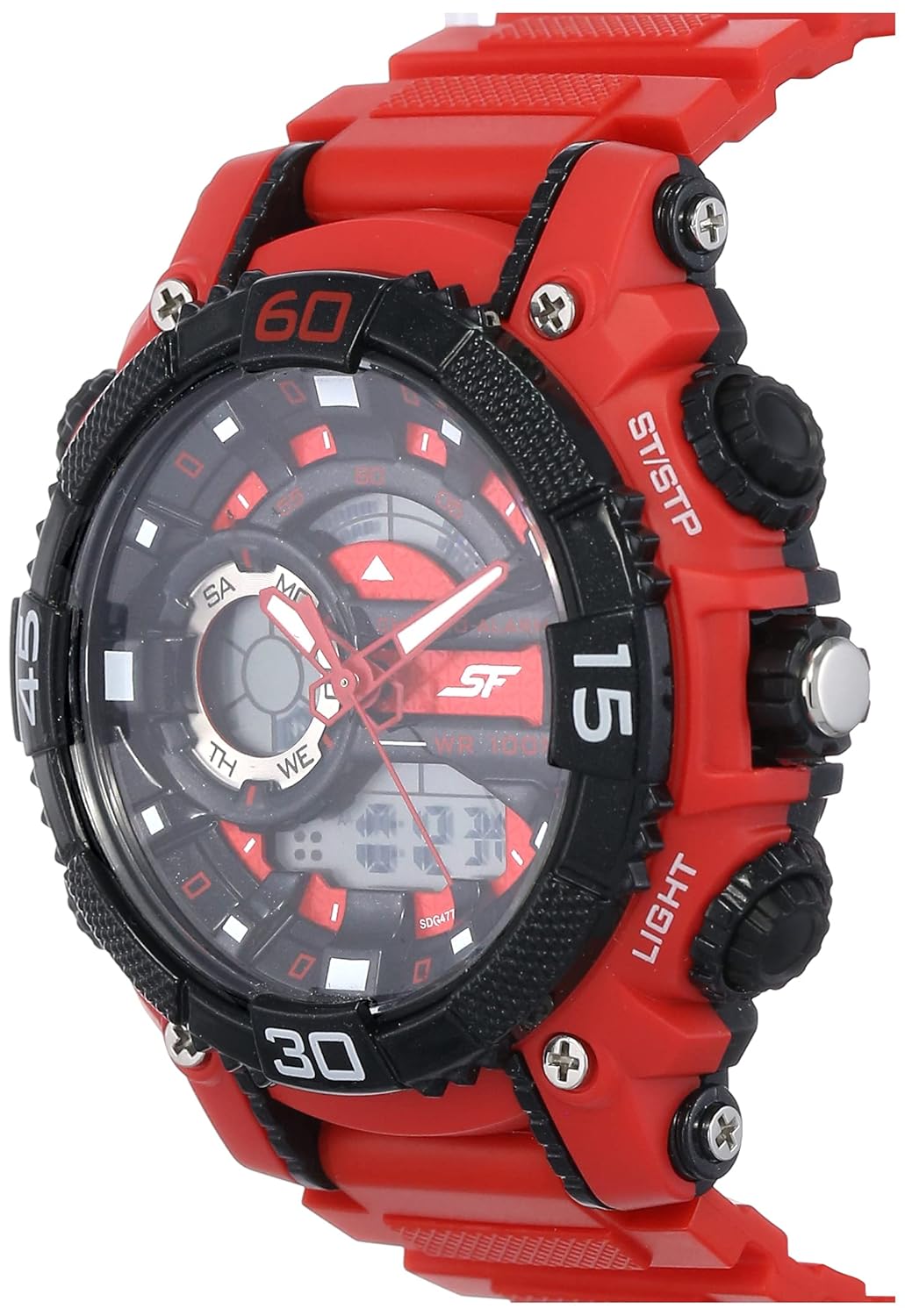
Figure 2: The SF Xtreme Gear watch as worn on a wrist.
2. Komponen Jam Tangan
Familiarize yourself with the main components of your watch:
- Paparan Analog: Jarum jam, minit dan saat tradisional.
- Paparan Digital: Shows time, date, and other digital functions.
- Mahkota: Digunakan untuk menetapkan masa analog.
- Buttons (Mode, Reset, ST/STP, Light): Used for operating digital functions and backlight.
- Plastic Strap: Durable and comfortable for daily wear.

Rajah 3: Sisi view illustrating watch buttons and crown.
3. Persediaan dan Konfigurasi Awal
3.1 Menetapkan Masa Analog
- Tarik mahkota ke kedudukan pertama.
- Putar mahkota untuk melaraskan jarum jam dan minit ke masa yang betul.
- Tolak mahkota kembali ke kedudukan normalnya untuk memulakan pengaturan masa analog.
3.2 Menetapkan Masa dan Tarikh Digital
- Tekan ke MODE butang berulang kali sehingga paparan masa digital berkelip.
- Gunakan TETAP SEMULA button to select the digit or setting you wish to change (e.g., hours, minutes, month, day).
- Gunakan ST / STP butang untuk melaraskan nilai yang dipilih.
- Teruskan menekan MODE to cycle through settings (12/24-hour format, year, month, date).
- Setelah semua tetapan betul, tekan butang MODE butang sekali lagi untuk keluar dari mod tetapan.
4. Arahan Operasi
4.1 Pemilihan Mod
Tekan ke MODE button to cycle through the different digital functions:
- Time Display (Hour, Minute, Second, Day, Date)
- Fungsi Penggera
- Fungsi Jam randik
4.2 Menggunakan Penggera
- Tekan MODE until the alarm display appears.
- Tekan TETAP SEMULA untuk memilih tetapan jam atau minit.
- guna ST / STP untuk melaraskan masa penggera.
- Tekan MODE untuk mengesahkan dan keluar.
- Untuk mengaktifkan/menyahaktifkan penggera, tekan ST / STP while in alarm mode. An alarm icon will indicate activation.
4.3 Menggunakan Jam Rangki
- Tekan MODE until the stopwatch display appears (00:00:00).
- Tekan ST / STP untuk memulakan jam randik.
- Tekan ST / STP sekali lagi untuk menjeda/menyambung semula.
- Tekan TETAP SEMULA untuk menetapkan semula jam randik kepada sifar.
4.4 Menggunakan Lampu Latar
Tekan ke CAHAYA butang untuk menerangi paparan digital selama beberapa saat dalam keadaan cahaya malap.
4.5 Tahan Air
This watch is rated for 30 meters (3 ATM) water resistance. It is suitable for everyday use and can withstand splashes or brief immersion in water. It is not recommended for swimming, diving, or prolonged water exposure. Do not operate buttons while the watch is wet.
5. Penyelenggaraan
5.1 Pembersihan
Lap sarung dan tali jam tangan dengan kain lembut dan kering. Untuk kotoran degil, lap sedikitamp cloth can be used, followed by immediate drying. Avoid using chemical cleaners or solvents, as these can damage the watch materials.
5.2 Penggantian Bateri
The watch requires one product-specific battery. When the display dims or functions become erratic, the battery may need replacement. Battery replacement should be performed by a qualified watch technician to ensure proper sealing and water resistance.
5.3 Penyimpanan
Store your watch in a cool, dry place away from direct sunlight, extreme temperatures, and strong magnetic fields when not in use.
6. Penyelesaian masalah
- Tangan analog tidak bergerak: Check if the crown is pushed in completely. If not, pull out and reset. If the issue persists, the battery may need replacement or there could be a mechanical issue.
- Paparan digital kosong atau malap: Bateri mungkin lemah atau habis. Gantikan bateri.
- Masa digital tidak betul: Follow the "Setting Digital Time and Date" instructions in Section 3.2.
- Butang tidak bertindak balas: Ensure the watch is dry. If wet, dry thoroughly. If the issue persists, there may be internal damage.
7. Spesifikasi
| Ciri | Spesifikasi |
|---|---|
| Nombor Model | NP77070PP02 |
| Jenis Pergerakan | Kuarza |
| Jenis Paparan | Analog-Digital |
| Diameter Kes | 49.59 Milimeter |
| Bahan Band | plastik |
| Warna Band | merah |
| Tahan Air | 30 Meter (3 ATM) |
| Berat Barang | 122 Gram |
| Keperluan Bateri | 1 Bateri khusus produk |
| Pengeluar | Syarikat Titan Limited |
| Negara Asal | India |

Figure 4: Watch dimensions compared to common objects.
8. Maklumat Waranti
This SF Xtreme Gear watch comes with a Waranti Terhad. A limited warranty typically covers manufacturing defects in materials and workmanship under normal use for a specified period from the date of purchase. It generally does not cover:
- Kerosakan yang disebabkan oleh pengendalian yang tidak betul, kekurangan penjagaan, kemalangan, atau keausan normal.
- Water damage if the watch was used beyond its specified water resistance rating or if buttons were operated underwater.
- Penggantian bateri.
- Pembaikan atau pengubahsuaian yang tidak dibenarkan.
For specific terms and conditions of your warranty, please refer to the warranty card included with your purchase or contact customer support.
9. Sokongan Pelanggan
If you require further assistance or have questions not covered in this manual, please contact SF customer support or visit the official brand store.
- Pengeluar: Titan Company Limited, Sipcot Industrial Complex, Hosur, Tamil Nadu - 635129, India
- SF Brand Store: Visit the SF Store on Amazon
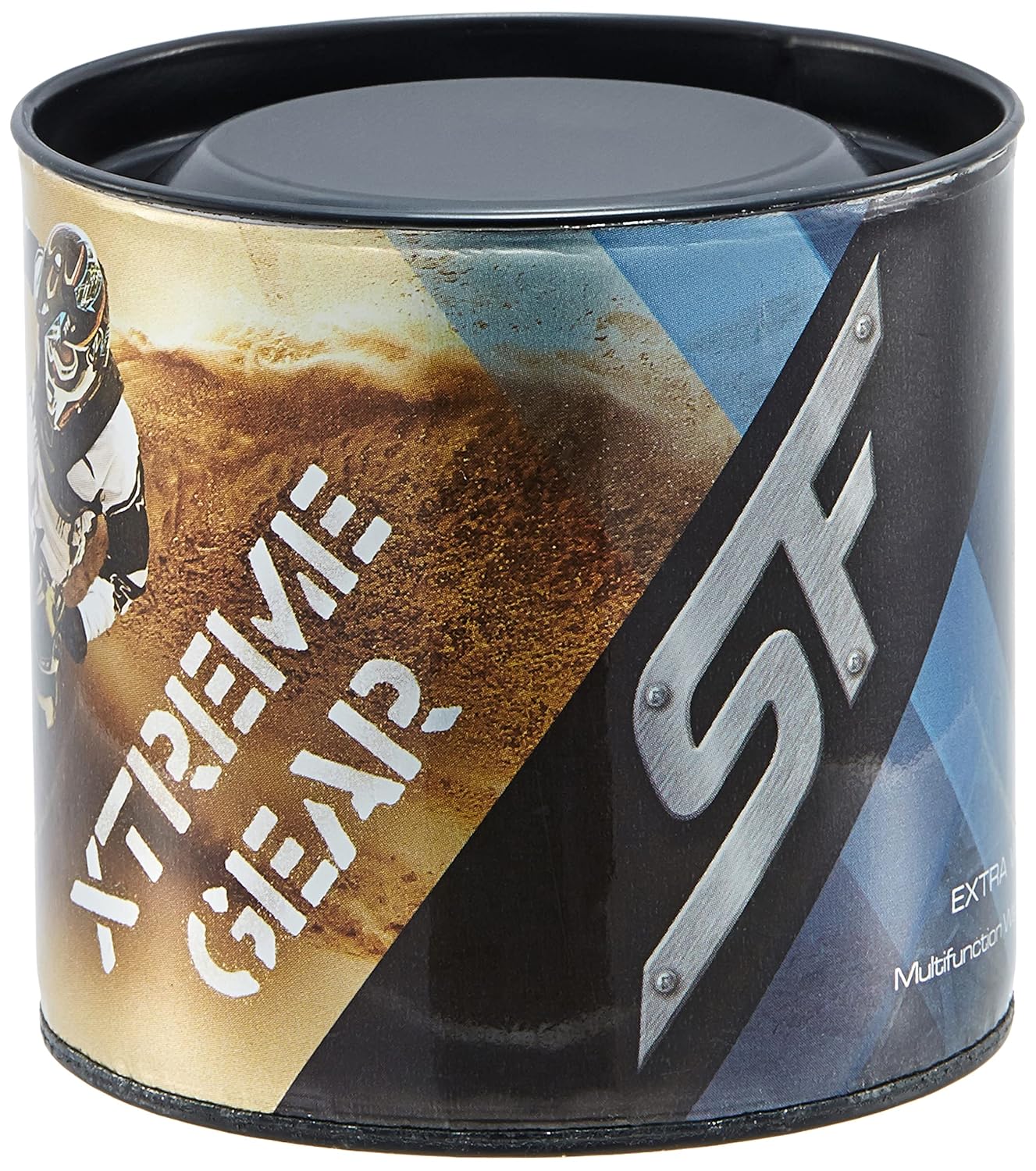
Figure 5: Product packaging for the SF Xtreme Gear watch.