
1. Pengenalan
This manual provides instructions for the assembly, operation, maintenance, and troubleshooting of your DEVAISE 55-inch Height Adjustable Standing Desk. Please read this manual thoroughly before assembly and use to ensure proper function and safety. Keep this manual for future reference.
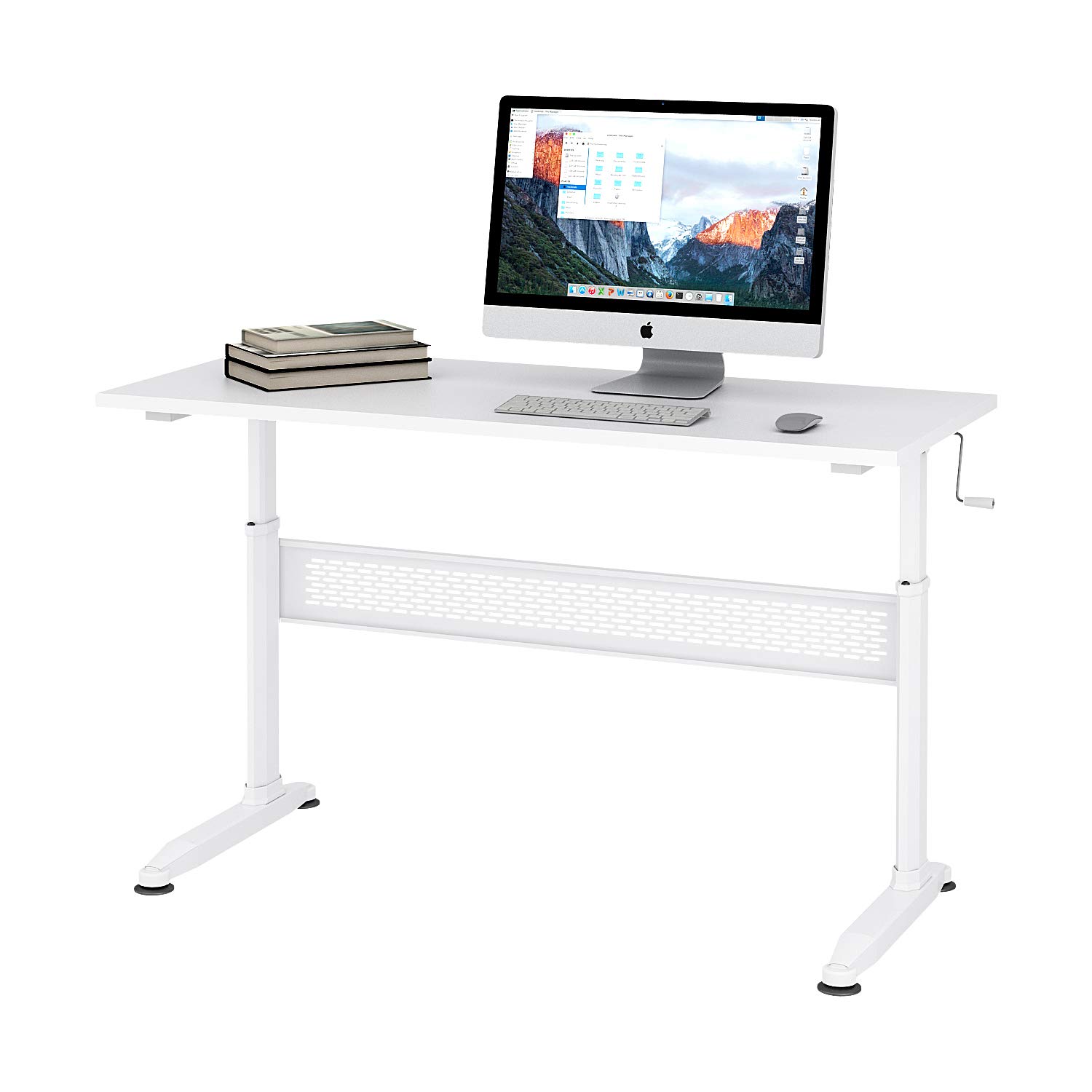
Figure 1: DEVAISE 55-inch Height Adjustable Standing Desk.
2. Maklumat Keselamatan
- Pastikan semua komponen diikat dengan selamat sebelum digunakan.
- Jangan membebankan meja. Rujuk spesifikasi untuk kapasiti berat maksimum.
- Keep children and pets away from the desk during height adjustment to prevent injury.
- Elakkan meletakkan cecair terus di atas permukaan meja tanpa alas cawan pelindung.
- Use caution when adjusting the desk height to avoid pinching hands or objects.
- If any parts are damaged or missing, do not attempt to assemble or use the desk. Contact customer support.
3. Kandungan Pakej
Sahkan bahawa semua bahagian ada dan tidak rosak sebelum memulakan pemasangan. Jika mana-mana bahagian hilang atau rosak, sila hubungi khidmat pelanggan.
- Permukaan Desktop
- Kaki Meja (2)
- Crossbar/Support Beam
- Pemegang engkol
- Kaki Boleh Laras (4)
- Perkakasan Pemasangan (skru, bolt, sepana Allen)
4. Persediaan dan Pemasangan
Assembly typically takes 10-15 minutes. An Allen wrench is provided for convenience.
- Buka bungkusan semua komponen dan letakkannya di atas permukaan yang bersih dan lembut untuk mengelakkan calar.
- Attach the desk legs to the crossbar/support beam using the provided hardware. Ensure all screws are tightened securely.
- Attach the adjustable feet to the bottom of the desk legs. These can be adjusted later to level the desk on uneven floors.
- Carefully place the desktop surface upside down on your soft surface.
- Align the assembled leg frame with the pre-drilled holes on the underside of the desktop.
- Secure the leg frame to the desktop using the remaining hardware. Tighten all screws firmly.
- Insert the crank handle into the designated slot. The crank handle can be installed on either the left or right side of the desk.
- Carefully flip the desk upright. Adjust the feet as needed to ensure stability.
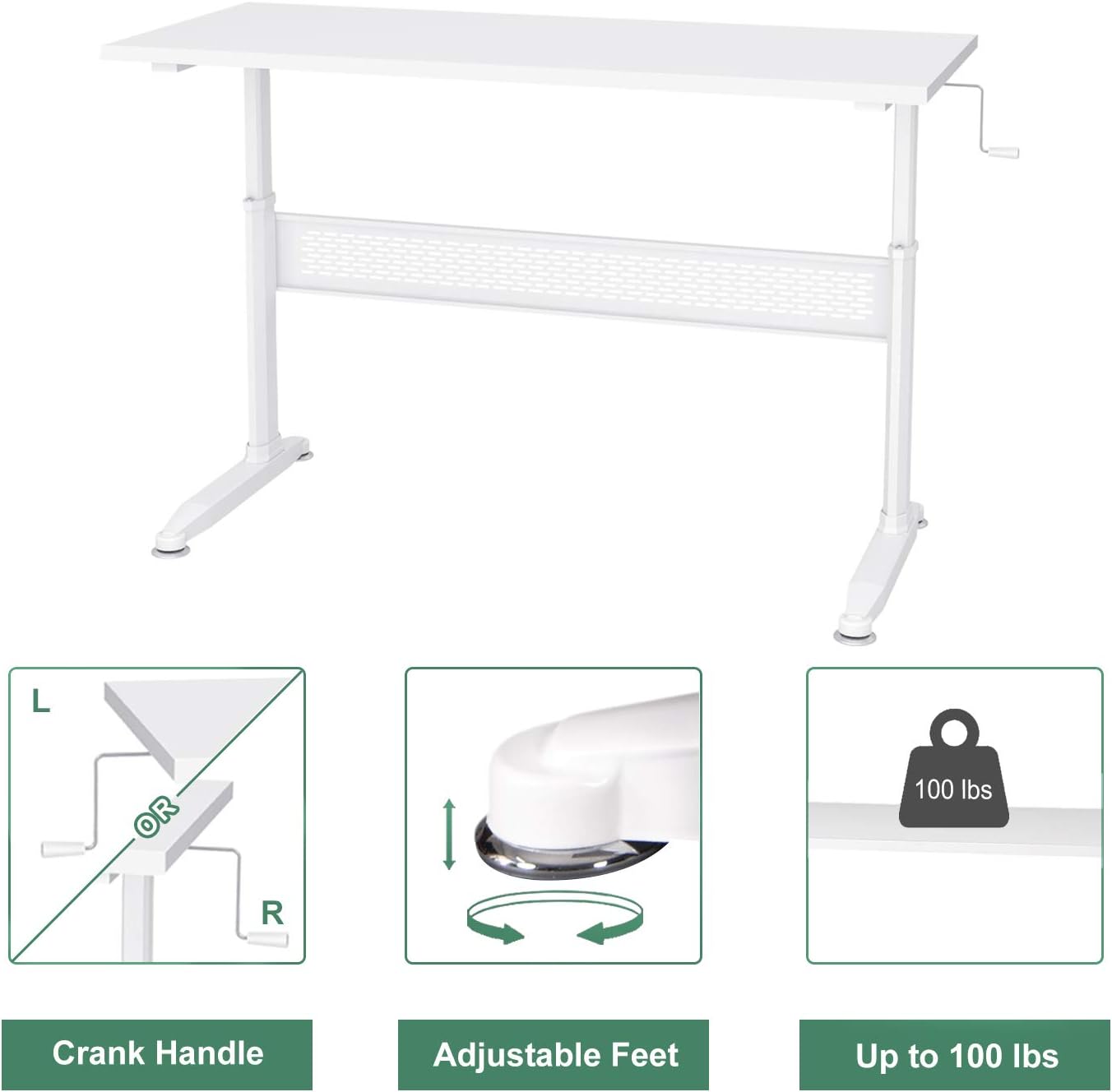
Figure 2: Key components including the crank handle and adjustable feet.

Figure 3: Hand crank installation flexibility.
5. Arahan Operasi
Melaraskan Ketinggian Meja
Your DEVAISE standing desk features a manual crank system for height adjustment.
- Ensure there are no obstructions above or below the desk surface that could interfere with movement.
- Locate the crank handle on either the left or right side of the desk.
- Untuk menaikkan meja, putar pemegang engkol mengikut arah jam.
- Untuk menurunkan meja, putar pemegang engkol mengikut arah jam.
- Laraskan meja mengikut ketinggian duduk atau berdiri yang anda inginkan.
- The crank handle is removable. After adjusting the height, you may remove the handle and store it to maintain a clean aesthetic and prevent accidental adjustments.

Figure 4: Desk usage scenarios.
6. Penyelenggaraan
- Pembersihan: Lap permukaan meja dengan lembut, damp kain. Elakkan bahan kimia yang keras atau pembersih yang kasar.
- Pemeriksaan perkakasan: Periksa semua skru dan bolt secara berkala untuk memastikan ia kekal ketat. Ketatkan semula jika perlu.
- Pemeriksaan Mekanisme: Inspect the crank mechanism for any signs of wear or damage. If issues are found, contact customer support.
7. Penyelesaian masalah
Meja goyah:
- Pastikan semua skru pemasangan diketatkan sepenuhnya.
- Adjust the leveling feet at the bottom of the desk legs to compensate for uneven floor surfaces.
- Verify that the desk is placed on a stable, flat surface.
Crank handle is difficult to turn:
- Check if the desk is overloaded. Reduce the weight on the desk.
- Ensure the crank mechanism is free of obstructions.
- Jika masalah berterusan, hubungi sokongan pelanggan.
8. Spesifikasi

Figure 5: Desk dimensions.
| Ciri | Perincian |
|---|---|
| Jenama | DEVAISE |
| Model | B01K4H3CHQ |
| bentuk | segi empat tepat |
| Dimensi Produk (D x W x H) | 55.12" x 23.62" x 29.1" - 44.9" (Adjustable) |
| warna | putih |
| Bahan Asas | Kayu Kejuruteraan |
| Jenis Bahan Atas | Kayu Kejuruteraan |
| Jenis Selesai | Keluli |
| Ciri Khas | Ketinggian Boleh Laras |
| Berat Barang | 59.5 paun |
| Perhimpunan yang Diperlukan | ya |
9. Maklumat Waranti
For specific warranty details regarding your DEVAISE Height Adjustable Standing Desk, please refer to the warranty card included with your product or visit the official DEVAISE webtapak. Simpan bukti pembelian anda untuk tuntutan waranti.
10. Sokongan Pelanggan
If you have any questions, require assistance with assembly, or need to report missing/damaged parts, please contact DEVAISE customer support through their official website or the retailer where the product was purchased. Please have your model number (B01K4H3CHQ) and purchase information ready.