pengenalan
The Insta360 Nano is a compact 360-degree camera designed to capture panoramic photos and videos. It offers a virtual reality experience and is compatible with iPhone devices, allowing direct connection for capturing and sharing immersive content. This manual provides essential information for setting up, operating, and maintaining your Insta360 Nano camera.

Image: The Insta360 Nano camera connected to an iPhone, ready for use.
Persediaan
1. Tanpa Peti Masuk
Carefully unpack the contents of the Insta360 Nano box. Verify that all items are present:
- Insta360 Nano Camera
- Manual Pengguna (dokumen ini)
- Panduan Mula Pantas
- Kabel USB Mikro
- kantung
- Virtual Reality Glasses (Cardboard)
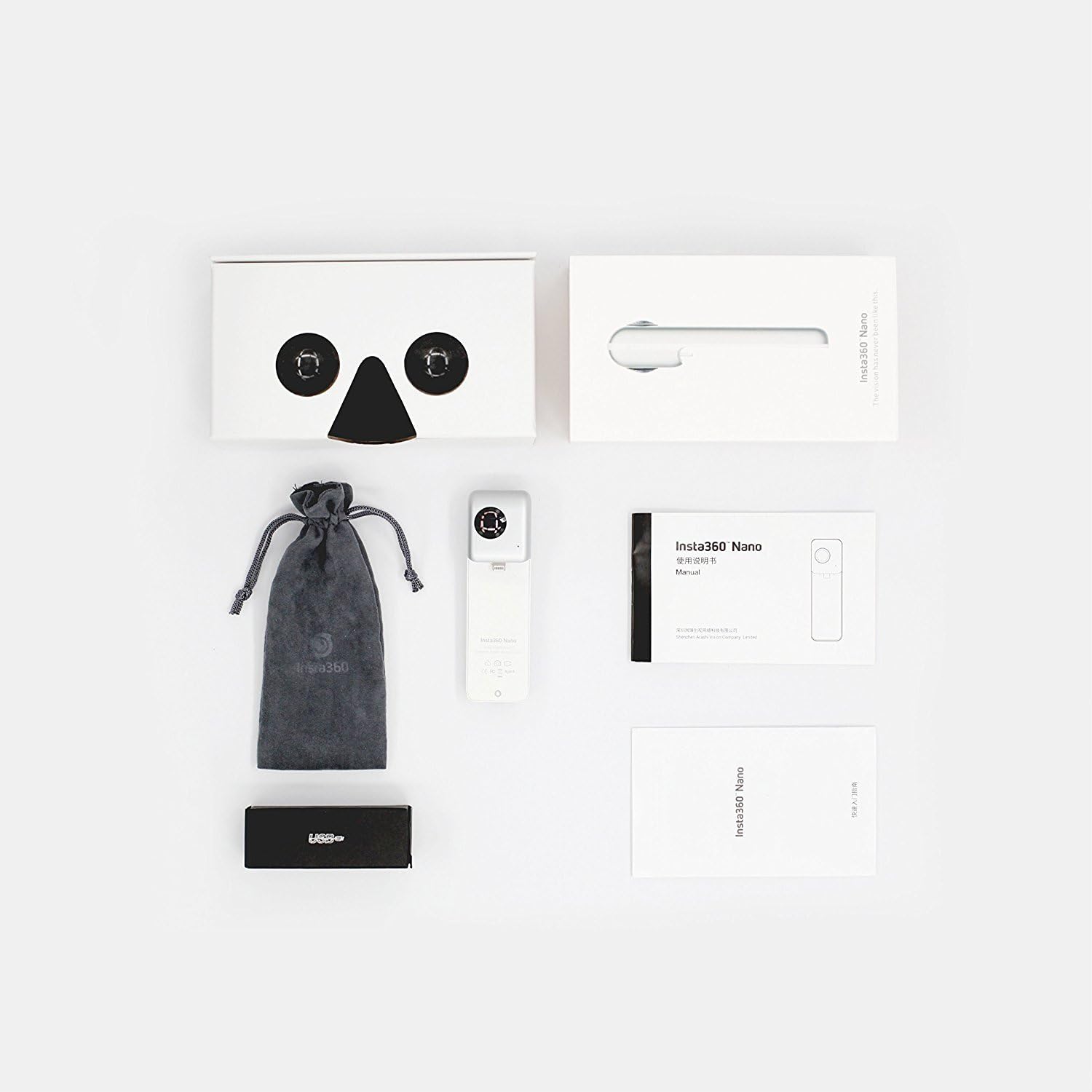
Image: All items included in the Insta360 Nano product packaging.
2. Mengecas Kamera
Before first use, fully charge the Insta360 Nano. Connect the camera to a power source using the provided Micro USB cable. The indicator light will show charging status.
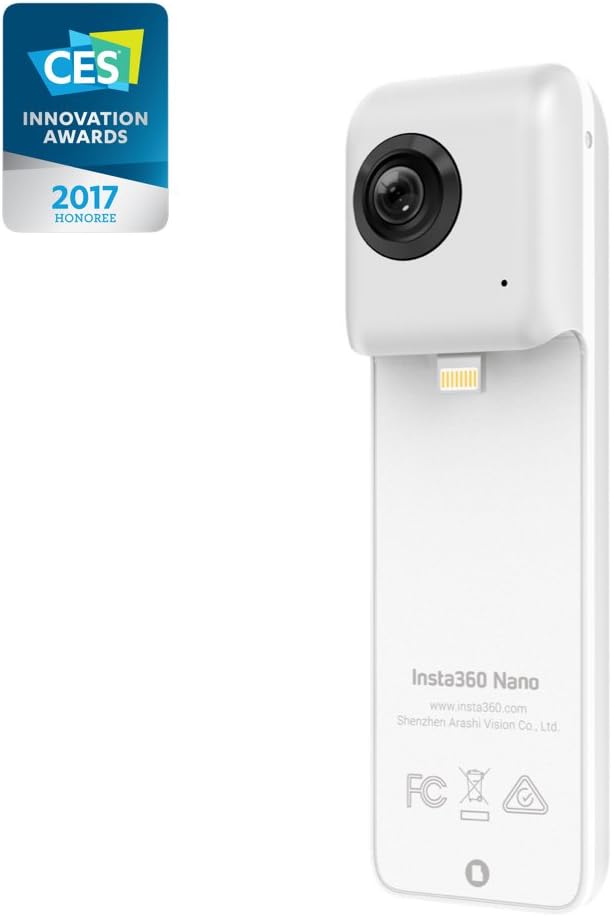
Imej: Belakang view of the Insta360 Nano, highlighting the Lightning connector for iPhone attachment and charging port.
3. Connecting to iPhone and App Installation
The Insta360 Nano is designed for direct connection to compatible iPhones (iPhone 6 series, iPhone 7, 7 Plus). Ensure your iPhone case is removed for a secure connection.
- Download the official Insta360 Nano app from the Apple App Store.
- Insert the Insta360 Nano's Lightning connector into your iPhone's Lightning port. The camera will automatically launch the app.
- Follow any on-screen prompts within the app for initial setup or firmware updates.
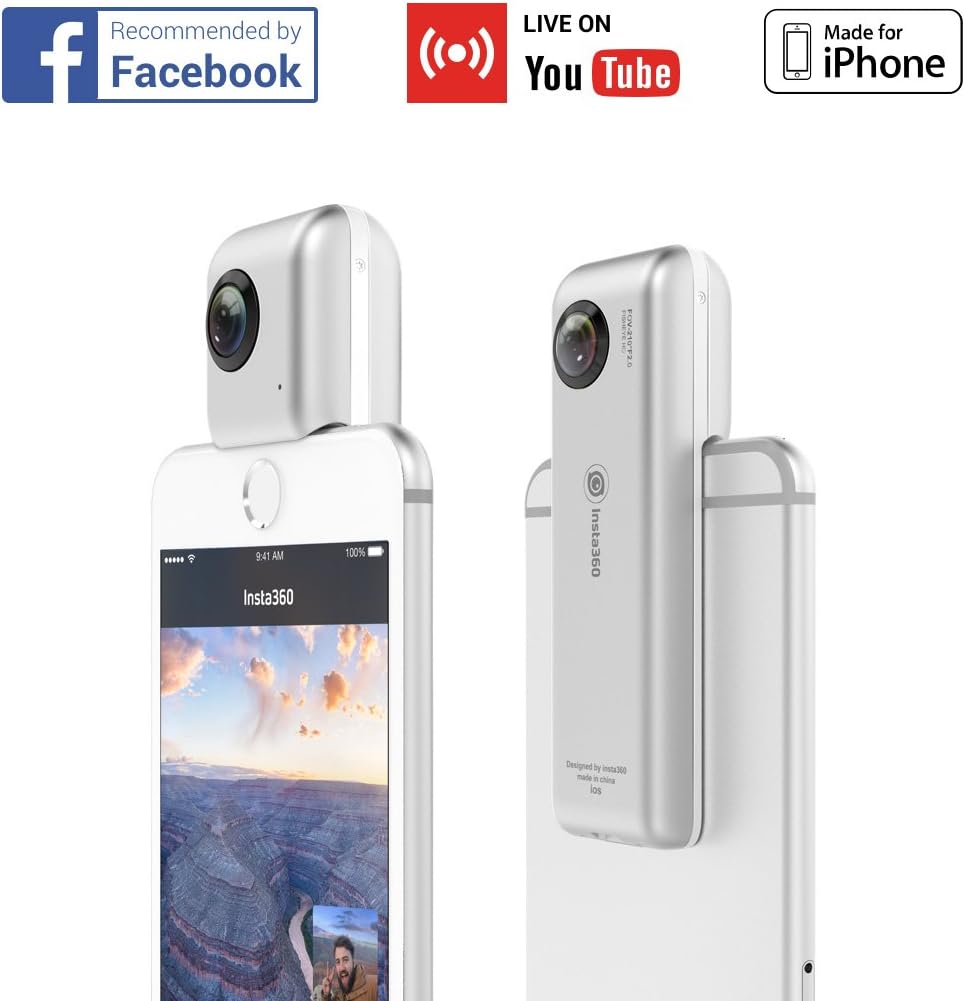
Imej: Side profile of the Insta360 Nano camera, showing its compact design.
Mengendalikan Kamera
1. Taking 360-Degree Photos and Videos
Once connected and the app is open, you can switch between photo and video modes within the app interface. Tap the shutter button to capture a 360-degree photo or start/stop video recording.
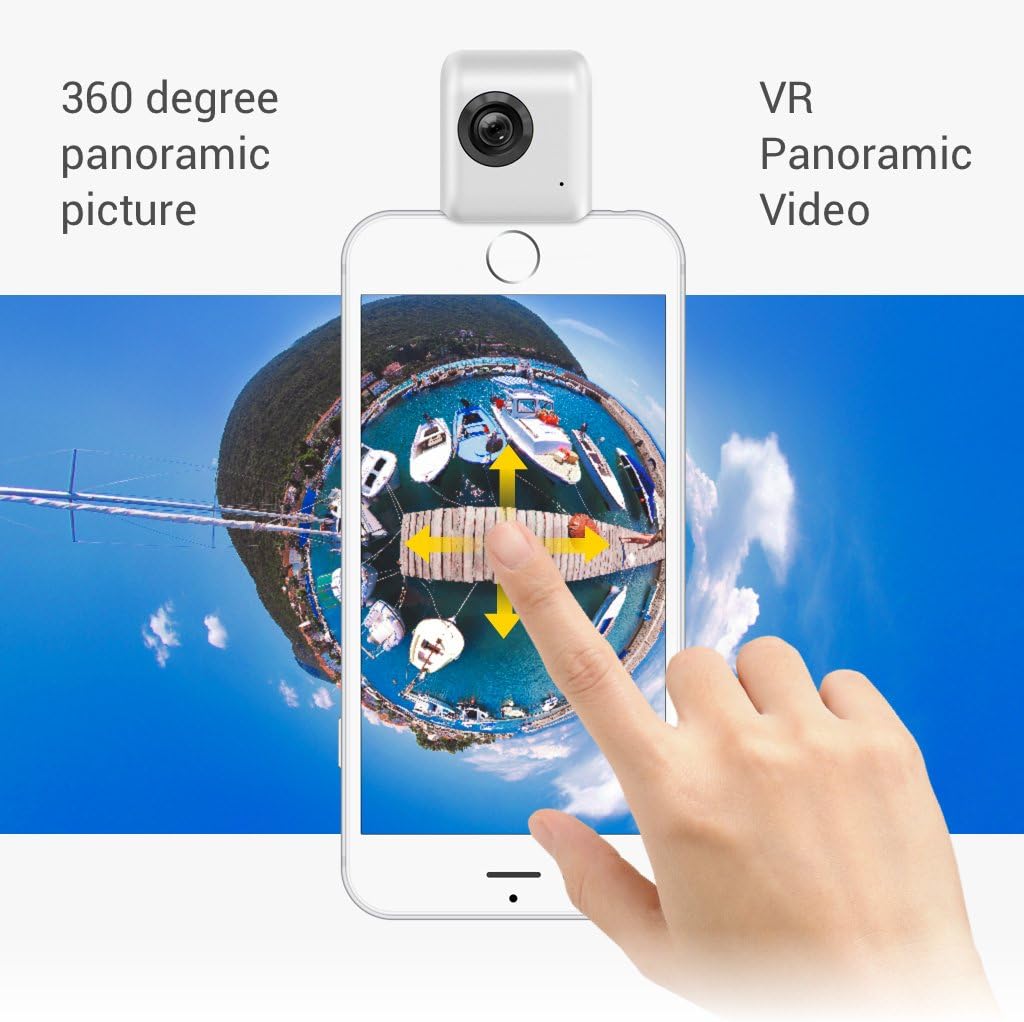
Image: An iPhone displaying a 360-degree panoramic image, demonstrating interactive viewing.
2. Viewdalam Kandungan
The Insta360 Nano app allows various viewing modes for your 360-degree content:
- Mod VR: Place your iPhone into the provided VR cardboard viewer for an immersive virtual reality experience.
- Mod Graviti: Move your iPhone to navigate the 360-degree scene.
- Little Planet View: A unique perspective that transforms your 360 content into a small planet.
Video: An official demonstration of the Insta360 Nano's capabilities, including various viewing modes and sharing options. This video showcases the camera in action, capturing immersive 360-degree content.
3. Sharing Content and Live Streaming
The Insta360 Nano app facilitates easy sharing of your 360-degree photos and videos to social media platforms like Facebook and YouTube. You can also initiate 360-degree live streams directly from the app.

Image: The Insta360 Nano app interface demonstrating options for sharing 360-degree content to various social media platforms.
Penyelenggaraan
- Pembersihan: Use a soft, dry cloth to clean the camera body. For lenses, use a specialized lens cleaning cloth and solution to avoid scratches.
- Storan: Store the camera in its protective pouch when not in use to prevent dust and damage. Avoid extreme temperatures and humidity.
- Kemas kini Firmware: Regularly check the Insta360 Nano app for available firmware updates to ensure optimal performance and access to new features.
Menyelesaikan masalah
If you encounter issues with your Insta360 Nano, consider the following common solutions:
- Camera Not Connecting: Ensure your iPhone case is removed and the Lightning connector is securely inserted. Restart both the camera and your iPhone.
- Isu Apl: Close and reopen the Insta360 Nano app. If the problem persists, try reinstalling the app.
- Kualiti Imej/Video Lemah: Ensure lenses are clean and free from smudges. Check lighting conditions.
- Bateri Habis Cepat: Ensure the camera is fully charged before use. Close background apps on your iPhone to conserve power.
- Kegagalan Kemas Kini Perisian Tegar: Ensure a stable internet connection and sufficient battery life on both the camera and iPhone during updates.
For further assistance, refer to the official Insta360 support webtapak atau hubungi perkhidmatan pelanggan.
Spesifikasi
| Dimensi Produk | 2 x 1 x 2 inci |
| Berat Barang | 2.57 auns |
| Nombor Model Item | Insta360 Nano |
| Bateri | 1 Bateri Lithium Polimer diperlukan |
| Teknologi Penderia Foto | CMOS |
| Resolusi Tangkapan Video | 3040x1520 @ 30fps (as per description) |
| Panjang Fokus Maksimum | 0.01 |
| Jenis Memori Denyar | Micro SD (up to 64GB supported) |
| Format Tangkapan Video | MP4 |
| Format Audio yang Disokong | AAC |
| Teknologi Ketersambungan | USB (for charging/data transfer), Lightning (for iPhone connection) |
| warna | putih |
| Ciri Khas | Mudah alih |
Note: Video capture resolution is listed as 3040x1520@30fps in the product description. Please refer to the latest product documentation for the most accurate resolution details.
Waranti dan Sokongan
For detailed warranty information, please refer to the warranty card included in your product packaging or visit the official Insta360 website. Technical support and additional resources can be found on the Insta360 webtapak.