
1. Introduction to TRUE METRIX Control Solution Level 3
The TRUE METRIX Control Solution Level 3 is designed for use with TRUE METRIX Self Monitoring and TRUE METRIX PRO Blood Glucose Test Strips and meters. This solution contains a known amount of glucose and is used to verify that your blood glucose meter and test strips are working correctly together as a system. Regular control solution testing helps ensure the accuracy and reliability of your glucose monitoring results.
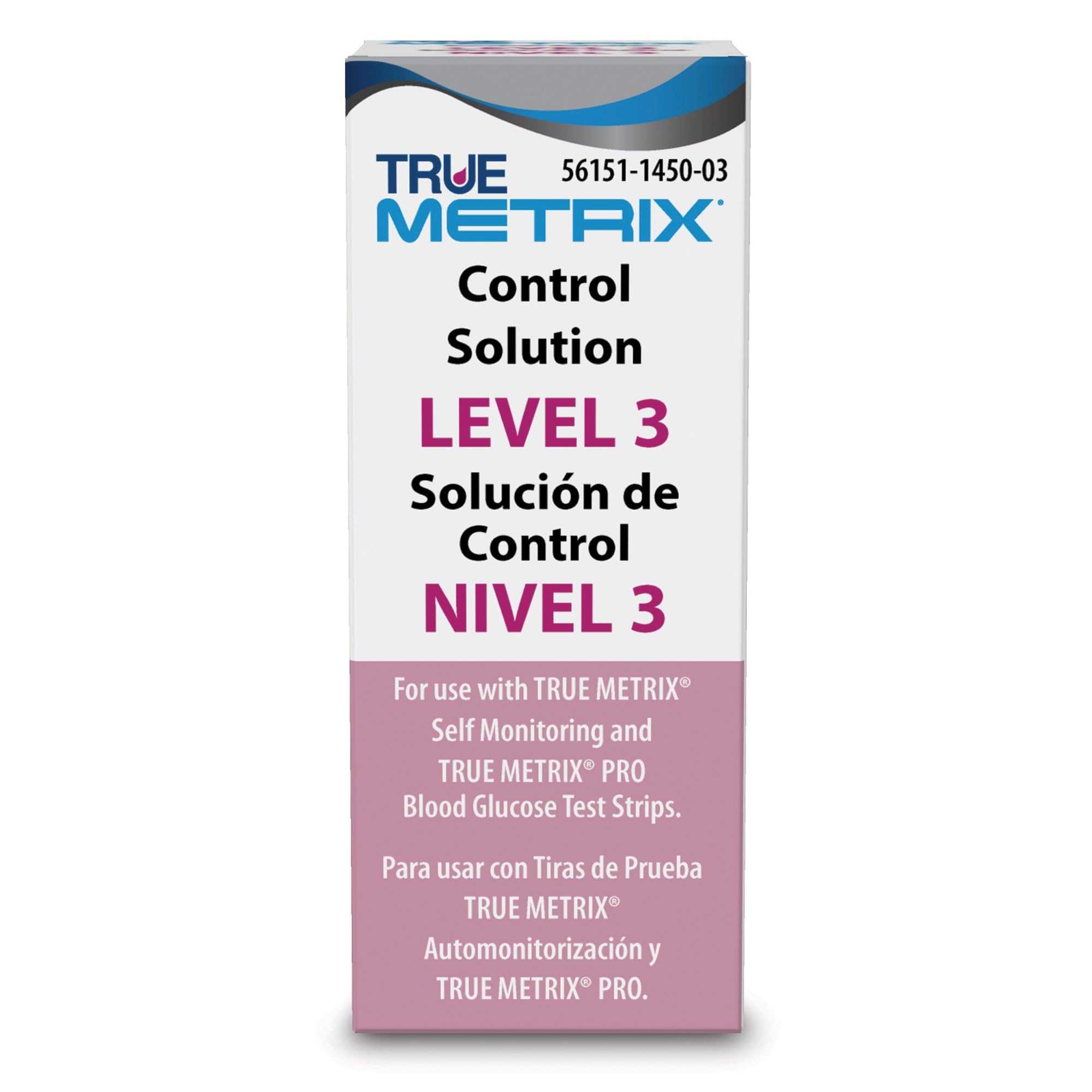
Image: Packaging for TRUE METRIX Control Solution Level 3, showing product name and usage information.
2. Important Considerations Before Testing
- Semak Tarikh Luput: Always check the expiration date on the control solution bottle and the test strip vial. Do not use expired products.
- Suhu Bilik: Ensure the control solution and meter are at room temperature (68-86°F or 20-30°C) before testing.
- Goncang dengan baik: Gently invert the control solution bottle several times before each use to ensure proper mixing.
- Discard After Opening: The control solution is typically good for 28 days after opening. Write the discard date on the bottle label.
3. Performing a Control Solution Test
- Prepare Your Meter: Insert a new TRUE METRIX test strip into your meter. The meter will turn on automatically.
- Enter Control Test Mode: Follow your meter's specific instructions to enter the control test mode. This usually involves pressing a button or selecting an option on the screen. Refer to your TRUE METRIX meter's user manual for detailed steps.
- Gunakan Penyelesaian Kawalan: Place a drop of control solution on a clean, non-absorbent surface (e.g., a plastic cap or wax paper). Do not apply directly from the bottle.
- Touch Test Strip to Solution: Touch the tip of the test strip to the drop of control solution. The solution will be drawn into the strip.
- Baca Keputusan: The meter will display the control solution test result after a short countdown.

Image: Various TRUE METRIX glucose meters, illustrating compatible devices for control solution testing.
4. Interpreting Control Solution Results
Compare the result displayed on your meter with the control solution range printed on your test strip vial. The result should fall within this specified range. If the result is outside the range, repeat the test. If the result is still out of range, do not use your meter for blood glucose testing and contact customer support.

Image: A graphic representing accuracy, with a blood drop at the center of a target.
5. Penyimpanan dan Penyelenggaraan
- Suhu penyimpanan: Store the control solution at room temperature, between 36-86°F (2-30°C).
- Elakkan Pembekuan: Do not freeze the control solution.
- Keep Sealed: Keep the bottle tightly capped when not in use to prevent contamination and evaporation.
- Penggunaan Luaran Sahaja: Control solution is for dalam vitro diagnostic use only. Do not ingest.
6. Menyelesaikan masalah dan Soalan Lazim

Image: Frequently Asked Questions regarding the TRUE METRIX system.
Soalan biasa:
- Q: How do I know my TRUE METRIX meter is giving me an accurate result?
A: The TRUE METRIX meter performs a self-test each time a test strip is inserted. Additionally, you can perform a test with Control Solution to confirm that your system is working properly and that the test is performing correctly. - Q: What if my control solution test result is out of range?
A: If your control solution test result is outside the specified range, first ensure you followed all steps correctly, checked expiration dates, and that the solution was at room temperature. Repeat the test with a new test strip and fresh control solution. If the result remains out of range, do not use your meter for blood glucose testing and contact TRUE METRIX customer support.
7. Spesifikasi Produk
| Nama Produk | TRUE METRIX Control Solution Level 3 |
| Nombor Model | R5H01-3 |
| Jenama | METRIKS BENAR |
| Pengeluar | Nipro |
| Berat Barang | 1.12 auns |
| Dimensi Produk | 0.39 x 0.39 x 0.79 inci |
| Bilangan Kepingan | 1 |
| Ciri Khas | Pemantauan |
8. Maklumat Keselamatan Penting
Penafian Undang-undang: While efforts are made to ensure product information is correct, manufacturers may alter ingredient lists. Actual product packaging and materials may contain more and/or different information than presented here. It is recommended that you do not solely rely on the information presented and that you always read labels, warnings, and directions before using or consuming a product. For additional information about a product, please contact the manufacturer. Content on this site is for reference purposes and is not intended to substitute for advice given by a physician, pharmacist, or other licensed health-care professional. You should not use this information as self-diagnosis or for treating a health problem or disease. Contact your health-care provider immediately if you suspect that you have a medical problem. Information and statements regarding dietary supplements have not been evaluated by the Food and Drug Administration.
9. Sokongan Pelanggan
For technical assistance, questions about your TRUE METRIX Control Solution, or if your control solution test results are consistently out of range, please contact TRUE METRIX customer support. Refer to your meter's user manual or the TRUE METRIX webtapak untuk maklumat hubungan.