
Ikea 40250855
Ikea LILLHULT USB Type C to USB Cable User Manual
Model: 40250855
pengenalan
This user manual provides essential information for the safe and efficient use of your Ikea LILLHULT USB Type C to USB cable. Please read this manual carefully before using the product and retain it for future reference.
Arahan Persediaan
The Ikea LILLHULT cable is designed for connecting devices with a USB Type C port to a power source or another device with a standard USB-A port for charging and data transfer.
- Kenalpasti Penyambung: Locate the USB Type C connector (smaller, reversible) and the standard USB-A connector (larger, rectangular).
- Sambung ke Peranti: Insert the USB Type C connector into the compatible port on your smartphone, tablet, or other USB-C enabled device. Ensure it is fully seated.
- Connect to Power/Data Source: Insert the USB-A connector into a compatible USB wall adapter, power bank, computer USB port, or other USB-A enabled charging/data port.
- Sahkan Sambungan: Sahkan bahawa peranti anda menunjukkan ia sedang dicas atau disambungkan untuk pemindahan data.
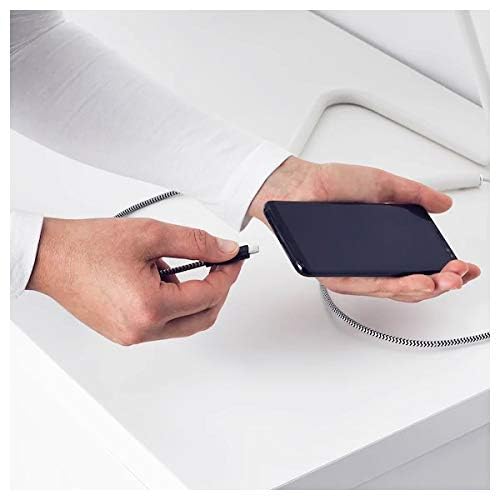
Image: A person connecting the USB Type C end of the cable to a smartphone. This illustrates the initial connection step.
Arahan Operasi
Mengecas Peranti
Once properly connected to a power source, the cable will facilitate charging of your USB Type C device. Charging speed may vary depending on the power adapter and the device's charging capabilities.
Pemindahan Data
This cable supports data transfer at speeds up to 0.48 Gigabits Per Second. To transfer data, connect the USB-A end to a computer's USB port and the USB Type C end to your device. Your device may prompt you to select a connection mode (e.g., "File Pemindahan" atau "MTP").
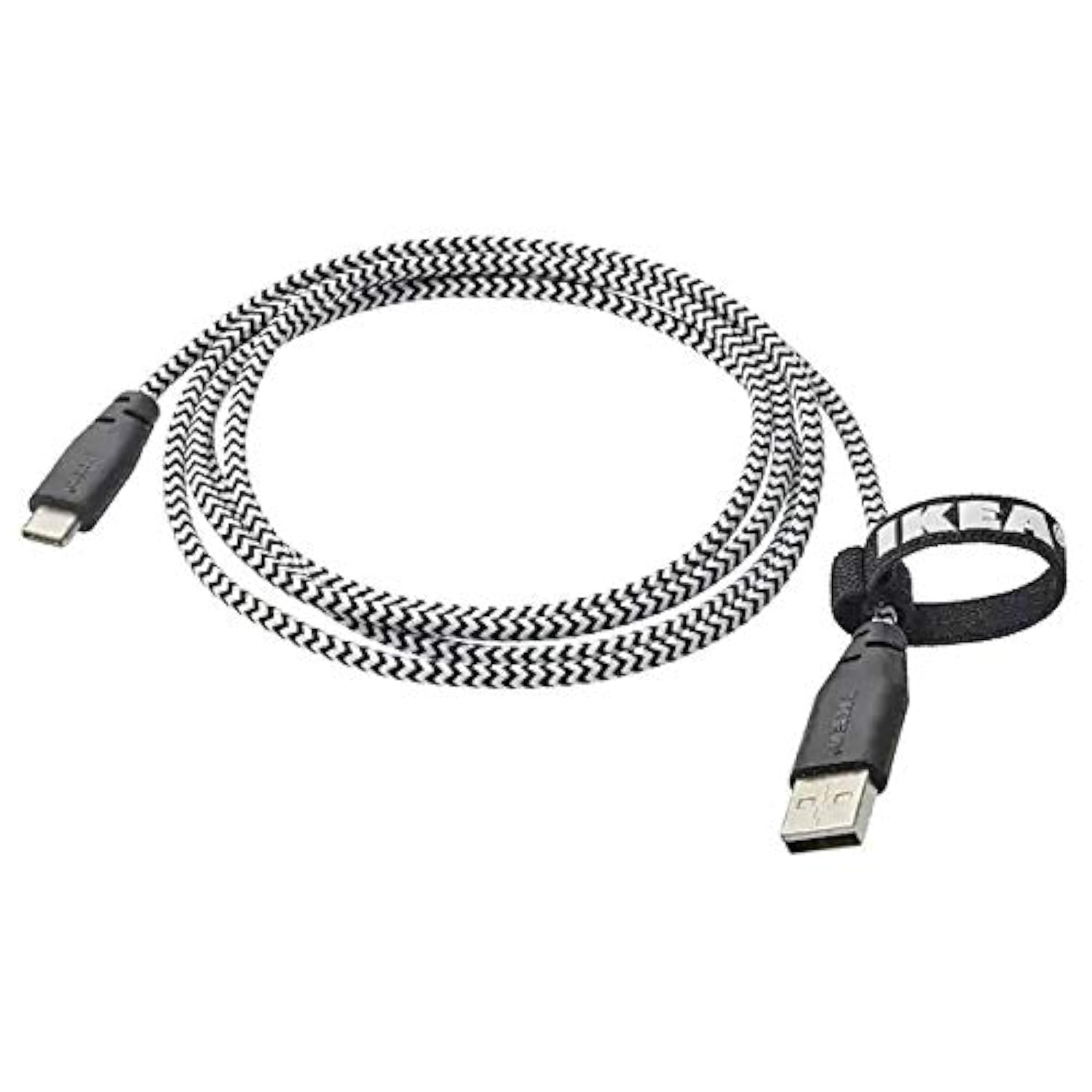
Image: The Ikea LILLHULT cable in use, connecting a smartphone to a charging base, with a laptop in the background. This demonstrates the cable's function in a typical setup.
Penyelenggaraan dan Penjagaan
- Pembersihan: Wipe the cable with a dry, soft cloth. Avoid using harsh chemicals or abrasive cleaners.
- Storan: When not in use, coil the cable loosely. Avoid sharp bends or kinks, especially near the connectors, to prevent internal wire damage. The integrated cable tie can be used for neat storage.
- Pengendalian: Sentiasa genggam penyambung penyambung apabila memasang atau mencabut kabel, bukannya menarik kabel itu sendiri.
- Persekitaran: Jauhkan kabel daripada suhu ekstrem, cahaya matahari langsung dan kelembapan.
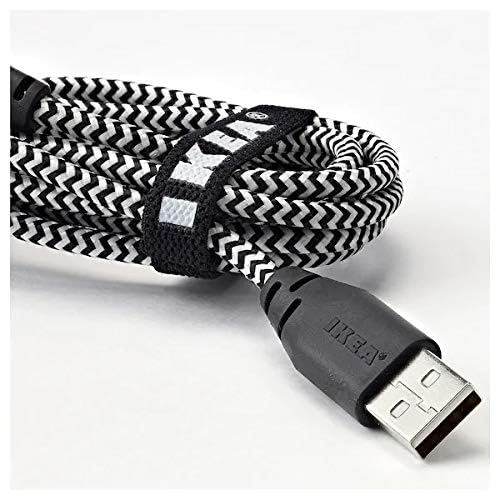
Imej: Dari dekat view of the coiled Ikea LILLHULT cable, secured with its integrated cable tie, showing the durable braided design and the USB-A connector with the Ikea logo. This highlights the cable's design for easy storage and durability.
Menyelesaikan masalah
| Masalah | Kemungkinan Punca | Penyelesaian |
|---|---|---|
| Peranti tidak dicas. | Loose connection, faulty power adapter, incompatible device. | Ensure both ends of the cable are securely connected. Try a different power adapter or USB port. Verify device compatibility. |
| Pengecasan perlahan. | Low-power USB port, power adapter not sufficient, background apps on device. | Gunakan wat yang lebih tinggitage power adapter. Close unnecessary applications on your device. Ensure the USB port provides adequate power. |
| Pemindahan data tidak berfungsi. | Incorrect device settings, driver issues on computer, loose connection. | Check your device's USB connection settings (e.g., select "File Transfer"). Ensure computer drivers are up to date. Reconnect the cable firmly. |
Spesifikasi
- Jenama: Ikea
- model: 40250855
- Jenis Penyambung: USB Type C to USB-A
- Jenis Kabel: USB
- Panjang: 1.5 meters (4 feet 11 inches)
- Peranti Serasi: Charging Adapter, USB Type C enabled devices
- Ciri Khas: Reka bentuk jalinan yang tahan lama
- Kadar Pemindahan Data: Sehingga 0.48 Gigabit Sesaat
- warna: Hitam
- Bentuk Item: Bulat
- Pengeluar: Ikea
Waranti dan Sokongan
For information regarding warranty, returns, or customer support, please refer to the purchase documentation or visit the official Ikea webtapak. Simpan bukti pembelian anda untuk sebarang tuntutan waranti.
Sumber Dalam Talian:
- Ikea rasmi Webtapak: www.ikea.com
- Product Support Page (if available): Refer to the Ikea webtapak untuk halaman sokongan produk tertentu.
Ask a question about this manual
Ask about setup, troubleshooting, compatibility, parts, safety, or missing instructions. Manuals+ will review the question and use this page’s manual context to help answer it.